
Best Android Tablets in 2026
Explore Android tablets for different jobs in 2026, from compact gaming to a large drawing canvas, with software and import checks explained.
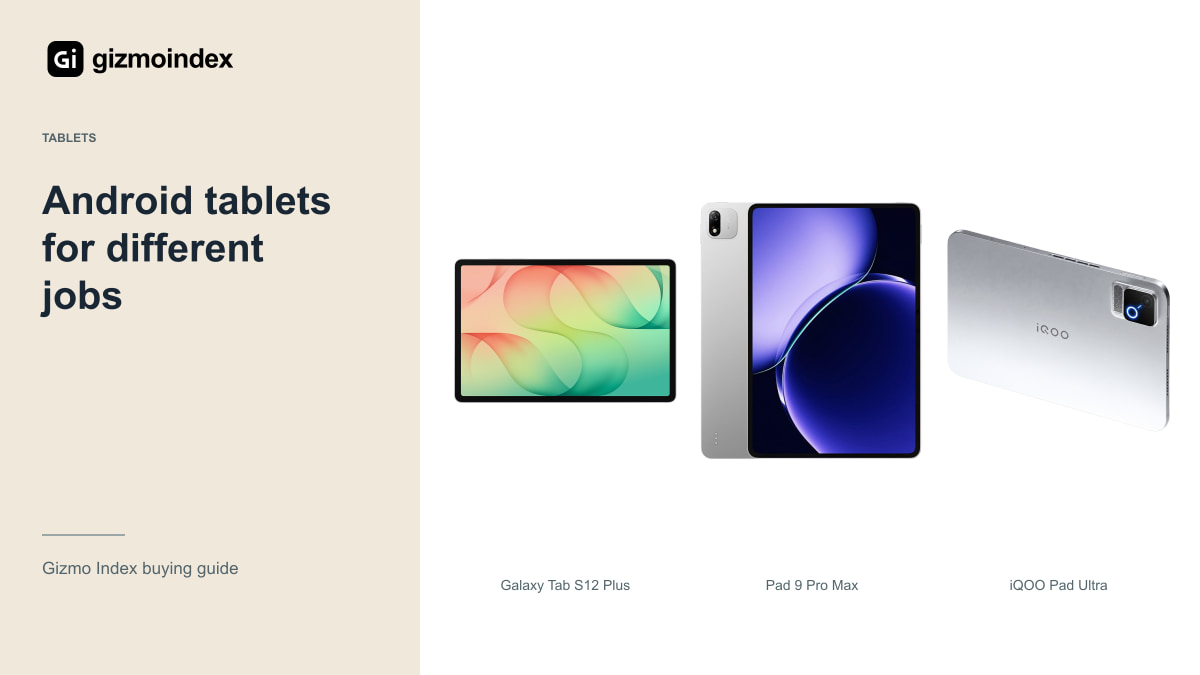
Looking for an Android tablet in 2026? I wouldn’t put a compact gaming tablet and a huge drawing tablet in the same ranking without explaining the difference. They may both run Android, but they’re built for very different ways of using a screen.
The Galaxy Tab S12 Plus is my starting point for a large everyday tablet. The Ultra adds more room, Xiaomi’s Pad 9 Pro Max gives you another large-screen option, and the iQOO Pad Ultra takes a much smaller gaming-focused approach. Let’s look at what makes each one appealing, because the best choice is the one that fits what you actually want to do.
Galaxy Tab S12 Plus
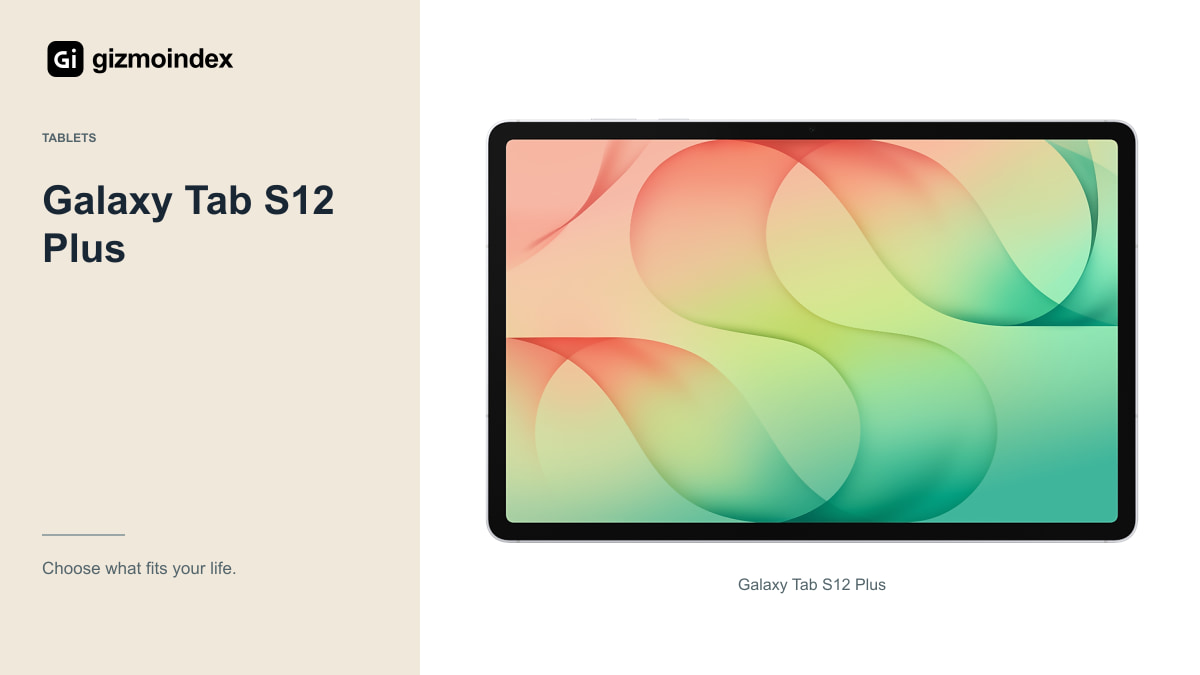
The Plus combines a 12.6-inch Dynamic AMOLED 2X display, up-to-120Hz refresh rate and an included S Pen. It offers a lot of the appeal of a premium Samsung tablet without automatically choosing the largest Ultra.
Samsung lists the Wi-Fi model at 553g. That’s still a sizeable tablet, but it’s easier to picture in a bag than the 14.6-inch Ultra with a keyboard attached. For notes, documents, browsing and entertainment, this balance is the reason I’d start here.
The Dimensity 9500 platform targets demanding tablet work, while DeX provides a desktop-style arrangement for supported Android apps. Check the exact applications you need before treating it as a laptop replacement. If your job fits Android and web tools, the Plus can be more practical than spending extra for screen area you rarely use.
A large tablet is lovely on a stand with a film playing or a page open beside your notes. For gaming held in both hands, less screen can mean less weight to manage. That’s why I wouldn’t call one size the best for everyone. Your normal position—at a desk, on a sofa or travelling—should have a say in the choice.
Galaxy Tab S12 Ultra
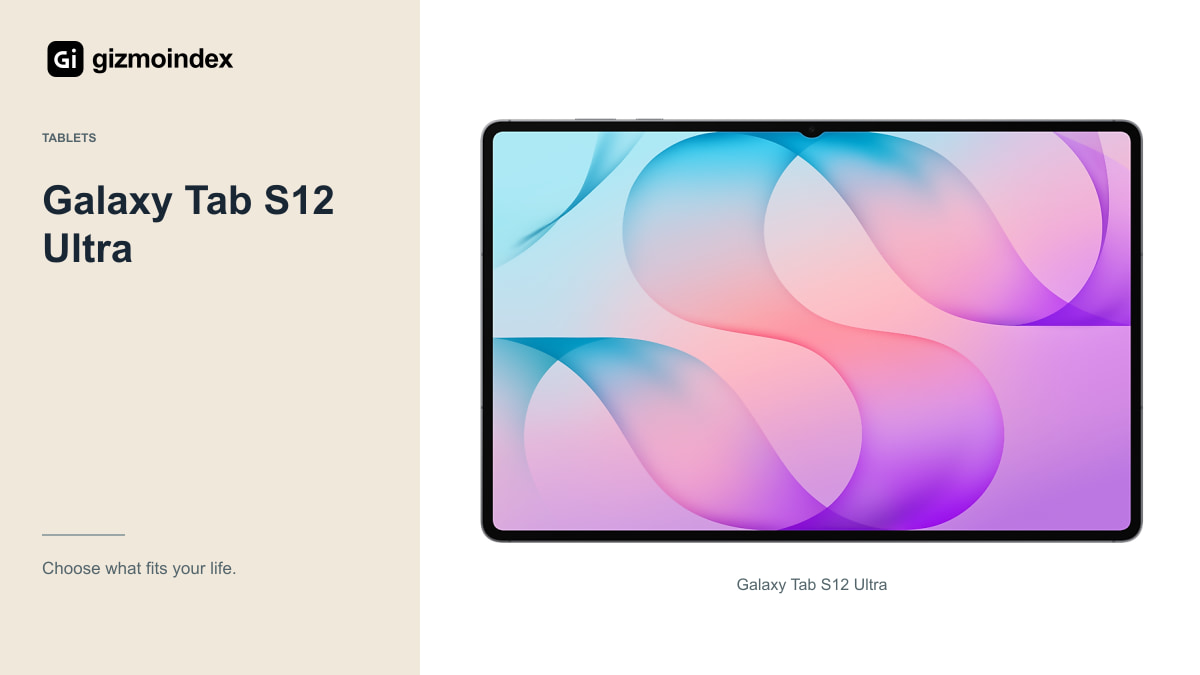
The Ultra’s 14.6-inch AMOLED display is its clearest reason to exist. Large drawings, dense documents and several app windows can all benefit from that space. An S Pen is included, so the basic pen setup doesn’t require a second purchase.
The size also comes with a 692g Wi-Fi tablet before adding accessories. I wouldn’t choose it casually for one-handed reading or cramped travel. Try it on the kind of desk you use, and remember that a keyboard cover needs additional space.
Samsung advertises up to 23 hours of video playback from an 11,600mAh battery. Treat that as the company’s controlled playback claim, not a measured workday result. For someone who spends long sessions drawing or reviewing documents at a desk, the Ultra can be worth it. For someone wanting a sofa-and-travel tablet, the Plus deserves a serious comparison.
Xiaomi Pad 9 Pro Max
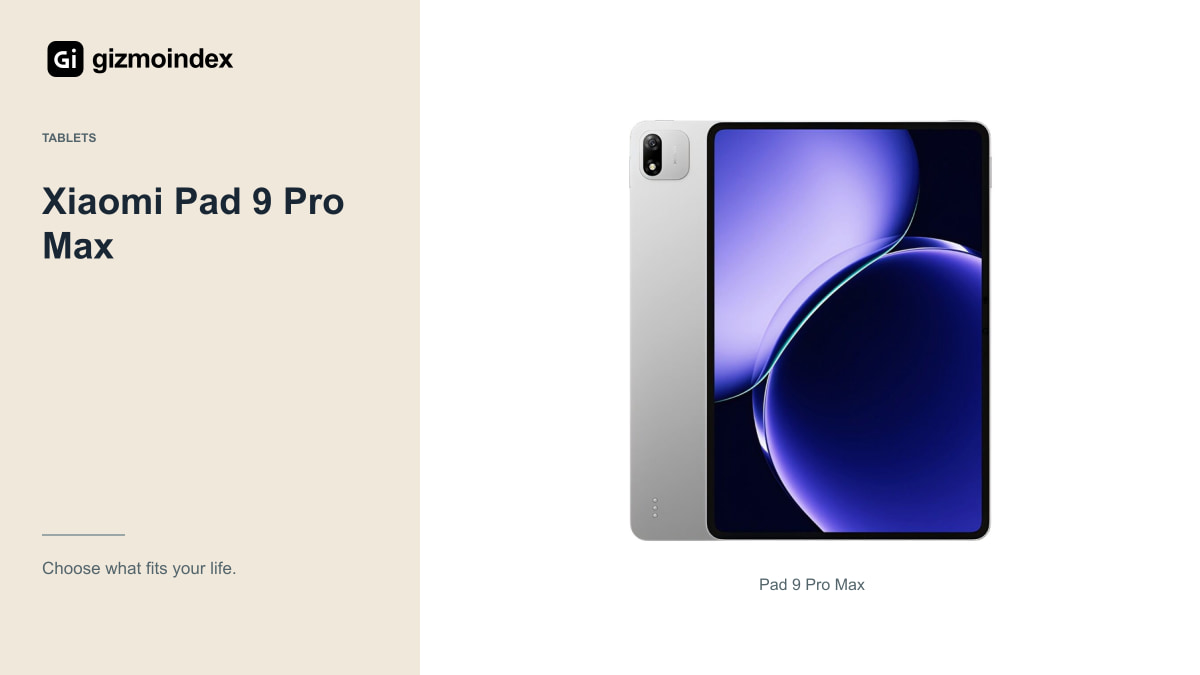
Xiaomi’s official Chinese store identifies the Pad 9 Pro Max with a 13.3-inch display and its XRING O3 processor. It’s a separate product from the smaller Pad 9 and Pad 9 Pro, so check the exact model in any listing.
The attraction is a large workspace with an ambitious productivity focus. The ownership questions are especially important outside its intended market. Confirm the installed software, available languages, Google-service behaviour, streaming-app support and normal update process on the unit being sold.
Add the correct pen and keyboard costs before comparing it with Samsung. Also ask where a fault would be repaired and who pays transport. An import can offer value, but the saving should remain worthwhile after you account for software checks and less convenient support. I wouldn’t buy it on a currency-converted Chinese starting price alone.
iQOO Pad Ultra
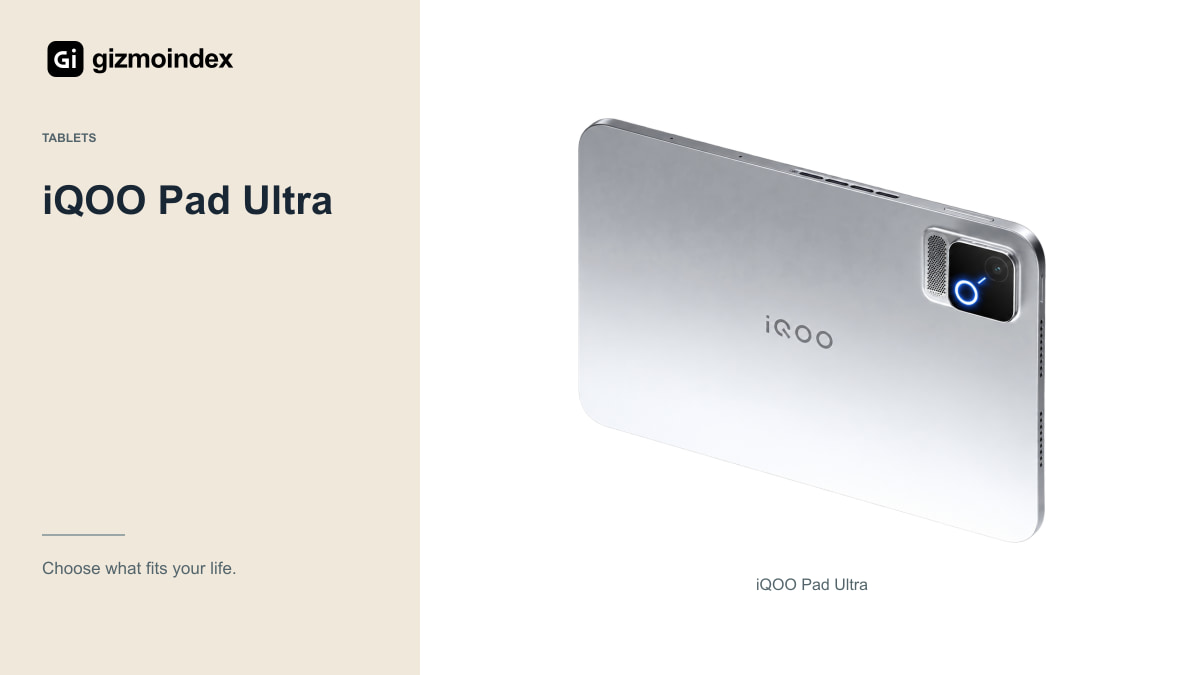
Don’t let “Ultra” make you imagine another 14-inch device. iQOO’s Pad Ultra has an 8.8-inch OLED display with a refresh rate up to 165Hz. Its appeal is a compact gaming format, not a huge keyboard workstation.
The official product page describes active cooling, a Q4 gaming chip and a 9,020mAh battery. Those are interesting ingredients for sustained play, but they don’t establish a measured frame-rate or endurance lead over every rival. Check the games and regional software you actually use.
This is another purchase where import details matter. Ask about app availability, account requirements, controller compatibility and repairs. The small screen can be comfortable for handheld gaming and less useful for a spreadsheet beside a document. I’d choose it because I wanted that compact role, not because “Ultra” sounded like the top general-purpose tablet.
Apps and software
Before ranking tablets, list the applications and file formats that matter. An Android tablet may offer a familiar editing or office app without matching every desktop function. Check exports, fonts, plug-ins and collaboration features rather than relying on the app name.
For work accounts, ask about device-management requirements. For school, check examination software and assignment submission. These aren’t exciting specifications, but one unsupported requirement can matter more than a faster chip or brighter display.
A remote connection to another computer can help with occasional desktop tasks. It also means depending on that computer and a suitable network. If remote access becomes part of every working day, compare the tablet setup with a conventional laptop before spending more.
Accessories and price
Storage, pen, keyboard, cover, charger and warranty all belong in the price. Two tablets with similar headline prices can become very different purchases after you add the accessories required for your work.
Check accessory compatibility by exact model. A case that looks close in a photo may have the wrong cut-outs or connector position. For typing, inspect stand stability and combined weight; for drawing, test the pen in the actual app.
Connectivity deserves the same thought. A cellular model is useful when it solves a real problem, but a phone hotspot may be enough. For an import, confirm network and regional compatibility instead of assuming a SIM slot guarantees the experience you expect.
My picks
For a large Android tablet I’d start with the Galaxy Tab S12 Plus. It has enough screen for notes, films and everyday work, with the S Pen adding useful value. I’d move up to the Ultra for drawing or long sessions with several windows, rather than buying it automatically as the better model.
The Pad 9 Pro Max is an option if you want a large display and you’re comfortable with the Chinese-market software and import arrangement. The iQOO Pad Ultra belongs on a different list of priorities: a smaller tablet designed around gaming. I’d choose its size deliberately, rather than expecting it to replace a large work tablet.
My advice is to pick the size and apps before the processor. Then compare the full price with the cover, pen or keyboard you’ll use. That gives you a tablet that makes sense beyond the first impressive specification.