
Best Gaming Phones in 2026
Explore gaming-phone candidates in 2026 by game support, sustained performance evidence, comfort, battery and the realities of local ownership.
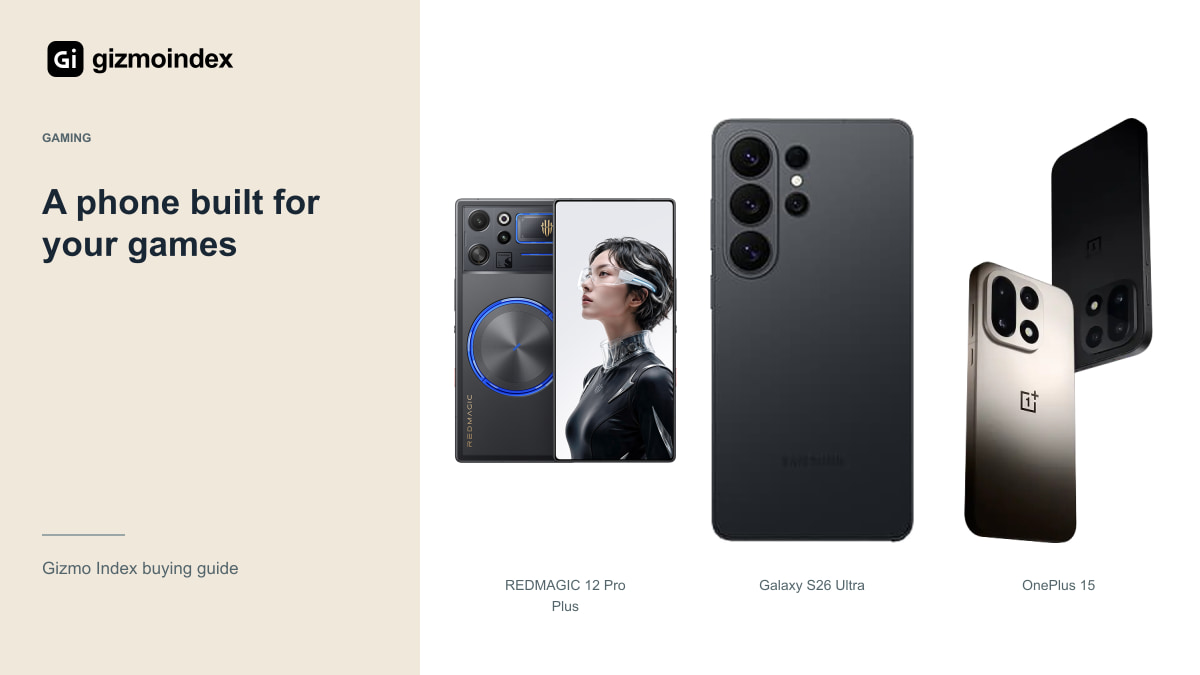
The best gaming phone is the one that runs your games well for the length of session you actually play. A huge benchmark score is interesting, but heat, controls, battery and software can change how enjoyable the phone is after the first few minutes.
My shortlist compares REDMAGIC 12 Pro+, OnePlus 15, Galaxy S26 Ultra and iPhone 18 Pro Max for different kinds of buyers. I’d choose a dedicated gaming import for a different reason from a general flagship. Here’s where each one makes sense, without turning a specification list into an invented performance ranking.
REDMAGIC 12 Pro Plus
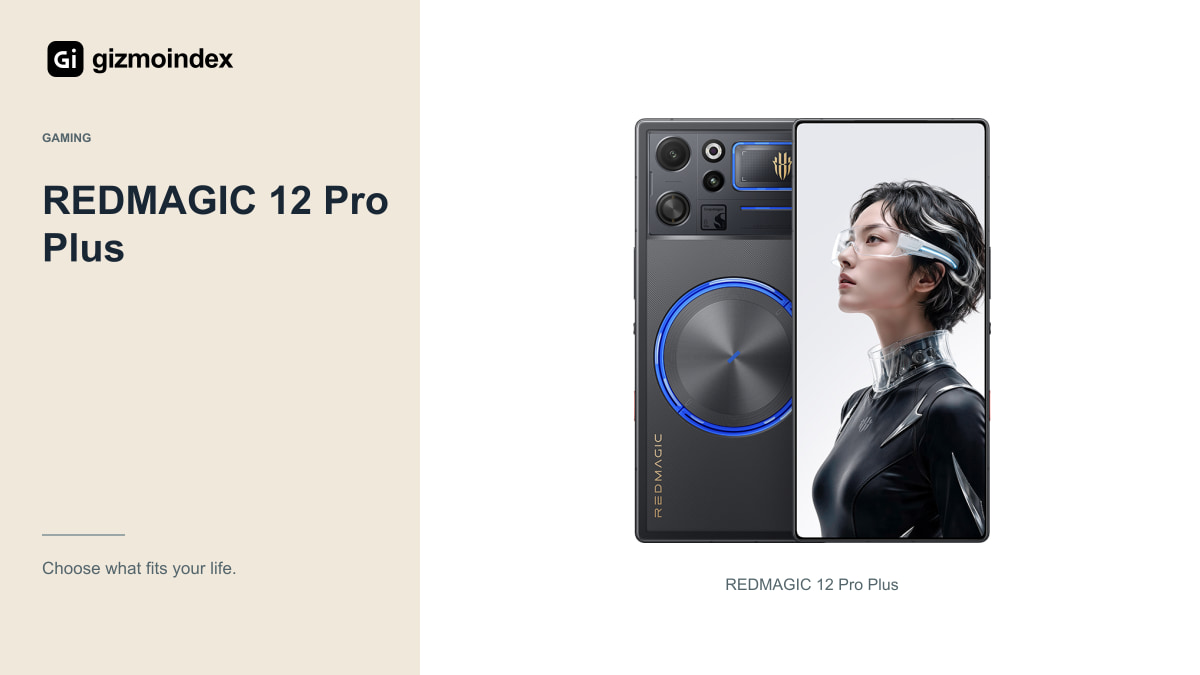
The Chinese 12 Pro+ is officially listed with a gaming-focused platform, active cooling and a 185Hz display headline. It’s worth looking at if dedicated gaming hardware is your priority and you understand the regional-software and support questions that come with an import.
Don’t confuse it with a settled global 12 Pro retail offer. On 21 October, REDMAGIC’s global page is still advertising a 3 November announcement. A complete international package, price and warranty comparison should wait for the official information rather than borrow every detail from the Chinese model.
For the Pro+, verify your carrier, essential apps, installed firmware and return route. An attractive gaming specification doesn’t solve a banking-app problem or an expensive overseas repair. I’d consider it for a buyer who has checked those issues, not recommend it blindly as everyone’s main phone.
Someone who spends hours on one competitive game has different priorities from someone who plays casually between calls. The first person may happily accept a specialist device; the second may prefer a better all-round phone. I like that distinction because it explains why a dedicated gaming model doesn’t have to be the right choice for every gamer.
OnePlus 15
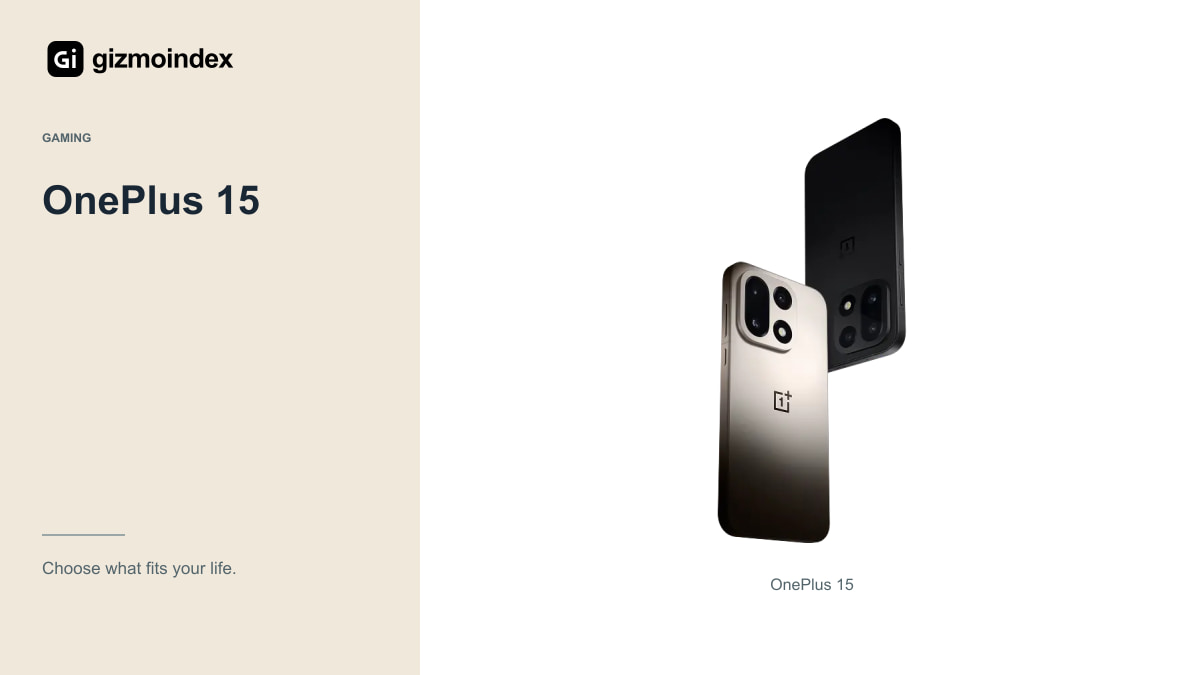
OnePlus documents a 7,300mAh typical battery and a screen that supports higher refresh modes in compatible gaming circumstances. The important qualification is compatibility: a maximum panel mode doesn’t make every game run at that frame rate. Check your titles and current software.
I’d compare the OnePlus for someone who wants gaming capability without choosing a device solely around a specialist gaming design. Look at ordinary calls, camera needs, software and local support as well. The complete phone should fit the rest of your day.
Don’t assume the charging package and capabilities are identical across all regional versions. Confirm the supported charger, cable and local warranty. A converted overseas price isn’t the delivered amount you’ll necessarily pay, and an unsupported import can change the value calculation.
Galaxy S26 Ultra
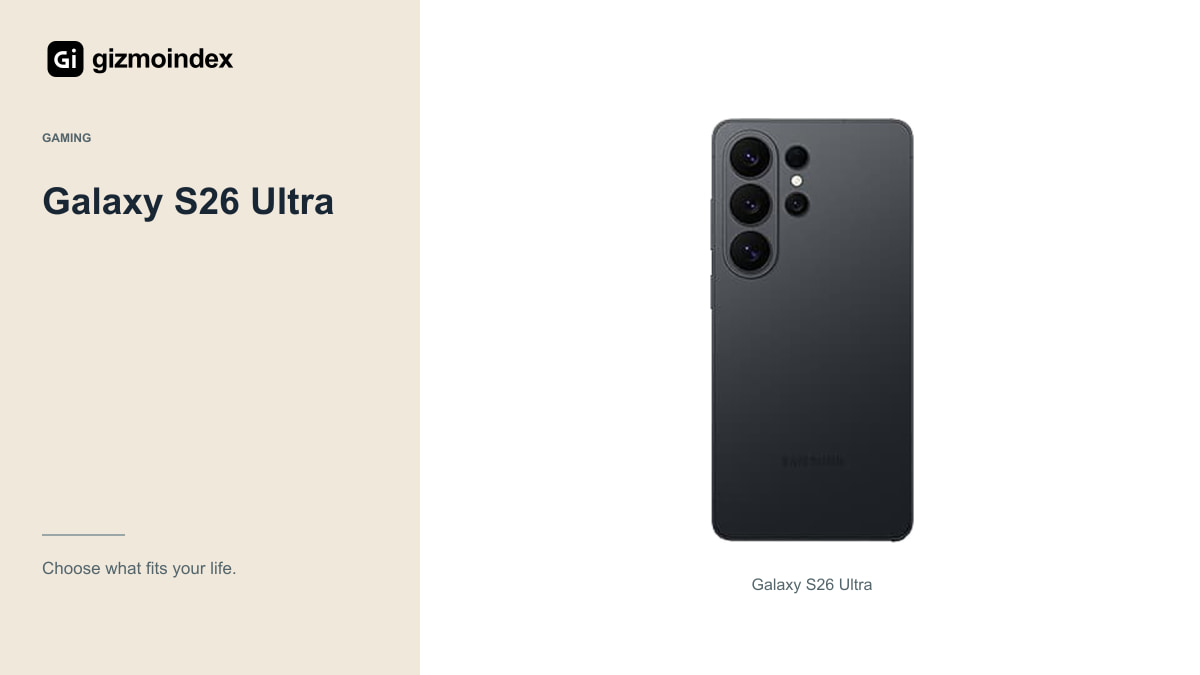
The S26 Ultra belongs on a shortlist for someone who wants Samsung’s broader flagship features alongside gaming. It should be compared as the Ultra, not confused with the smaller regular S26. Its display, cameras and S Pen proposition create a different purchase from a dedicated gaming phone.
I’d consider the games, control setup and sustained performance you need rather than assume a flagship label guarantees every title’s highest setting. Software updates and game-specific support can change the available modes. Look at current evidence for the exact regional hardware.
The broader Samsung ecosystem may matter if you already use Galaxy accessories or work tools. Check the particular feature requirements instead of counting every AI or connectivity demonstration as universally available. A general flagship earns its cost through the whole experience, not games alone.
iPhone 18 Pro Max
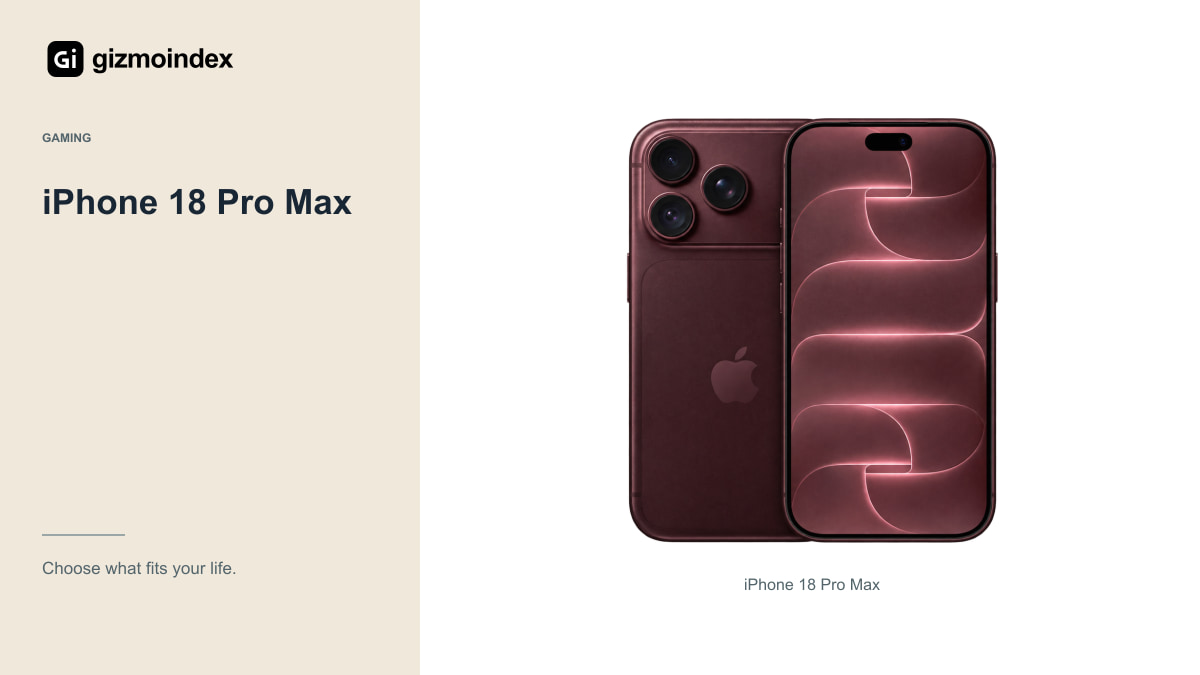
Apple’s current Pro Max uses A20 Pro and a large ProMotion display. It’s a relevant candidate when your games, accounts and preferred applications are on iOS. That platform preference can matter more than a benchmark comparison with an Android phone you’d not enjoy using.
Check whether the games you want exist on iOS and support the controls and settings you expect. Purchases and progress don’t always transfer freely between platforms. A switch can involve rebuilding part of your library, which belongs in the total cost.
I’d also try the size and weight with a case or controller. A powerful phone can still become tiring during long handheld sessions. The current Pro Max’s camera and video capabilities may justify it for a creator, but they aren’t automatically worth paying for if games are the only job.
Game support
Write down what you actually play and check each title’s supported frame rates, graphics settings and controller options. Include the current game version and device list where the developer provides one. A feature that works in one promotional title may not help your favourite game at all.
Check online requirements, account region and any anti-cheat or competitive rules around accessories. Don’t assume every mapping tool or hardware feature is accepted in every game. The safest useful purchase is one that works with the title’s supported controls and policies.
If you stream games, the connection becomes part of the test. Network latency, signal stability and the service’s settings can matter more than the phone’s local graphics performance. Try the setup where you plan to play before paying for hardware on the assumption that streaming will always feel immediate.
Long gaming sessions
Look for tests that state the game, graphics settings, resolution and session length. Frame-rate stability and responsiveness over time tell you more than a single peak result. Different conditions can make two charts impossible to compare fairly even when the labels look similar.
Cooling designs should be checked for practical consequences, including noise, grip and power use. No design should be described as immune to every thermal limit without evidence. A hot room, charging and a demanding game can create another workload from a short demonstration.
Decide whether you value maximum detail, consistent motion or longer endurance. You may not get all three at once. A stable setting that you enjoy can be a better experience than constantly pushing the highest option and worrying about the next frame-rate drop.
My picks
I’d consider the REDMAGIC Pro+ for a dedicated gaming purchase when the Chinese-market version suited me. I’d compare OnePlus and Samsung for Android gaming alongside ordinary flagship use. I’d choose the iPhone when the games and other apps I wanted were on iOS.
I wouldn’t call any one of them the fastest for every game without comparable sustained tests. What matters is the game you play, at settings you enjoy, for a session that resembles your own. A high-refresh screen is only useful when the game and software support the mode.
My advice is to start with your game library, then look at comfort and battery before the final price. Include storage, a controller or cooling accessory only if you’ll use it. A gaming phone should make playing easier while still handling the rest of your day comfortably.