
Best iPhones Under $500 for Content Creation in 2026
Compare the iPhone 15, 14 Pro and iPhone 14 for filming below $500, with advice on microphones, storage, ProRes and a complete creator setup.
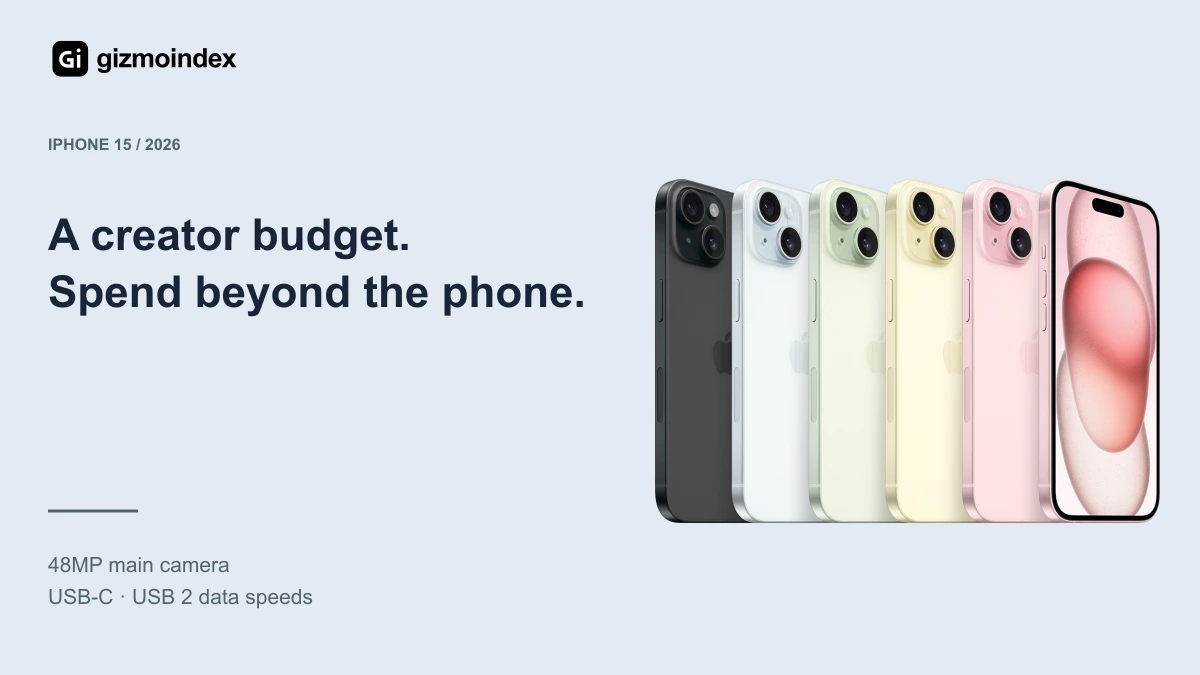
Before spending $500 on an iPhone for content creation, leave room for the rest of your setup. A microphone, stable mount and useful lighting can make a real difference. Buying a phone for $499 leaves almost nothing for those extras.
For the phone alone, the iPhone 15 and 14 Pro are worth comparing. If $500 has to cover everything, the regular iPhone 14 becomes more appealing. The best choice depends on what you record, how you edit and what equipment you already have.
Quick comparison
| Model | Price reference | Why it is here |
|---|---|---|
| iPhone 15 | US$451 average listing | my straightforward choice for everyday filming |
| iPhone 14 Pro | US$493 average listing | more camera tools, less budget room |
| iPhone 14 | US$340 average listing | my starting point for a complete $500 setup |
Used listing averages: Swappa, 7 October 2026. Prices are US-market references before tax and delivery; storage, condition and carrier status vary. New Apple retail prices are labelled separately.
iPhone 15: my straightforward choice for everyday filming
The regular 15 averages $451 and is the first option I recommend comparing for straightforward social videos. USB-C is convenient for compatible accessories, and the phone offers 4K Dolby Vision video, an autofocus front camera and Action mode.
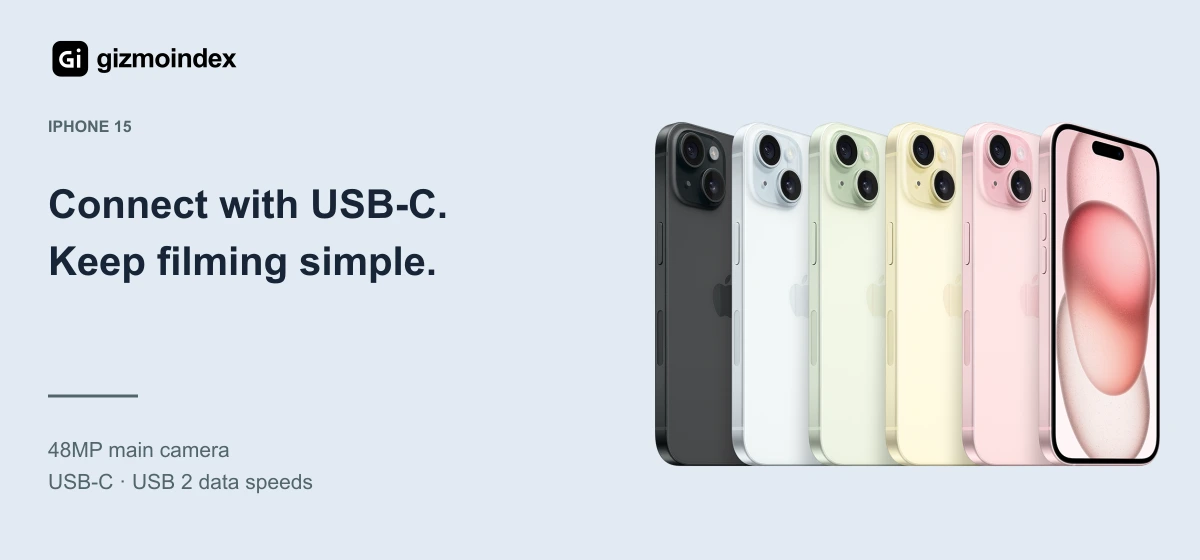
I recommend it for someone filming product introductions, travel clips or talking-head videos and editing mainly on the phone. It gives you a modern connector without requiring a professional grading workflow to make use of the camera.
There are limits. The regular 15 does not provide ProRes or Apple Log capture, and its USB-C port operates at USB 2 data speeds. It also lacks the Pro's dedicated telephoto. Do not buy it thinking the connector makes it equivalent to a 15 Pro.
At this price, check the storage option carefully. If a suitable 256GB unit goes beyond $500, compare a cheaper model with enough space instead of assuming 128GB will work indefinitely for frequent filming.
iPhone 14 Pro: more camera tools, less budget room
The 14 Pro is the option I would consider for its telephoto, macro capability and ProRes recording. Those tools can be useful for controlled product shots and a more deliberate editing process. Its $493 marketplace average, however, makes it a tight fit.
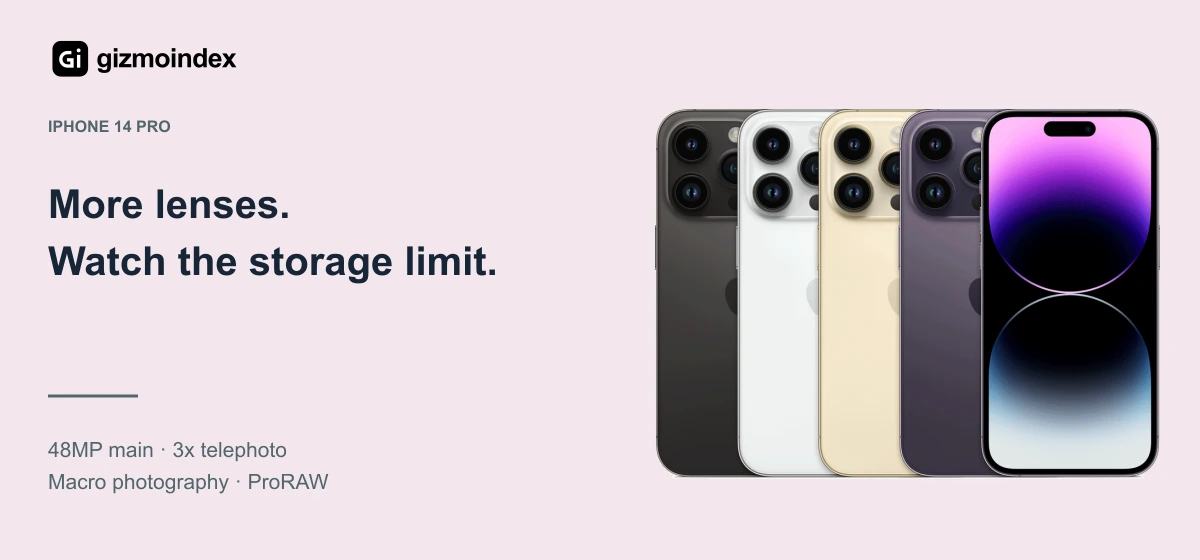
The 128GB version is particularly important to understand: Apple's ProRes recording specification is limited to 1080p at 30fps on that capacity. The larger capacities support ProRes up to 4K at 30fps. This does not mean the 128GB phone cannot record ordinary 4K video.
You are also buying a Lightning phone, without the USB-C workflow of later Pro models. Check microphone compatibility and the adapters you need before treating the handset price as the whole cost. A cheap adapter that does not support the intended accessory does not solve the problem.
I recommend the 14 Pro only when those additional camera tools justified the tradeoffs. If I planned to upload short clips with minimal editing, the regular 15 could be the more comfortable purchase.
iPhone 14: my starting point for a complete $500 setup
The regular 14 averages $340. That creates a nominal $160 gap within a $500 budget before tax, shipping and accessories. I would not treat that as a quoted shopping basket, but it gives the whole setup more breathing room.
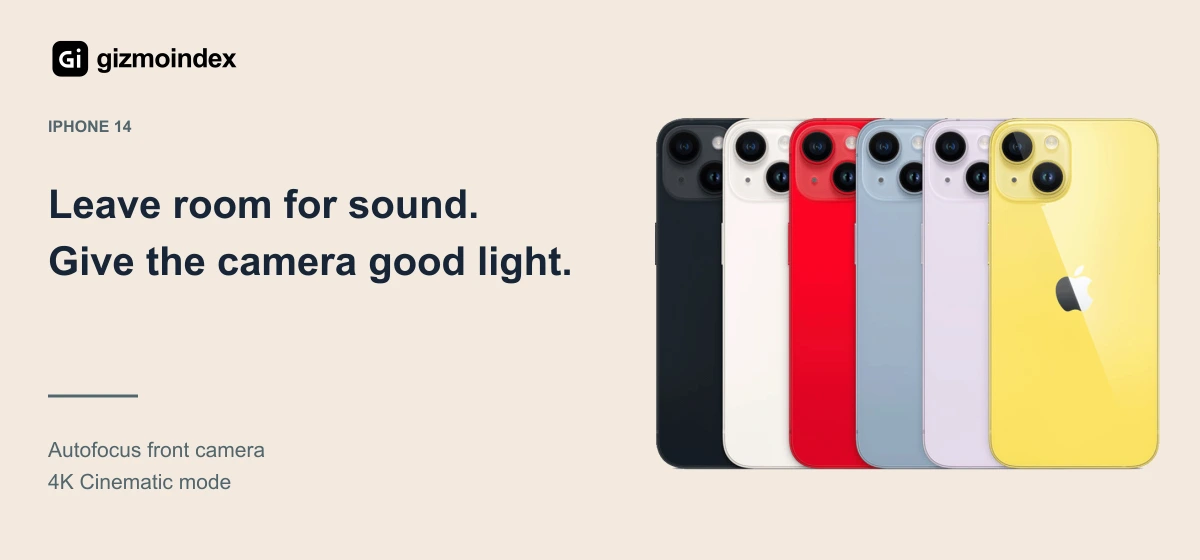
The autofocus selfie camera helps explain its place here, alongside 4K recording and Action mode. For seated videos, interviews and ordinary social content, I recommend prioritising a useful microphone and stable framing before chasing ProRes.
Lightning means you must buy the correct microphone or adapter. Test a short recording and listen back with headphones before recording a full session. An accessory being physically connected does not prove the phone recorded from the microphone you intended.
I would also work near a good light source and simplify the background. Those choices can improve the usefulness of a modest setup without requiring another phone purchase.
What I would test before the return window ends
Record a clip with the rear camera and another with the front camera. Try the microphone, transfer a file and export through the editor you intend to use. Then upload a short private or test clip to check how colour, sound and framing survive the full process.
Watch available storage during that exercise. File size depends on resolution, frame rate and format, so a generic number of recording hours can be misleading. Learn how much space your own settings use and build a backup routine around that.
Finally, check battery behaviour during a realistic recording session. A used phone that looks fine during five minutes of browsing may be a poor fit for longer shoots. Keep the seller's return terms in writing.
My verdict
The iPhone 15 is my first recommendation for straightforward filming with a phone-only budget of $500. The 14 Pro is worth considering if you need its extra camera tools and understand the storage and Lightning limitations.
For a complete setup within $500, the regular iPhone 14 deserves attention. Its lower price leaves more room for a microphone and other essentials. A useful camera, clear sound and good lighting make a more complete purchase than spending everything on the phone.
Frequently asked questions
Can the 128GB iPhone 14 Pro record 4K?
Yes, ordinary 4K video is supported. The capacity-related limitation discussed here applies to ProRes recording, which Apple specifies at 1080p/30 on the 128GB model.
Is USB-C always faster than Lightning?
The connector alone does not establish transfer speed. The regular iPhone 15 uses USB 2 data rates; the 15 Pro models support USB 3 with appropriate equipment.
Which phone leaves the most money for accessories?
Among this shortlist, the iPhone 14 has the lowest marketplace average. Calculate the actual handset total before allocating the remaining budget.