
Best Keyboard Cases and Accessories for the Galaxy Tab S12
Choose the right S Pen and keyboard setup for Galaxy Tab S12 models, checking exact compatibility, typing comfort and the complete cost.
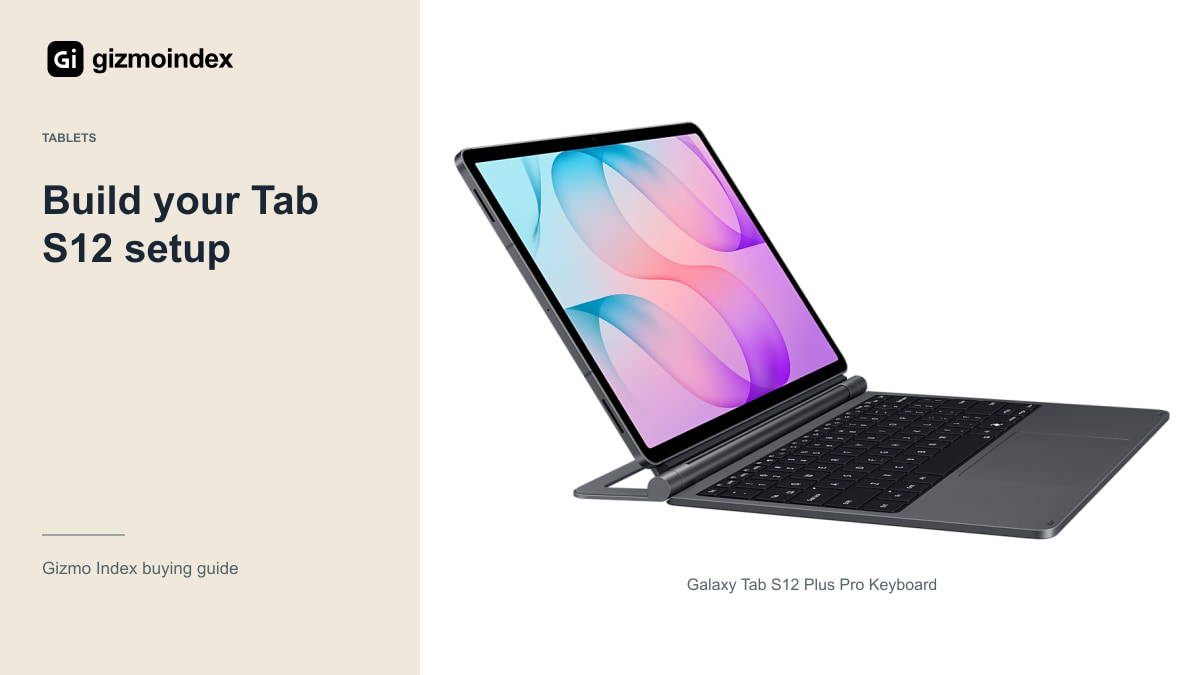
Bought a Galaxy Tab S12, or planning to? I wouldn’t fill the basket with accessories straight away. Samsung already includes the S Pen, so you can begin with notes and drawing before deciding what else is missing. A good keyboard can be useful, but only if you’ll actually spend time typing on the tablet.
For me, the essentials are a suitable cover and charging setup. After that, I’d add a keyboard, stand or hub for a specific job. Here’s how I’d build a Tab S12 setup without paying for a bag full of extras that barely get used.
The included S Pen
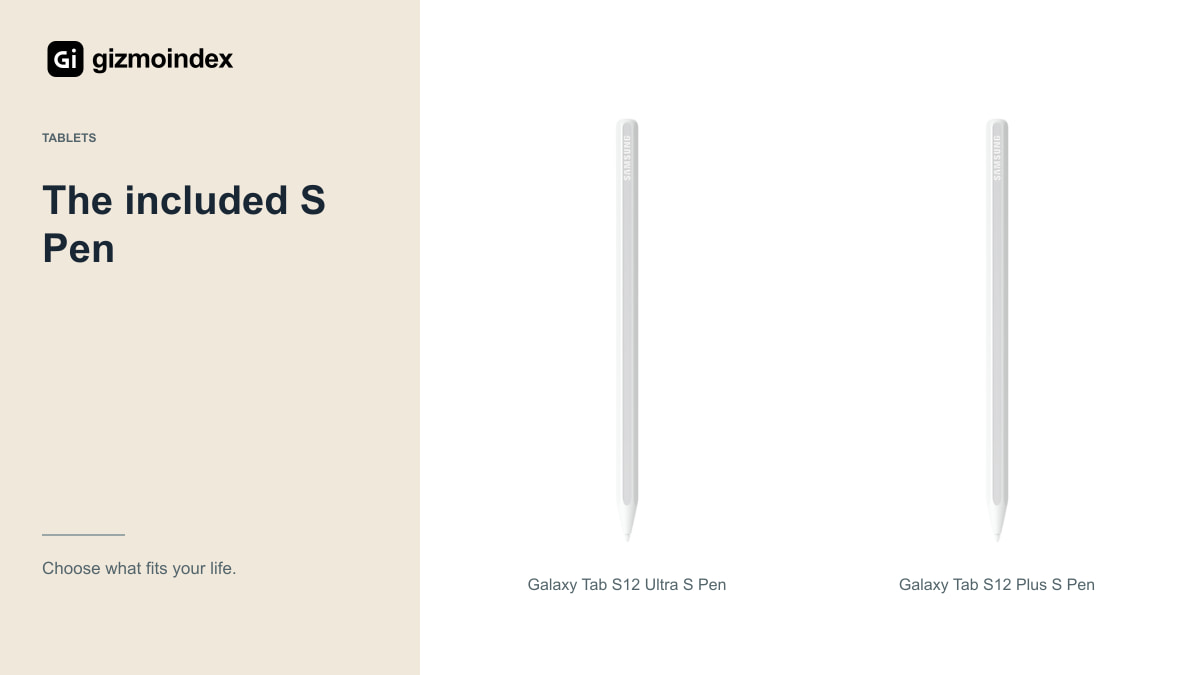
Samsung includes an S Pen with the standard Tab S12 package. Before buying another stylus, try the supplied one in your note-taking or drawing app. It may already do everything you need, and the money could be more useful elsewhere.
For drawing, test the grip, small strokes, palm rejection and the application settings. If the problem is the way an app smooths lines, another pen may not solve it. For handwriting, check how the pen feels at the angle you normally use on a desk.
Replacement tips and a secure storage arrangement matter. Ask about official compatibility rather than assuming a generic capacitive stylus offers the same pressure and pen features. A cheap backup can be useful, but it should not be confused with an equivalent replacement.
If you’re mostly highlighting PDFs, the pen and a comfortable viewing angle may do more for you than a premium keyboard. If you’re writing essays, typing and trackpad comfort become much more important. I like accessories that solve a clear problem. That’s a better way to spend than buying the complete set because every item matches.
Keyboard options
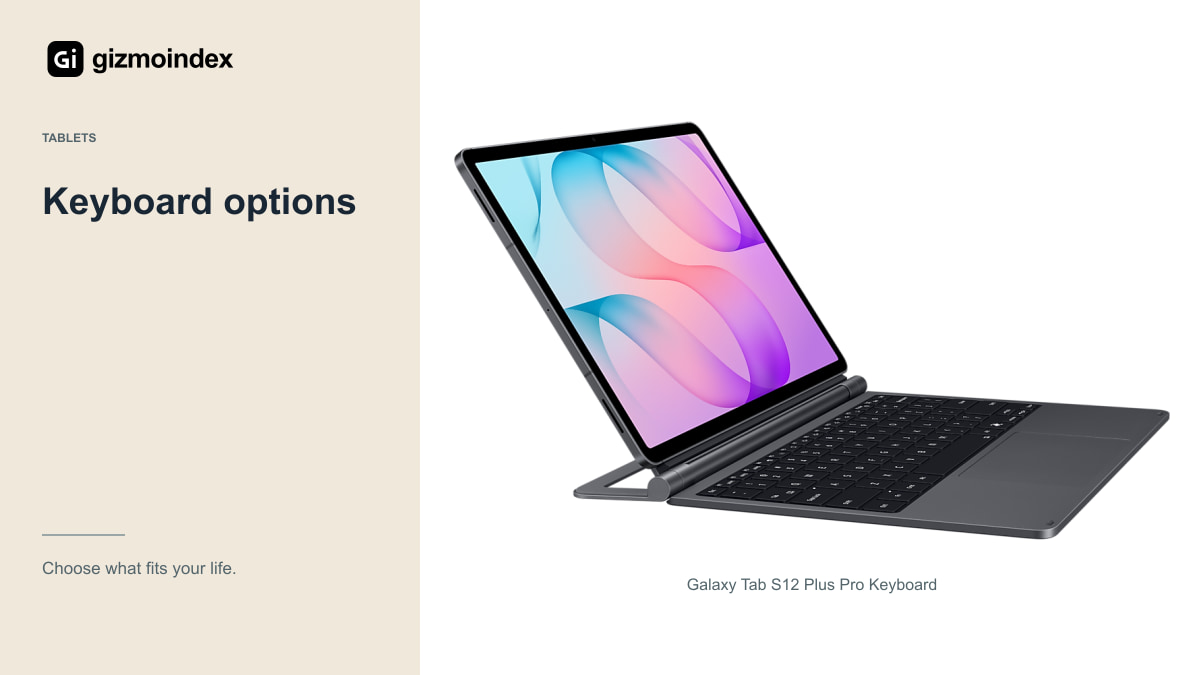
Samsung lists compatible keyboard accessories for the S12 family, including slim cover-style options. Availability and exact versions vary by market, so check the accessory’s own compatibility list for the Plus or Ultra you own. A magnetic fit in a photograph isn’t sufficient proof.
The main question is whether you type at a desk or on your lap. Some covers rely on a kickstand that needs a deep, stable surface. That can work very well in a library and feel awkward on a narrow train tray. Try the arrangement in a realistic position if you can.
Look at the keyboard layout, shortcut keys, trackpad and combined weight. A keyboard that makes a large tablet nearly as heavy as your laptop should earn that space by being useful. If you only type occasionally, a separate Bluetooth keyboard may be a simpler and cheaper option.
Stands
If you mainly annotate PDFs or watch lessons, a stable stand can improve comfort without adding a keyboard permanently. Check the writing angle as well as the upright viewing angle. A stand made for watching films may wobble when you press on the screen with a pen.
The 14.6-inch Ultra needs support appropriate to its size and weight. Make sure the holder doesn’t press awkwardly on buttons or cover the charging port. A compact phone stand isn’t automatically suitable for a tablet simply because the tablet can be balanced on it briefly.
For travel, compare the folded size and weight with a protective cover that doubles as a stand. The best option is the one you’re willing to carry. A heavy desk accessory can be excellent at home and unnecessary in a daily bag.
Covers and protection
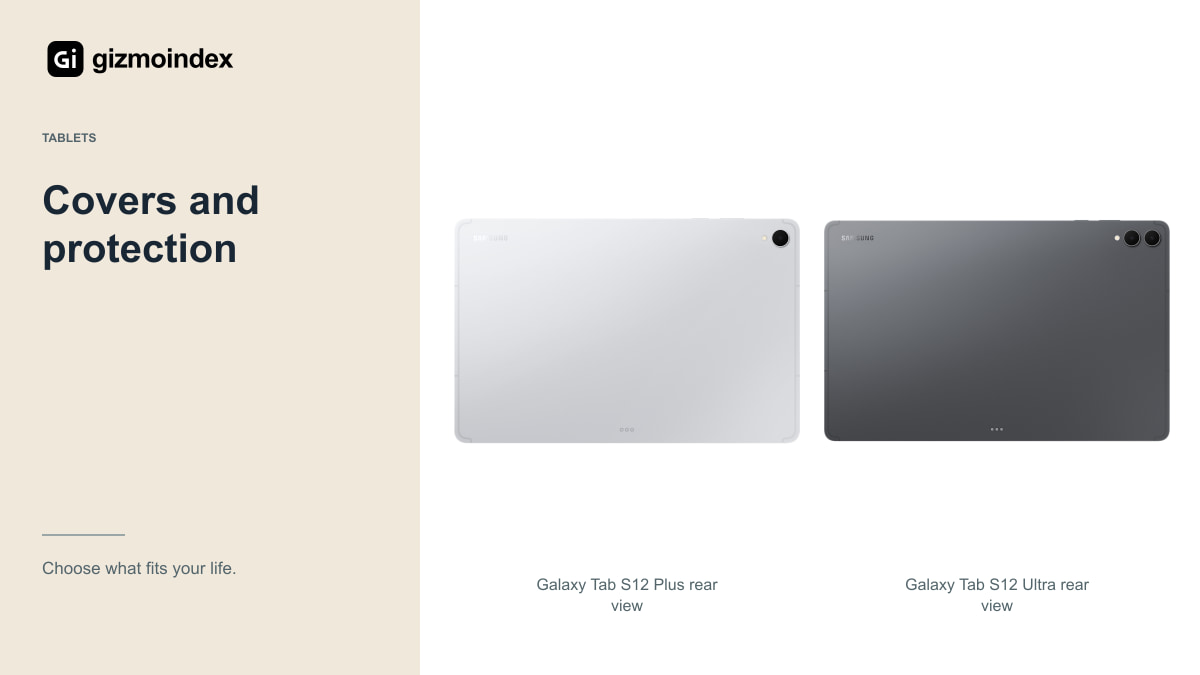
Choose a cover with the correct cut-outs, secure corners and a sensible place for the S Pen. Don’t assume an older Ultra or Plus case fits because the diagonal screen size sounds similar. Dimensions, connectors and camera placement can change.
A sleeve adds protection during transport, especially if the tablet shares a bag with a charger or keys. Check the internal measurements with your chosen case attached. A sleeve designed for the bare tablet may be too tight for the complete setup.
Screen protectors involve a trade-off. A textured option may appeal for drawing, while some users prefer the bare display’s clarity and smoothness. Look at reflections, pen-tip wear and touch behaviour. I’d choose a dependable, correctly fitted product rather than promising that every protector improves every part of the experience.
Chargers and cables
The Tab S12 family supports Samsung’s 45W charging, and the referenced product information lists the compatible adapter as a separate purchase. Check your regional box contents before buying something you may already own.
A USB-C plug doesn’t guarantee the required charging capability. Match the charging standard, adapter output and cable requirements. Use equipment from a dependable source, especially when the tablet is an expensive work device you expect to charge every day.
Think about convenience as well. A longer suitable cable may be useful at a desk, while a compact adapter can make travel easier. If a power bank is part of your plan, confirm its output and usable energy rather than judging it only by the capacity printed in large text on the box.
USB hubs
A USB-C hub can help connect storage, a display or other peripherals, but not every hub supports every combination. Write down what you need to connect at the same time, including charging. Then check the hub and tablet documentation for that setup.
An external drive also needs a compatible format and application support. Try a representative project before relying on the drive for a trip or a client job. A port that accepts the connector is only the beginning of the compatibility check.
For DeX and an external monitor, test resolution, keyboard and mouse behaviour and charging while connected. A specialist audio device, printer or scanner may need its own Android support. Avoid buying a large collection of adapters on the assumption that every desktop peripheral will work normally.
Storage and audio
If you keep large video files or offline documents, review the tablet’s supported storage options and your backup process. Extra space is useful, but a memory card or external drive should not be the only copy of work you can’t replace.
For meetings and study, headphones with a comfortable fit and dependable microphone can be more valuable than another decorative accessory. Check Bluetooth compatibility and the app or device features available to you. You don’t need the most expensive Galaxy earbuds just to hear a lecture.
Buy these additions when the need is clear. A student taking handwritten notes may benefit most from protection and a stand; someone writing long reports may prioritise a keyboard; a travelling editor may need storage and a suitable hub. Those are different shopping lists.
What I’d buy first
I’d begin with the included S Pen, a properly fitting cover and the charging equipment I need. That’s enough to find out how the tablet fits into daily use. A keyboard would be my next purchase if I kept reaching for a laptop just to type longer pieces.
For desk work, I like a stable stand and a tidy connection setup more than a long list of accessories. For travel, the extra weight matters. A keyboard cover that looks convenient in a photograph may feel less appealing once the whole setup is in your bag.
My recommendation is to buy around the jobs you actually do. Keep the exact Plus or Ultra model in mind, because a similar name doesn’t make a cover fit. Start small, use the tablet and spend on the accessory that makes your normal day easier.