
Best Monitors for Working From Home in 2026
Compare monitors for office work, from Smart Monitor M7 to Dell UltraSharp U2725QE, focusing on text, connections, ergonomics and total cost.
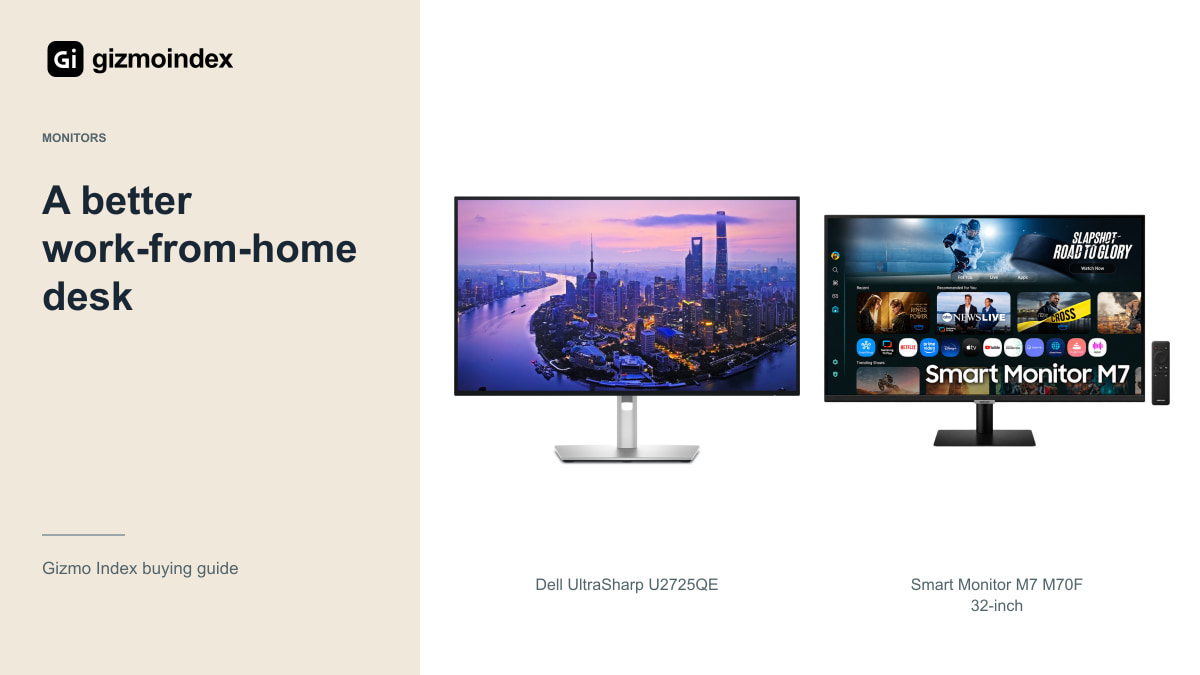
A good work monitor should make a long day more comfortable. I’d care about readable text, a sensible height and easy connections before paying extra for a gaming headline. The best choice for spreadsheets isn’t necessarily the one I’d choose for evening games.
My starting options are Dell’s U2725QE for a work-focused desk and Samsung’s M7 M70F for a room that also needs entertainment. An OLED can make sense when gaming shares the job, but it brings a different balance. Here’s how I’d choose a monitor I’d actually want to sit in front of every day.
Dell U2725QE
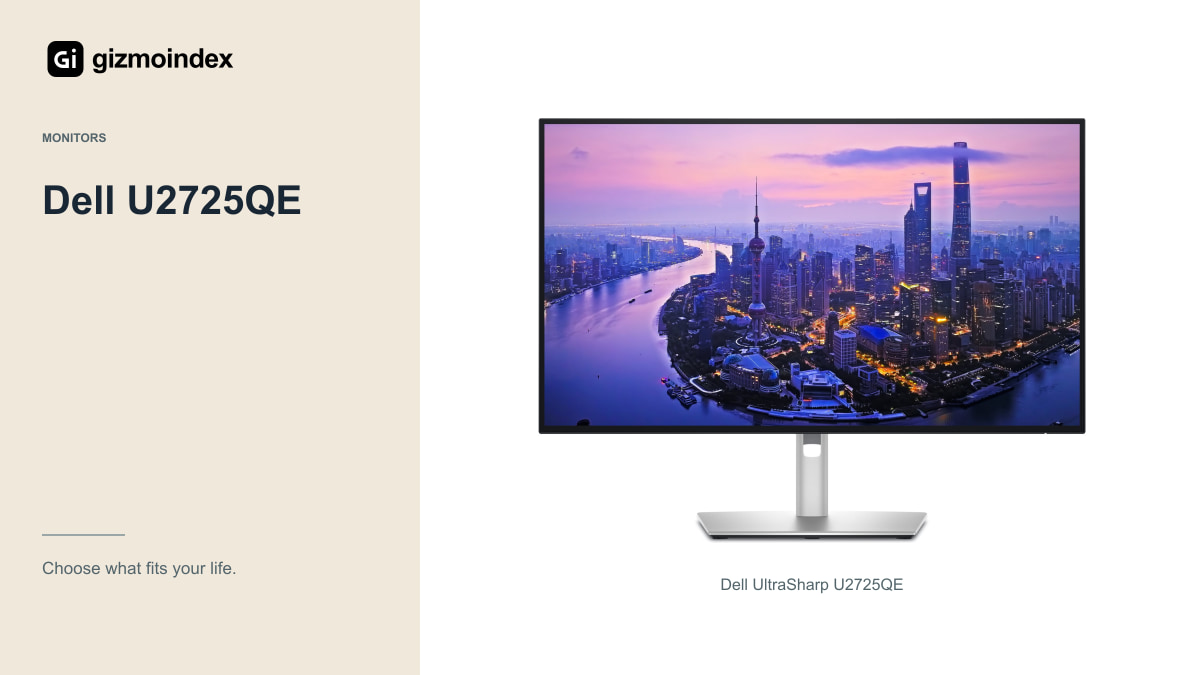
The U2725QE combines a 27-inch 4K display with a 120Hz refresh rate and a substantial Thunderbolt hub. Dell lists adjustable height, tilt, swivel and pivot, which are practical advantages when you spend long sessions in front of the screen.
Its connection options include Thunderbolt 4, Ethernet and power delivery up to 140W for compatible equipment. Those features can simplify a laptop desk, but you should still check your computer’s video and charging requirements. A port list doesn’t guarantee every device behaves identically.
I’d consider it for someone who wants the monitor to function as part of a dependable work setup rather than mainly as a television. Compare the complete local price and warranty, and verify that you’ll actually use the hub. An expensive docking arrangement is less valuable if your laptop is already connected to a separate dock you like.
Think about how the day starts. If you’re connecting a laptop, charger, keyboard and other devices every morning, a suitable monitor hub can simplify the whole routine. If the computer stays permanently on the desk, that benefit may matter less. I like paying for a feature that removes an everyday annoyance.
Samsung M7 M70F
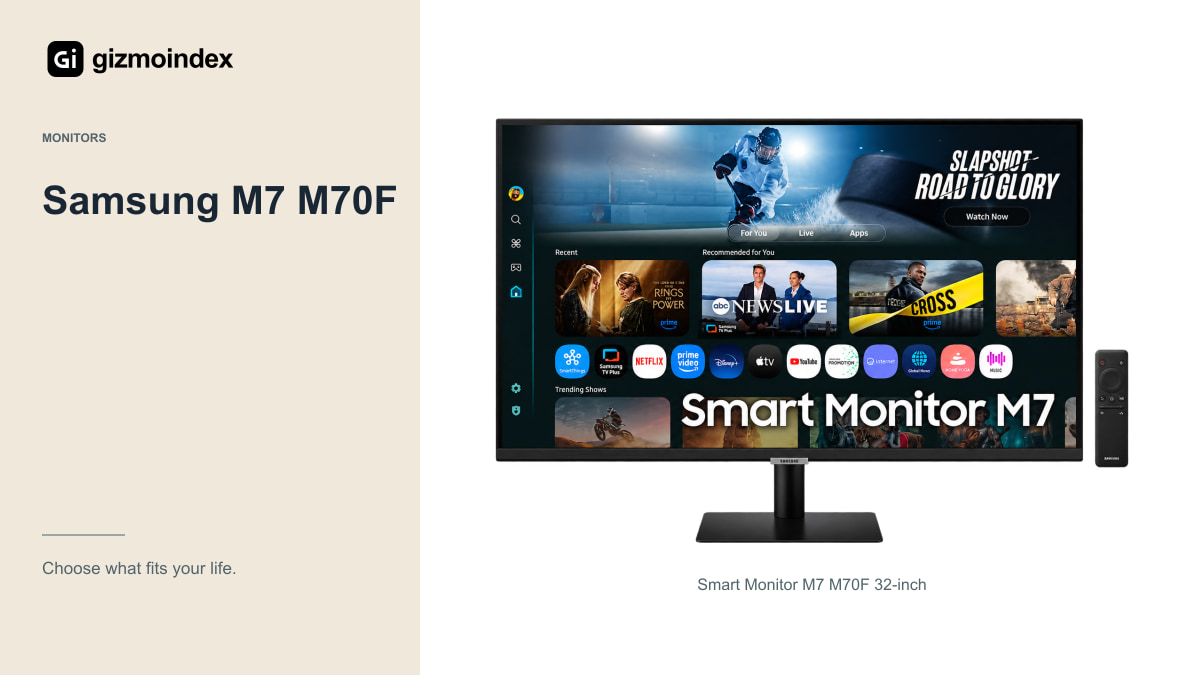
The 32-inch M70F gives you a flat 4K VA display at up to 60Hz, USB-C charging up to 65W and Samsung’s Tizen smart platform. It can be attractive when a home office is also the room where you watch films or television services.
Check supported services and accounts in your country. Built-in streaming is convenient only if it includes the services you use. The feature list on a product page from another market may not describe your regional experience.
For work, check the stand height and connection needs. The standard stand is less flexible than a fully adjustable office stand, and the hub isn’t a substitute for every high-speed dock. If the screen and smart features suit the room, those limits may be acceptable at the right price.
OLED for work
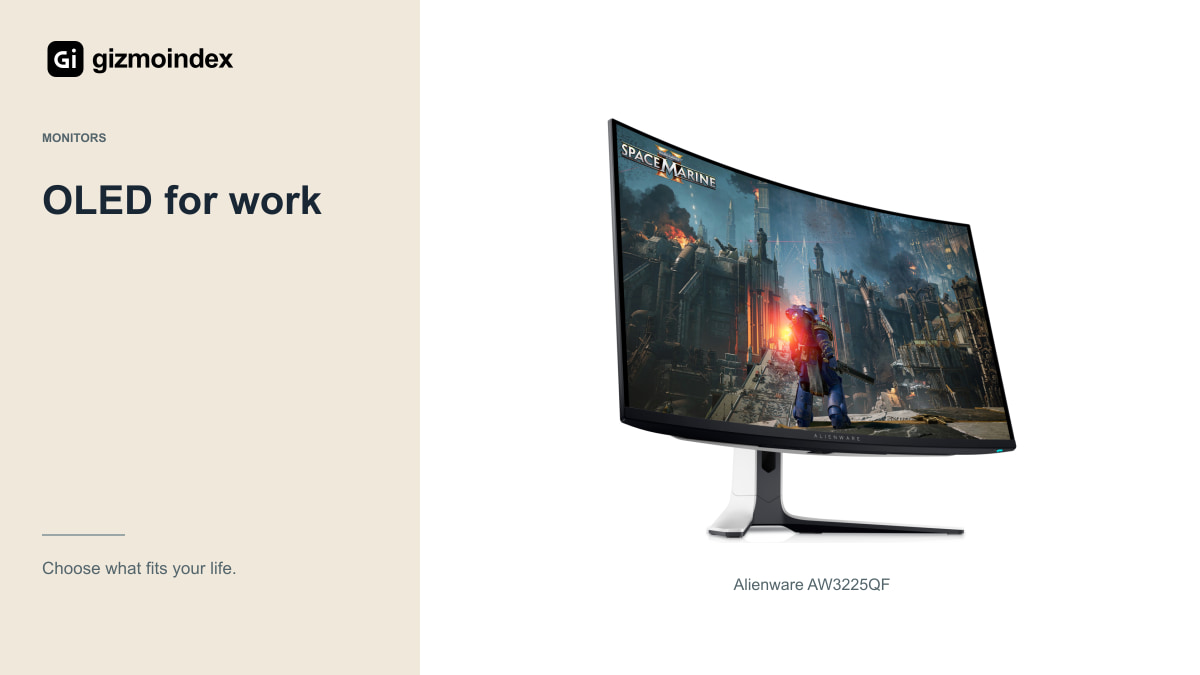
A 32-inch 4K OLED such as the Alienware AW3225QF can be appealing when gaming and films share the desk with work. Its conventional 16:9 format is easier to fit into a mixed routine than an extremely wide gaming display.
I’d still inspect small text, reflections and the curve at the actual viewing distance. OLED subpixel arrangements and screen coatings affect the experience, and a colourful game demonstration doesn’t tell you how comfortable a spreadsheet looks for several hours.
Read panel-care instructions and local burn-in coverage. Someone showing fixed dashboards all day may prefer a suitable LCD. Someone with varied work and substantial gaming may find OLED’s benefits worth the trade-off. The right answer depends on the whole week, not just the most entertaining hour.
The announced G80SJ
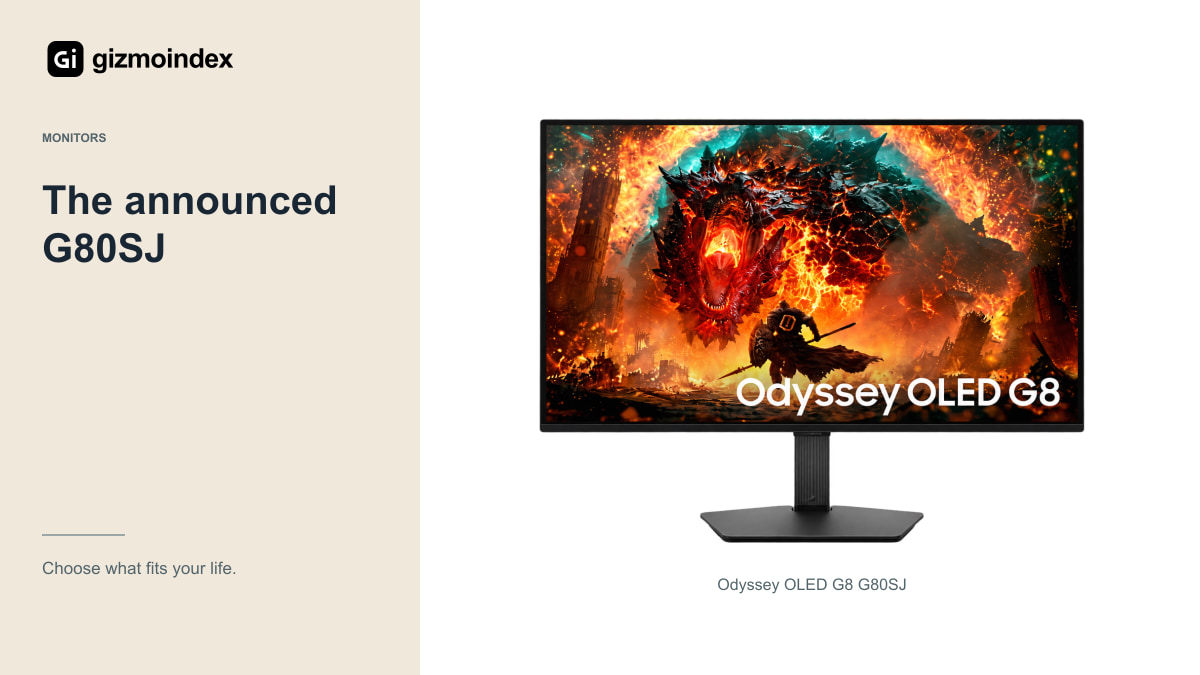
Samsung’s announced G80SJ combines a 32-inch-class 4K QD-OLED format with flexible high-refresh modes and a laptop-friendly connection list. Its RGB-stripe panel claims are interesting for text, but they need evaluation on the final shipping product.
The model belongs to the announced 2027 Odyssey range. At the October 2026 check, the linked Gizmo Index entry has no verified local offer. I’d follow its progress if the features specifically solve a need, rather than assume it’s already an available work-monitor recommendation.
If you need a screen now, an established product with clear support is a sensible purchase. Work should not remain uncomfortable indefinitely because another announcement might improve one part of the specification later.
Screen size and text
A 27-inch 4K screen can look detailed, but many people will want scaling to keep text comfortable. A 32-inch screen offers more physical size and may fit a different viewing distance. Neither choice should require leaning forward to read every document.
Try your usual applications with the scaling you expect to use. A monitor should make the work easier, not turn every interface element into an eyesight test. More desktop space is useful only when the content remains comfortable to read.
If you’re considering an ultrawide, check screen sharing and application layout. Sharing one window may work better than broadcasting an entire wide desktop to colleagues on smaller displays. The extra room should improve collaboration as well as your own local arrangement.
Stand and connections
Check the stand before buying an arm automatically. Height, tilt and swivel may already provide the position you need. If an arm is required, verify the exact mounting standard, weight and desk-clamp suitability before adding it to the bill.
List the peripherals you connect every day: webcam, keyboard, mouse, headset, storage and network. Then decide whether the monitor’s hub actually replaces another device. Fast storage, video and charging can have different requirements even when they use similar-looking USB-C connectors.
For video meetings, remember that a monitor may not include a webcam or microphone. Don’t assume the screen’s smart features cover every calling need. Budget for the equipment that makes your actual meeting application work well.
Which one I’d choose
I’d choose the Dell U2725QE for a desk where work comes first. Its 4K 120Hz IPS Black screen and connection features give it a clear purpose, especially for a compatible laptop setup. The adjustable stand is useful in a way you’ll notice throughout the day.
I’d choose the M7 when I wanted one screen for work and casual entertainment. It’s a different kind of value: a larger 4K canvas with smart features, rather than a direct substitute for the Dell’s work-focused package.
An OLED would be a separate choice for someone who values gaming enough to accept its ownership considerations. For most work desks, I’d settle the size, text comfort and connections first. A monitor that sits at the right height and connects without a daily fuss can be a better upgrade than one with impressive features you never need.