
Best OLED Gaming Monitors in 2026
Compare gaming monitors by resolution, refresh modes, graphics hardware and platform support rather than choosing the largest Hz number.
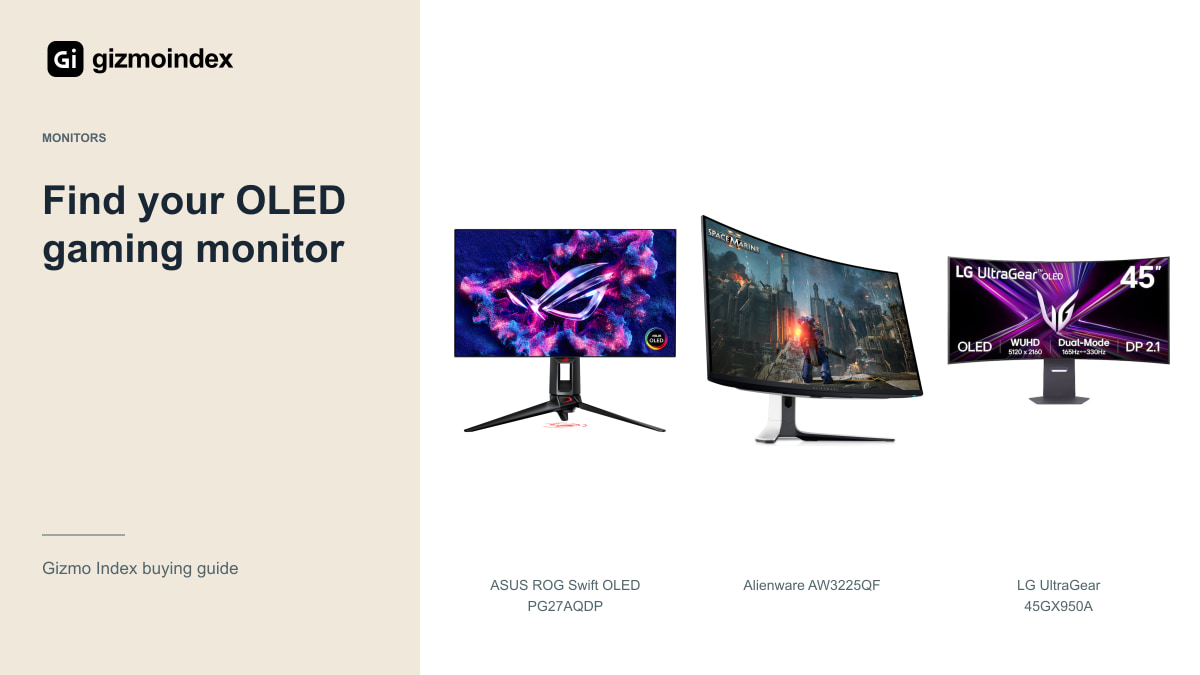
OLED gaming monitors are attractive for their deep blacks, strong contrast and fast pixel response. But I’d still choose the size and resolution before deciding which model is best. A 27-inch QHD screen and a huge curved ultrawide can both be excellent while suiting completely different desks.
In this guide, I’ll compare the ASUS PG27AQDP, Alienware AW3225QF, LG 45GX950A and Samsung OLED G9 G95SC. I’ll also explain where Samsung’s announced G8 and G9 fit. These are options I’d consider for different uses, rather than pretending one monitor wins every category.
ASUS PG27AQDP
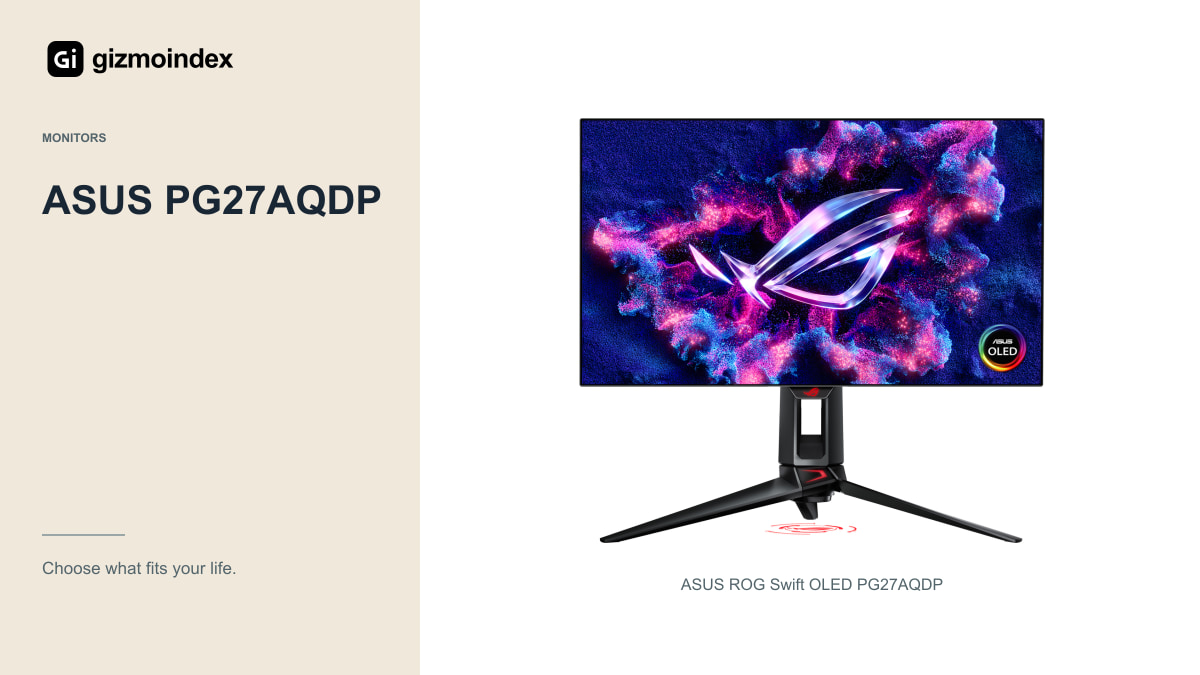
The PG27AQDP is a 27-inch QHD OLED monitor reaching 480Hz. It’s the kind of option I’d consider for a competitive PC setup where motion and a manageable screen size take priority over a huge desktop canvas.
The important part is the computer behind it. If your usual games run far below the display’s ceiling, you may not receive enough benefit to justify a premium for that refresh rate. Check frame rates in the actual game, resolution and settings you plan to use.
Also inspect text, reflections and the manufacturer’s panel-care features. A monitor bought for gaming can still spend hours showing a browser or chat application. Decide how much ordinary desktop use is part of its job before treating the highest gaming specification as the entire purchase.
If your computer runs your favourite game comfortably at QHD, a faster QHD OLED may be a more satisfying upgrade than struggling to feed a much higher resolution. For detailed slower games, I’d be more interested in the extra image detail. The useful balance depends on the games, rather than which specification is largest.
Alienware AW3225QF
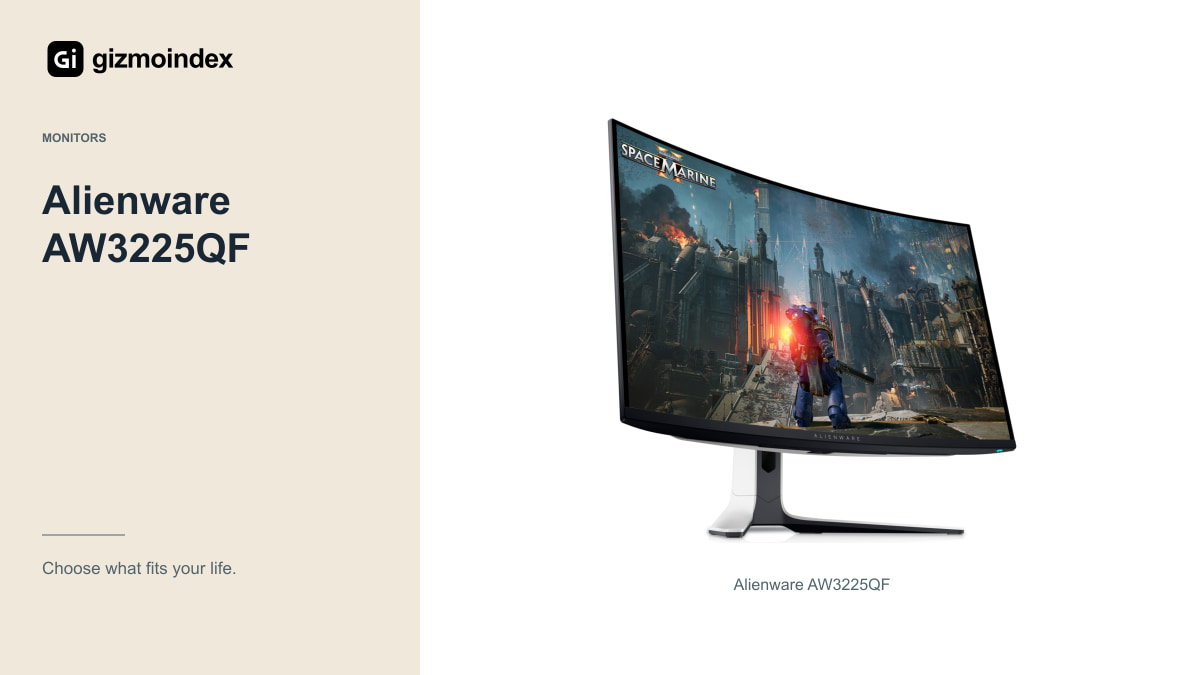
The AW3225QF is a 32-inch-class curved 4K QD-OLED monitor with a maximum refresh rate of 240Hz. Its 16:9 shape is easier to fit into a mixed PC-and-console routine than a very wide 32:9 display.
I’d consider this format for someone who values detail and plays a mixture of games rather than chasing only competitive frame rates. The curve is a preference to check in person, especially if you also use the screen for design or share the view with someone beside you.
Verify the exact ports, console modes and warranty in your market. Dell’s warranty language can differ by product and region, and an imported unit may complicate service. A familiar brand name doesn’t replace checking the support attached to your specific purchase.
LG UltraGear 45GX950A
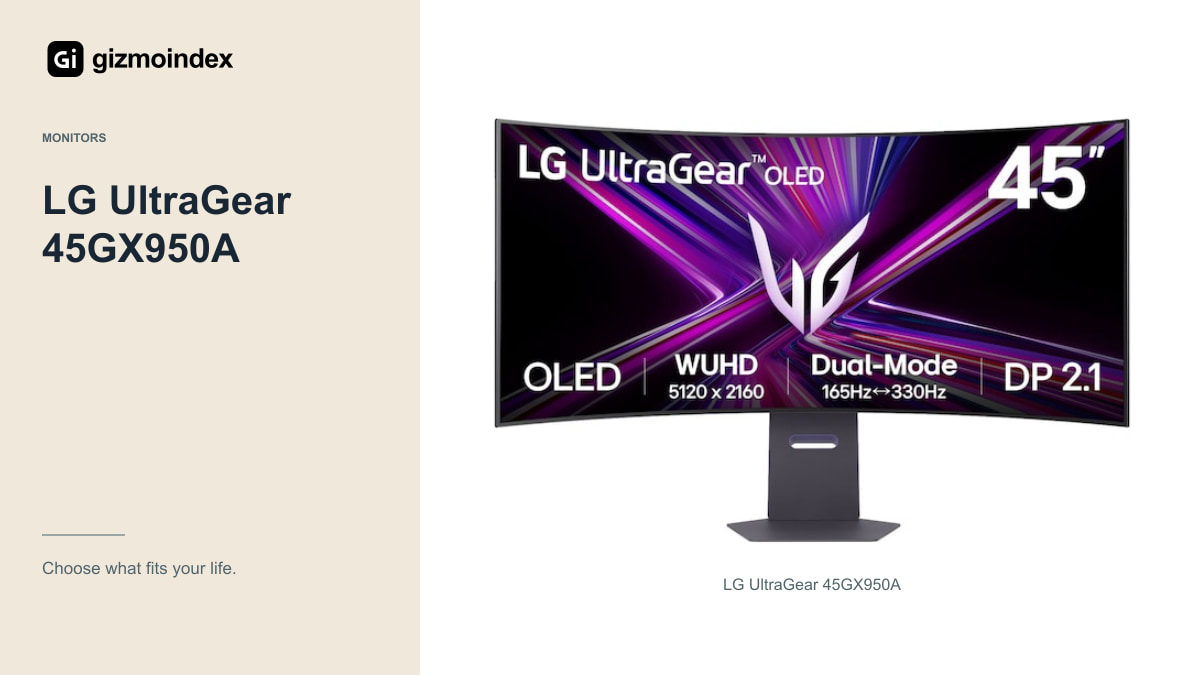
The LG offers a 45-inch curved OLED display and a 5120 × 2160 high-resolution mode at 165Hz. Its separate 330Hz mode reduces resolution. That’s a useful choice of operating modes, not a promise of the sharpest image and highest refresh rate together.
The appeal is the scale and 21:9 shape. It can suit immersive PC games, long timelines and people who want more physical workspace. It also needs desk space and a computer capable of handling the chosen resolution in demanding games.
Before buying, check game support and your viewing distance. A large curved monitor can be wonderful for the right setup and cumbersome for another. If you mainly play on a console, consider the image modes carefully; a conventional 16:9 monitor may be the better use of your budget.
Samsung OLED G9 G95SC
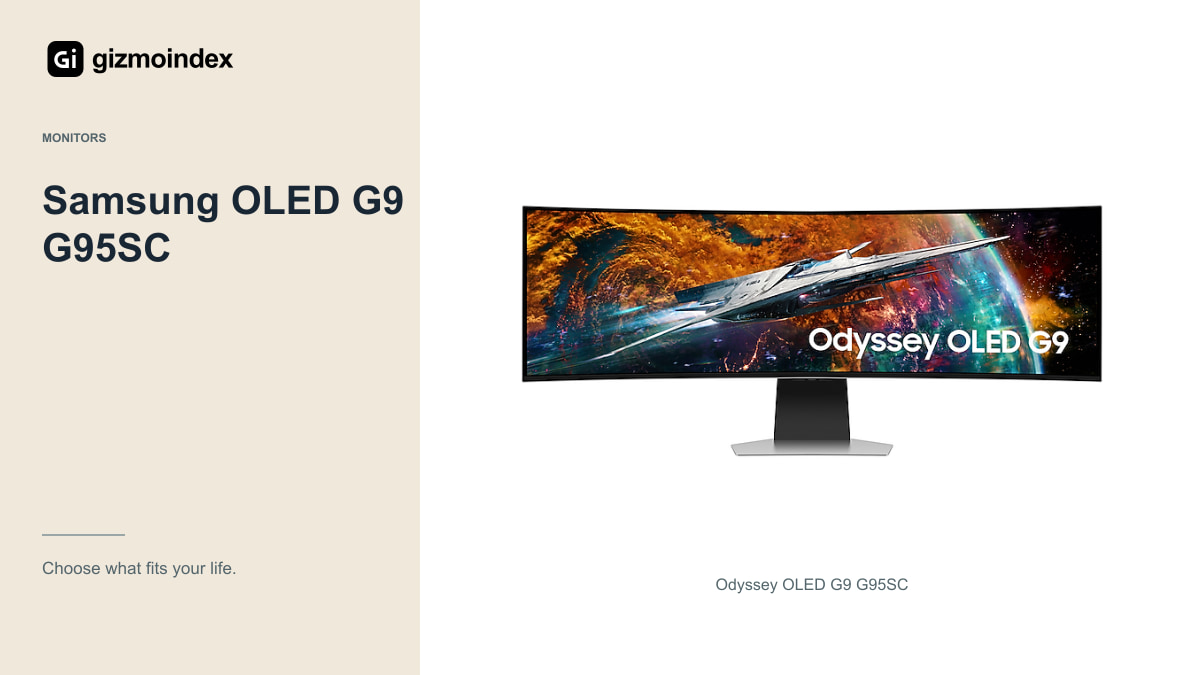
The existing G95SC brings a 49-inch 32:9 OLED format, 5120 × 1440 resolution and up to 240Hz. I’d consider it specifically for someone who wants the wide field and desktop arrangement, not as the automatic upgrade from every smaller monitor.
Check the games you use most, because 32:9 behaviour can vary. Menus, cutscenes and competitive modes may not use the width in the same way. The monitor’s desk footprint and the way you position commonly used windows also matter.
Don’t confuse it with the G95SJ announced for Samsung’s 2027 range. A shop selling a G95SC is selling that model’s specification, even if its listing mentions a newer announcement. Exact codes prevent expensive misunderstandings.
The announced G8 and G9
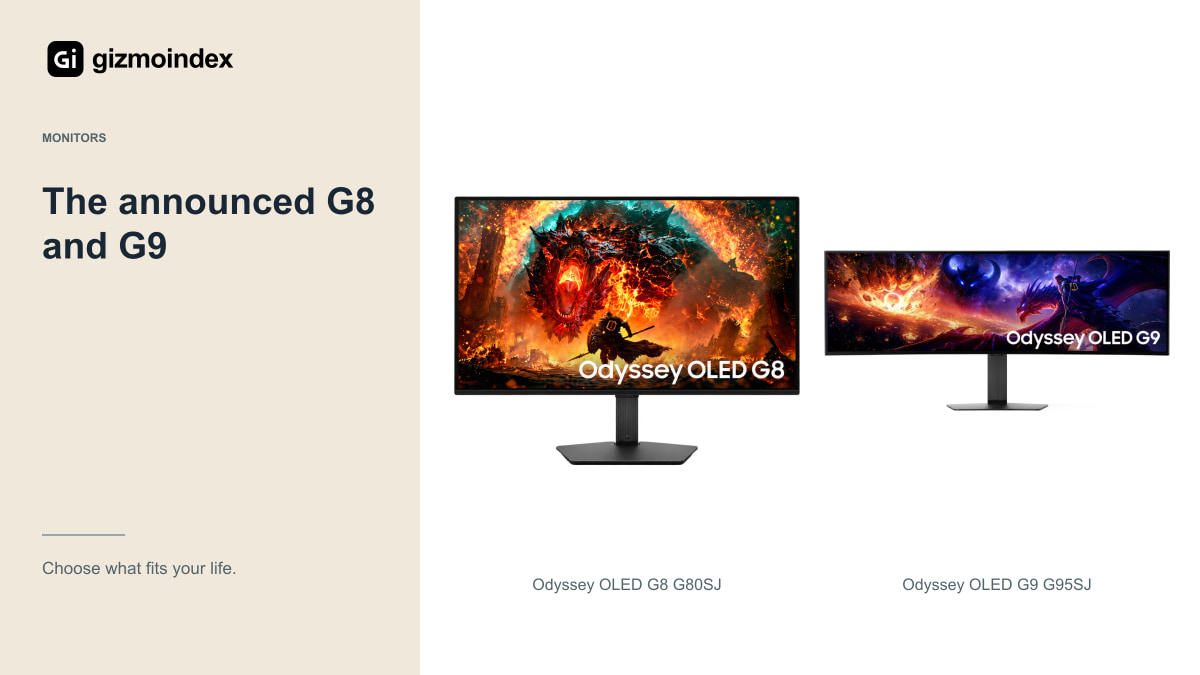
The G80SJ and G95SJ are interesting announced additions, with new QD-OLED panels and flexible high-refresh modes. At the October 2026 check, the linked product entries don’t provide verified local seller offers. I’d follow them rather than pretend they’re established in-stock recommendations.
There’s another naming trap here: the Odyssey G6 G60H uses Fast IPS, not OLED. It can be relevant to a high-refresh comparison, but it doesn’t belong in a list of OLED panel options just because it shares Samsung’s gaming range.
If you need a monitor now, compare existing models with clear stock and support. If a future model offers a feature you specifically need, waiting may be sensible. The decision should follow your needs and timing, not a desire to put every new name into a ranking.
Brightness and response time
OLED’s contrast and quick pixel transitions are genuine reasons to consider the technology. Still, a tiny grey-to-grey response-time claim isn’t the same measurement as input latency, and peak HDR brightness on a small window isn’t full-screen brightness for office work.
Look for measurements made under comparable conditions and inspect the screen in a room like yours. A bright window, display coating and your preferred brightness can matter more than a specification that only appears briefly in a controlled test.
For gaming, choose a resolution your graphics hardware can use well. A smooth, appropriately configured system can be more satisfying than a more expensive monitor attached to a computer that can’t deliver the frame rates you expected.
Which one I’d buy
I’d choose the ASUS for a high-refresh QHD gaming setup, the Alienware for a more conventional 4K OLED desk and the LG when a large 21:9 canvas was the main attraction. The G9 would be my choice only when I specifically wanted its very wide 32:9 format.
That’s the order I’d make the decision in: format first, useful resolution and speed second, then the price and support. A screen that suits your games is worth more than a larger model you keep trying to work around.
I also wouldn’t ignore OLED ownership. Read the panel-care guidance and the actual warranty, especially for a used unit. The contrast is appealing, but the monitor still needs to fit your normal day. Get those basics right and you’re more likely to enjoy the upgrade long after the first impressive scene.