
Best Tablets for Students in 2026
Compare tablets for students in 2026 by note-taking apps, portability, keyboard and pen costs, storage and the work your course requires.
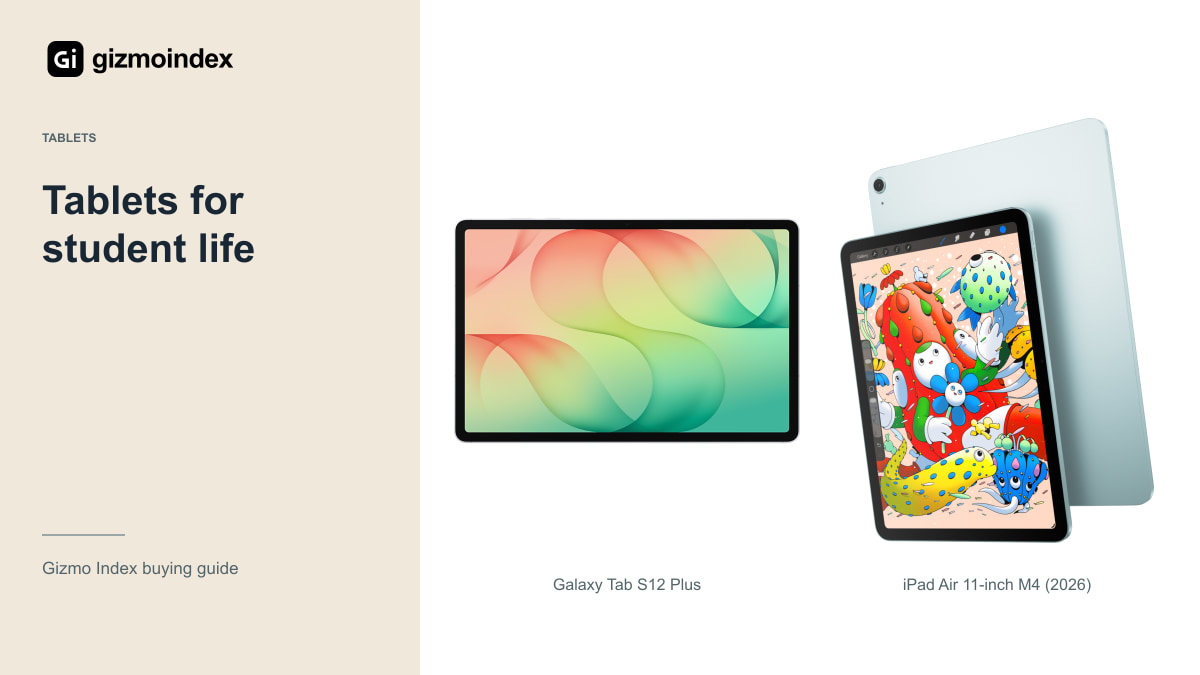
The best tablet for a student doesn’t have to be the biggest or most expensive one. I’d start with the work: lecture notes, textbooks, PDFs, online classes and whatever software your course expects. A tablet that makes those jobs easier is worth more than an impressive chip you rarely use.
My main picks are the Galaxy Tab S12 Plus, iPad Air 11 and a well-priced Galaxy Tab S9. The S12 Ultra is also worth considering when you genuinely need a huge page. Here’s why I’d choose each one, and where a pen, keyboard or ordinary laptop fits into the budget.
Galaxy Tab S12 Plus
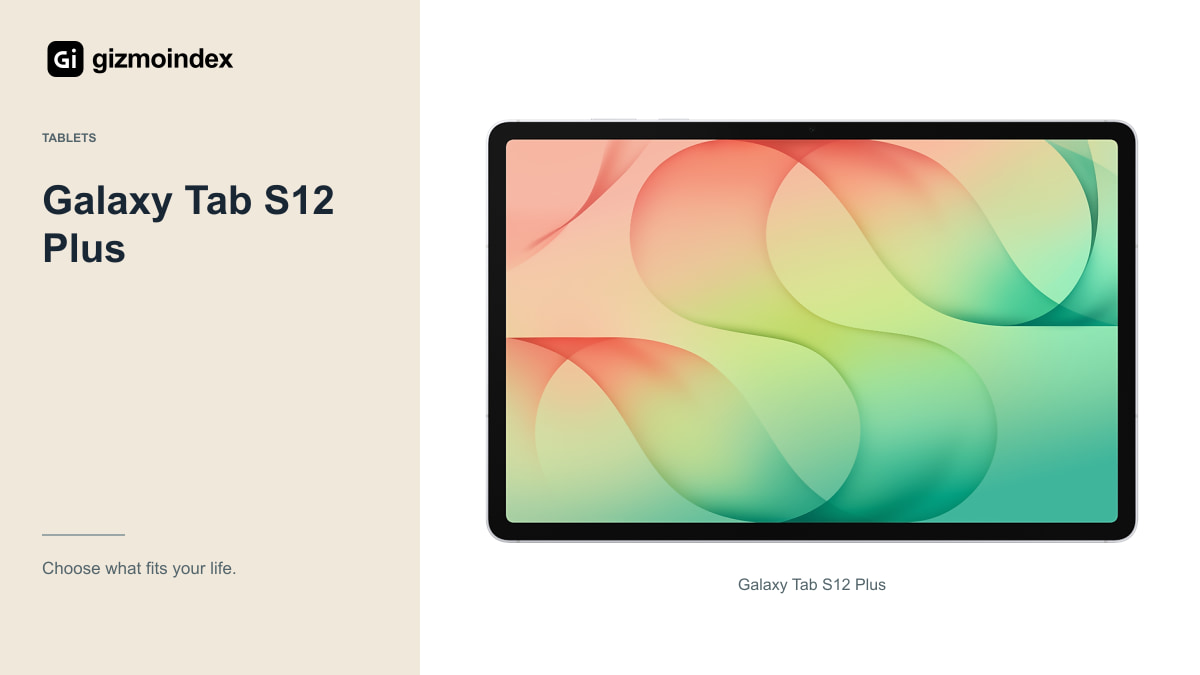
The 12.6-inch Tab S12 Plus is the Samsung I’d consider first for a student who wants a large screen. Its Dynamic AMOLED 2X display reaches 120Hz, and an S Pen is included. That makes handwritten notes and PDF annotation part of the starting package.
The size gives you useful room for a reference beside your notes without going all the way to the 14.6-inch Ultra. Samsung lists the Wi-Fi Plus at 553g, so it still deserves a bag-and-case check. Carrying a tablet between lectures is different from admiring it on a desk.
Samsung Notes, compatible study apps and DeX offer several ways to organise work. Try the actual learning portal and file-submission process before making it your only device. Also check subscription costs for any promoted app. A preinstalled application isn’t a promise that every paid feature is included for the whole degree.
For handwritten notes, the difference between a good setup and an awkward one can be as small as where you rest your hand. A bigger screen gives you room, while a smaller body is easier to carry between classes. I’d try writing a full paragraph, moving the page and opening a PDF beside it before choosing by size alone.
iPad Air 11 M4
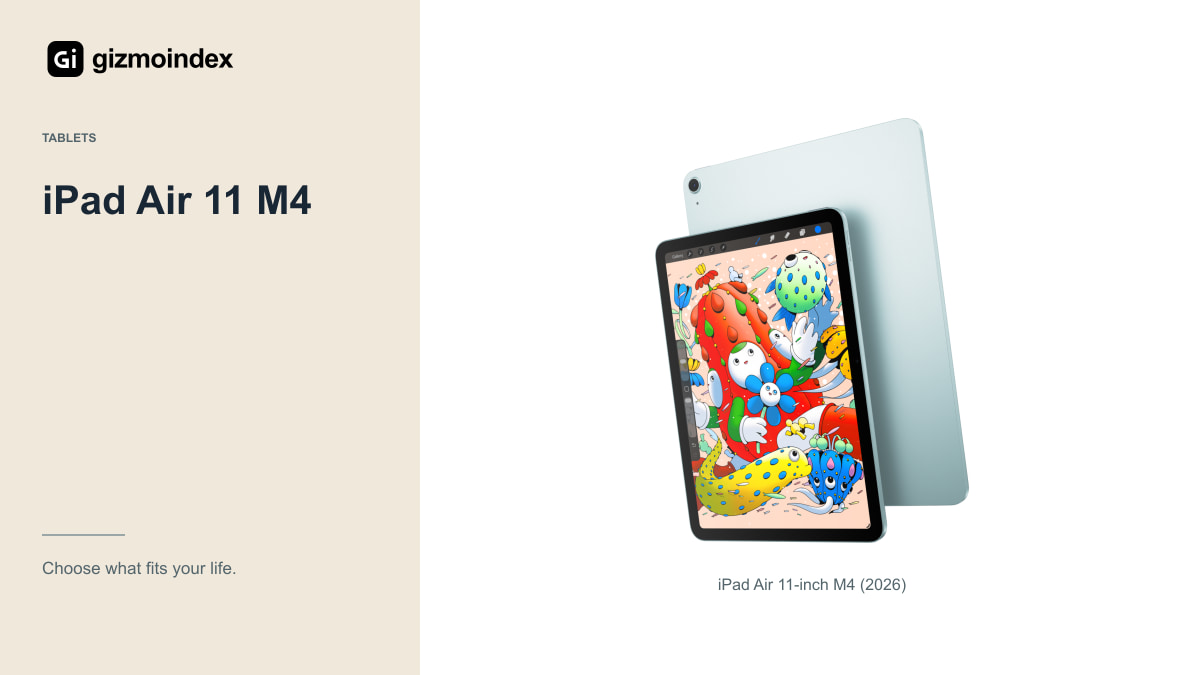
The 2026 11-inch iPad Air uses M4 and has a fully laminated Liquid Retina display. Apple lists the Wi-Fi version at 464g. That makes it a more manageable option than the largest tablets for carrying around and reading in a chair.
Its app selection can be a strong reason to buy, especially if you already know which note-taking or drawing application you want. Check the export options and whether your notes remain accessible outside that app. Study material should not become trapped in a format you can’t conveniently back up.
Remember the pen cost. Apple Pencil Pro and Apple Pencil USB-C are separate purchases and have different capabilities. Add the right pencil and enough storage before comparing the price with Samsung’s included-pen package. The Air can be a good fit without pretending its accessories are free.
Galaxy Tab S9
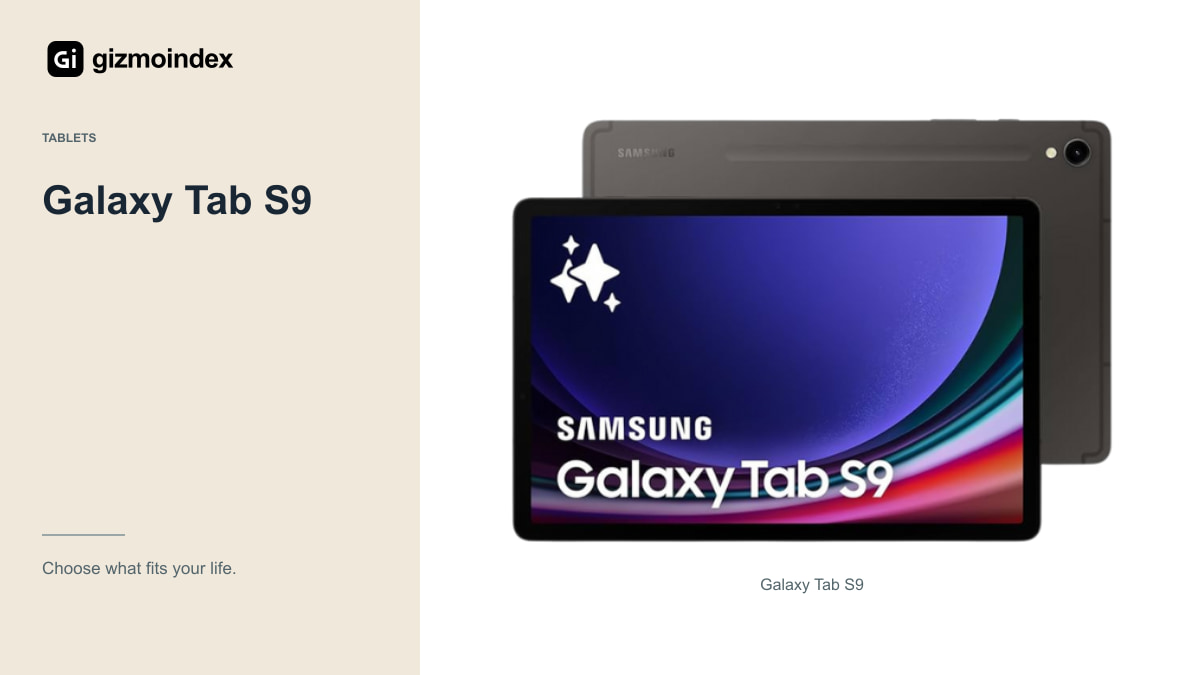
A healthy Tab S9 remains worth considering if it costs meaningfully less than the new generation. The regular model has an 11-inch Dynamic AMOLED 2X display, Snapdragon 8 Gen 2 for Galaxy and an included S Pen. Those are still useful ingredients for reading and handwritten study.
The important word is healthy. For a used unit, inspect the display, charging port, battery behaviour and pen. Check for an account lock or management restriction, and make sure the seller’s description matches the actual model. Tab S9 and Tab S9 FE are different products.
Remaining support also matters. The S9’s update commitment began with its 2023 launch; it doesn’t restart when you buy one in 2026. A cheaper older tablet can be sensible for a short course or companion role, but compare that support horizon with the years you expect to keep it.
Galaxy Tab S12 Ultra
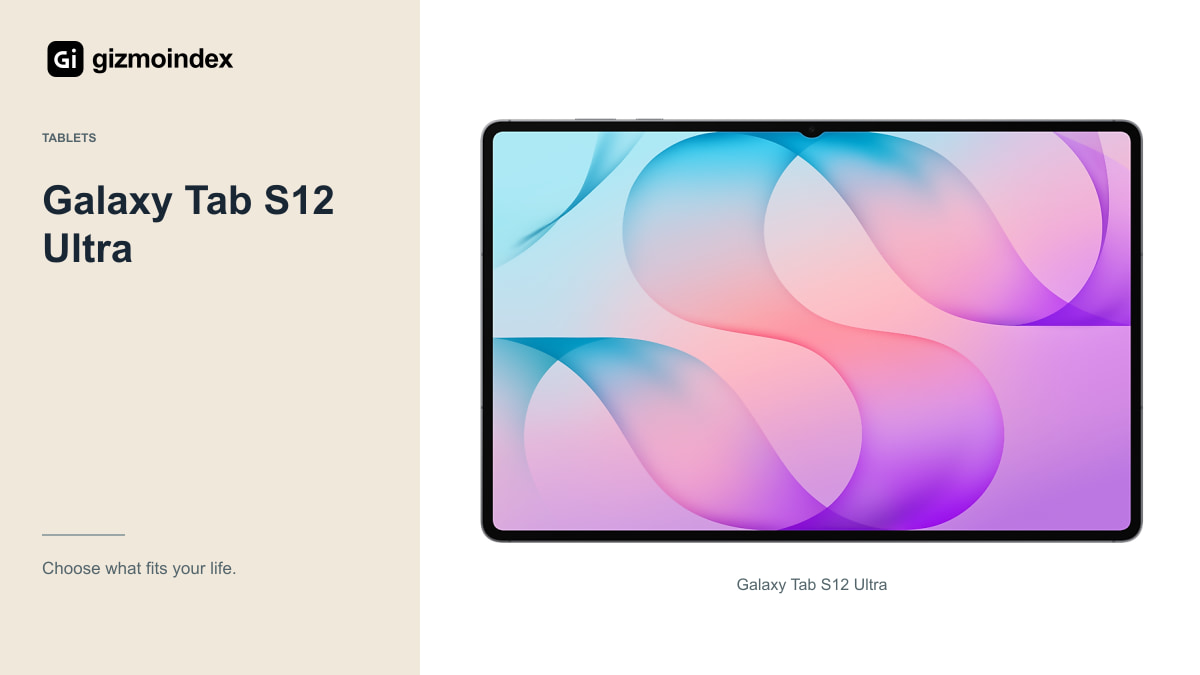
The Ultra’s 14.6-inch screen is attractive for detailed drawings, large documents and several windows. An art or design student who specifically wants that canvas may find the size worthwhile. It’s less easy to recommend as the default tablet for everyone attending lectures.
The Wi-Fi model weighs 692g before a case. Add a keyboard and it becomes a substantial part of your bag. If you mostly take short notes and read books, the Plus or an 11-inch tablet may be more comfortable and less expensive.
Try holding the Ultra and placing it on a lecture-hall desk. Its display is a real advantage when there’s room to use it. On a narrow desk beside a notebook and water bottle, a smaller device may be the one you reach for more often.
Storage and connectivity
Look at the files your course produces. Downloaded lectures, scanned textbooks, large illustrations and video projects can use storage quickly. A student mostly writing in cloud documents has different requirements from someone keeping several editing projects offline.
Check the tablet’s available storage options and any supported expansion. Don’t confuse a cloud-storage subscription with more room inside the device for an app that needs local space. Keep some free capacity rather than planning to fill the smallest configuration immediately.
For connectivity, a phone hotspot may make a cellular tablet unnecessary. If campus Wi-Fi is unreliable and the tablet is your main working device, cellular can be useful, but include the data plan in the cost. The best configuration is the one that solves your actual connection problem.
Keyboard or laptop
Typing long essays on a good keyboard is much nicer than using an on-screen keyboard. Try the accessory’s stability, shortcuts and trackpad before buying. A kickstand can be fine in a library and awkward on your lap during a commute.
Then test the difficult software task. A tablet office app may handle basic writing while lacking a required desktop function. Coding tools, specialist statistics software and secure exams need their own compatibility checks. Ask the department rather than relying on a shop assistant’s general promise.
If a laptop is compulsory, I’d consider a less expensive tablet as a companion. Handwritten revision and annotated PDFs can be valuable without asking the tablet to replace every other device. Spending less can be the more sensible way to build a complete study setup.
Which one I’d choose
I’d pick the Galaxy Tab S12 Plus for a large Android study setup with a pen already included. The iPad Air 11 would be my choice for a lighter iPad and the apps that suit that platform. A healthy Tab S9 is still worth comparing when it saves enough money to matter.
The Ultra is for someone who already knows they need the extra screen. I’d happily choose a smaller tablet if it left room in the budget for a laptop required by the course. Buying the biggest tablet and then discovering you still need that laptop is an expensive way to start a term.
My advice is to keep it simple: choose the apps first, a comfortable screen second and storage that fits your work. Add the accessories you need as you go. A good student tablet should make studying easier, and it shouldn’t use up the whole budget before the work begins.