
Best Tablets for Watching Movies in 2026
Choose a tablet for films by screen size, streaming compatibility, sound and offline viewing, with regional software and import checks covered.
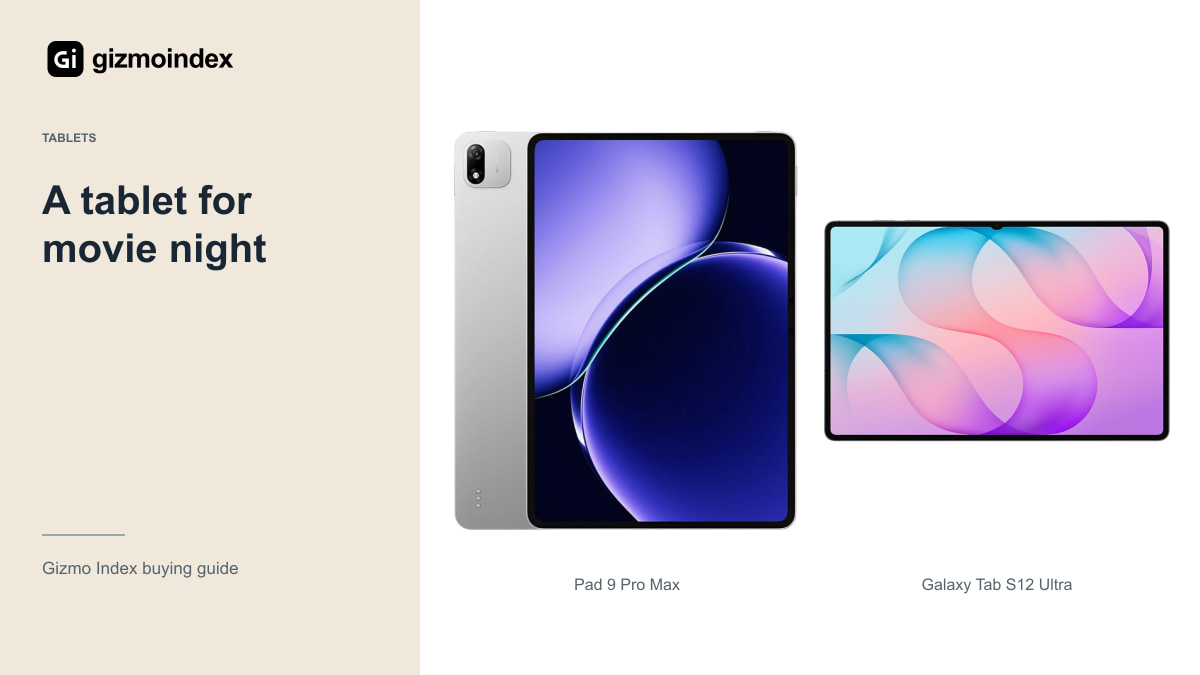
A good movie tablet should give you a picture you enjoy, sound you can follow and enough battery for the way you watch. I’d look at the screen and the streaming apps before paying for the most powerful chip. A film doesn’t become more enjoyable because the tablet wins a benchmark.
The Galaxy Tab S12 Ultra and Plus are attractive for their AMOLED displays. The iPad Air 13 makes sense for an Apple setup, while Xiaomi’s Pad 9 Pro Max gives you another large-screen option if the imported software suits you. Here’s how I’d compare them for watching rather than working.
Galaxy Tab S12 Ultra
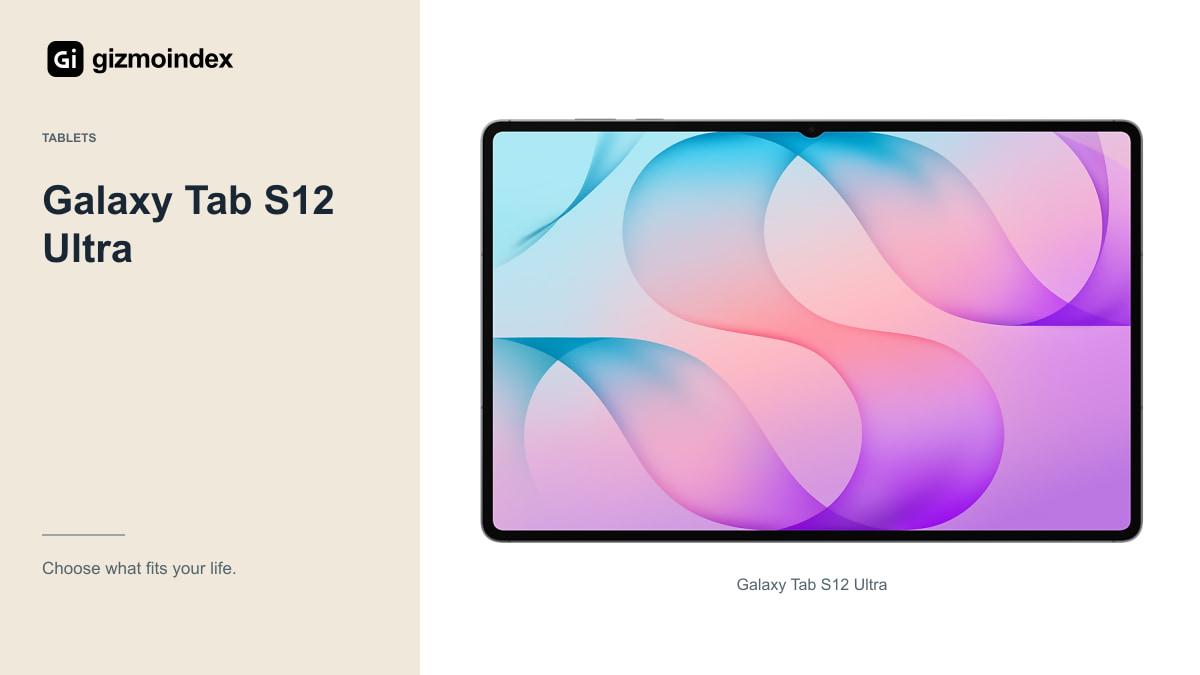
The Ultra’s 14.6-inch AMOLED display makes it an obvious model to consider for a desk, bedside stand or other supported viewing position. The size can make films feel more spacious than on a small tablet. It also makes the device less convenient to hold for long periods.
Try the tablet in the position you normally watch. A shop display stand doesn’t tell you how it balances on a lap or fits on a small table. Include the case or stand in your budget, because the accessory can determine whether the large screen is comfortable to use.
Check the actual streaming applications and supported quality rather than assuming an AMOLED panel guarantees every service’s highest tier. Subscription level, device certification, app settings and the available connection can all affect playback. The screen specification is only one part of the result.
For watching on a sofa, the stand can matter almost as much as the screen. A tablet that’s constantly sliding or needs holding for a whole film becomes tiring. I like a setup that lets the display sit comfortably while the dialogue stays clear. Those small things are part of the movie experience too.
Galaxy Tab S12 Plus
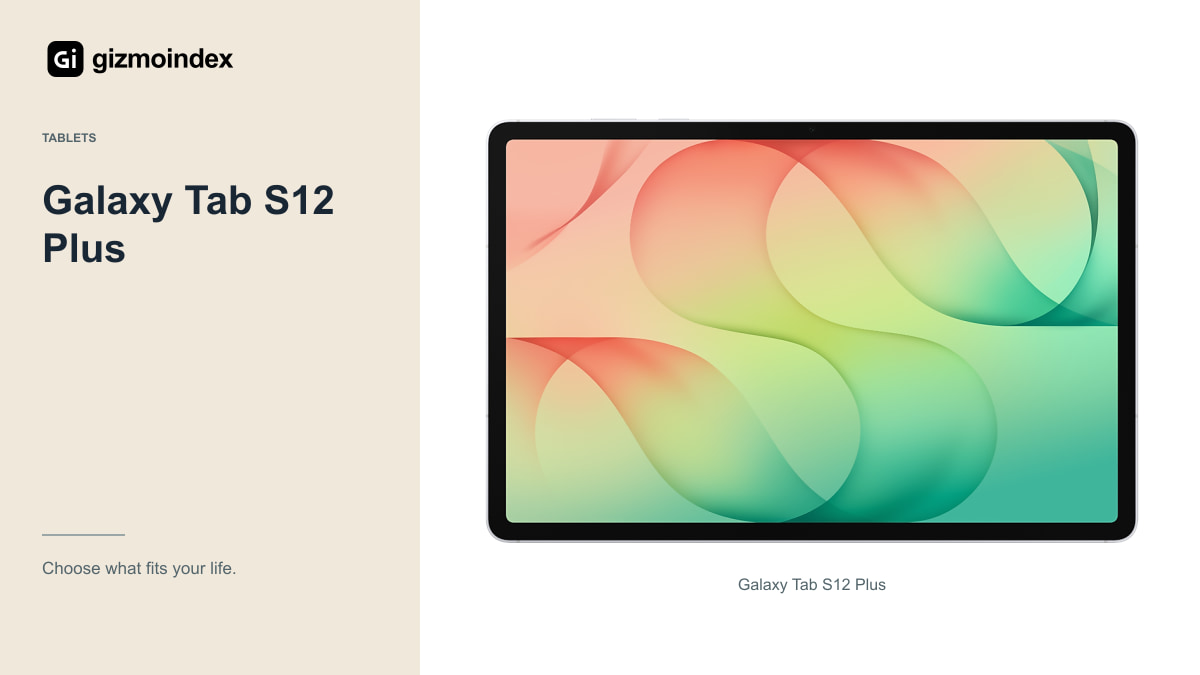
The Plus uses a 12.6-inch AMOLED display, giving you less screen area than the Ultra but a different carrying and holding proposition. I’d compare them in person if possible. The smaller option may be easier to use regularly without giving up the display type that interests you.
For someone who watches in several rooms or travels often, convenience can matter more than maximum diagonal size. Think about the bag, tray table and stand you’ll use. The best movie tablet isn’t always the biggest one you can afford.
If the Plus costs meaningfully less in the configuration you need, the saving could cover a good case, headphones or more storage. Compare the complete setup rather than deciding only from the tablet price. Those additions can improve everyday viewing more than another few inches of screen.
iPad Air 13
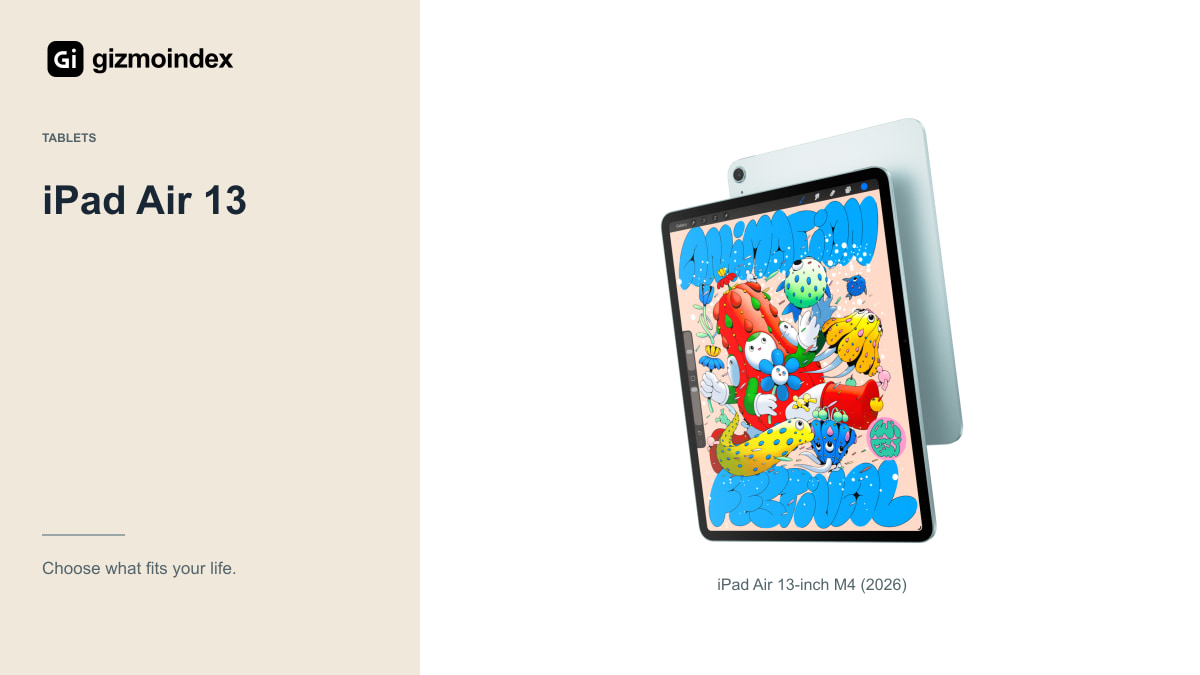
The 2026 M4 Air 13 is worth looking at if your apps, account and accessories already live in Apple’s ecosystem. It uses a Liquid Retina IPS display rather than the current Pro’s OLED arrangement. That’s a clear distinction to understand before buying mainly for dark-room film viewing.
A large Air can also work as a general-purpose tablet for reading, calls and notes between viewing sessions. If those jobs matter, they can strengthen the value argument. I wouldn’t buy a more expensive Pro simply to watch films unless its specific display advantages justify the extra cost for you.
Open the services you use and check downloads, subtitles and account restrictions. If you share the tablet with family members, consider the profile and parental-control arrangements. A familiar ecosystem can be convenient, but it still needs to support your actual viewing routine.
Xiaomi Pad 9 Pro Max
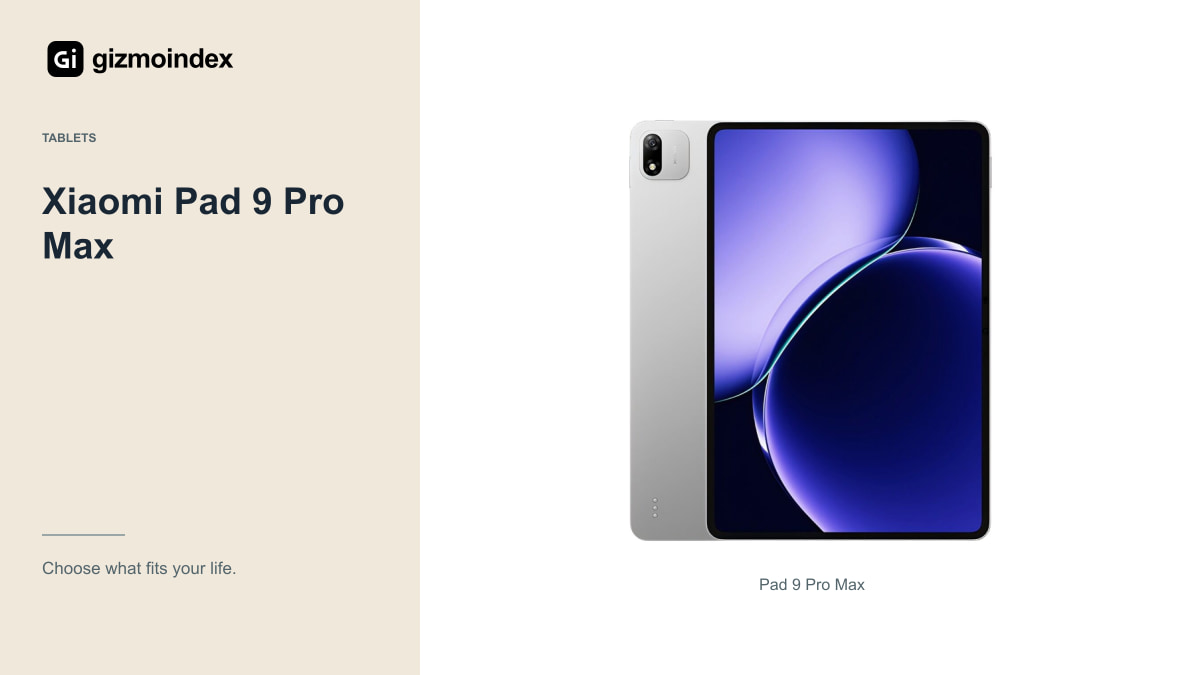
Xiaomi’s Chinese listing identifies a large 13.3-inch tablet, which is an appealing starting point for media use. Outside its documented market, the regional version and software matter before you compare it with locally supported alternatives. A product listing isn’t proof of local streaming compatibility.
Ask about the exact software, updates, languages and access to your chosen services. In particular, verify the playback quality those services allow on that unit. A high-resolution display doesn’t guarantee the app’s highest-quality stream or trouble-free offline downloads.
Also consider warranty and returns. An import can be attractive at the right total price, but overseas repair costs or uncertain app behaviour can reduce the saving. I wouldn’t recommend it solely because a converted Chinese starting price looks lower than a local tablet offer.
Screen shape
A screen’s diagonal size doesn’t describe the visible picture for every film. Different aspect ratios leave different amounts of unused area around content. Black bars are often the correct way to preserve the original framing rather than a sign that the tablet is malfunctioning.
Try the types of content you watch most: widescreen films, television episodes, sports or older programmes. Avoid stretching or cropping just to fill the panel unless you understand the tradeoff. Filling every pixel can remove part of the picture or distort the intended shape.
This is another reason to inspect real playback rather than comparing only dimensions. A larger tablet can still display a specific format differently from what you imagined. The right choice is the presentation you enjoy at a comfortable viewing distance.
Sound
Listen to dialogue at a normal volume and check whether it remains clear in your usual room. A tablet’s speaker arrangement can be useful, but it won’t behave like a full home-theatre system. Loudness alone isn’t the same as enjoyable sound.
If you use wireless headphones, consider audio delay in your actual apps. Connection and synchronisation behaviour can vary by device and service. If you need wired audio, check the port and any adapter requirements rather than assuming a familiar connector is present.
For shared viewing, consider whether the screen and speakers work well from the positions people occupy. A tablet that’s perfect for one person may be awkward for two people on a sofa. A simple stand and sensible placement can make a substantial difference.
My picks
I’d choose the Tab S12 Ultra for a large AMOLED picture on a stand, and the Plus if I wanted a Samsung tablet that was easier to carry and hold. Those would be my first comparisons when films were the main reason for buying.
The Air 13 is a useful choice if your apps and account already live on an iPad. I’d compare the Xiaomi after confirming the streaming services and offline features I wanted worked properly on that version. A big screen loses its attraction quickly when the service won’t give you the playback you expect.
My advice is to try a film or episode you know, including dialogue, before choosing. Check the subtitles and the way the picture fills the screen. Buy the tablet that makes watching comfortable, rather than paying extra for work features you won’t use.