
Best Ultrawide Gaming Monitors in 2026
Compare ultrawide monitor options for games and work, including desk space, software support and the difference between announced models.
Want a gaming monitor that gives you more room at the sides? Ultrawide screens can be a lovely upgrade for the right games. The catch is that 21:9 and 32:9 are different experiences, and the wider one isn’t automatically the better choice.
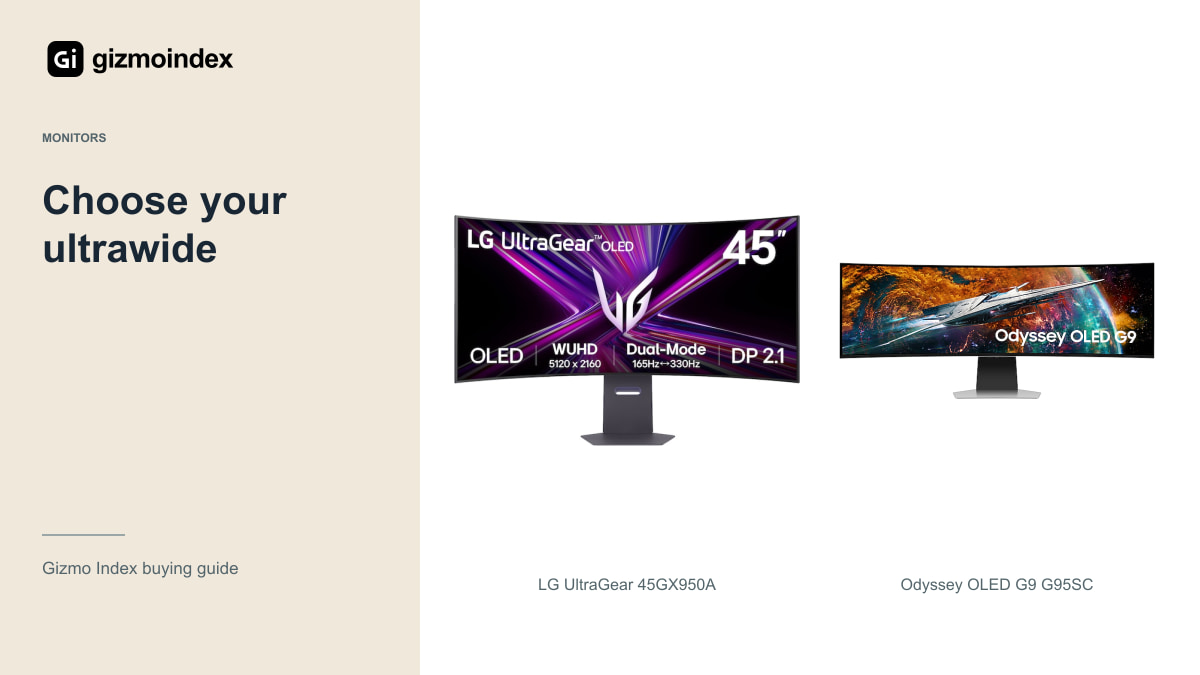
My main comparisons are LG’s UltraGear 45GX950A and Samsung’s existing OLED G9 G95SC. The announced G95SJ also deserves a mention for buyers happy to wait. I’ll keep that distinction clear, because a monitor you can buy and one you’re following for a future release shouldn’t be treated as the same offer.
LG UltraGear 45GX950A
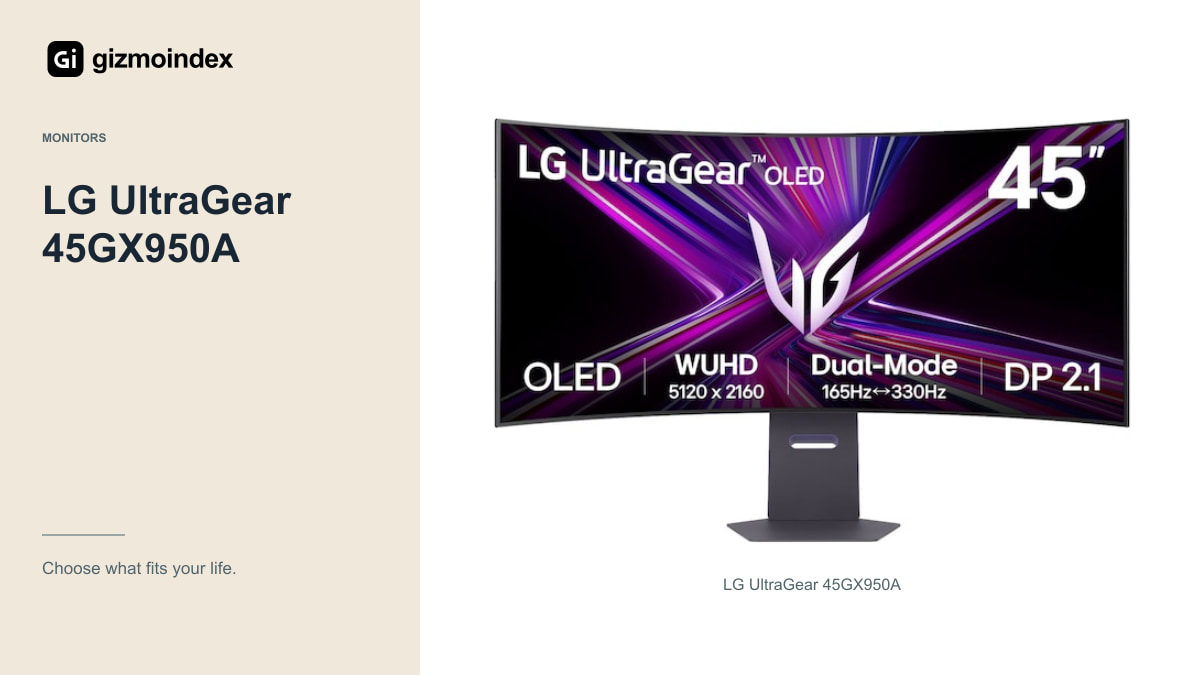
The 45GX950A combines a 45-inch curved OLED panel with 5120 × 2160 resolution. It offers a high-resolution 165Hz mode and a separate lower-resolution 330Hz mode. Those modes involve a trade-off; it isn’t a 5K2K image running at the higher refresh rate simultaneously.
I like the idea of this format for someone who wants a very large gaming screen without going as wide as 32:9. The extra vertical resolution can also be useful for a timeline or documents. Check the physical size and curve at your intended viewing distance before deciding it replaces your existing monitors.
You still need suitable graphics performance. Running demanding games at that native resolution is a serious workload, and lowering settings may be part of the experience. Buy the monitor with the computer you own or realistically plan to buy, rather than assuming a high-refresh label guarantees matching frame rates.
For someone moving from a normal monitor, I’d try the shape before chasing a model. A 21:9 screen gives you extra width without going as far as 32:9. The G9 takes that idea much further. It’s a big difference in how windows, videos and games fill the display, even before you compare image quality.
Samsung OLED G9 G95SC
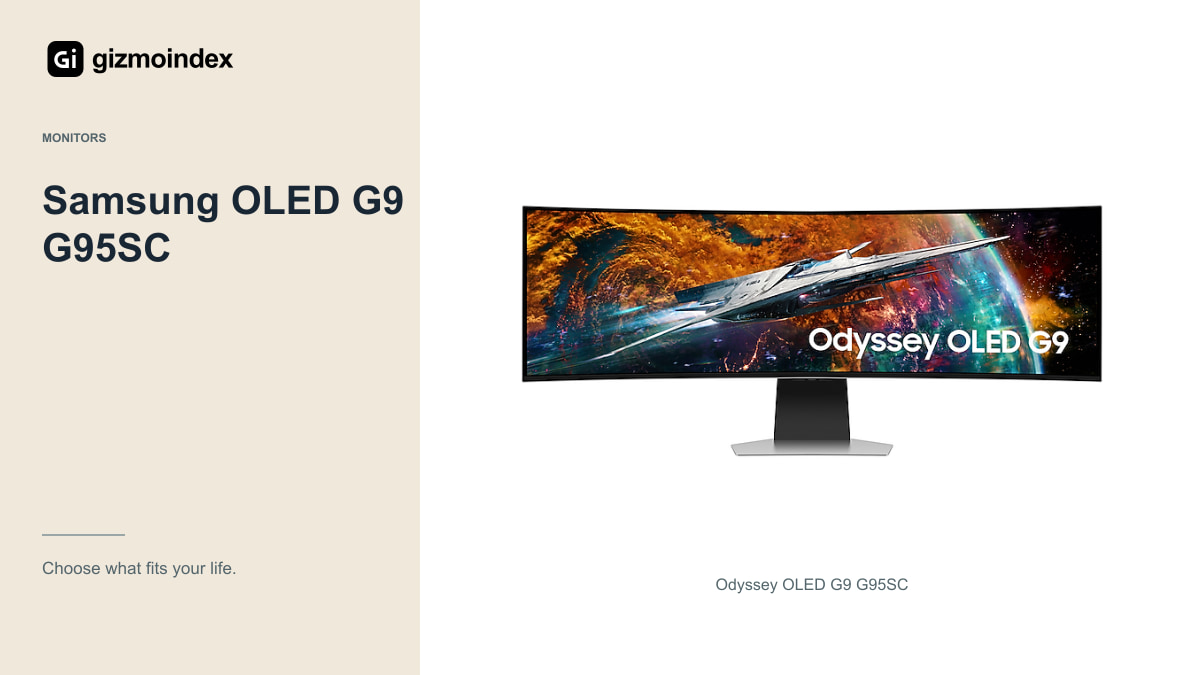
The G95SC’s 49-inch 32:9 panel offers a wider format, with 5120 × 1440 resolution and up to 240Hz. It’s the more obvious choice to consider if the sweeping width itself is what attracts you to ultrawide gaming.
In a compatible racing or simulation game, that shape can be the point of the purchase. On the desktop, it provides space for several applications side by side. The trade-off is a very wide display with less vertical resolution than the LG’s 2160-pixel high-resolution mode.
Measure the desk and inspect the actual model’s text rendering, ports and warranty. The OLED G9 name appears on several products, so don’t borrow specifications from the new G95SJ to describe a discounted G95SC. If the seller can’t identify the exact code, the comparison isn’t ready yet.
The announced G95SJ
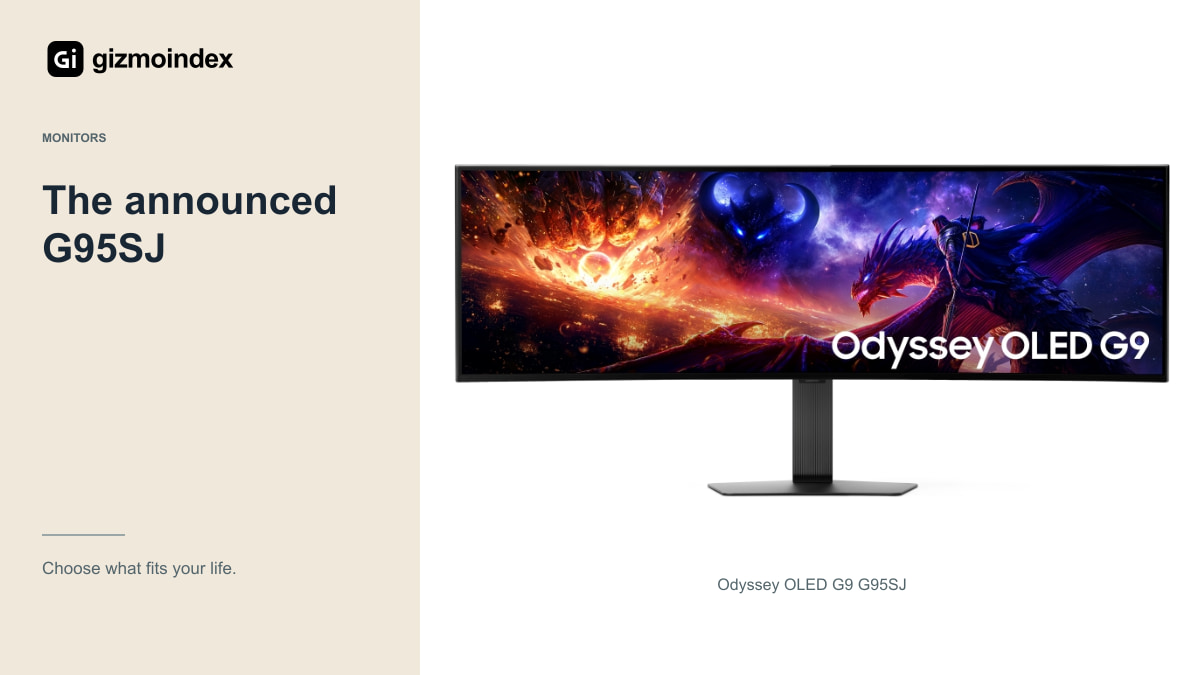
Samsung announced the G95SJ for its 2027 Odyssey range at Gamescom 2026. It brings a newer panel generation and higher-refresh operating modes to the 49-inch format. Those announced features are interesting, but they should not be used to invent a current retail price or hands-on result.
As of the October 2026 check, the linked Gizmo Index page has no verified local seller offer for this exact model. If its features are what you specifically want, wait for final availability, measurements and warranty information in your market.
There’s nothing wrong with buying an existing ultrawide instead. The question is whether it gives you the experience you want at a total price you can justify. Waiting for an announcement is useful only when the coming product solves a problem the current options don’t.
Where the G8 fits
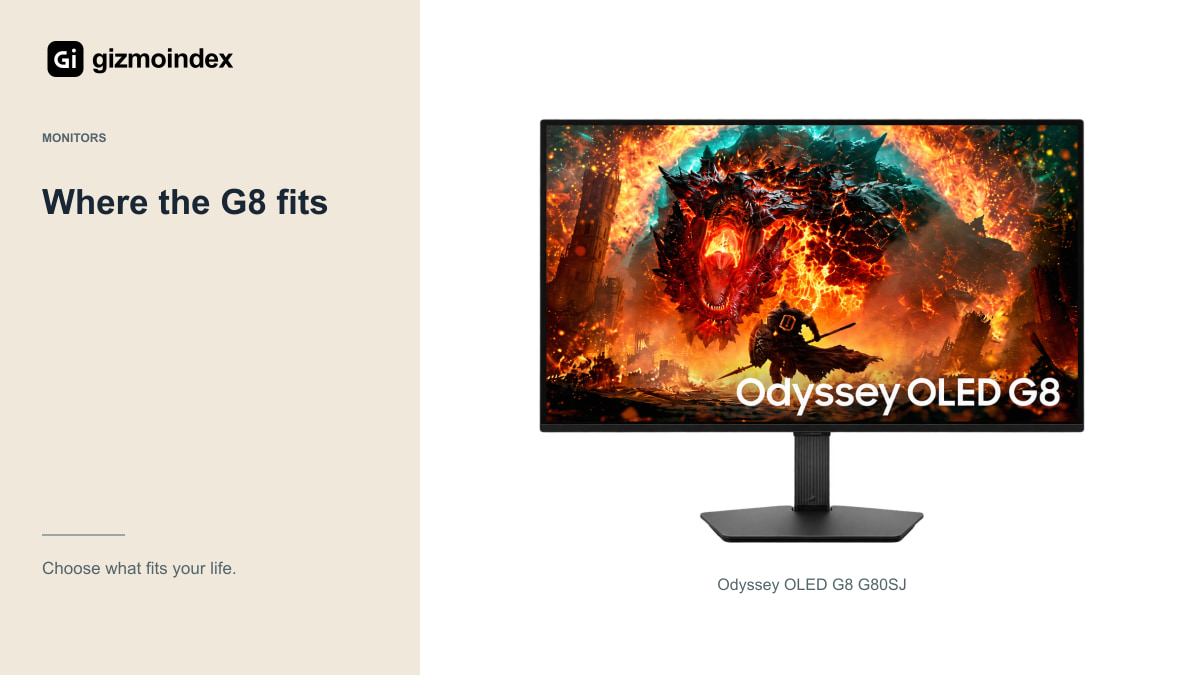
Samsung has used the OLED G8 name on different shapes. The announced G80SJ is a 32-inch-class 16:9 monitor, so it doesn’t belong in an ultrawide ranking just because the G8 name once appeared on a 34-inch product.
It can still be a useful alternative if you decide a conventional display suits your games and console better. That’s a different buying direction, not another way to obtain the same wide view. Check the code rather than shopping by the shortened family name.
This distinction is especially important with retailer photos and comparison tables. A page that mixes one G8’s size with another generation’s refresh rate can make an ordinary offer look extraordinary. Confirm the actual unit before comparing it with the LG or G9.
Games and screen shape
Look at the titles you play regularly. Check support in gameplay, menus, cutscenes and multiplayer modes, because behaviour can differ within the same game. A spectacular demonstration in one racing title doesn’t establish universal support.
Competitive games can also restrict the usable view for fairness or present information differently on very wide screens. If your favourite game uses only part of the panel, decide whether you’re happy paying for width that isn’t always active.
Console use deserves a separate check. PS5 doesn’t behave like a PC with a native 32:9 desktop output. If a console is your main device, a conventional 16:9 screen can be the more practical choice. Don’t buy an ultrawide expecting every connected device to fill it naturally.
OLED care
These OLED options make varied games and dark scenes attractive, but a mixed office routine needs thought. Follow panel-care guidance, let the monitor perform its maintenance and read the exact warranty terms for your region.
Inspect reflections in a room similar to yours. A glossy-looking promotional photo doesn’t tell you how a window behind your chair will appear on the screen. Brightness claims measured on small areas also should not be treated as full-screen desktop brightness.
For a used unit, examine uniform backgrounds for obvious retention, unevenness or damage. Check the ports, stand and included adapter. A large discount should reflect condition and support, not just the fact that a newer announcement exists.
My picks
I’d start with the LG 45GX950A if I wanted a large 21:9 screen with plenty of vertical room. It’s the format I’d compare for games and a broader desktop routine. The curve and physical size still need to suit where you sit.
I’d choose a G9 for a setup built deliberately around 32:9. That width is its strongest attraction, especially when your favourite games use it well. I’d be less interested if most of my time went into content designed for a conventional screen.
The G95SJ is one to follow rather than an assumed in-stock recommendation. For a purchase now, I’d compare actual retail units and include OLED warranty terms in the decision. The best ultrawide is the one whose extra space improves your games, without making the rest of the desk difficult to use.