
Can the Galaxy Tab S12 Ultra Replace Your Laptop?
Can a Galaxy Tab S12 Ultra replace your laptop? Check your apps, files, keyboard setup and external devices before changing your workflow.
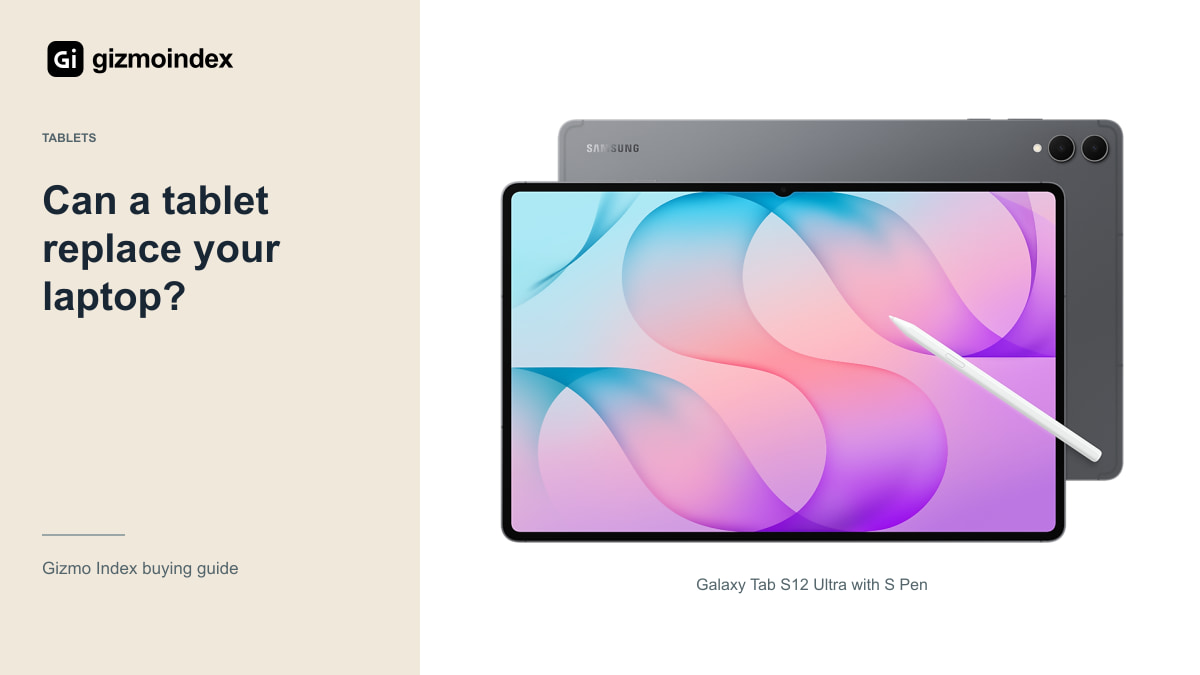
Can the Galaxy Tab S12 Ultra replace your laptop? For writing, notes, email and some creative work, I can see why you’d want it to. The huge screen, S Pen and DeX make the idea attractive. Add a keyboard and you have something that looks ready for a full day at a desk.
But the keyboard doesn’t turn Android into Windows or macOS. If your work needs a desktop-only app, a specific plug-in or complicated spreadsheets, that matters more than how powerful the tablet is. Let’s go through where the Ultra makes sense as a laptop replacement and where I’d still keep the computer.
Apps and software
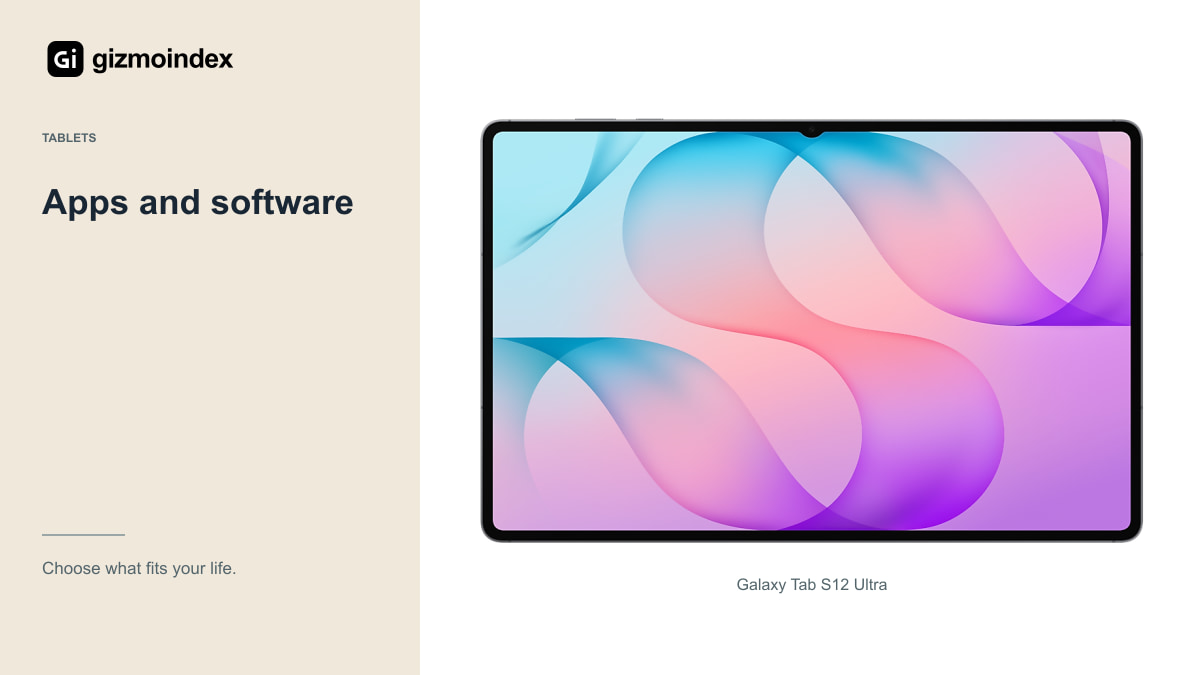
Make a short list of what you do in a normal week, then highlight the task that depends on a specific desktop program. That might be an accounting package, a development environment, a specialist design tool or an Excel workbook with automation.
Check whether the exact function exists in the Android app or web version. A familiar product name can hide a reduced feature set. If your work depends on a plug-in, a file format or a company portal, test that specific requirement rather than assuming an alternative will appear later.
This is also where a university or employer can decide the purchase for you. Some examination tools, device-management requirements and secure work systems have specific platform support. Get that answer before buying a tablet as your only computer. It’s a much easier conversation than asking for an exception after the return period ends.
Imagine writing an article while a browser page and a notes app stay open beside it. That’s a good reason for the Ultra’s size. Now imagine the last step needs a desktop extension your editor relies on. The first part can feel excellent while the final step still needs a laptop. That’s the difference I’d settle before spending.
DeX
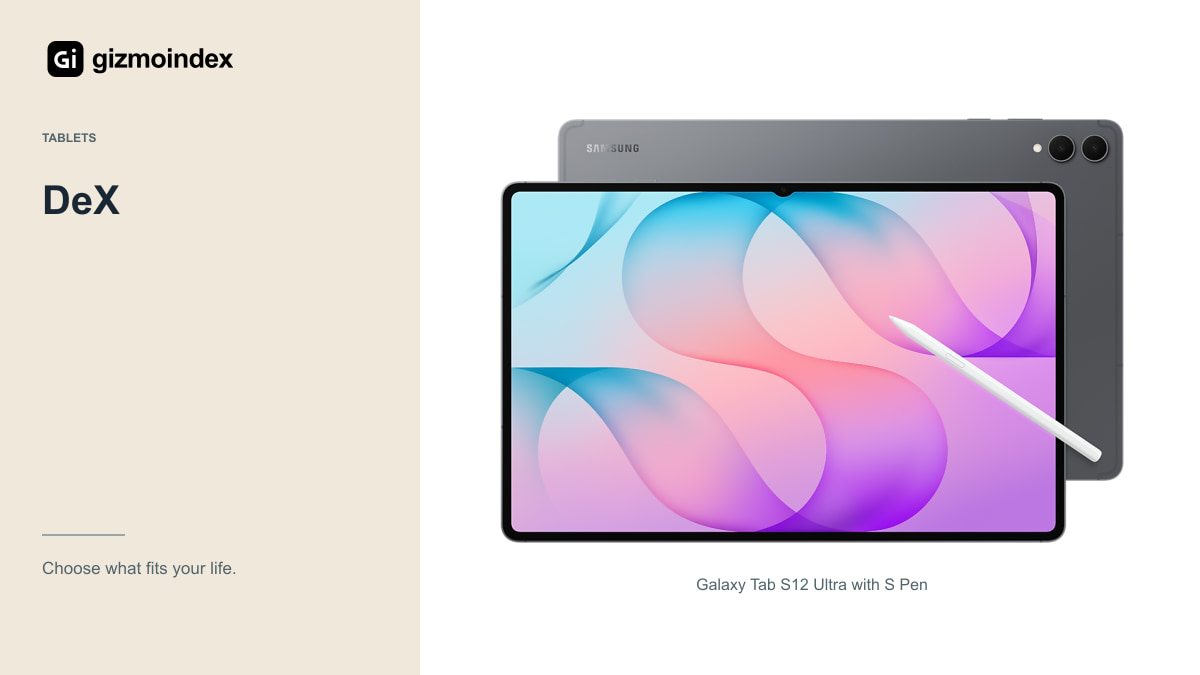
Samsung DeX gives the Ultra a desktop-style workspace with movable application windows. The large display is useful when you write in one app while checking a reference in another. A keyboard, mouse and suitable stand can make that arrangement feel much more organised than constant full-screen app switching.
For email, browser research, document review and straightforward writing, I can see the appeal. The included pen also lets you switch between typing and handwritten annotation without carrying a separate drawing tablet. That flexibility is a real reason to consider the Ultra.
DeX remains a way of arranging Android apps, however. It doesn’t turn those apps into their Windows or macOS equivalents. Judge it by the tasks you can complete, not how closely the desktop resembles a laptop screenshot.
Writing and study
If your day is mostly notes, reading, online meetings and a browser-based document editor, the Ultra could cover a large part of it. The 14.6-inch screen gives you room for a PDF beside notes, and an S Pen is included in the standard package.
Before committing, create and submit an actual assignment or work document. Check page layout, references, tracked changes, fonts and the final exported file on another computer. A document that looks correct in the editor may need another check after export.
Also test your institution’s upload process and any printing requirement. File pickers, browser behaviour and printer support can become irritating when a deadline is close. The point isn’t that a tablet can’t do these jobs; it’s that your specific process needs to work reliably.
Drawing and editing
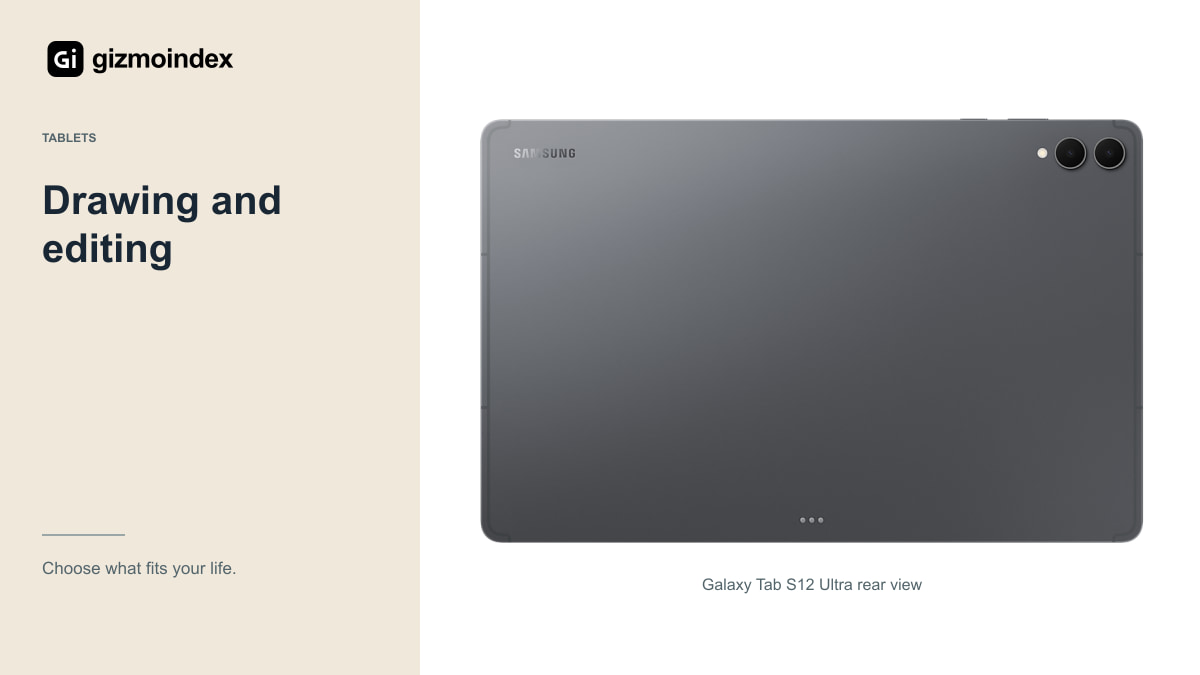
Samsung promotes creative software for this generation, including Photoshop for Android tablets and apps designed for pen input. That makes the Ultra an interesting canvas, but you should still inspect the features available in the actual tablet app and subscription tier.
For illustration, open an existing layered project, work on it and export it. For video, import the camera format you normally shoot, add your effects and produce the final delivery format. Check whether external storage and your preferred colour setup are supported.
The Dimensity 9500 platform provides ambitious hardware, but hardware can’t supply a missing plug-in. A creator whose work depends on a full desktop application may be better served by a laptop and a cheaper companion tablet. Someone whose work already lives in tablet apps has a much stronger replacement case.
Keyboard and comfort
A large touchscreen doesn’t make a comfortable typing machine by itself. Try the exact compatible keyboard you intend to buy. Look at key spacing, shortcuts, trackpad behaviour and how securely the stand supports the screen.
Some kickstand covers need a deep table. That’s fine at a desk and less convenient on your lap or a narrow train tray. Compare the total weight and footprint with a laptop rather than comparing the bare tablet’s 5.1mm thickness with a complete notebook.
Include the accessory cost as well. The S Pen is included, but a keyboard isn’t automatically part of the tablet price. Once a keyboard, stand, charger and dock enter the basket, the full setup may compete directly with a capable laptop.
Ports and external screens
An external display can make desk work more comfortable, but test the combination of tablet, hub, monitor and application. Check charging while connected, external storage access and your preferred keyboard and mouse. Don’t assume every USB-C hub behaves identically.
If you use a wired network, a specialist audio interface, a scanner or unusual office equipment, check Android support. The occasional peripheral can be the reason a laptop remains necessary even when most everyday tasks feel easy on the Ultra.
Remote desktop can bridge some gaps. It also means relying on another computer, a suitable connection and acceptable latency. That can be useful for occasional access, but it’s a different plan from a tablet independently replacing your only computer.
Battery
Samsung advertises up to 23 hours of video playback from the Ultra’s 11,600mAh battery. That claim should not be treated as a measured result for video meetings, editing, cellular data and a bright screen together.
Think about the places you work. A tablet used near a charger between classes has a different job from one used on a long journey. Check the compatible adapter and the charging capability of any power bank you plan to carry.
Save offline copies of essential files and test your backup arrangement. Cloud access is convenient until the connection disappears or an account needs attention. A replacement computer should let you recover your work, not merely open it when every service is behaving perfectly.
Can it replace a laptop
I’d use the Tab S12 Ultra as a laptop replacement for a routine built around browser work, writing, reading and handwritten notes. The screen gives those jobs plenty of room, and DeX makes switching between windows more comfortable. The S Pen also adds something a normal laptop may not offer.
I’d keep the laptop for desktop applications, specialist tools or work that gets awkward on Android. That isn’t a small detail. If one necessary task sends you back to a computer every week, the Ultra may work better as a companion than a replacement.
My recommendation is to try a normal workday on the tablet before buying the full keyboard setup or selling anything. I like the Ultra as a flexible tablet that can handle plenty of desk work. I’d only call it my laptop replacement after it had handled the work I couldn’t leave unfinished.