
Galaxy Tab S12 Plus vs iPad Air 13 (2026)
Galaxy Tab S12 Plus or M4 iPad Air 13? Compare screen technology, pen costs, portability and the apps that should decide your purchase.
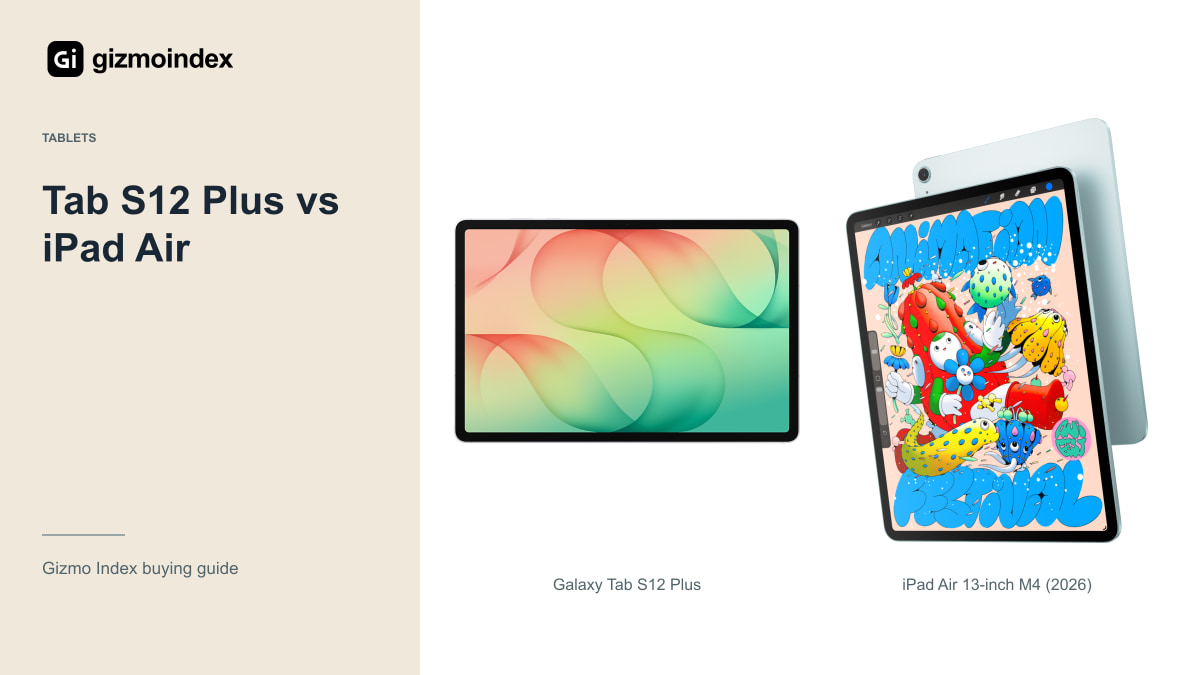
The Galaxy Tab S12 Plus and iPad Air 13 are two tablets I’d compare before spending more on an Ultra or Pro. Both give you a large screen for notes, films and everyday work. The Samsung adds an AMOLED display and an included S Pen, while the Air brings Apple’s M4 chip and iPad apps.
My first choice would depend on what I already use. I’d lean towards the Samsung for Android and handwritten notes straight out of the box. I’d lean towards the Air if the apps I want are on iPad. Here’s how the display, size, performance and accessory costs change the decision.
The Air here is the 2026 M4 model, rather than the 2025 M3 version. Samsung’s Plus has a 12.6-inch screen; Apple’s Air 13 has a 12.9-inch diagonal. Keeping those exact models together makes the price comparison much more useful.
Apps and software
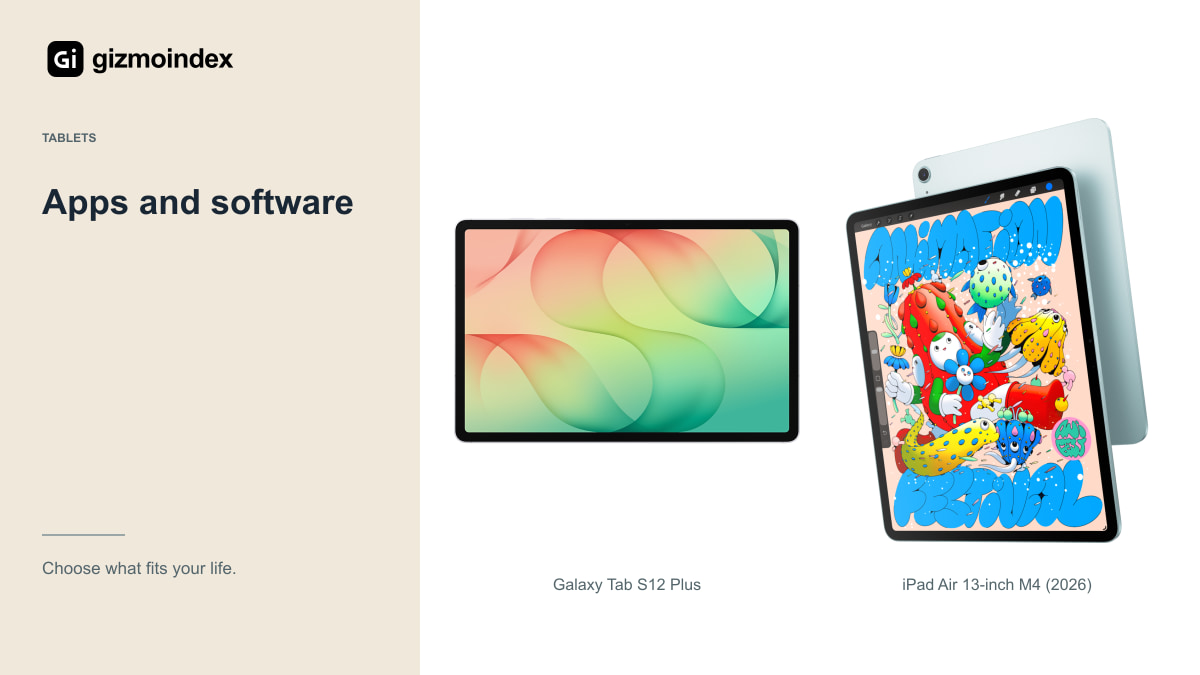
Do you already have an app you can’t do without? That could settle this comparison before screen brightness or storage comes into it. An artist committed to an iPad drawing app should check whether their projects transfer properly. Someone using Samsung Notes with a Galaxy phone has a different starting point.
There are familiar creative and office names on both platforms, but the same name doesn’t guarantee the same features. Look at export formats, collaboration tools and the cost of a subscription. A free download can turn into a recurring bill once you open the feature you actually wanted.
For study, try your school’s learning portal and the way you submit assignments. For work, check your employer’s security requirements. I’d rather find out about an unsupported browser tool in a shop than after replacing a laptop with a beautiful tablet.
A 13-inch tablet can be useful for something as simple as reading a full worksheet without constantly zooming. That’s part of the appeal here. You get room for a page and a few controls without jumping to Samsung’s much larger Ultra. For a student or someone who wants a second screen for ordinary work, that balance matters.
AMOLED vs LCD
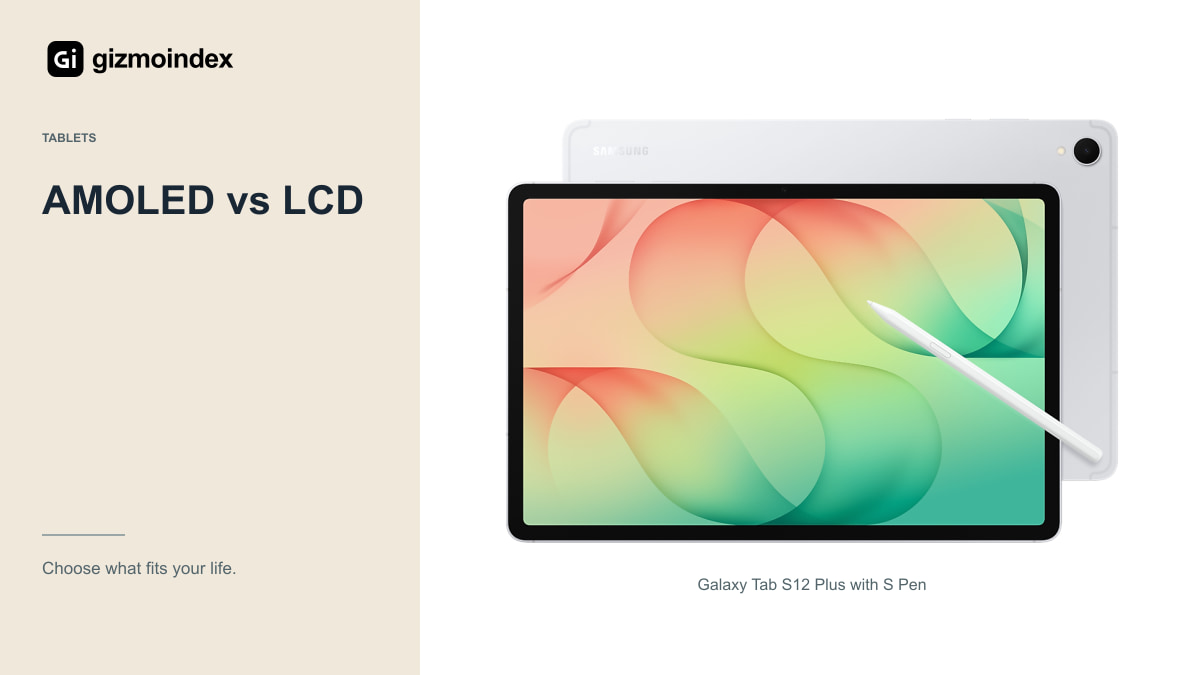
The Samsung uses a Dynamic AMOLED 2X display with refresh rates up to 120Hz. That gives it a clear specification advantage for people who value OLED contrast and smoother motion. Dark films, scrolling and pen movement are sensible reasons to notice it.
Apple’s 13-inch Air uses a fully laminated Liquid Retina IPS display. Its specification includes 2732 × 2048 resolution, P3 colour and up to 600 nits of brightness. It isn’t the tandem OLED ProMotion screen from the more expensive iPad Pro, so avoid photos or descriptions that mix those models together.
For a document, a web page or a spreadsheet, the Air’s screen can still be perfectly suitable. For someone specifically shopping for OLED, the Samsung is the more direct answer. Try both at a comfortable brightness and remember that a tablet spends plenty of time showing ordinary white pages.
Size and weight
The Wi-Fi Tab S12 Plus is listed at 553g, while the Wi-Fi 13-inch M4 Air is 616g. Samsung’s body is 5.3mm thick; the Air is 6.1mm. Those figures describe the bare tablets. Your cover and keyboard can change how the complete setup feels.
I like this size category for people who find an 11-inch tablet cramped but don’t want Samsung’s huge 14.6-inch Ultra. Still, neither of these is a tiny reading device. If you normally hold a tablet in one hand, try that position instead of only tapping a screen on a display stand.
The Air’s 4:3-style display shape gives documents generous height in landscape orientation. Samsung’s wider shape may appeal more for video and side-by-side windows. Choose around your main activity rather than treating diagonal size as the whole story.
Pen and accessories
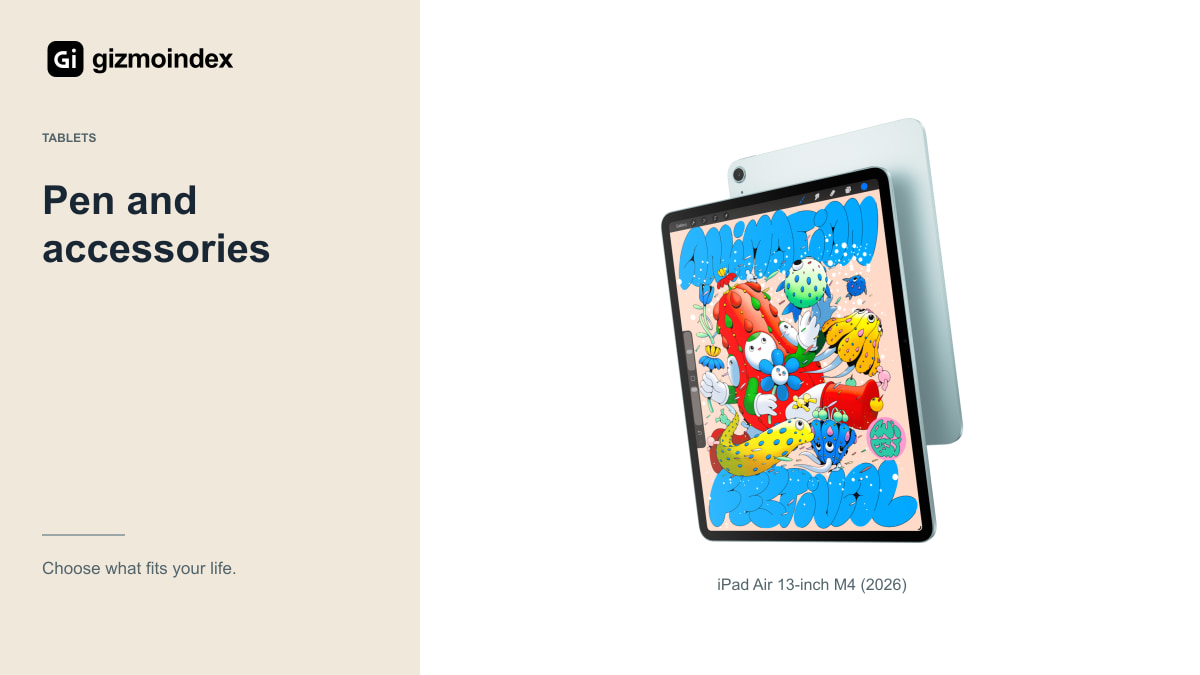
Samsung includes an S Pen with the Plus. Apple sells the compatible Apple Pencil Pro and Apple Pencil USB-C separately. Add the correct pen to your calculation before deciding which tablet is cheaper.
The Pencil choices aren’t interchangeable in capability. Someone who wants pressure-sensitive drawing should check that requirement carefully rather than buying by the Apple name alone. With either tablet, try small handwriting and slow diagonal strokes in the application you plan to use.
App comfort is personal. Some people will value the Samsung pen being ready in the box; others will happily pay extra to stay in an established iPad setup. What I’d avoid is buying a tablet first and discovering later that the drawing application was the real reason you wanted the other one.
Performance
Apple’s M4 Air has 12GB of unified memory and offers storage from 128GB to 1TB. The Samsung uses Dimensity 9500 with its own memory and storage configurations. Neither chip name tells you exactly how a specific video project or game will behave.
For notes, research and email, choose the platform you enjoy using. For demanding editing, check the app’s support for your camera files, external drives and export settings. An impressive processor isn’t a shortcut around software limitations.
The base Air’s 128GB matters if you plan to keep large creative projects offline. Compare the storage level you actually need on both sides. It’s easy to make the Air look cheaper by comparing its smallest capacity against a larger Samsung configuration.
Keyboard work
Samsung’s DeX workspace lets you arrange Android apps in a desktop-style environment. That can be convenient for writing while referencing a document, moving files or answering messages. An external monitor can give the Plus more room at a desk.
The Air supports compatible keyboard accessories and iPadOS multitasking, but it remains an iPad. Test web apps, downloads, file naming, printing and meeting software. A keyboard improves typing; it doesn’t transform tablet software into the desktop version.
Keyboard stability matters too. A kickstand that works beautifully on a wide table may be awkward on your lap. Include the case’s weight and depth in the decision. If possible, try the exact accessory rather than assuming every magnetic keyboard behaves the same way.
Battery and total price
Samsung advertises up to 21 hours of video playback for the Plus. Apple rates the Air for up to 10 hours of browsing on Wi-Fi or watching video. The methods differ, so these claims don’t form a fair real-world race.
A day full of video calls, high brightness and downloads will behave differently from local video playback. Also check whether your charger supports the right charging standard and whether the local package includes an adapter. Shared USB-C connectors don’t make every charger equally useful.
Once you add a pen, keyboard, enough storage and local warranty, the price gap may look different from the headline. For a Wi-Fi tablet, consider whether your phone’s hotspot is enough before paying for cellular hardware and a separate data plan.
My verdict
The Tab S12 Plus is the more appealing package to me if you want a large Android tablet for notes and entertainment. Its AMOLED screen is a clear attraction, and you don’t need to buy the S Pen separately. That makes the starting price easier to understand.
I’d pick the iPad Air 13 if I wanted iPad apps and a large Apple tablet without paying for an iPad Pro. The LCD display is a compromise against OLED, but that doesn’t stop it being useful for reading, drawing or editing. Just add the Pencil and keyboard costs before calling it the cheaper option.
For this comparison, software and the full accessory bill would decide where my money goes. The better tablet is the one you’ll enjoy using every day, rather than the one with the most impressive processor name.
Sources
Galaxy Tab S12 Plus specifications · iPad Air 13-inch M4 (2026) specifications