
Galaxy Tab S12 Plus vs Tab S12 Ultra: Which Should You Buy?
Compare Galaxy Tab S12 Plus and Ultra for screen size, portability, S Pen use and the complete cost of a tablet that fits your daily work.
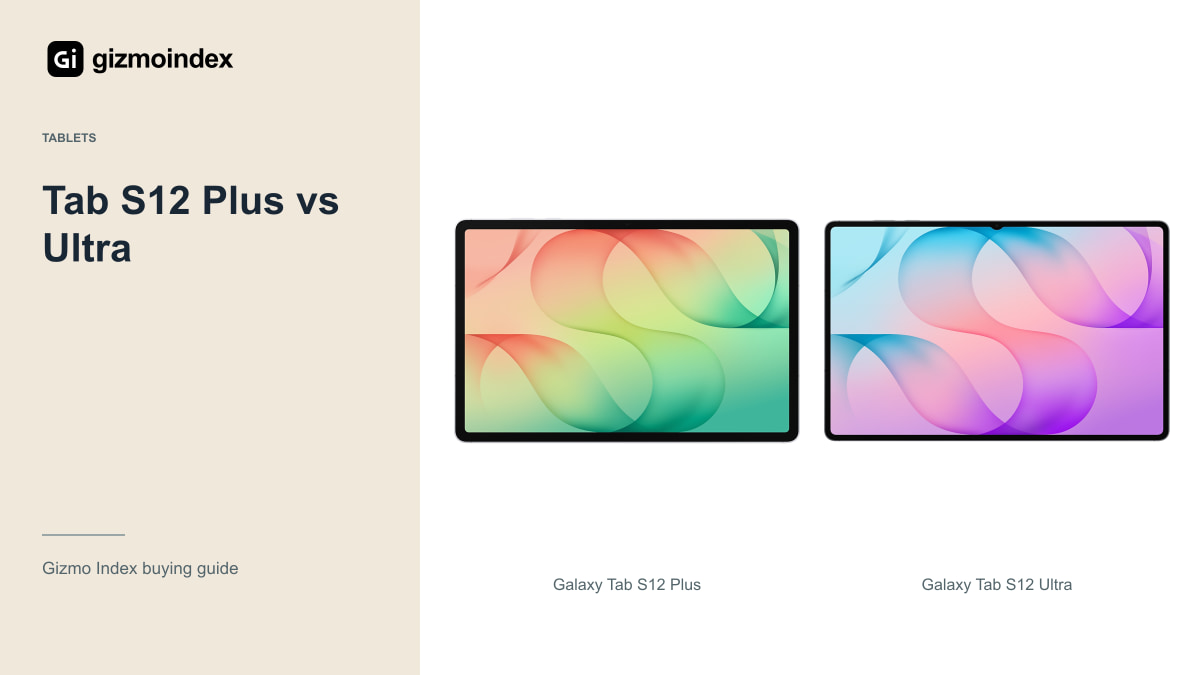
Want a big Samsung tablet without carrying something that feels like a laptop screen? The Galaxy Tab S12 Plus is the one I’d start with. It gives you a large AMOLED display and an included S Pen, while the Ultra adds even more room for drawing, reading and multitasking.
I like what both models offer, but the bigger screen is the main reason to spend more on the Ultra. If you’re expecting the Ultra name alone to make emails, notes and browsing much better, you’ll probably be disappointed. In this comparison, we’ll look at the display, design, performance, S Pen and battery to see which size makes more sense for your money.
Design and size
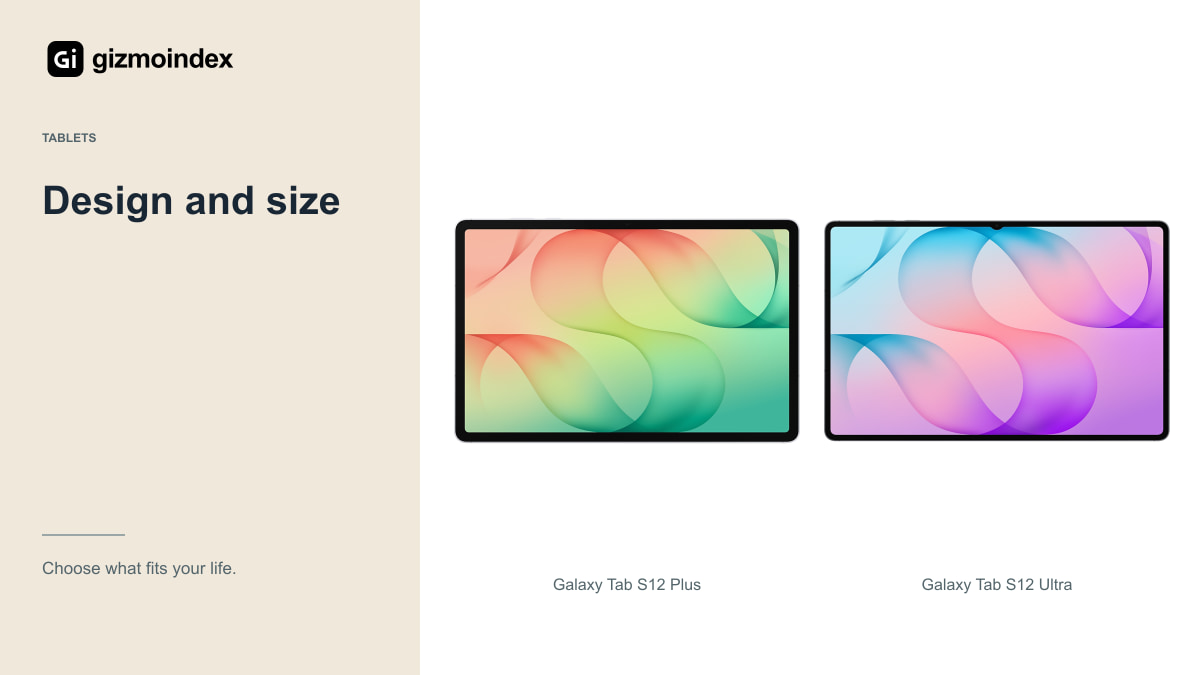
Samsung gives the Plus a 12.6-inch display and the Ultra a 14.6-inch display. These are already large screens. If your current tablet is around 10 or 11 inches, even the Plus will feel spacious when you put a PDF next to your notes.
The Ultra gives each window more room, which is useful when a narrow document column becomes irritating. It also asks for more space on a desk, in a bag and on your lap. Think about the small table on a flight or the chair where you usually read. A screen can be impressive in a product photo and awkward in the place you actually use it.
The Wi-Fi Plus is listed at 553g and 5.3mm thick. The Wi-Fi Ultra is 692g and 5.1mm thick. That thinner Ultra specification doesn’t cancel the extra weight. Add a keyboard case and the difference becomes more relevant for daily travel.
Picture a lecture with a PDF on one side and handwritten notes on the other. Both tablets can give that task a proper amount of space. The Ultra leaves more room around each window, while the Plus is easier to pack when the lecture ends. That’s a useful difference you can feel every day, even when both models run the same app.
Display
Both use Dynamic AMOLED 2X screens with refresh rates up to 120Hz. That puts smooth scrolling, strong contrast and comfortable split-screen work on both sides of this comparison. You don’t need the Ultra just to get an OLED screen.
Samsung’s peak-brightness figures need their usual context. Peak output in a suitable test is different from how bright a whole white document stays during a long outdoor session. For studying, glare, text size and a comfortable position matter alongside the headline number.
I like the Ultra’s size for a drawing canvas or a full-page magazine. For a book held in bed, the Plus is easier to justify. If you mainly watch widescreen films, compare the actual video area and the way you prop up the tablet rather than assuming every extra inch will be used by the picture.
The included S Pen
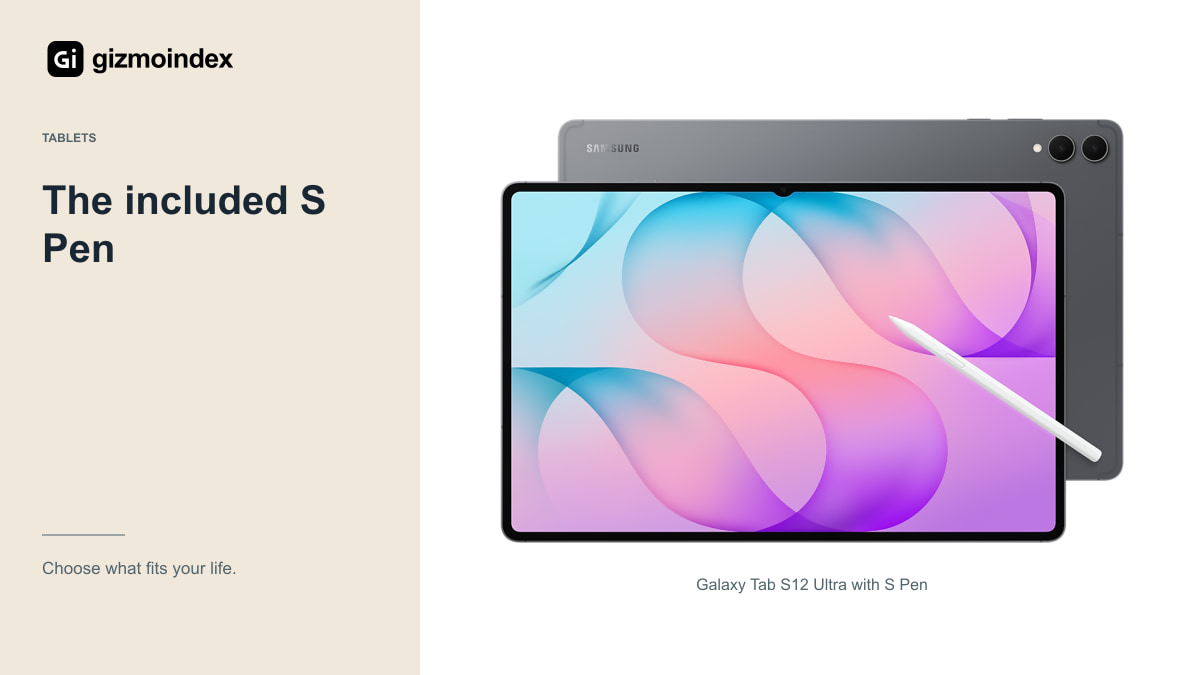
Samsung includes the S Pen with both models. That makes the starting package more complete for handwritten notes and drawing than a tablet that requires a separate pen purchase. A keyboard remains an extra purchase, so remember to compare complete setups.
The Ultra gives your hand more space around a drawing or a worksheet. The Plus still has plenty of room for lecture notes, annotations and planning. Before choosing, open the kind of page you normally use. A detailed architectural plan makes different demands from a shopping list or a few lines of meeting notes.
App support matters just as much. Samsung promotes creative and note-taking apps for this generation, but check the exact Android version, subscription and export options of your preferred app. A familiar app name doesn’t guarantee that every desktop feature is present on the tablet.
Performance
The Tab S12 family uses MediaTek’s Dimensity 9500 platform. Both models target demanding apps, multitasking and gaming. I wouldn’t buy the Ultra expecting the larger name alone to make ordinary browsing or writing dramatically better.
Memory and storage should match your workload. Large illustration files, downloaded video and editing projects can make a higher-capacity version worthwhile. An expensive storage upgrade makes less sense if your work stays in a browser and your files already live in cloud storage.
There’s also a practical distinction between running an app and completing a job in it. Check whether your spreadsheet needs desktop macros, your employer requires particular software, or your video setup uses a plug-in unavailable on Android. More processing power can’t install a missing desktop application.
DeX and keyboard work
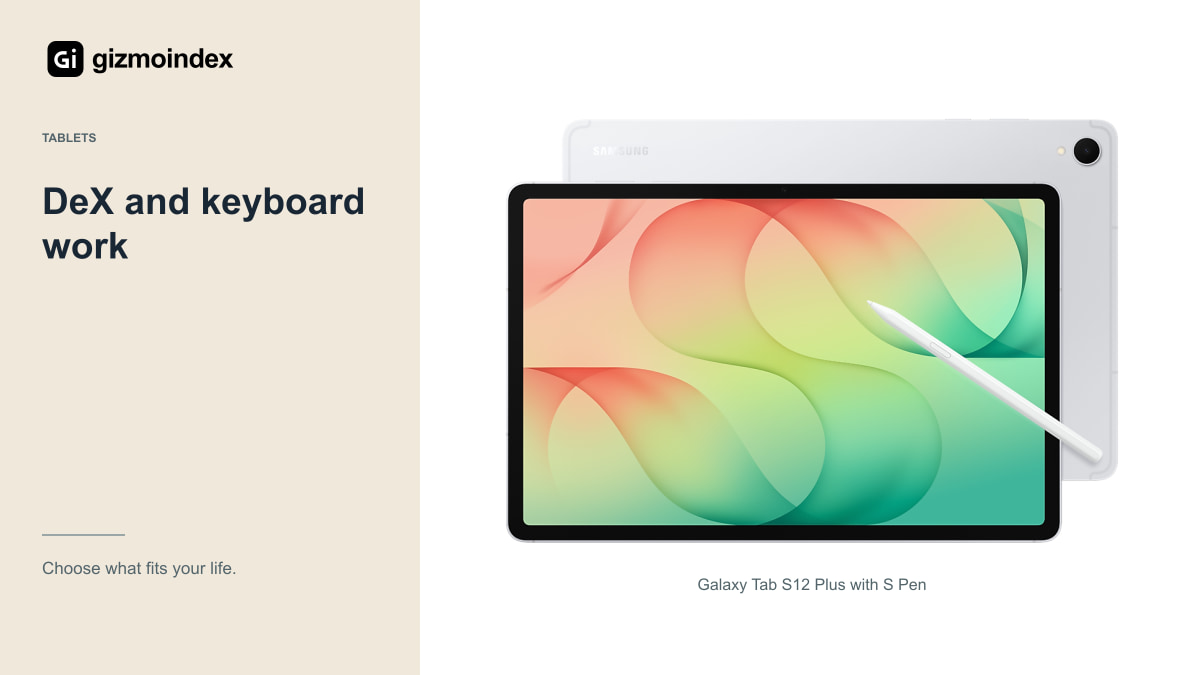
Samsung DeX gives you a desktop-style workspace with movable app windows. On the Ultra, the larger screen leaves more room for those windows. On the Plus, an external display can be a useful way to gain desk space while keeping the tablet easier to carry.
For email, research, writing and document review, that can be a satisfying setup. Try your actual browser portals, attachments, printer and meeting software before selling a laptop. The awkward task you perform once a week can be more important than the easy tasks you perform every day.
A keyboard with a stable stand also matters. Some covers need a deep surface for their kickstand; others are easier on a lap. Check the accessory’s exact model compatibility and combined weight. A keyboard pictured beside a tablet isn’t necessarily included in the price.
Battery and charging
Samsung lists a 10,600mAh battery in the Plus and 11,600mAh in the Ultra, with manufacturer video-playback claims of up to 21 and 23 hours respectively. Those are controlled playback claims, not a promise for an entire day of video calls, editing or gaming.
The Ultra has a bigger battery and a bigger screen to power. You can’t calculate a reliable real-world winner from capacity alone. Brightness, mobile signal, refresh-rate behaviour and the apps you leave active all change the result.
For travel, look at charging arrangements too. Confirm the charger supplied in your region, the charging standard supported by your existing adapter and whether your power bank can provide the required output. The convenient setup is the one that uses equipment you can actually carry and replace.
My verdict
For most people, I’d pick the Galaxy Tab S12 Plus. Its 12.6-inch screen is already generous, and the lighter body makes it easier to take to class, carry to work or use away from a desk. You still get the AMOLED display and S Pen that make this series attractive.
The Ultra is my choice for someone who wants a large drawing area or spends hours working with documents side by side. That’s where its 14.6-inch display earns the extra space in your bag. I wouldn’t pay more for it just to watch the same videos on a slightly larger screen.
Before paying, include the keyboard or cover you actually want. Hold the tablet with that setup if possible. The Plus is the easier all-round recommendation; the Ultra is the better fit when you already know what you’ll do with its extra screen.