
Galaxy Tab S12 Ultra Battery Life: How Long Does It Last?
Understand the Galaxy Tab S12 Ultra battery claim, how your workload changes endurance and the charging checks that matter for daily use.
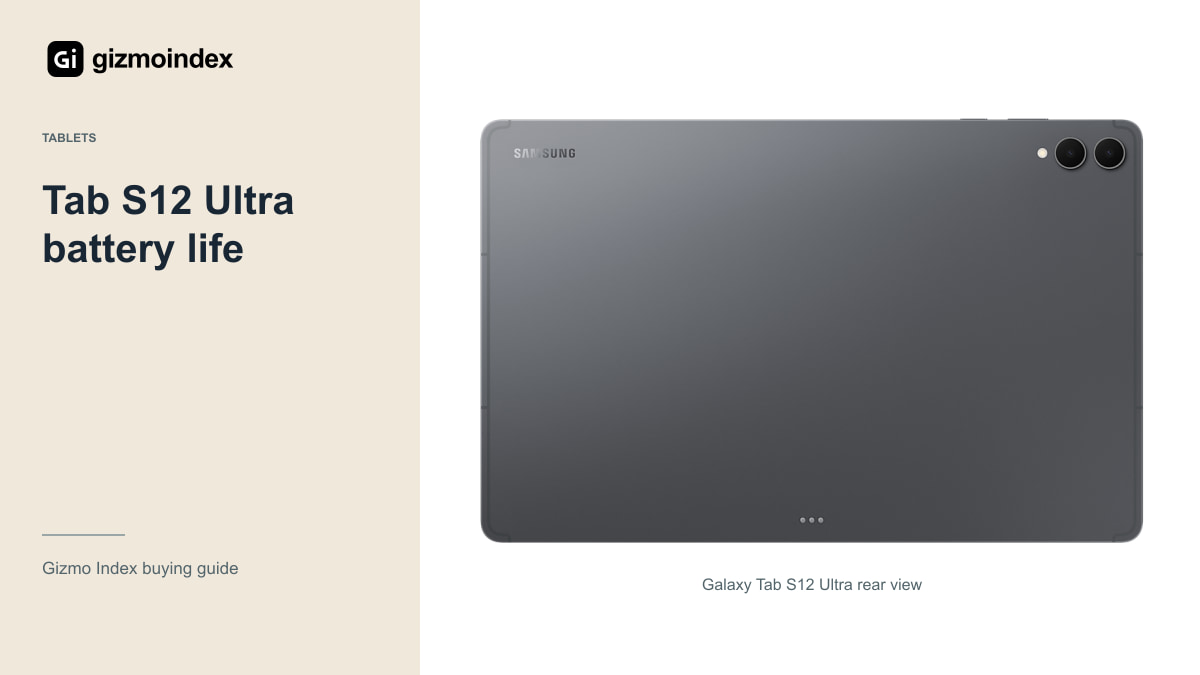
A huge tablet is only convenient if you aren’t always looking for a charger. The Galaxy Tab S12 Ultra comes with an 11,600mAh battery, and Samsung quotes up to 23 hours of video playback. That sounds good for a tablet with a 14.6-inch display, but it doesn’t tell you how long a day of drawing, calls or gaming will last.
I like a device that can get through the day without making charging a constant task. With the Ultra, I’d look at the screen brightness and the apps you use before treating that 23-hour figure as the answer. Here’s what the battery specification means for everyday use.
Samsung’s playback rating
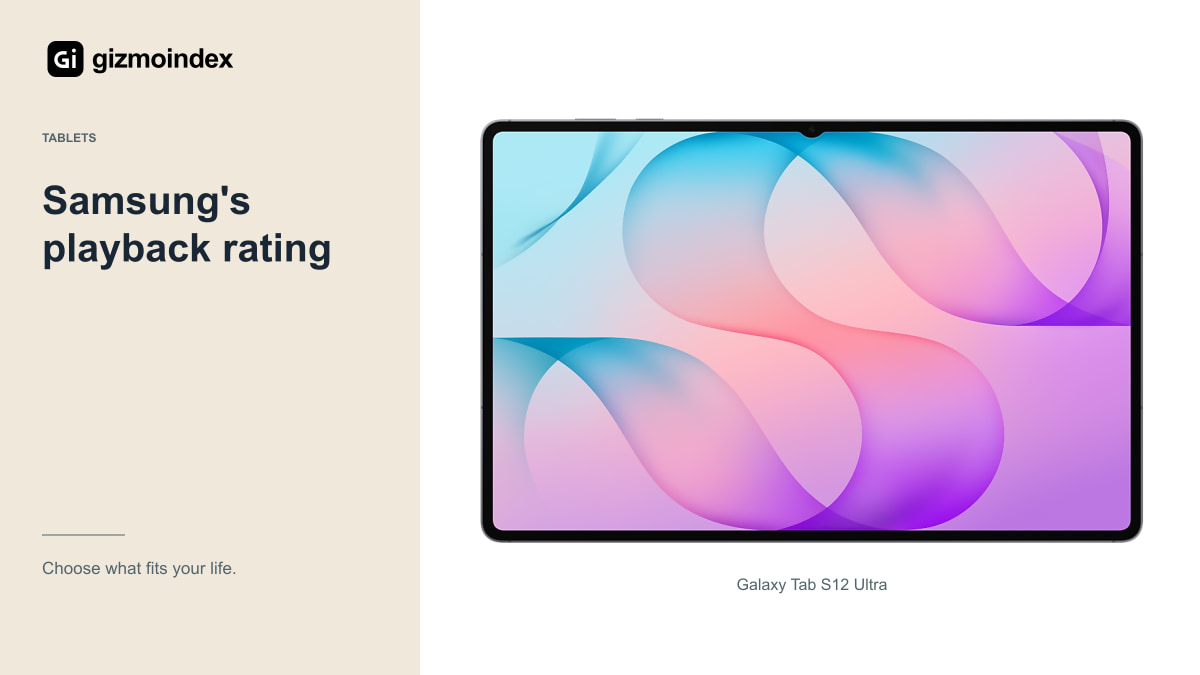
The playback figure comes from Samsung’s testing under specified conditions. Battery tests control settings and content to make a repeatable measurement. Your tablet will probably run a less predictable mix of applications, brightness levels and network connections.
A long local-video result can be encouraging if films are your main use. It doesn’t automatically describe streaming over a weak cellular connection, recording video or sharing a screen in a meeting. Those activities ask different things of the processor, radios and display.
I have not measured the Tab S12 Ultra in a standardised battery test, so there’s no invented “real-life” number here. If another review reports one, look at its method before comparing it with Samsung’s claim. Matching workloads and settings is the only way the comparison becomes useful.
There’s a big difference between watching a film with headphones and joining a meeting with the camera, microphones and wireless connection active. Both use the screen, but the rest of the tablet is doing different work. That’s why I prefer battery figures tied to a clear activity. They tell you more than one impressive total.
Battery and display
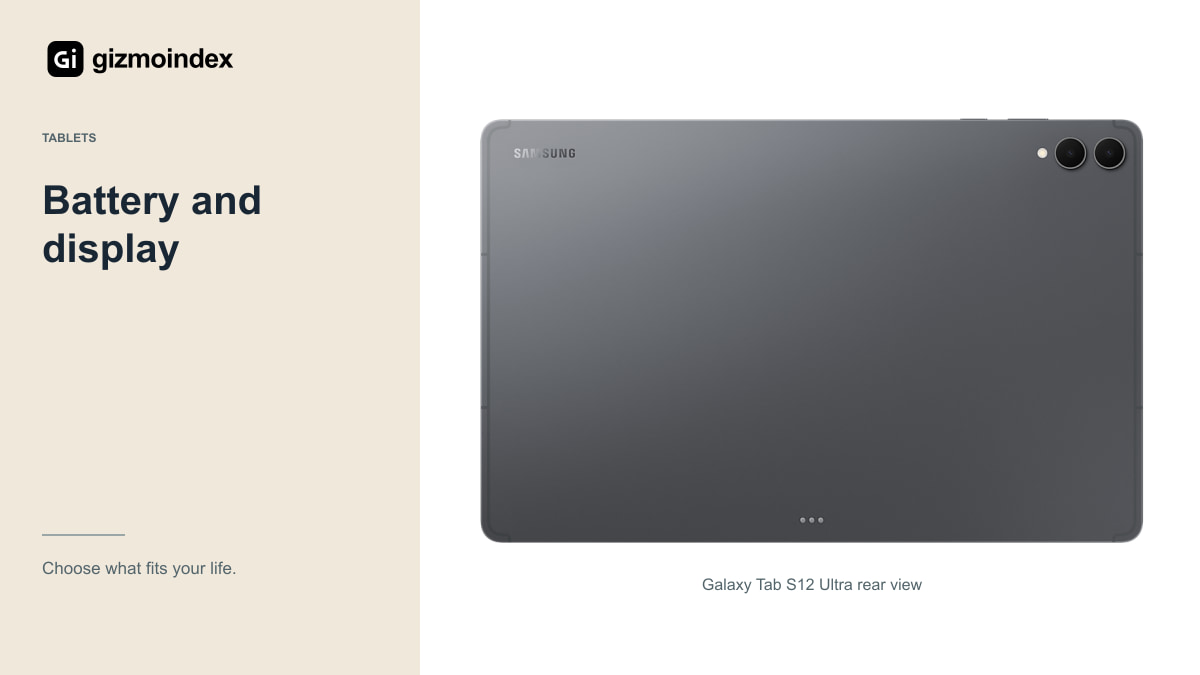
An 11,600mAh capacity is substantial, but the Ultra also has a 14.6-inch AMOLED display. Capacity alone can’t tell you how long the whole device lasts. Display brightness, refresh-rate behaviour and the work being performed all affect power use.
That’s why comparing milliamp-hours across unrelated tablets can be misleading. You are comparing batteries inside systems with different components, software and test conditions. Even two models from the same family can use their available energy differently.
For the Ultra, think about the display’s role in your day. A bright outdoor document session is different from a film watched indoors at comfortable brightness. If you buy the tablet mainly for its huge screen, expect your chosen screen settings to be part of the battery decision.
Gaming and daily use
Reading downloaded documents and writing notes isn’t the same job as a high-frame-rate game. Gaming stresses graphics and processing hardware, while a video meeting adds cameras, microphones, network traffic and sometimes screen sharing.
Streaming also depends on the connection. A weak Wi-Fi or cellular signal can increase power demands and make the experience less consistent. A downloaded film for a journey can be easier to plan around than relying on a connection that changes throughout the trip.
If you edit video, include export time in your expectations. Finishing the timeline isn’t the end of the workload. The export may use substantial processing power, and you may also have an external drive attached. Plan charging around the complete project rather than the time spent tapping the screen.
Battery testing
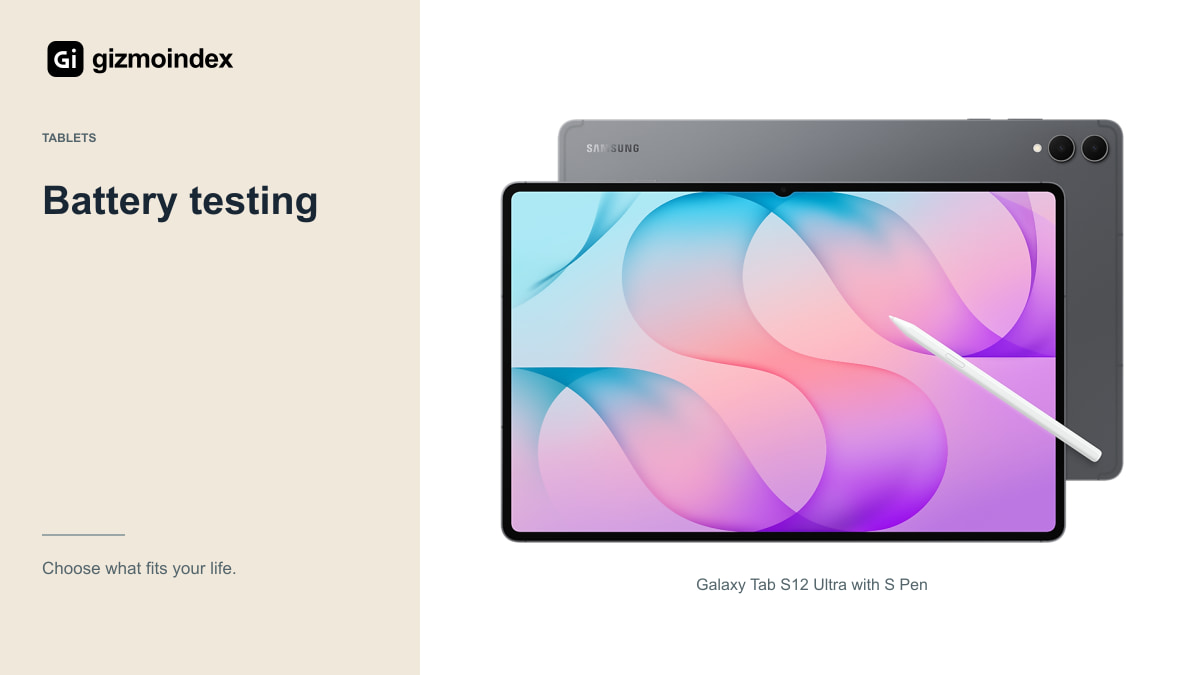
Start with the tablet updated, your essential apps installed and initial account synchronisation complete. A first day filled with downloads and setup isn’t a clean picture of your ordinary use. Give those tasks time to settle before judging the routine.
Then use the tablet for a representative session at your normal brightness. Note the starting charge, ending charge, active tasks and any accessories. Repeat on another day. You don’t need a laboratory to find out whether it covers your schedule, but keeping the conditions reasonably similar makes the result easier to interpret.
For travel, test the same kind of downloaded content and headphones you plan to use. For study, include note-taking, PDFs and your usual browser tabs. That’s more useful than running an unfamiliar game simply because it drains the battery quickly.
Charging
Samsung supports 45W charging for this generation and advertises a full charge in about 95 minutes under its conditions. That’s a manufacturer figure, not a guarantee for every adapter, cable, temperature or battery level.
Check the adapter supplied in your region; Samsung’s compatible 45W adapter is sold separately in the referenced product information. A charger labelled with a high wattage doesn’t automatically support the charging mode the tablet needs. Use a suitable adapter and cable from a dependable source.
You should also expect charging behaviour to change as the battery fills and as the device warms up. Playing a demanding game while charging is a different situation from charging an idle tablet. If a short charging break matters to you, test that routine with your actual equipment.
Charging through the day
I’d leave some margin instead of planning to finish a day at exactly zero. Meetings run long, travel gets delayed and a screen sometimes needs to be brighter than expected. A battery plan that only works under perfect conditions isn’t very reassuring.
For a desk-based routine, a compatible charger nearby can make endurance less important than comfort and software. For a long journey, a suitable power bank may be useful, but check its output, usable energy and any transport restrictions for your route.
An overnight charge is easy to arrange at home and less predictable when you share limited sockets during travel. Think about cable length, plug type and whether the same charger can serve your other devices. Convenient equipment can matter as much as a large battery specification.
Battery settings
Use a comfortable brightness and review apps that remain active when you’re not using them. Download content before a journey where practical, and avoid leaving unused network connections or accessories active just out of habit.
Check the tablet’s battery-usage screen if the drain suddenly changes. A newly installed app, a weak connection or background synchronisation can explain a difference without proving the battery itself is faulty. Update the software and consider the pattern before guessing.
For long ownership, follow Samsung’s charging and temperature guidance and use available battery-protection settings that fit your routine. A larger battery isn’t immune to wear. Unusual heat, swelling or severe charging problems need proper service attention rather than an improvised fix.
My verdict
The Tab S12 Ultra has a promising battery specification for its size. I’d be comfortable putting it on a shortlist for reading, notes and films, while keeping Samsung’s 23-hour playback figure in the right category: a manufacturer test, rather than a result from my own use.
For long calls, games or editing, I’d want a result from that specific activity before calling the battery excellent. Those jobs ask more of the tablet than playing a downloaded video. The large display is part of what you’re buying, and keeping it bright has a cost.
My advice is to choose a charging setup that suits where you’ll use the Ultra. A desk user and a student travelling all day need different plans. The battery looks good on paper, but the useful result is finishing your own day with enough charge left—not repeating the largest number on the box.