
Galaxy Tab S12 Ultra Price in Nigeria and Where to Buy
Understand the Galaxy Tab S12 Ultra price estimate in Nigeria, what a verified offer should include and the checks to make before paying.
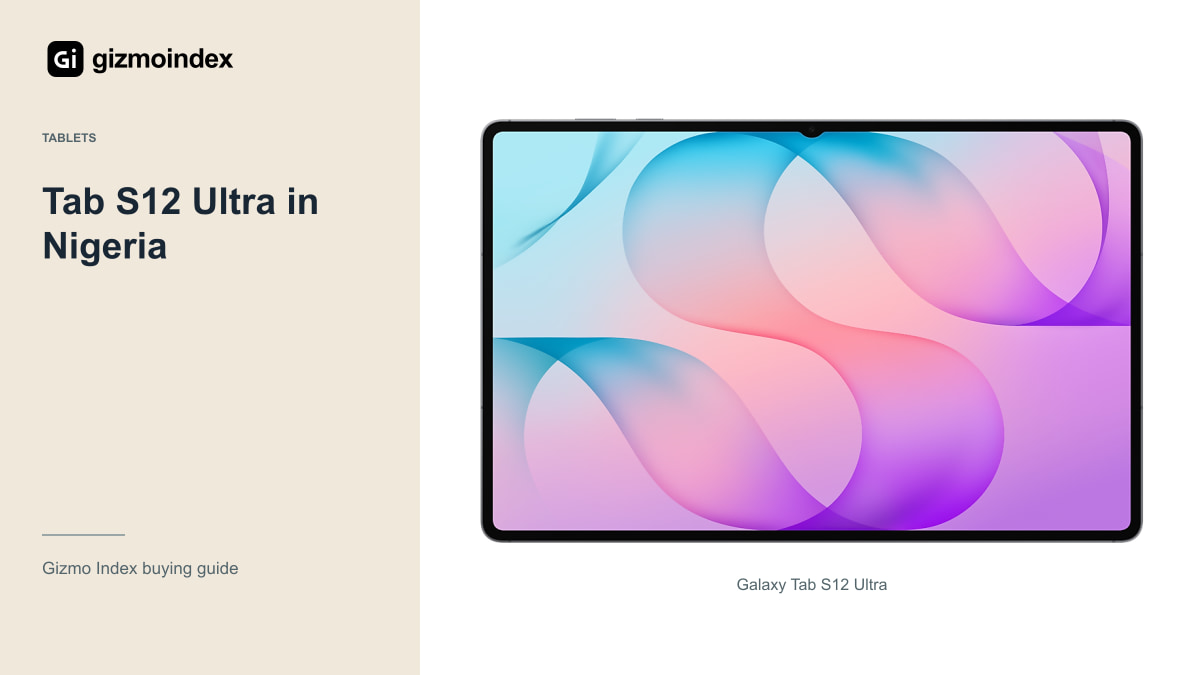
Planning to buy the Galaxy Tab S12 Ultra in Nigeria? The first thing to know is that the roughly ₦1,960,000 figure on the linked listing is an estimate, not a confirmed shop price. I wouldn’t build a buying decision around that amount until a seller gives you a real quote for the exact model.
The Ultra itself is easy to understand: a huge 14.6-inch AMOLED display, an included S Pen and enough room for serious tablet work. Whether it’s worth the money depends on what the final package costs. Here’s what you’re paying for, where the estimate falls short and how I’d approach buying one locally.
That estimate was checked on 21 October 2026. It can help with planning, but a seller still needs to confirm the amount and the version they’ll supply.
The estimated price
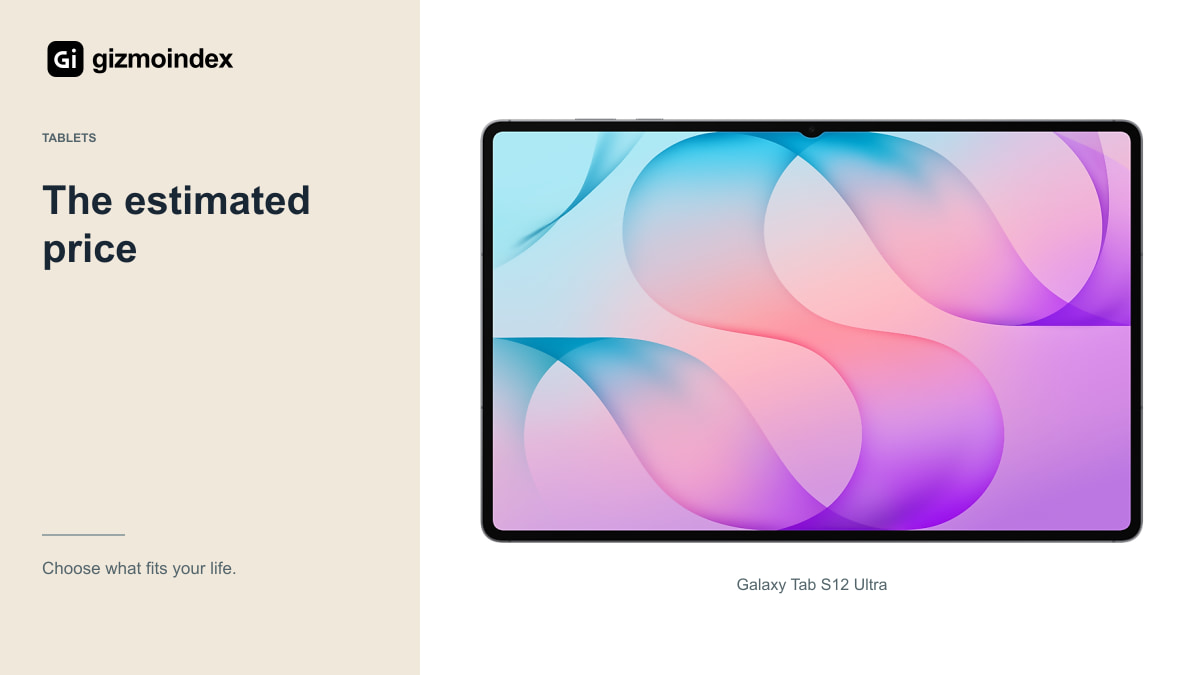
Treat it as a planning reference, not an invoice. The amount you actually pay can change with storage, connectivity, exchange rates, import costs and the seller’s warranty arrangements. A shop quoting a different configuration isn’t necessarily offering the same product for less.
There’s a bigger risk than paying a little more: sending money for stock the seller doesn’t possess. Ask whether the item is physically available, being sourced locally or coming as a special import. Get the expected delivery date and cancellation terms in writing before paying a deposit.
I’d rather wait for a clear offer than act quickly because a listing says “limited stock.” A large tablet is expensive enough without guessing whether a seller’s photo represents an actual unit. Availability should be confirmed for your specific order, not inferred from a search result.
Think about what goes beside the tablet. Handwritten notes may only need the included pen and a sensible cover. Long reports may need a keyboard, while desk work may need a stand. These are different budgets. I wouldn’t add every accessory at once just because it appears in the same product photograph.
Storage and connectivity
The Tab S12 Ultra has a 14.6-inch Dynamic AMOLED 2X display and Dimensity 9500 processor. Samsung offers different memory, storage and connectivity configurations. “S12 Ultra” on its own isn’t a complete description for comparing quotations.
Ask for the storage, RAM, Wi-Fi or cellular version and model code. If you want mobile data without using a phone hotspot, check the cellular variant’s supported networks and SIM arrangements. Don’t pay extra for cellular simply because it sounds more premium if you’ll never use it.
Also distinguish it from the 12.6-inch Tab S12 Plus. A product photo or shortened title can make two large Samsung tablets look similar. The model code on the box and the settings screen should agree with the written invoice.
Where to buy
Start with Samsung’s official regional channels and retailers whose identity, address and support arrangements you can verify. Ask them specifically about the Tab S12 Ultra configuration you want. A retailer selling Samsung phones isn’t automatically an authorised source for every imported tablet.
If a local seller is arranging an import, ask who handles a fault on arrival and who pays return shipping. A lower price can be fair compensation for less convenient support, but only if you understand that bargain. “International warranty” needs an explanation of where you can claim it in practice.
What comes in the box
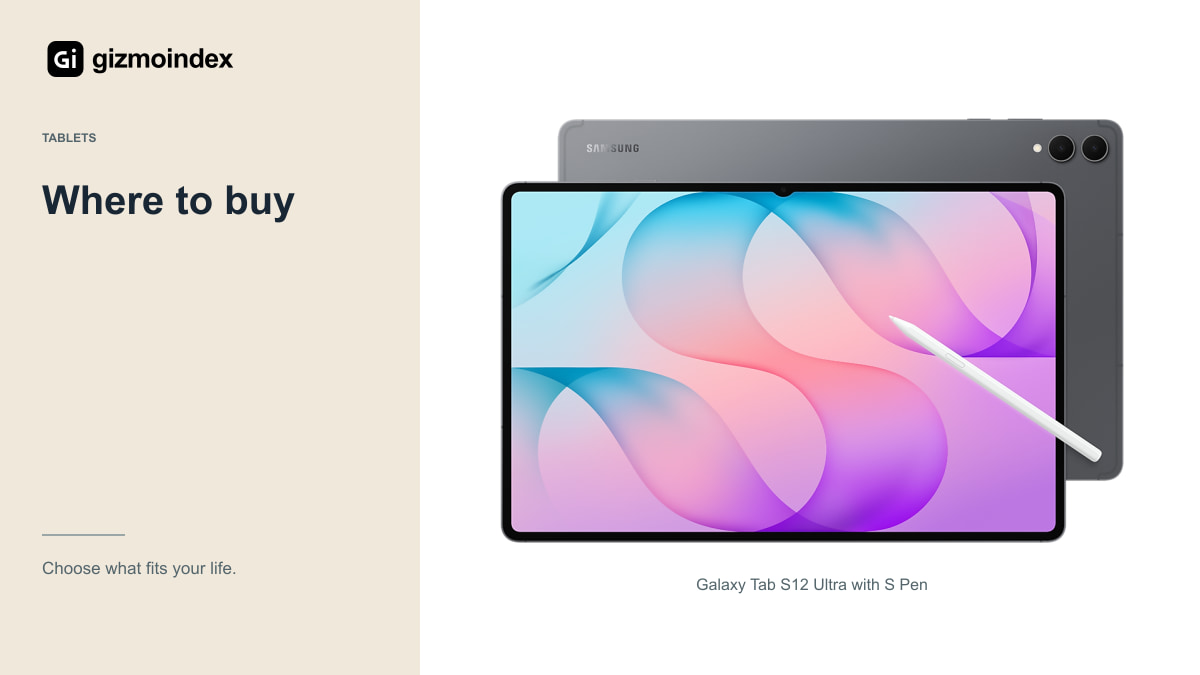
Samsung includes an S Pen with the tablet, while keyboard accessories are separate purchases. Ask the seller for an itemised list rather than assuming everything in a promotional photo is included. A keyboard can change the total cost considerably.
Check the charger and plug supplied in that regional package. Samsung’s supported fast charging requires compatible equipment, and a USB-C connector alone doesn’t prove an adapter delivers the right charging mode. Budget for a proper charger if one isn’t supplied.
A cover and screen protection may also be sensible for a tablet this large. Make sure the case is specifically for the S12 Ultra. A similar-looking S9 or S10 Ultra accessory should not be assumed to fit the new model correctly.
Delivery and first setup
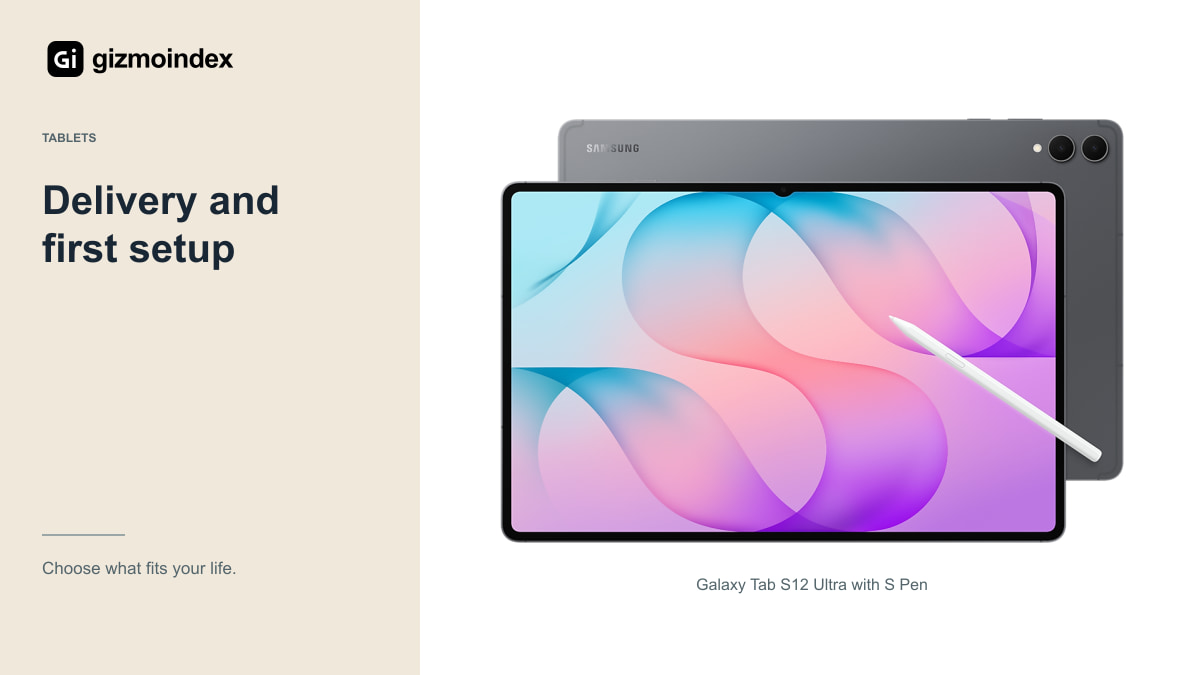
Check the packaging, model identification and serial information, then inspect the tablet itself. Look for scratches, bent edges, damaged ports and signs that a supposedly new unit has already been heavily used. A sealed-looking box should not replace a proper inspection.
Power it on, connect to Wi-Fi and test the touchscreen across the whole display. Look at plain light and dark screens for obvious defects, then test the speakers, cameras, buttons and charging connection. Use the included pen to write near the edges as well as the centre.
For a cellular model, test the network function where practical. Confirm there’s no unexpected account lock or organisational management restriction. If the seller won’t allow reasonable checks or provide written return terms, that’s a poor foundation for a purchase of this size.
Import costs
A foreign shop’s advertised price is only part of the cost. Include delivery, any applicable import charges, payment conversion fees and the cost of returning a defective unit. Ask the courier or seller for a complete breakdown rather than guessing from another person’s order.
You should also check regional warranty coverage and whether the cellular version suits Nigerian networks. A cheaper Wi-Fi model may be sufficient if you already carry a phone with a reliable hotspot. Avoid paying for a capability simply because it was available in the overseas store.
Keep the invoice and order correspondence. For a work device, the possibility of weeks without the tablet matters. A local offer with clear support can be worth more than a small saving on an import that must travel abroad for every problem.
Is it worth the money
The Tab S12 Ultra is attractive if you want Samsung’s largest tablet screen for drawing, notes or working with several apps. That’s the reason I’d consider spending this much. If all I wanted was a good tablet for films and browsing, I’d compare the Plus or an older supported model before paying for the Ultra.
For now, treat ₦1,960,000 as a planning figure. Ask for the exact storage, Wi-Fi or cellular version, included items and final delivered price. I’d rather have one clear offer from a seller who can handle a problem than several attractive prices with no explanation behind them.
My advice is to choose the size first and buy the complete setup second. When the price is confirmed, compare it with the alternatives you can actually get. A large display is worth paying for when you’ll use it, but a provisional price shouldn’t push you into a rushed payment.