
Galaxy Tab S12 Ultra vs iPad Pro: The Big Tablet Battle
Compare Galaxy Tab S12 Ultra and M5 iPad Pro for drawing apps, displays, accessories and the practical limits of a tablet-based workflow.
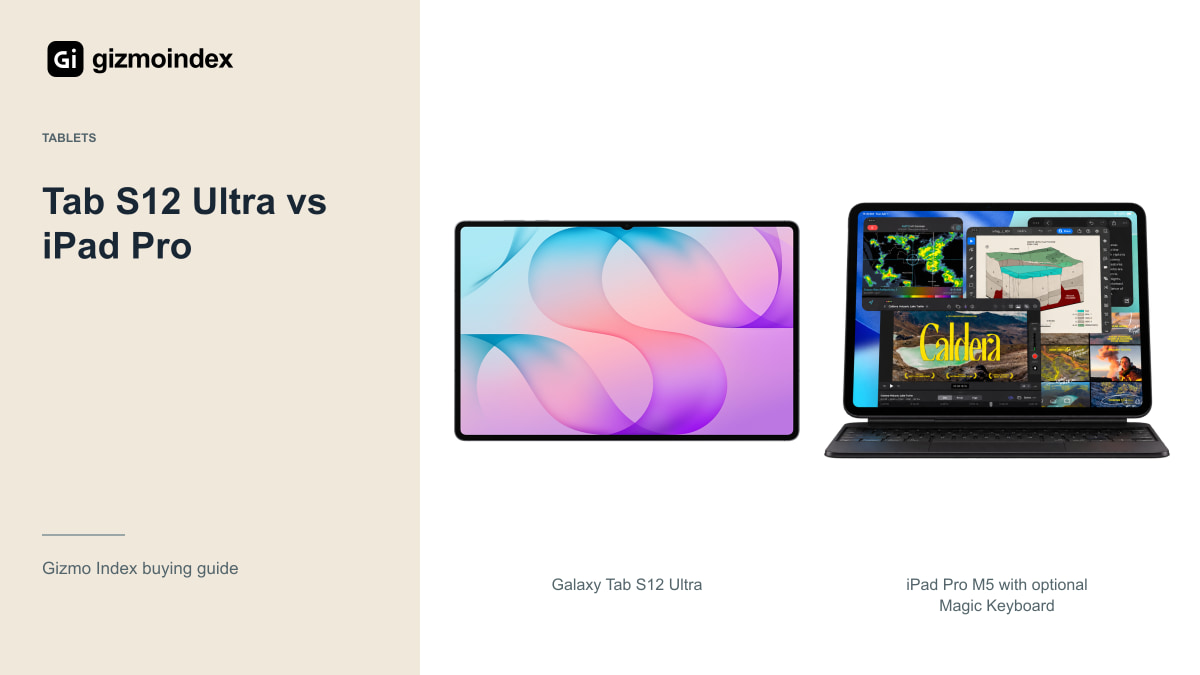
Samsung’s Galaxy Tab S12 Ultra and Apple’s iPad Pro both look like serious laptop alternatives. You get a large premium display, plenty of power and support for a pen and keyboard. But buying either one is about more than picking the fastest chip.
For me, the biggest difference is the software. The Samsung makes sense if you like Android, DeX and an included S Pen. The iPad Pro is more attractive if your drawing or editing apps already work best on an iPad. Let’s go through the screens, accessories, performance and everyday use, because a powerful tablet is only good value when it can handle the things you bought it to do.
Apps and everyday use
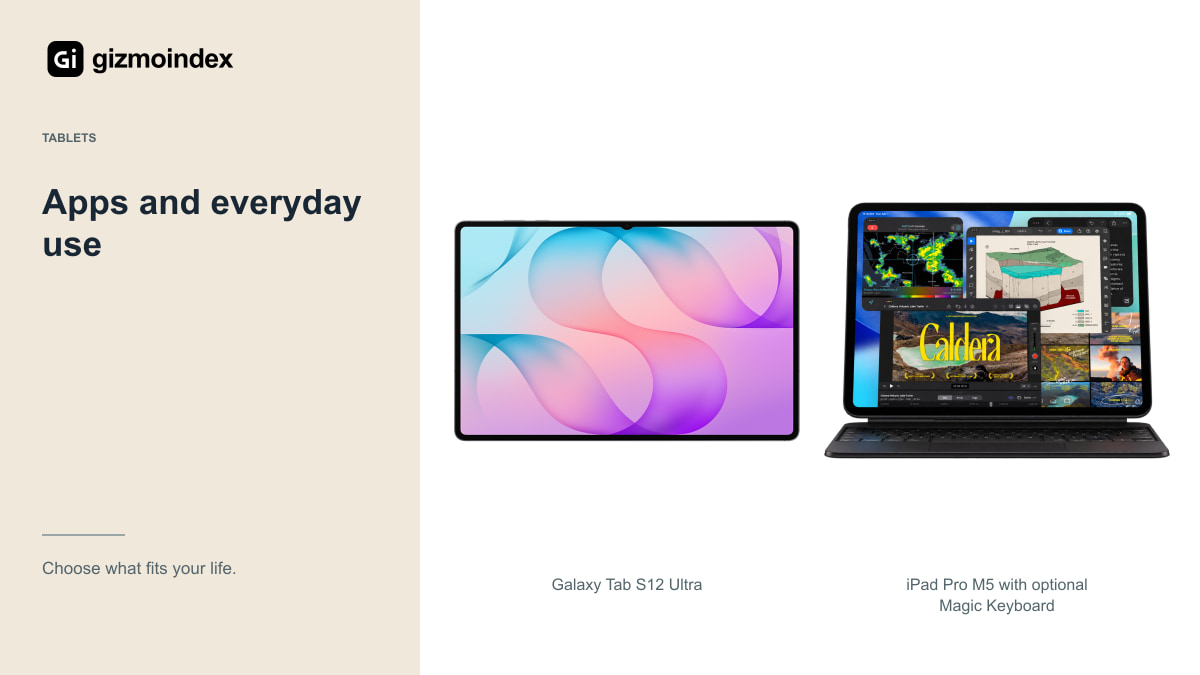
If your favourite drawing app, music app or editing tool is only available on one platform, start there. A more impressive specification on the other tablet won’t replace the application you need. Check the tablet version of that app, including file export, fonts, plug-ins and subscriptions.
The iPad Pro has a strong creative-app offering, while Samsung supports Android tools, Google services and its DeX workspace. Neither statement means every desktop program runs on either tablet. A desktop Photoshop setup, a specialist Windows tool and a browser-based office setup need different checks.
My advice is to choose one real project and follow it from start to finish: receive the files, edit them, send the result and archive the original. Find the awkward step before spending the money. That tells you far more than watching someone switch between empty apps in a demo.
If you’re drawing, the app can matter more than the size difference between the screens. The brushes, layers and file formats you use are part of the experience. I like a large canvas, but I wouldn’t swap a familiar creative app for an awkward alternative just to gain more screen space. Start with the tools you enjoy using.
Display and size
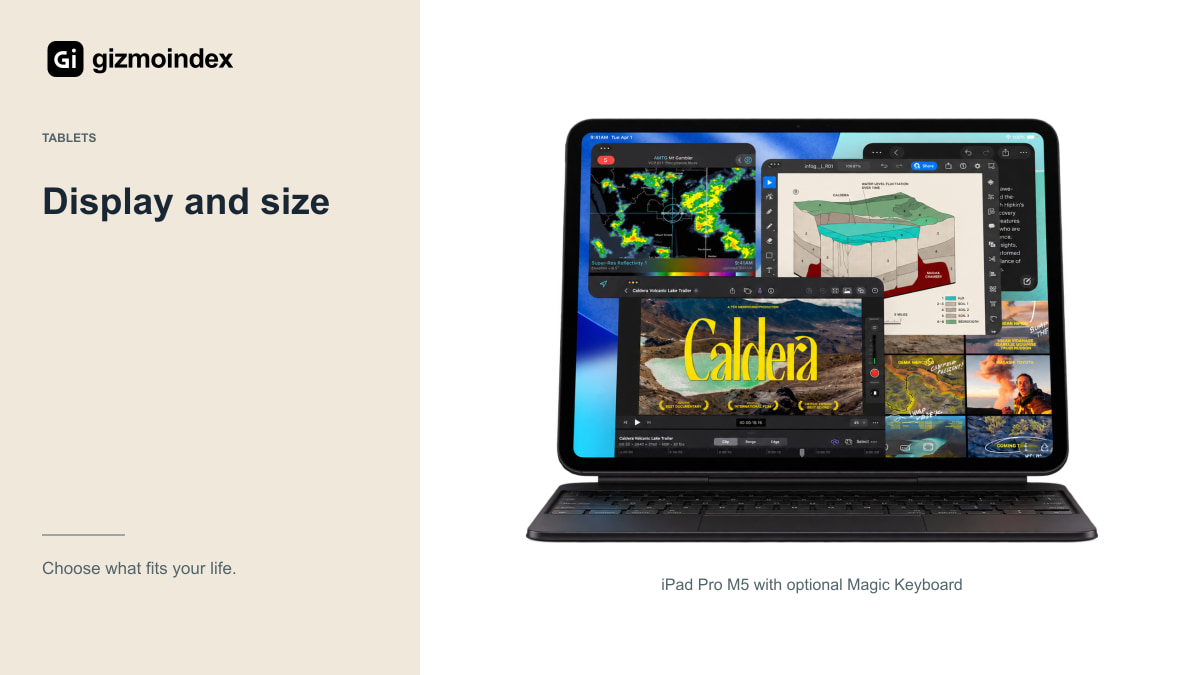
Apple’s 13-inch Pro uses a tandem OLED Ultra Retina XDR display with adaptive ProMotion from 10Hz to 120Hz. Samsung’s Ultra has a 14.6-inch Dynamic AMOLED 2X display, also reaching 120Hz. Both belong on the shortlist if screen quality is a major reason for buying.
The Samsung gives you more physical room for split-screen work. That’s attractive for a reference document beside notes, or a large drawing with tool panels open. The iPad is smaller and lighter: Apple lists 579g for the Wi-Fi 13-inch M5 model, compared with Samsung’s 692g Wi-Fi Ultra.
Brightness figures need matching conditions. Apple’s sustained full-screen and HDR peak figures are different measurements, and Samsung’s peak number isn’t automatically a fair comparison with either. For a purchase, inspect reflections, comfortable brightness and the actual app you use. Those are easier to appreciate than competing marketing labels.
Pencil and S Pen
Samsung includes an S Pen. The iPad Pro supports Apple Pencil Pro and Apple Pencil USB-C, sold separately. Those pencils also have different features; buying the cheapest one without checking pressure sensitivity and your app requirements can create the wrong setup.
I like seeing the pen included because handwritten notes should not require another surprise purchase. Still, the app and feel matter more than the box contents. If you already draw comfortably in an iPad application, saving the pencil cost may not justify rebuilding your entire setup.
Check replacement tips, palm rejection and file backup. Spend a few minutes drawing small curves and writing at your normal speed. A stylus specification doesn’t tell you whether the combination of screen texture, pen grip and app settings suits your hand.
Performance
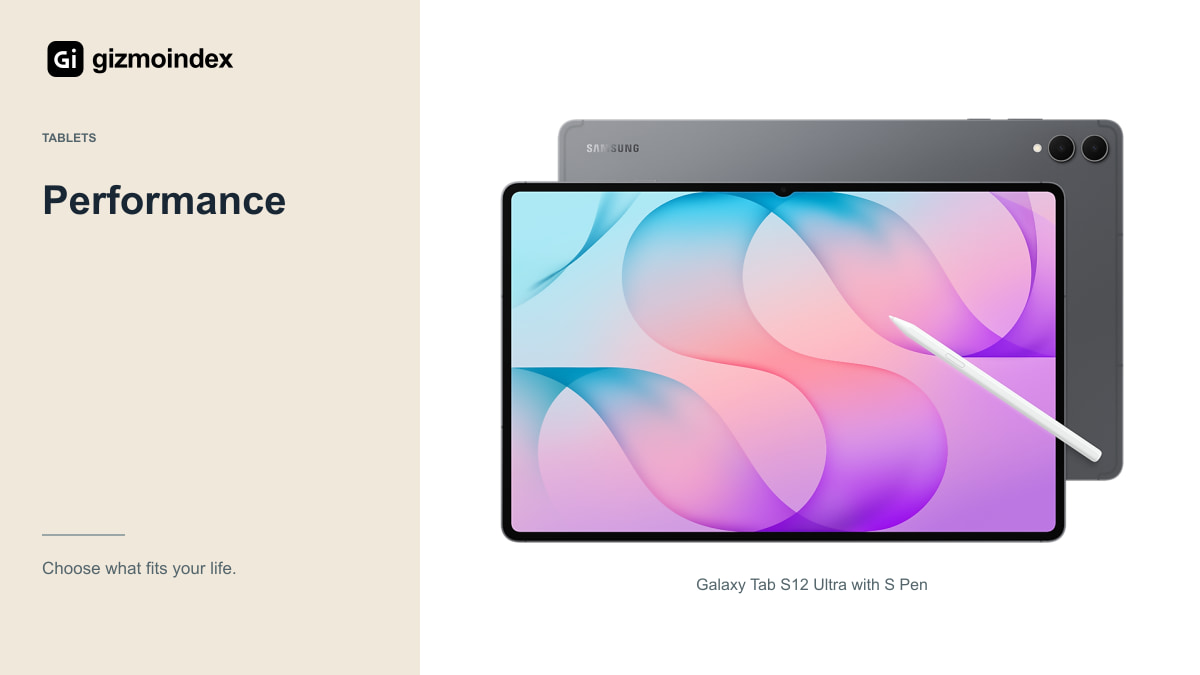
The M5 iPad Pro offers considerable processing capability, with memory and CPU configuration varying by storage tier. The Tab S12 Ultra uses Dimensity 9500. I wouldn’t turn those names into an invented benchmark result or promise that one will export every project faster.
For ordinary browsing and document work, both have far more ambition than a basic media tablet. For heavier work, check the app’s supported formats and hardware acceleration. The faster chip on paper is less useful if the software refuses the file or removes a feature you use.
Storage also changes the purchase. A filmmaker storing large clips locally has different needs from a student using cloud documents. The iPad’s high-capacity configurations can change both memory and price. Compare exact configurations rather than treating every M5 Pro or every S12 Ultra as identical.
Keyboard and monitor use
Samsung DeX is a useful part of the Ultra’s appeal. It provides a desktop-style arrangement of windows and can make browser research, email and writing feel more organised. That works especially well if you already keep your work in Android and web apps.
The iPad Pro supports a compatible Magic Keyboard and external-display setups within iPadOS. It also has Thunderbolt/USB 4 connectivity. Check the actual dock, display, storage drive and app combination rather than assuming a fast connector guarantees every desktop behaviour.
Neither tablet should be declared a laptop replacement for everybody. If you use specialist accounting software, extensive spreadsheet automation, development tools or a company-managed desktop environment, test access first. Remote desktop can be helpful, but needing another computer and a reliable connection changes the value of replacing your laptop.
Battery
Samsung advertises up to 23 hours of video playback for the Ultra. Apple lists up to 10 hours of browsing on Wi-Fi or watching video for the iPad Pro. These claims use different test methods, so subtracting the two numbers won’t produce an honest advantage for your workday.
Video calls, high brightness, games and external accessories can all reduce endurance. A large tablet used at a desk may charge between sessions; one used on a long journey has to last without that help. Think about your routine before treating the longest claim as the winner.
For either device, include the keyboard and charger in the bag you plan to carry. Thin tablets can become surprisingly substantial complete kits. The lighter bare tablet may still have a heavier case, and a keyboard that feels good on a table may feel unstable on your lap.
Which one I’d buy
I’d choose the Tab S12 Ultra for a large Android workspace, especially if note-taking, split-screen work and the S Pen are high on the list. Having the pen in the box is a useful advantage. Add a keyboard only if you’ll spend enough time typing to justify carrying it.
The iPad Pro is the one I’d choose for a specific iPad app or creative setup. Its M5 hardware and OLED display are attractive, but I wouldn’t spend that much just to open a browser and stream films. An iPad Air could leave you with more money for the accessories you need.
Neither tablet gets my recommendation simply because it looks like a laptop with its keyboard attached. Your apps decide that. Pick the one that handles your work comfortably, then compare the full price with the pen, storage and keyboard included.
Sources
Galaxy Tab S12 Ultra specifications · iPad Pro M5 with optional Magic Keyboard specifications