
Galaxy Tab S12 Ultra vs Xiaomi Pad 9 Pro Max
Compare Tab S12 Ultra and Xiaomi Pad 9 Pro Max for screen space, software, accessories and the support checks that matter when importing.
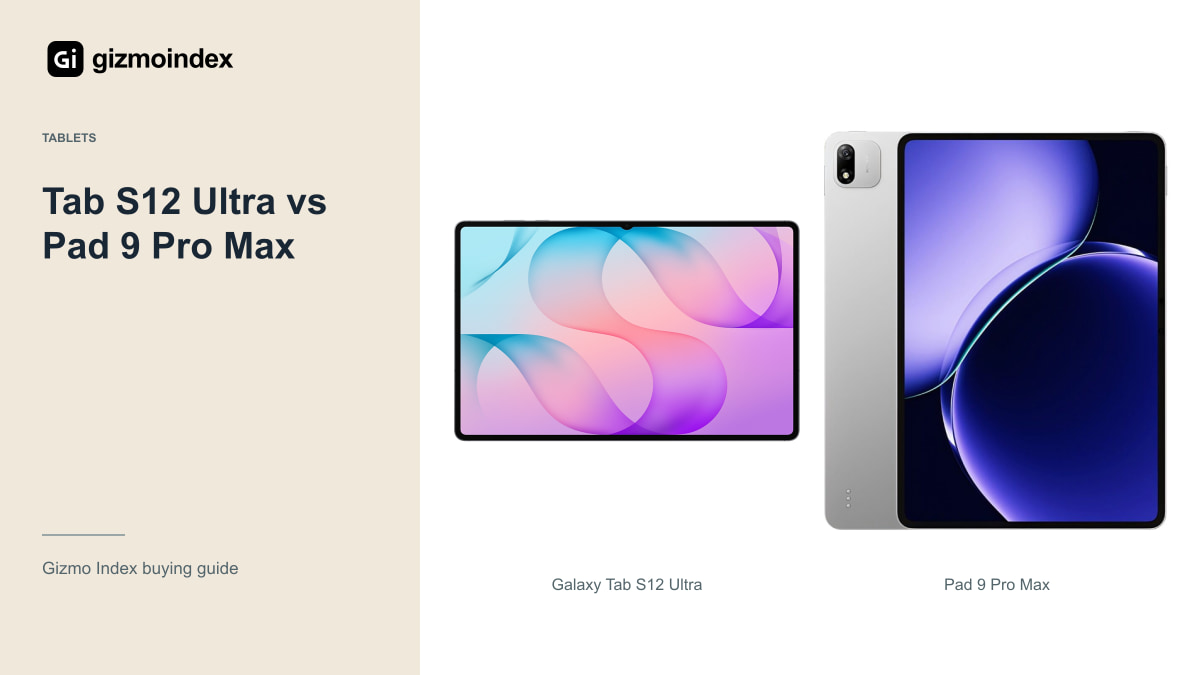
If a small tablet feels cramped, the Galaxy Tab S12 Ultra and Xiaomi Pad 9 Pro Max are worth a look. Both put a large screen at the centre of the experience. Samsung adds its AMOLED display and S Pen package, while Xiaomi’s 13.3-inch model offers a different way into the large-tablet category.
The catch with the Xiaomi is the Chinese-market version and the support that comes with importing it. I like the idea of getting more screen for the money, but only when the software works for the person buying it. Let’s look at the size, display, accessories and everyday use before deciding which one deserves your money.
Models and availability
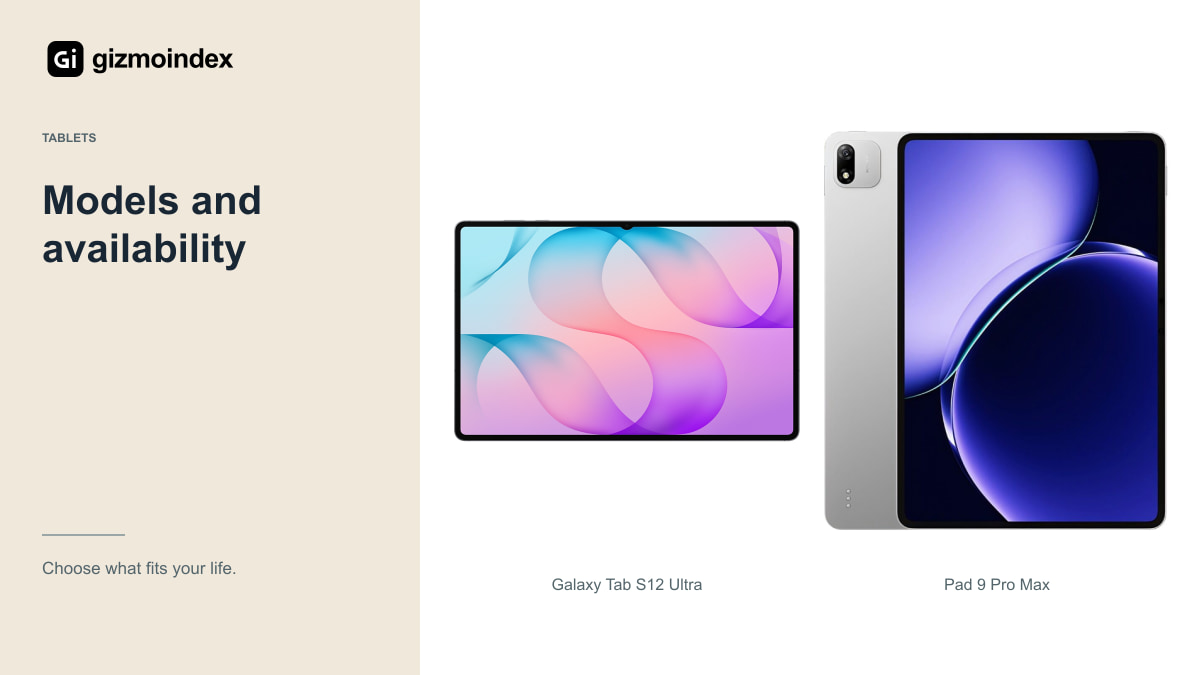
The Tab S12 Ultra has a 14.6-inch Dynamic AMOLED 2X display. Xiaomi’s official Chinese store describes the Pad 9 Pro Max with a 13.3-inch display and XRING O3 processor. The Xiaomi isn’t the smaller Pad 9, and the Ultra isn’t Samsung’s 12.6-inch Plus.
That sounds obvious until you read marketplace listings. Retailers sometimes use a family name, a generic picture and specifications from a different variant. Ask for the model identification and a photo of the actual box before comparing prices.
Xiaomi’s Chinese store price is also a domestic starting price for a specific configuration. It doesn’t tell you the landed cost in another country. Shipping, taxes, the seller’s margin and after-sales support belong in the comparison. A currency conversion on its own isn’t a local retail offer.
For a desk, a large tablet can be a lovely fit: a document stays open, the controls don’t crowd the page and you have space to write beside it. On a bus or a small chair, the same size can be awkward. I’d decide where this tablet will spend most of its time before deciding how big to go.
Size and design
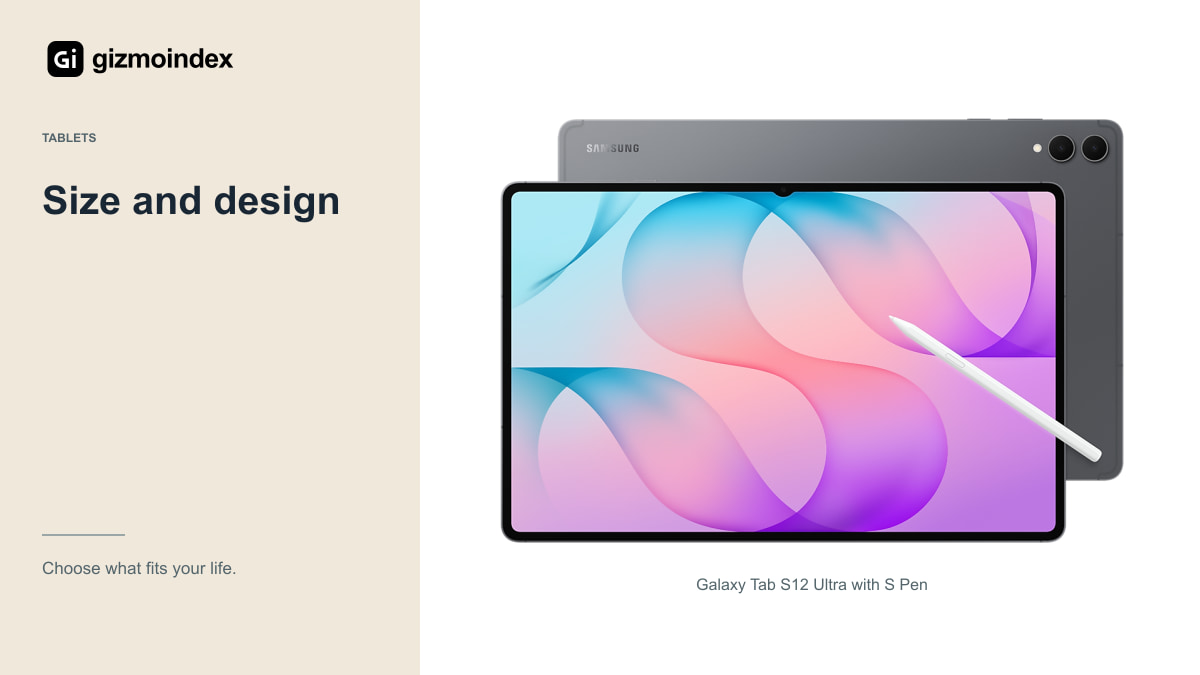
The Samsung gives you a larger canvas. That’s attractive for a full-page document, a wide timeline or a drawing surrounded by tool panels. It’s also a physically large object to carry, hold and fit on a small table.
The Xiaomi’s 13.3-inch screen is still substantial. If the Ultra feels too wide for comfortable use, going smaller can be a practical improvement. Don’t let the “Max” name distract you from comparing the real dimensions and the weight of a complete case-and-keyboard setup.
For films, check reflections and the actual video area. For drawing, look at the pen and palm rejection. For documents, inspect small text at your normal viewing distance. A specification sheet can’t decide which shape feels comfortable during the task you repeat every day.
Display
Samsung’s AMOLED display and up-to-120Hz refresh rate are clear parts of the Ultra’s appeal. If dark-room films, strong contrast and smooth scrolling are central to your purchase, those are sensible reasons to put it near the top of your shortlist.
Xiaomi markets the Pad 9 Pro Max’s display for detailed creative and productivity work. I’d still check its exact panel specification and available modes against the model on sale. Don’t borrow OLED claims from another tablet in a long comparison table.
Peak-brightness numbers should also be treated carefully. A brief peak on part of a screen is different from a document displayed brightly for an hour. For outdoor use, reflections and sustained brightness matter; for indoor work, comfortable settings and readable text can matter more than the highest advertised number.
Apps and files
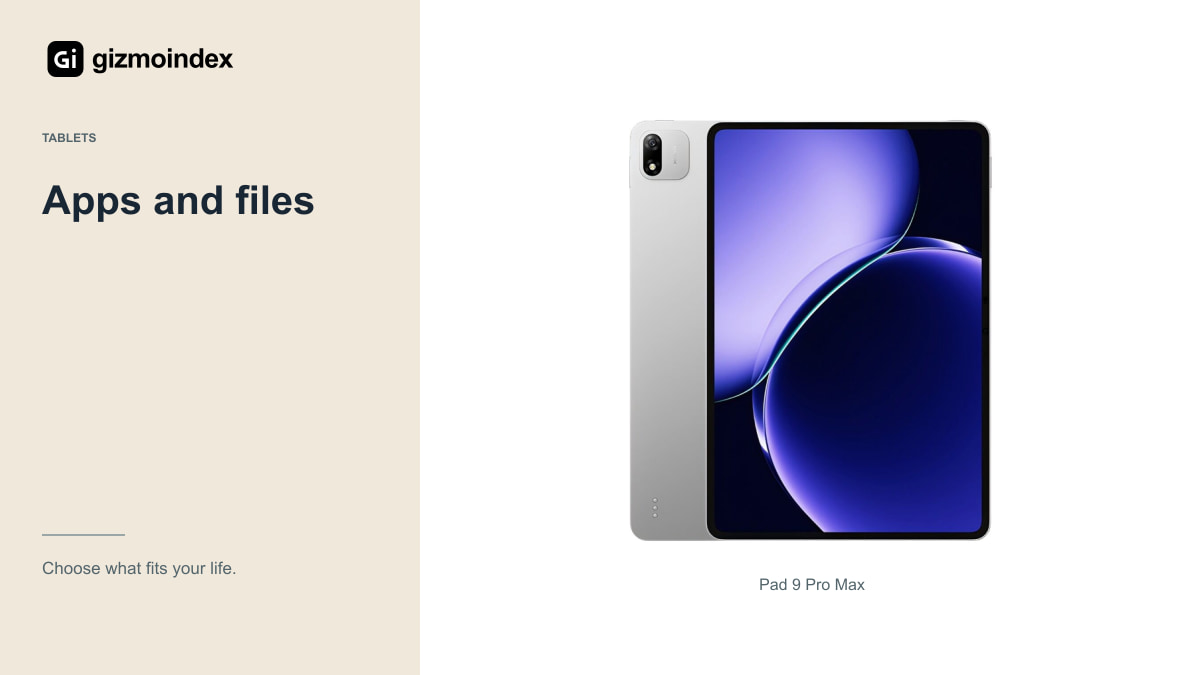
Samsung uses Dimensity 9500, while Xiaomi uses its own XRING O3 platform. Both companies promote demanding tablet workloads, but I wouldn’t invent a performance winner without comparable testing in the same apps.
Start with the software instead. Can it open your camera files? Does it preserve your spreadsheet formulas? Can it export an illustration with the layers and colour settings you need? A fast export button is only helpful after you have confirmed the application can produce the right result.
The same applies to games. Check the game, controller support and settings you actually want to use. A refresh-rate specification is a ceiling for the display, not a promise that every game runs at that frame rate. Regional software and account requirements can add another complication for imported hardware.
Pen and keyboard
The Tab S12 Ultra includes an S Pen. Its keyboard accessories are separate purchases. For the Xiaomi, ask the seller exactly which pen and keyboard are compatible and whether either is included. A bundle photo isn’t a written list of what arrives.
Try handwriting, small brush strokes and palm rejection in your preferred application. If you draw professionally, check backup and export options before judging the pen on a few smooth lines. Moving an existing library of projects can be more work than learning a new gesture.
A keyboard also changes portability. Look at the hinge or kickstand, viewing angles, keyboard layout and total footprint. A case with a layout intended for another market may still work, but you should know that before it arrives. Replacement availability matters if you expect to keep the tablet for several years.
Software on the Chinese version
For a China-market Xiaomi, confirm the installed software, languages, Google-service support and any limitations relevant to your accounts. Ask whether the software is official and whether updates continue normally. A seller’s “global” description needs an explanation, not just a sticker.
Check streaming-app certification and the resolution your subscriptions can actually play. A high-resolution screen doesn’t guarantee that every video service delivers high-resolution content on a specific regional model. If films are the main reason for buying, this can matter more than a processor benchmark.
Also test work accounts, notifications and the apps you use for authentication. Avoid building the purchase around an unofficial software modification that may complicate updates or support later. Importing can offer value, but it works best when you understand the trade-offs before paying.
Battery and support
Samsung lists an 11,600mAh battery and up to 23 hours of video playback for the Ultra. That’s a manufacturer claim under its test conditions. It doesn’t establish an all-day gaming result or a measured lead over the Xiaomi.
For either tablet, check the included adapter, charging standard and local mains plug. A high charging claim requires compatible equipment and suitable conditions. A charger that’s easy to replace locally can be more useful than a theoretical advantage on paper.
Which one I’d buy
I’d choose the Tab S12 Ultra if I wanted a large Samsung tablet with the S Pen and familiar Android support. Its 14.6-inch display is the main attraction, especially for drawing or working with more than one window. It’s a big tablet, so I’d be sure I actually wanted to carry it.
The Pad 9 Pro Max is more interesting when its complete import price is attractive and you’ve confirmed the apps you need work properly. I wouldn’t buy it purely because a converted Chinese price looks cheap. A tablet that makes signing in, streaming or getting repairs difficult can quickly lose that advantage.
My preference is the Samsung for an easier all-round purchase. The Xiaomi is an alternative for someone comfortable with its regional software and import terms, rather than an automatic bargain for every buyer.