
Galaxy Tab S12 vs Tab S9: Is It Worth Upgrading?
Should you replace a Galaxy Tab S9 with a Tab S12? Compare screen sizes, remaining support, battery condition and the real upgrade cost.
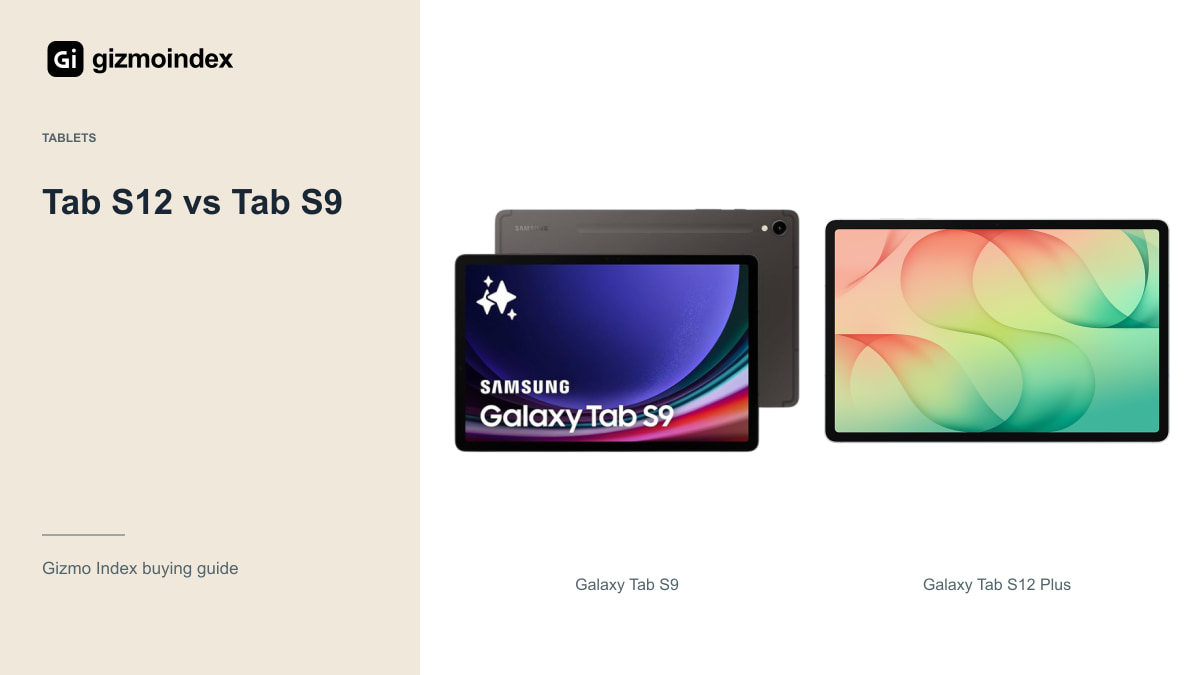
Already using a Galaxy Tab S9 and wondering whether the Tab S12 is worth the upgrade? I wouldn’t replace a healthy S9 just because there’s a newer number on the box. The regular S9 still has an AMOLED screen, a capable Snapdragon chip and an included S Pen.
The Tab S12 becomes more tempting if you want a much larger screen, a newer support period or more room for demanding work. In this guide, we’ll look at what changes and what you might already be getting from the S9. The aim is simple: spend on an upgrade you’ll notice, rather than paying again for features you already enjoy.
The S9 discussed here is the regular 11-inch model, rather than the 12.4-inch S9 Plus. That’s important when judging the size of the upgrade: moving to an S12 Plus changes the screen size as well as the generation.
What still works on the S9
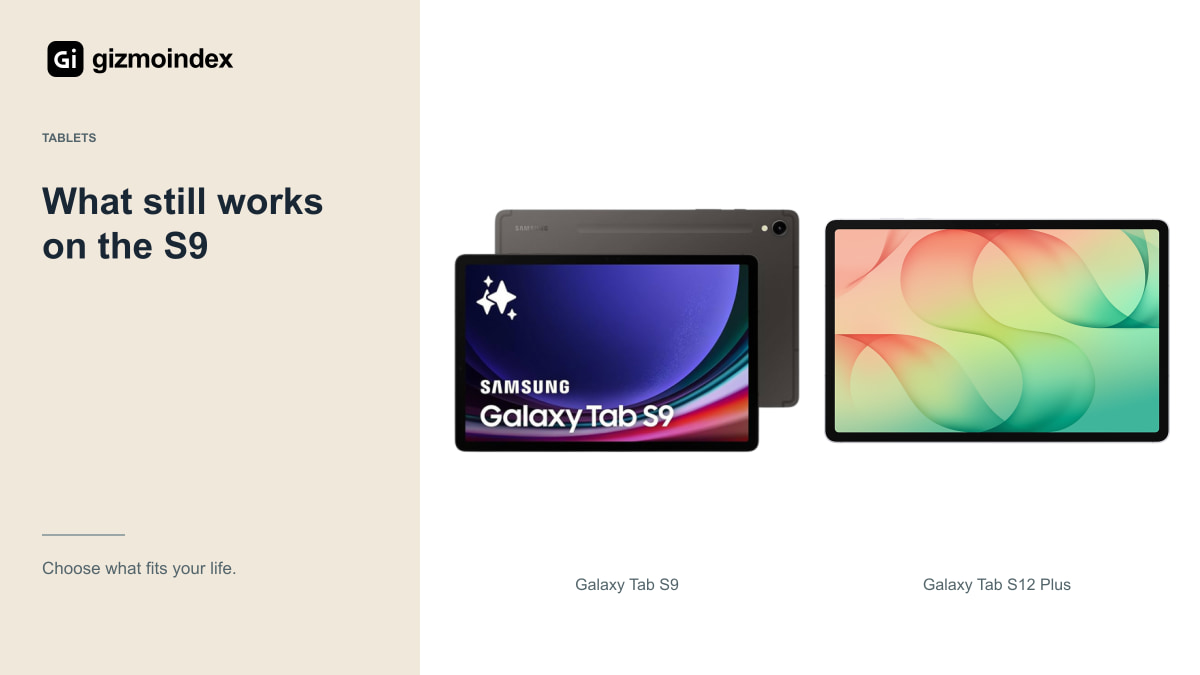
Write down the irritation before looking at a trade-in offer. Is your battery weak? Is storage full? Does an app struggle with large files? Or do you just want a larger screen? Each answer points toward a different purchase, and some don’t require a new tablet at all.
If storage is the problem, first check downloaded video, offline files and supported expansion options. If the battery is the problem, get a repair quote. A sensible battery service can cost much less than changing a tablet, keyboard and case together.
If the problem is missing desktop software, be more careful. Another Android tablet may have a faster processor and still lack exactly the same program. That’s a platform problem, not an age problem, and a new model number won’t solve it.
For example, moving from the regular S9 to an Ultra isn’t just a speed upgrade. You’re changing the way you hold, pack and use the tablet. Someone who likes reading with an 11-inch device in one hand may prefer it to a newer 14.6-inch model. I like more screen space for work, but I wouldn’t give up comfort without a reason.
Display and size
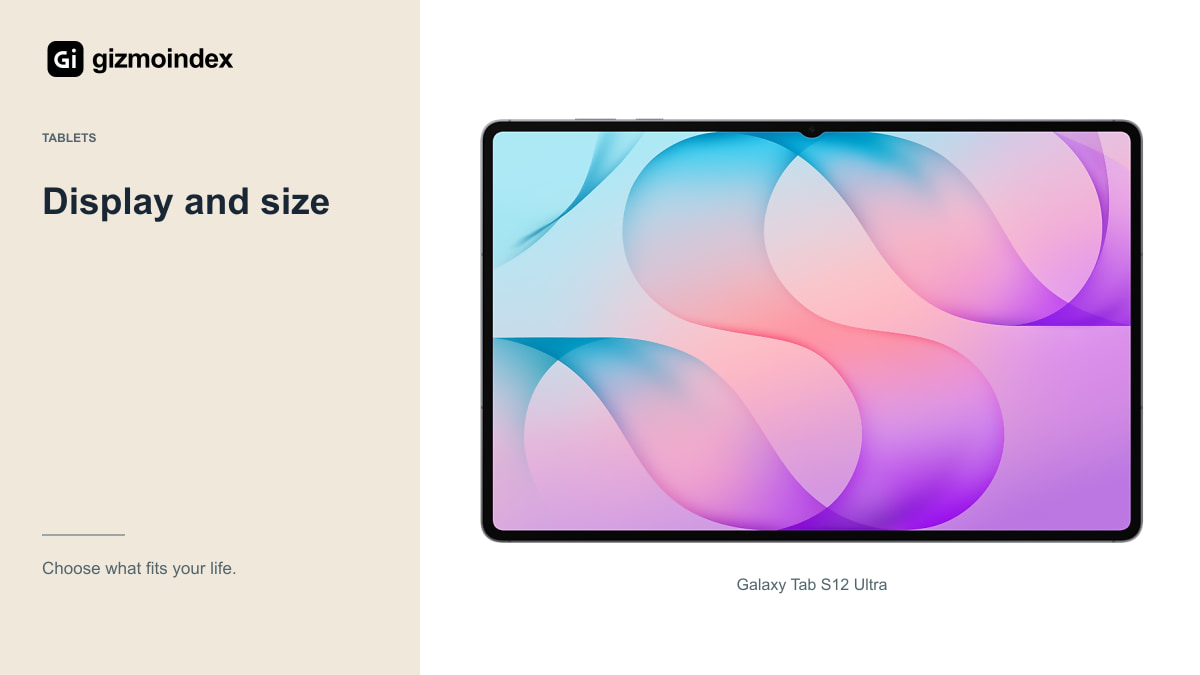
The regular Tab S9 already has an 11-inch Dynamic AMOLED 2X display with a refresh rate up to 120Hz. Samsung extended OLED across that flagship S9 range. Buying an S12 doesn’t introduce OLED to a regular S9 owner for the first time.
The S12 Plus has a larger 12.6-inch display; the Ultra has a 14.6-inch display. More room can genuinely help with a reference document beside notes or a drawing with tool panels open. It can also make the tablet less pleasant to hold for reading.
Try the new size with your usual app. An S9 Ultra owner already has the same nominal diagonal as the S12 Ultra, so the upgrade case can’t simply be “a giant screen.” A regular S9 owner should decide whether losing some portability is worth gaining the canvas.
Performance
The S9 generation uses Snapdragon 8 Gen 2 for Galaxy. The S12 family moves to Dimensity 9500. That’s a meaningful hardware-generation change, but a chip comparison should not turn into an invented claim about how many minutes your project will save.
For web pages, notes and streaming, a healthy S9 can remain a useful device. More demanding games, video editing and large creative projects give newer hardware more opportunity to matter. Check results in your actual application and file type before assuming every task benefits equally.
Thermal behaviour matters during long sessions too. A fast opening animation isn’t the same as sustained export speed or a stable gaming session. If you can try the S12, use it for more than a quick trip around the home screen. Look for evidence relevant to the work you actually perform.
Software updates
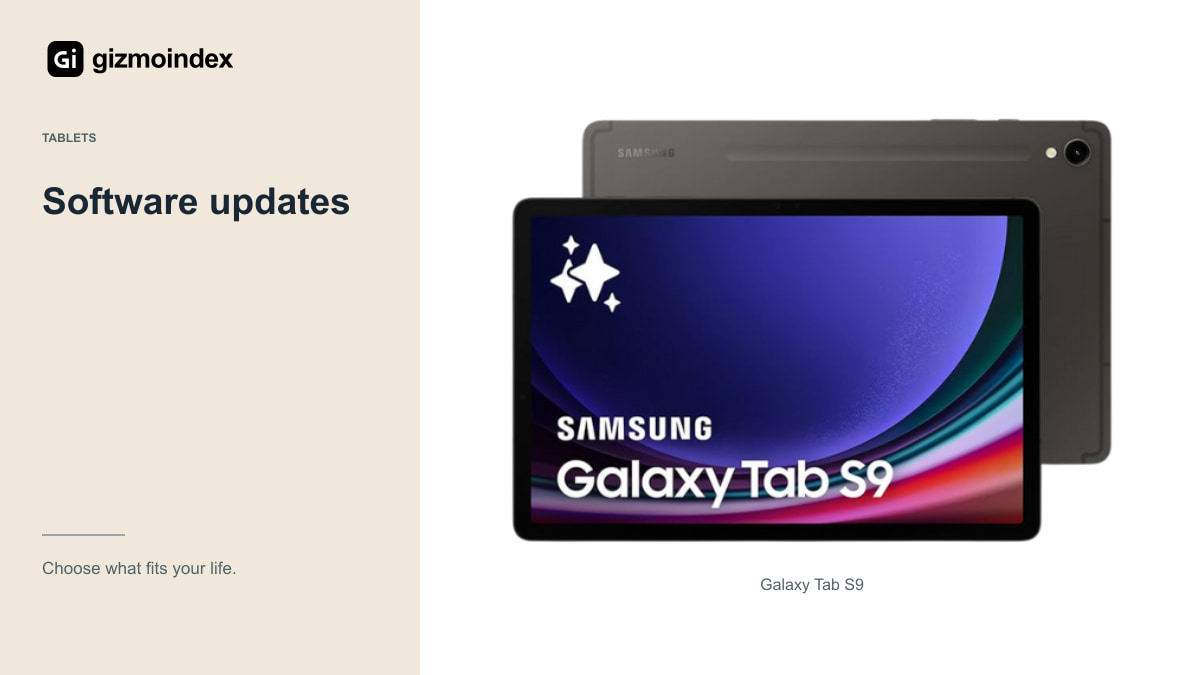
Samsung launched the Tab S9 series with a commitment to four generations of operating-system upgrades and five years of security updates. That period runs from the original launch, not from the day you buy a used tablet in 2026.
The S12 has a much later support horizon; Samsung’s UK specification pages list security support through September 2033. Check the policy for your exact regional model, but the general buying implication is clear: a newer supported tablet offers more remaining time for a long ownership plan.
That doesn’t make a supported S9 an emergency replacement. Keep it updated and review the apps you rely on. The strongest reason to change is a combination of a real limitation now and a plan to keep the replacement for years, rather than a vague worry that every older device is already abandoned.
Accessories
Both generations include an S Pen in their standard tablet package. If your existing note-taking system works, that continuity is useful. Still, don’t assume every old accessory transfers to a new tablet with different dimensions, magnets or connectors.
A keyboard case can be a substantial part of the total bill. Confirm exact compatibility with the S12 Plus or Ultra before selling the old one. Include a protective cover, any adapters and the charger you actually need when comparing an upgrade offer.
Your files deserve a plan as well. Back up notes and test exporting an important project before resetting the S9. Cloud synchronisation is convenient, but open the backup on another device and check it. A folder name appearing in an account isn’t proof that every page or layer survived correctly.
Battery
Samsung lists 10,600mAh for the S12 Plus and 11,600mAh for the Ultra. Those figures describe capacity, not a guaranteed number of work hours. Screen size, brightness, signal strength and application behaviour all affect endurance.
A three-year-old S9 battery may have degraded, so a new tablet can feel like a large improvement even before comparing processor efficiency. That doesn’t prove the older design was inadequate when new. Separate battery wear from the broader hardware comparison.
For someone studying away from a charger all day, a fresh battery and longer support may justify the change. For someone using the tablet at a desk for a few hours each evening, the same upgrade may have little practical effect. Your charging routine belongs in the decision.
Is the upgrade worth it
I’d keep the Tab S9 if its battery is healthy and it handles my notes, films and apps comfortably. The included S Pen and AMOLED display are still useful reasons to own it. There’s no need to make an expensive upgrade just to continue doing the same things.
I’d move to a Tab S12 Plus for a larger everyday workspace, or the Ultra if drawing and documents genuinely need that huge screen. A newer support period also matters if you’re buying for several more years. Those are better reasons to change than a benchmark result you won’t notice outside a comparison video.
Include a new cover, keyboard and any storage upgrade in the price. If those extras make the jump expensive, I’d first ask whether fixing the S9’s main problem would be enough. A good upgrade solves a problem; a good tablet doesn’t stop being useful when its replacement arrives.