
iPad Air 11 vs iPad Air 13 (2026): Which Size to Buy?
Choose between 11-inch and 13-inch M4 iPad Air models by carrying comfort, drawing space, keyboard costs and the work you actually do.
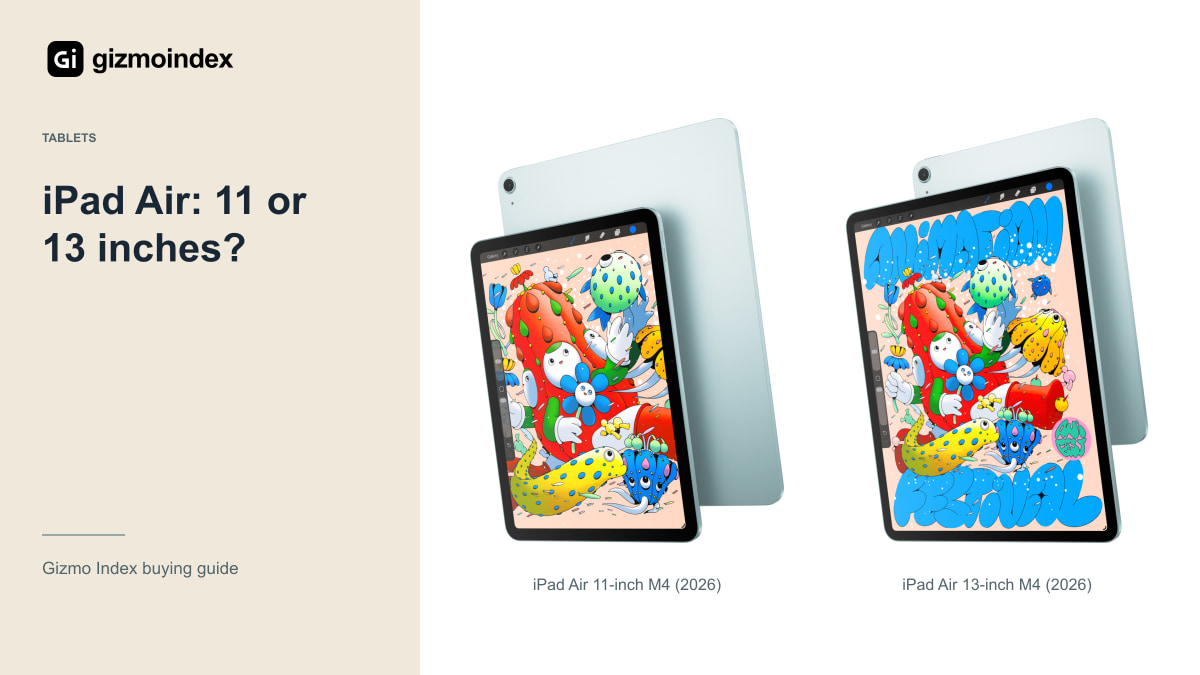
iPad Air 11 or Air 13? I’d decide how I wanted to hold the tablet before choosing the bigger screen. Both 2026 models use M4, so this is mainly a question of size, weight and the room you want for your work.
The 11-inch model is easier to picture in a bag or held while reading. The 13 gives you more space for drawing, documents and apps side by side. I like both ideas for different reasons. Here’s how the display, pen and keyboard costs change which size I’d actually buy.
Air 11 size and weight
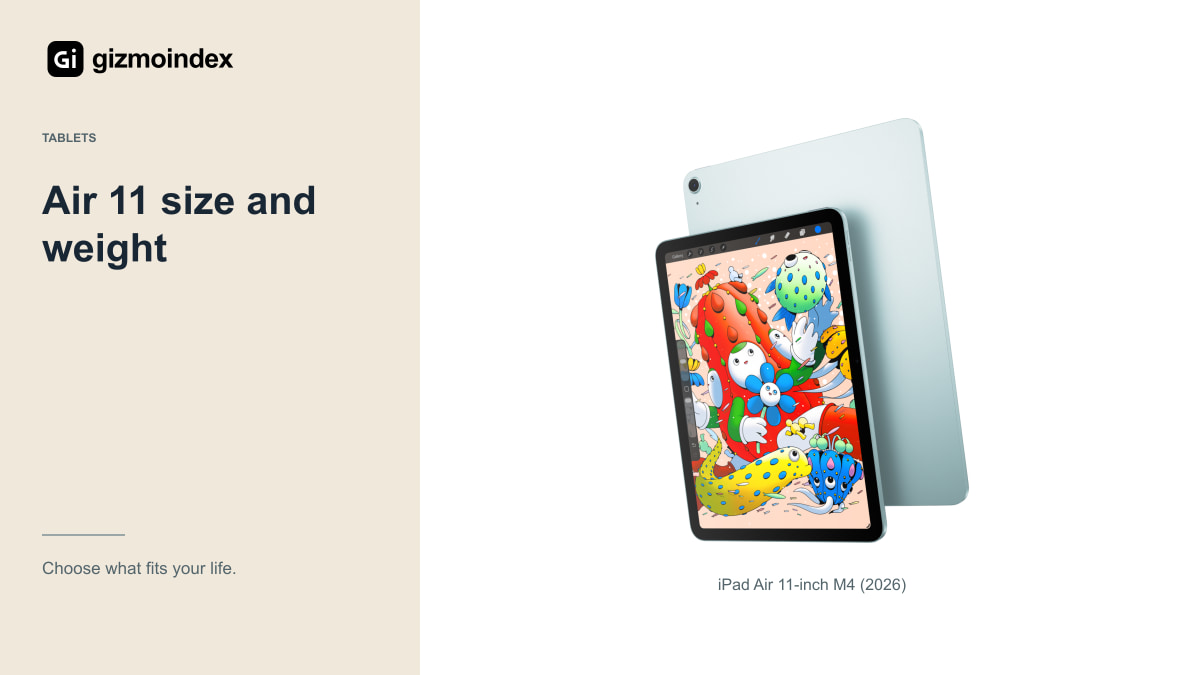
Apple’s Air 11 display measures 10.86 inches diagonally as a rectangle, and the Wi-Fi version weighs 464g. Those details help explain its portable appeal, although the final carrying weight depends on the case, keyboard and accessories you add. Check the complete setup rather than the bare tablet alone.
For reading in bed, quick notes, travel and moving between rooms, I’d consider this size first. It takes less space in a bag and can be less awkward to hold. Whether it feels comfortable still depends on your hands and how long you use it at a time.
The smaller screen isn’t automatically too small for serious work. Many tasks are perfectly manageable when you focus on one app. If you mainly read, annotate and write short responses, the extra bulk of the larger model may not buy you much practical improvement.
A full page can look more comfortable on the Air 13, while the Air 11 asks less space from the chair or table you’re using. That’s an ordinary difference, but it follows you into every session. I like more room for drawing; for carrying a tablet alongside a laptop, I’d be more tempted by the smaller body.
Air 13 screen space
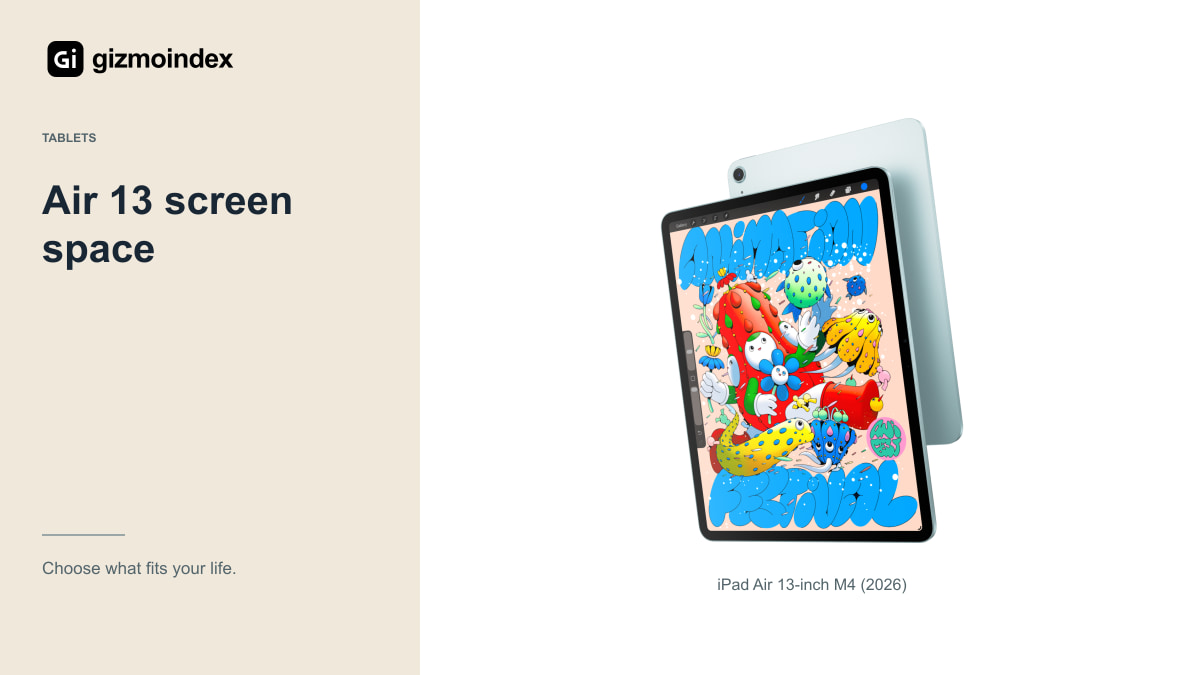
The larger Air has a 12.9-inch rectangular display measurement, and Apple’s Wi-Fi specification lists 616g. It provides more room for a document, drawing or interface. That can be helpful without making it the right tablet for every situation.
I’d look at the 13 for split-screen notes, a larger drawing canvas or work that benefits from a timeline and visible controls. Open the type of project you use if a shop demonstration allows it. The useful difference is what fits comfortably on screen, not simply the diagonal number.
It’s also worth checking your desk and travel routine. A larger tablet can be pleasant on a stable stand but less convenient on a crowded train or a small café table. You are choosing the space it occupies as well as the screen it provides.
Display
Apple lists Liquid Retina IPS displays for these Air models, with a higher stated brightness on the 13 than the 11. Neither should be confused with the current iPad Pro’s tandem OLED and ProMotion specification. A large Air isn’t the same display experience as a large Pro.
Brightness figures are only part of outdoor usability. Reflections, the angle of the screen and your surroundings also matter. If you plan to work outside frequently, consider that use directly rather than treating a single number as proof that the tablet will be ideal in every setting.
For drawing and photo work, check colour handling in the actual app and viewing conditions. A bigger canvas can be useful, but it doesn’t automatically establish superior colour accuracy. I’d choose size around the work and evaluate the display separately for the standards you need.
M4 performance
The 2026 Air family uses M4 with Apple’s 12GB unified memory. That doesn’t mean every application behaves identically to a desktop application using the same general chip family. Software, interfaces and accessory support still shape what you can do on the tablet.
Before replacing a laptop, check the exact versions of your essential tools. File management, external displays, specialised plugins and browser-based services can create limits unrelated to raw processing power. A fast tablet is still a tablet running its own software environment.
If both sizes handle your workload, let comfort and working space decide. Paying for a larger display makes sense when it helps you see or control more. It makes less sense when it simply creates a heavier device for the same single-app browsing you do now.
Apple Pencil
Both Air sizes support the compatible Apple Pencil options, but those Pencils don’t have identical capabilities. Apple Pencil Pro and the USB-C Apple Pencil differ in features including pressure sensitivity. Check the accessory and app combination before buying primarily for illustration.
A larger canvas can make broad movements and detailed work more comfortable at a desk. A smaller tablet can be easier to bring out for a quick sketch. Neither advantage is universal, so think about where you actually draw rather than the setup you imagine using occasionally.
Include a stand or case in the budget if you need one. The angle, stability and available desk space can affect comfort during a long session. The useful drawing setup is the complete arrangement, not only the tablet’s screen size and Pencil compatibility badge.
Storage and keyboard
Compare equivalent storage and connectivity when pricing the two sizes. Otherwise, you may mistake a capacity difference for a size premium. Decide how much local room you need for downloaded media, games and project files before letting the larger display consume the whole budget.
Check the exact keyboard you want and its compatibility. A keyboard and case can significantly change weight, footprint and cost. If writing is the main job, try the typing experience and balance rather than assuming a larger tablet automatically provides a better workstation.
If the 13 forces you into insufficient storage or prevents you from buying a necessary Pencil, the 11 could be the more complete purchase. Leaving room for the tools you need is often more sensible than buying the biggest tablet and postponing everything that makes it useful.
Which size I’d buy
I’d choose the Air 11 for a tablet I wanted to carry often and hold for reading. I’d choose the Air 13 for more drawing space, larger documents and longer sessions at a desk. The bigger model earns its place when that extra space gets used regularly.
I wouldn’t buy the 13 just because it looked more impressive beside the 11. Add the keyboard or cover and think about the whole thing in your bag. A tablet can become less convenient while gaining a screen you only occasionally need.
My advice is to try the size with the activity you do most. Read a page, write a note and reach the controls. Since both models share M4, you can choose around comfort without assuming the smaller one is the weak option. I’d rather enjoy a tablet’s size every day than keep working around it.