
iPad Air 13 (2026) vs iPad Air 13 (2025): What Changed?
Compare M4 iPad Air 13 from 2026 with the 2025 M3 model for apps, accessories, storage and whether a genuine discount makes sense.
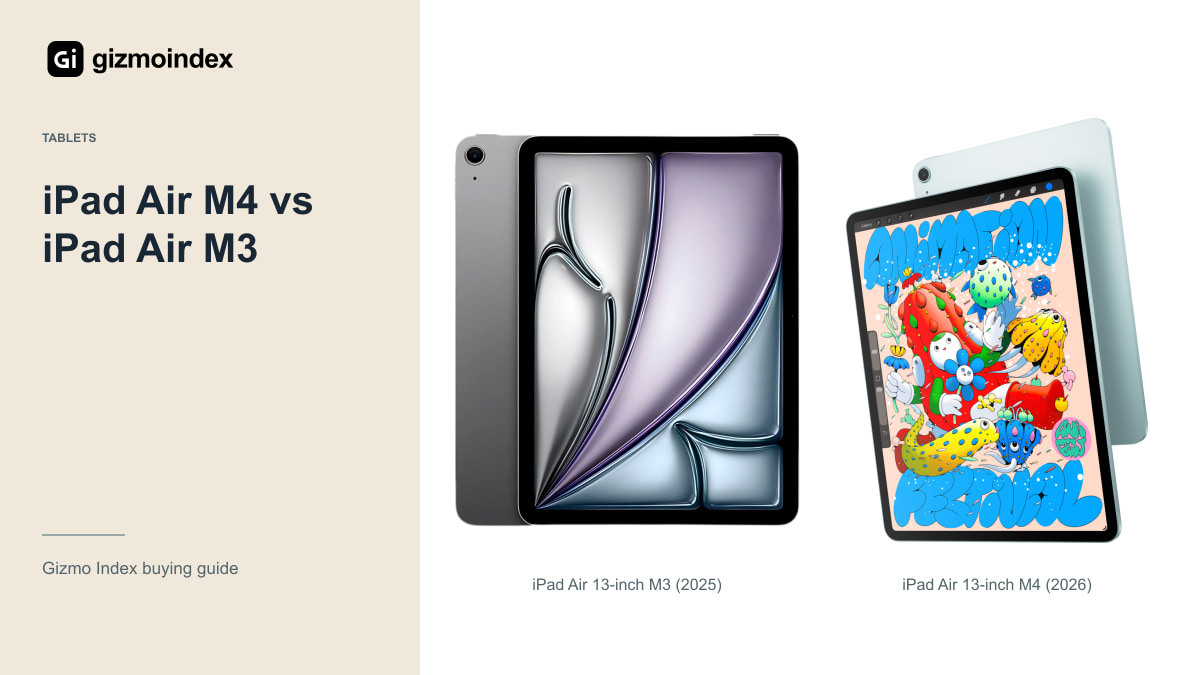
The 2026 iPad Air 13 moves from M3 to M4, but I wouldn’t upgrade from the 2025 model just because the chip changed. The large screen and iPad apps are still the main reason to want either one. If the M3 already handles your work comfortably, keeping it can be the better deal.
For a new buyer, the price gap makes the comparison more interesting. I’d want to know whether the older model saves enough to pay for the Pencil, keyboard or storage I need. Let’s look at what changes and what stays useful before spending on the newer Air.
The 2026 M4 Air
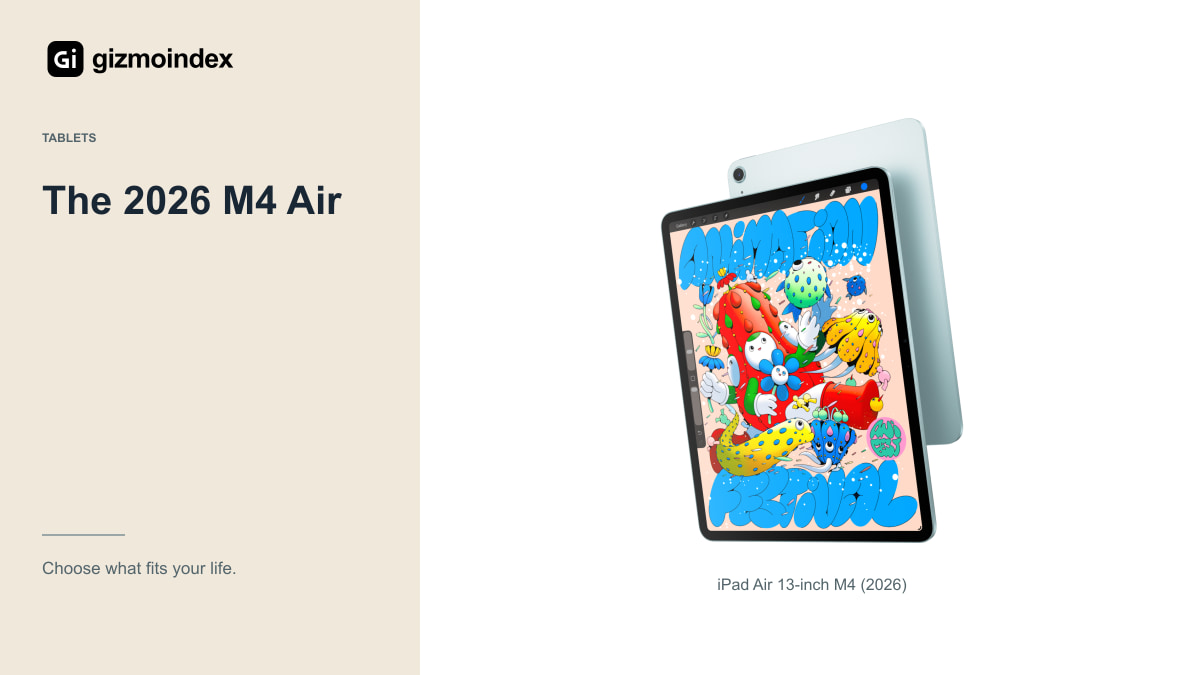
Apple’s current Air specifications list M4 and 12GB of unified memory. That’s a meaningful hardware difference to consider for demanding applications and multitasking. It isn’t a reason to promise a specific improvement in an app without testing that app and its current version.
The 13-inch Air remains a large tablet rather than becoming an iPad Pro by name or price. Its Liquid Retina IPS display should not be confused with the Pro’s tandem OLED and ProMotion arrangement. Buy the actual display and features, not an assumption that every expensive iPad has the same panel.
I’d choose the newer model when the price gap is comfortable and its extra hardware capacity has a plausible use in your work. A long ownership plan can also make newer hardware attractive, but Apple has not turned that into an exact future support-expiry date for this purchase.
If your day is mostly handwritten notes and PDFs, a comfortable pen setup can matter more than another step in processor performance. If you edit demanding projects, the difference is worth a look. I like starting with that distinction. It tells you whether the newer hardware is something you’ll use or just something you’ll own.
The 2025 M3 Air
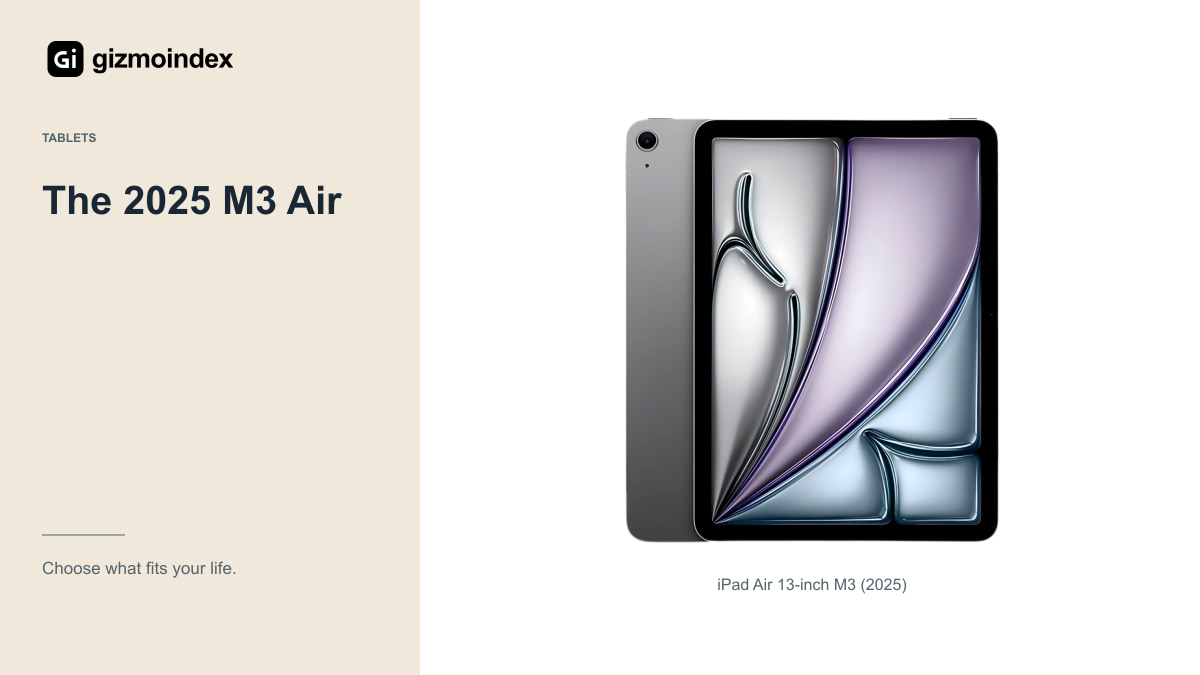
Apple introduced the M3 Air in March 2025 with 11-inch and 13-inch options. It supports Apple Pencil Pro and the USB-C Apple Pencil, with accessories sold separately. That makes it relevant for notes, drawing and everyday tablet work even after a newer Air has arrived.
A discount is only useful when it’s genuine and the condition is comparable. Check whether the older offer is new stock, refurbished or used, and whether the warranty is equivalent. A large difference caused by damage or missing accessories should not be presented as a simple generation discount.
If the M3 already runs the apps you need comfortably, its lower total cost may be the stronger argument. I’d test a representative document, drawing or editing project where possible. A chip comparison is less useful than knowing whether your real task feels limited.
Display
The Air 13 gives you more working room than the smaller Air. That can help with a document beside notes, a larger drawing canvas or a timeline. It also means a bigger item to hold, carry and balance on a small desk or lap.
Try the size before paying if you have not used a large tablet. A screen that looks ideal on a shop stand can feel awkward during a long handheld reading session. Your case and keyboard add to the total weight and bulk, so include them in the test.
For mainly sofa browsing or short notes, the smaller Air could be easier to live with. For a desk-based routine, the larger panel may be worth the extra space it takes. The generation choice should not distract you from deciding whether this size fits your day.
Pencil and keyboard
Price the Pencil, keyboard, case and charging arrangement you actually want. The cheapest tablet listing may become the more expensive setup once those are included. Check compatibility by exact model, especially when a seller bundles an older keyboard or an accessory with a similar product name.
Apple Pencil Pro and the USB-C Apple Pencil don’t offer identical drawing features. Confirm pressure sensitivity and other controls for your chosen tool and app. If drawing is the main reason for buying, the wrong accessory can affect the experience more than a small difference between chips.
A keyboard can make longer writing easier, but it doesn’t turn every tablet app into its desktop equivalent. Check shortcuts, file handling and any external-device requirements in the applications you use. Buy a complete working process rather than a collection of accessories that looks like a laptop.
Storage and connectivity
Estimate how much room your apps, downloads, photographs and project files need. If a newer chip forces you into insufficient storage, the tradeoff may not be worthwhile. Cloud storage can help with a setup, but it doesn’t remove every local-capacity requirement or work equally well offline.
Choose Wi-Fi or cellular around how you use the tablet. Check carrier support and data costs for the exact cellular model if you need it. A hotspot may be enough for occasional use, while frequent independent connectivity could justify the additional cost for another buyer.
External storage also needs a practical check. Confirm that the app can read, write and manage your files in the way you expect. A compatible port is useful, but software behaviour and the right cable or hub still matter when you move beyond basic browsing.
Should M3 owners upgrade
I wouldn’t replace an M3 Air simply because M4 appears in a product title. First identify a real limitation: a project that struggles, a memory-heavy setup or another documented capability you need. Then check whether the newer model solves that limitation at a cost you can justify.
For ordinary reading, streaming, handwritten notes and many everyday apps, the existing tablet may already do the job. Keeping it and improving your keyboard, Pencil setup or storage process could be a better use of the budget. An upgrade should solve something you can name.
If you’re buying your first large Air, the calculation changes. A modest gap between equally suitable offers may favour the current M4. A substantial discount on a healthy M3 could favour the older one. Make the comparison with the same storage and connectivity wherever possible.
Which one I’d buy
I’d choose the M4 Air 13 when buying new if the price gap was modest and the configuration suited me. I’d choose the M3 model when it offered a worthwhile saving in comparable condition. Both can make sense, and I wouldn’t treat the older one as finished because its replacement arrived.
If I already owned the M3, I’d keep it unless there was a specific task the M4 improved enough to justify changing. Notes, reading and ordinary browsing aren’t automatically better because the chip name is newer.
My advice is to compare storage and accessories alongside the tablet. A discounted M3 with the setup you need may be better value than a bare M4 that uses the whole budget. Buy the upgrade you can explain in your own work, rather than paying to stay one generation ahead on a product page.
Sources
iPad Air 13-inch M3 (2025) specifications · iPad Air 13-inch M4 (2026) specifications