
Is a 2016 MacBook Worth Buying in 2026?
A 2016 MacBook buying guide for 2026: official macOS limits, butterfly keyboards, battery wear, ownership checks and newer alternatives to compare.
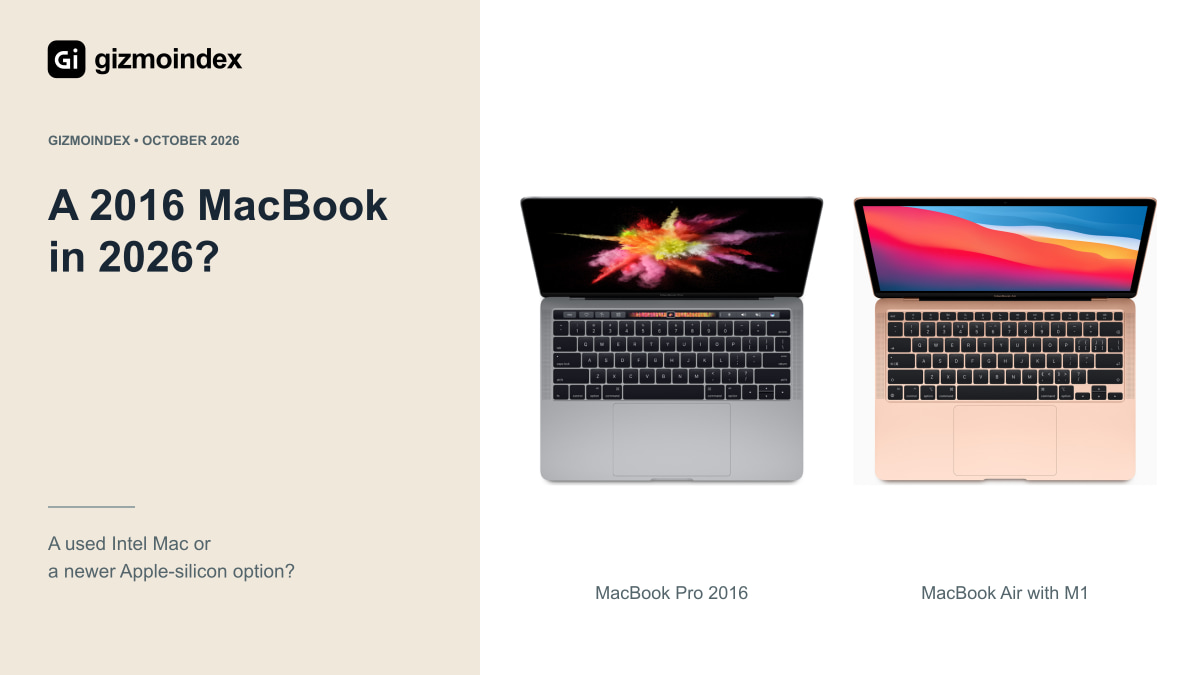
A cheap 2016 MacBook can look tempting in 2026, especially if you just want an Apple laptop for basic work. I’d be careful, though. The age, older software support, battery condition and keyboard history can turn a low asking price into a much less appealing purchase.
The exact 2016 model matters too. A 12-inch MacBook and a MacBook Pro aren’t the same machine. Here’s what I’d look at before buying, where an old one might still be useful and why I’d usually compare a newer alternative first.
Which 2016 MacBooks are we talking about?
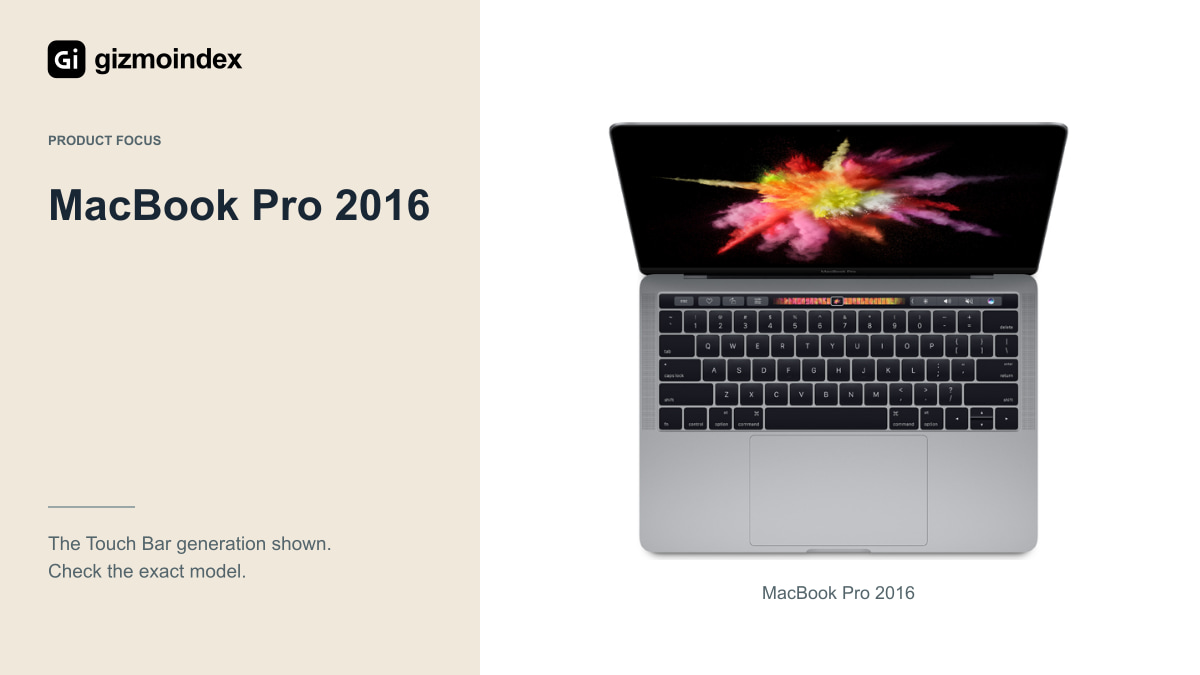
The name matters here. The 12-inch MacBook Early 2016 uses a low-power Intel platform and has one USB-C port for charging and accessories. It isn’t the same computer as a 13-inch MacBook Pro from the same year.
The Late 2016 13-inch Pro came with two or four Thunderbolt 3 ports, including versions with and without the Touch Bar. The 15-inch Late 2016 Pro used a quad-core Intel processor and discrete AMD graphics. Those differences affect performance, accessories and potential repairs.
Open About This Mac on the machine and compare the details with Apple’s identification guides. Don’t rely on the seller’s title or a familiar-looking case. Confirm the model, memory and storage you’re actually being offered before discussing whether the price is good.
The software problem
Apple lists macOS Monterey as the newest officially compatible operating system for these 2016 models. Monterey is no longer on a routine current security-update path. That’s the biggest reason I’d hesitate to buy one for everyday work and online accounts.
Check the current requirements of every app you need: meetings, office work, password management, development tools or employer software. An app opening today doesn’t guarantee access to its latest version later. A browser update also doesn’t replace maintenance for the whole operating system.
Unofficial patching tools can sometimes install a newer OS, but I wouldn’t sell that as an easy answer for everybody. Updates, graphics and recovery may require extra work. It can be an interesting hobby project while still being a poor fit for someone who just needs a reliable laptop each morning.
The keyboard problem
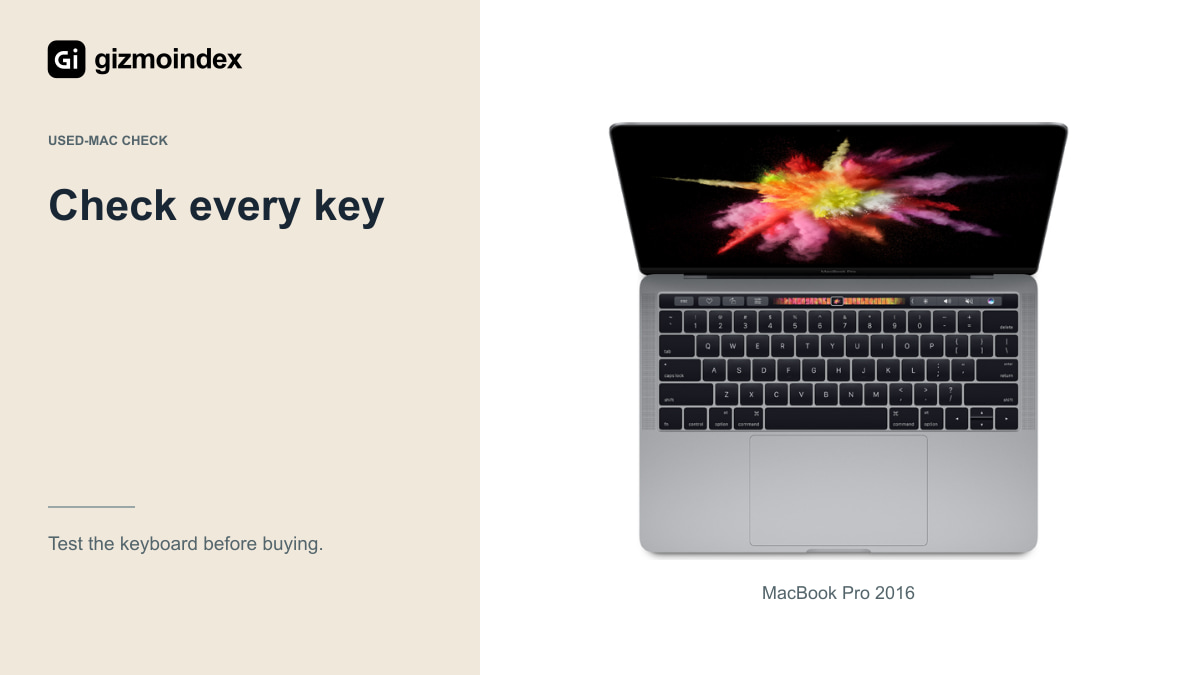
These models use Apple’s butterfly keyboard. Missed presses, repeated letters or inconsistent keys are the symptoms I’d look for. Apple described them in its service program, but that program covered eligible machines for a limited period after the first retail sale. It wasn’t free cover forever.
I wouldn’t buy a 2016 MacBook on the assumption that Apple will repair the keyboard at no cost. Ask a repairer about parts and a realistic quote. A top-case repair could be difficult to justify against the value of the whole laptop.
Test every key in a text editor, including repeated presses, modifiers and shortcuts. A single typed sentence isn’t enough. An external keyboard may work for a desk setup, but then you need to consider whether the portability still meets your needs.
Performance in 2026
A healthy 2016 MacBook Pro can still do some writing, browsing and media work. The exact apps and their support decide how useful that’s. The 12-inch MacBook has less performance headroom, so I’d be especially careful about assuming the same experience across the range.
Try your normal workload. Open a meeting, a document and the sites you regularly use, then leave them running for a while. Check memory pressure, available storage, fans and responsiveness. A fresh desktop with no apps open doesn’t tell you much.
For demanding editing or large development workloads, I’d look elsewhere first. More RAM or a higher Intel processor option from the same generation doesn’t solve the official OS ceiling, a tired battery or a keyboard that misses presses.
Battery and ports
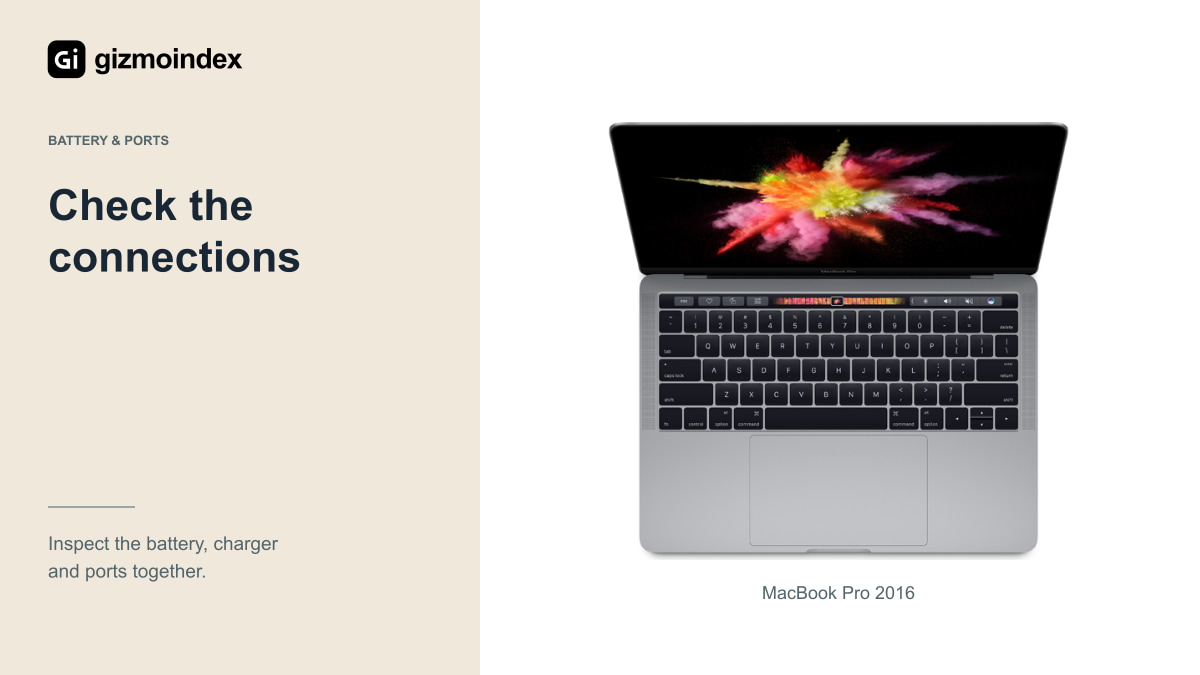
At this age, I’d expect the battery to need a close inspection. Cycle count is useful, but calendar age, storage and replacement quality matter as well. Look at the reported condition, test unplugged use and check for swelling or an uneven case.
The 12-inch model’s single USB-C port makes accessories more awkward, particularly when charging at the same time. The Pro models have more Thunderbolt ports, but you may still need adapters for HDMI, USB-A or a memory card.
Try every port with a working accessory and charger. If the supplied adapter is damaged or unsuitable, include the correct replacement in the budget. A bargain becomes less convincing when a battery, keyboard, hub and charger all need buying at once.
Who might a 2016 MacBook still suit?
I could see a sound, very inexpensive unit serving as an offline writing laptop, a spare for one compatible application or a hobby machine. Those are narrow roles, with the limitations understood in advance.
A technical owner might consider a maintained alternative operating system. Check support for the exact hardware first, including Wi-Fi, sleep, sound, graphics and the Touch Bar where fitted. It shouldn’t be assumed to work perfectly just because an installer starts.
If the laptop is for a student or someone who can’t spend time troubleshooting, I’d prioritize current software support and accessible service. Saving money upfront shouldn’t leave that person with an uncertain repair project when they need to join a lesson or submit work.
Better alternatives
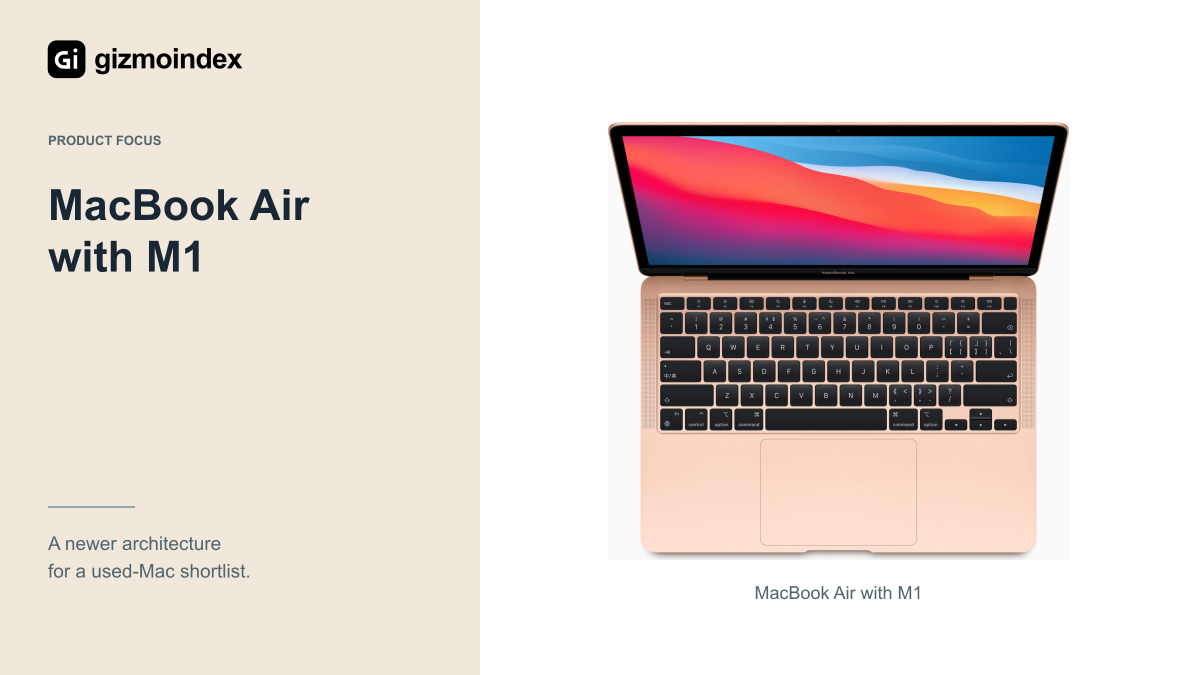
The M1 MacBook Air is a useful comparison. You get Apple silicon, a fanless design and a keyboard outside the 2016 butterfly generation. The M2 Air adds a newer design and MagSafe charging. I’d still inspect battery health, memory, storage and current OS compatibility before buying either used.
Don’t assume a fixed support period starts again with your purchase. Check the current compatibility lists and app requirements. A low-memory model can also limit a newer machine, so the configuration matters alongside the processor name.
Compare supported Windows laptops too if the budget doesn’t stretch to a suitable Mac. The important question is what runs your work reliably at the full cost. Once repairs are added to an old MacBook, the difference to a newer machine may be smaller than the asking prices suggest.
Key differences at a glance
These are the options I’d put beside each other before deciding.
| Option | Potential attraction | Main limitation |
|---|---|---|
| 2016 12-inch MacBook | Small and light | Low-power platform; one USB-C port |
| 2016 MacBook Pro | Retina display and older Pro features | OS ceiling and butterfly keyboard |
| Used M1 or M2 Air | Newer platform and keyboard generation | Still needs battery and ownership checks |
| Supported alternative laptop | Local warranty or lower total cost | Check required software compatibility |
The cheapest listing isn’t always the least expensive laptop to own. Add any needed repairs and accessories before comparing the final totals.
A quick checklist before you buy any used MacBook
Confirm the exact model, RAM and storage. Test the screen, keyboard, trackpad, camera, microphones, speakers, Wi-Fi and every port. Ask about repairs and get the return terms in writing. I’d also run it unplugged long enough to notice rapid battery loss or an unexpected shutdown.
For a 2016 Mac, look for firmware-password restrictions and organizational management. The legitimate seller should demonstrate a normal erase and setup. If Remote Management appears, the owning organization needs to address it. Don’t pay based on a promise that a restriction can be removed later.
Activation Lock is another check on newer Apple-silicon and T2 Macs, but it doesn’t apply to these 2016 models. Here, focus on firmware restrictions, management enrollment and a usable reset. In every case, confirm legitimate ownership before treating the machine as ready to use.
Buying recommendation
I wouldn’t make a 2016 MacBook my first recommendation for a main laptop in 2026. The price may be attractive, but the software limits, battery age and possible keyboard work need to be part of the amount you’re really spending.
I’d consider one for a simple, clearly understood job when it was inexpensive, tested and supported by the apps I needed. I wouldn’t buy it expecting a fresh long-term Mac experience because the case still looked nice.
My advice is to compare a newer used Mac, especially an Apple silicon option when the budget allows, alongside suitable alternatives. A slightly higher initial price can be easier to live with than paying for an old laptop and its problems separately. Buy the machine that helps you get things done now, with enough useful life to justify keeping it.
Sources
- Apple 2016 MacBook Pro introduction
- Apple MacBook Pro model identification and compatible OS
- Apple MacBook model identification and compatible OS
- Apple butterfly keyboard service program terms
- Apple Activation Lock hardware requirements
- Apple first M1 Mac introduction