
Is the Galaxy Tab S9 Still Worth Buying in 2026?
Is Galaxy Tab S9 still worth buying in 2026? Check its screen, included S Pen, battery condition, support policy and complete purchase price.
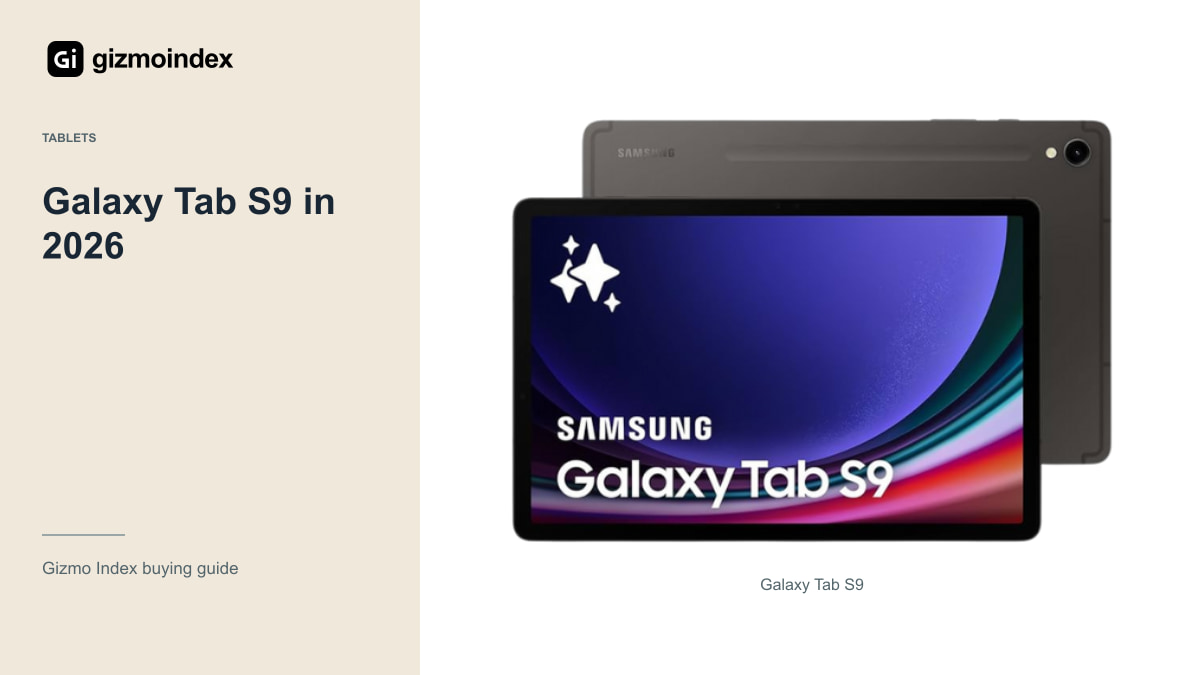
The regular Galaxy Tab S9 can still be worth buying in 2026. Its 11-inch AMOLED display, Snapdragon 8 Gen 2 hardware and included S Pen give it a useful package even with newer tablets around. I wouldn’t dismiss it just because the launch date is older.
The price and condition decide how appealing it’s now. I’d compare it with a current alternative, check how much software support remains and pay particular attention to the battery and display. Here’s where I’d still choose the S9 and when I’d move on to something newer.
Display and performance
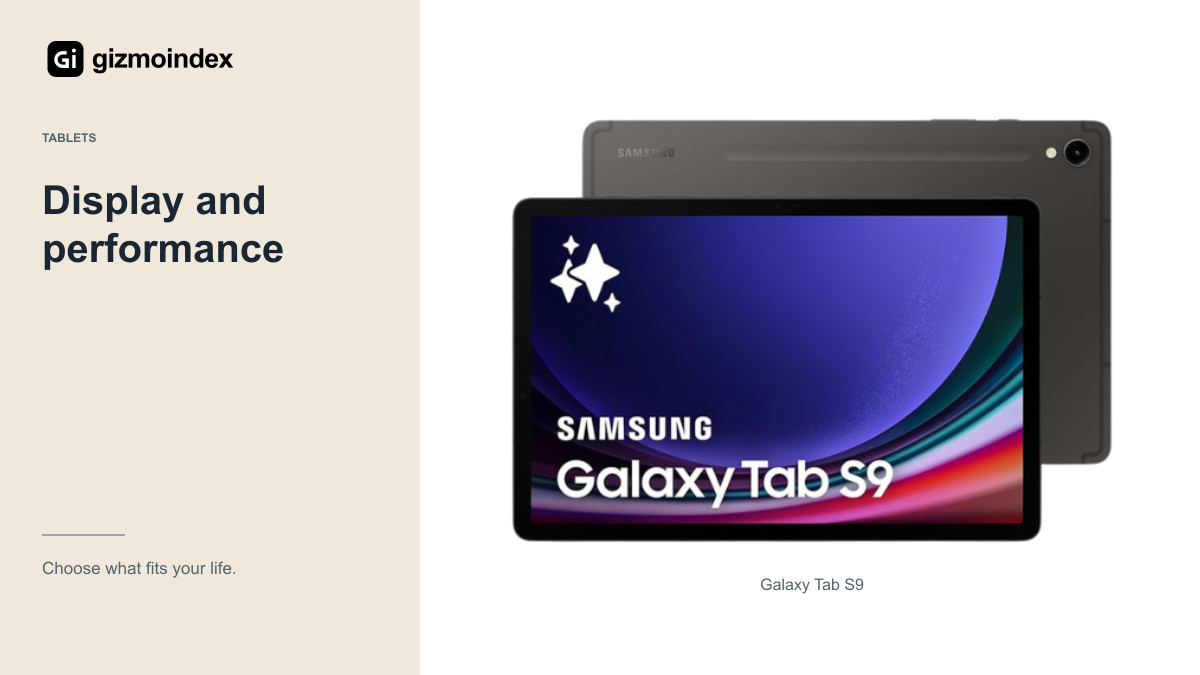
Samsung introduced the regular Tab S9 with an 11-inch Dynamic AMOLED 2X display supporting refresh rates up to 120Hz, Snapdragon 8 Gen 2 for Galaxy and an included S Pen. That remains a useful combination to consider for media, notes and general tablet work.
The 11-inch class is also easier to carry than a very large tablet. If you want something for reading, handwritten notes and travel, size can be an advantage rather than a compromise. Try it in your hands and with your intended case instead of judging only from screen area.
A newer model may provide more processing capacity or other capabilities, but the important question is whether the S9 limits your actual work. Open a representative document or drawing project where possible. A task that already runs comfortably doesn’t become inadequate because another model scores higher.
For someone who wants a tablet beside a laptop, the S9’s size can be an advantage. It’s large enough for a page without taking over the desk or bag. I like that middle ground when the tablet is for reading and notes, rather than trying to turn it into the only computer you own.
The included S Pen
An included compatible pen makes the S9 worth pricing as a full note-taking setup. Check that the particular used or open-box offer actually includes it and that it works properly. A product-family specification doesn’t guarantee every second-hand seller has kept all the accessories.
Test handwriting, palm rejection and the controls in the applications you use. If drawing matters, try a few slow lines and a more detailed sketch rather than only tapping the screen. The complete app and pen experience is more useful than a compatibility badge.
If you need a keyboard, check exact fit and compatibility before buying a bundle. Accessories for another Tab size or generation aren’t automatically suitable. Add a case or stand if your routine requires one, then compare the total with a newer tablet setup.
Software updates
Samsung’s launch commitment for the Tab S9 series was four generations of Android OS upgrades and five years of security updates. That commitment began with the original product lifecycle, not with a used purchase in 2026. Check the current update status for the exact model and region.
Don’t assume it receives every capability shown for a newer Galaxy Tab. Some features have hardware, software, language or regional conditions. Consider the particular function you want, especially if it’s the reason you’re choosing Samsung over another tablet.
Your essential apps deserve separate checks. Work-management tools, education services and banking applications may have their own requirements. A tablet can remain useful while a specific organisation requires something different, so verify the services you rely on before the return period ends.
Battery
A healthy battery and a worn battery can make the same model feel very different. Manufacturer launch claims don’t describe the remaining endurance of a specific used tablet. Test charging, normal use and any available battery diagnostics, and watch for unusual shutdowns or behaviour.
Ask whether the battery or display has been replaced and who performed the work. Repairs aren’t automatically a reason to reject a device, but they should be disclosed and reflected in the price. Get the condition and any repair warranty in writing.
If the offer is sealed older stock, check the retailer’s warranty and return terms rather than assuming age has no effect. You still want a practical route to deal with a fault. A discount is only useful when the tablet is healthy enough to do the job.
AMOLED screen condition
Inspect light and dark backgrounds, colour consistency and touch response across the panel. Look for persistent marks or damaged areas that a colourful wallpaper may hide. Check the tablet at a comfortable brightness and with the type of content you normally view.
OLED can be attractive for films and dark interfaces, but care and condition still matter. Ask about previous use if buying second-hand, especially if it spent long periods displaying a fixed interface. Don’t accept a vague claim that every mark will disappear after a reset.
For drawing, also test the pen across the whole display. A small dead area could become frustrating even if ordinary video playback looks fine. It’s easier to discover that during an inspection than after you have built your study or work routine around the device.
Compared with Tab S12 Plus
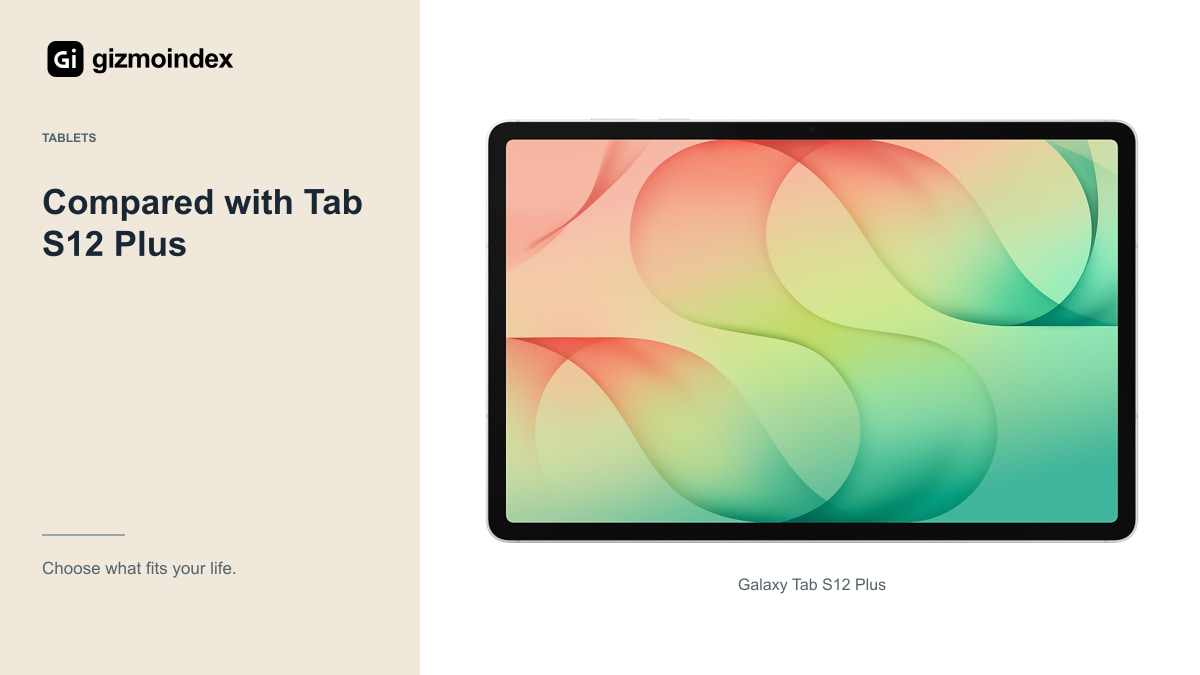
The newer Tab S12 Plus is a larger 12.6-inch model, so this isn’t simply the same tablet with a newer chip. Its extra area can be useful at a desk but changes carrying and handheld comfort. Choose the size before deciding which generation is the better purchase.
If you need a longer remaining support position or specific newer capabilities, the current model matters. If you mainly want a portable AMOLED tablet with an S Pen and the S9 is substantially cheaper, the older device could still be the more sensible complete setup.
Compare equivalent storage and connectivity, and include necessary accessories. A newer tablet with insufficient storage isn’t automatically a better purchase than an older healthy one configured for your files. At the same time, a tiny saving may not justify the risks of a poorly documented used offer.
My verdict
I’d buy a Tab S9 if it was in good condition and saved enough money against a newer tablet. The included S Pen and AMOLED screen are still useful benefits, especially for notes, reading and entertainment. An 11-inch body may also suit someone who doesn’t want the much larger S12 sizes.
I’d choose newer hardware if the price gap was small or I wanted a longer remaining support period. The S9’s original update commitment didn’t restart when it entered the used market, so that needs to be part of the value comparison.
My advice is to judge the whole deal. A healthy S9 at the right price can still be enjoyable to use. An older one with a worn battery or damaged display isn’t a bargain simply because it once cost flagship money. Buy the condition and useful years you need, rather than its original position in the range.