
Is the Samsung Odyssey OLED G9 Worth It in 2026?
Is Odyssey OLED G9 worth buying in 2026? Compare the super-ultrawide role, exact model, graphics requirements and complete setup cost.
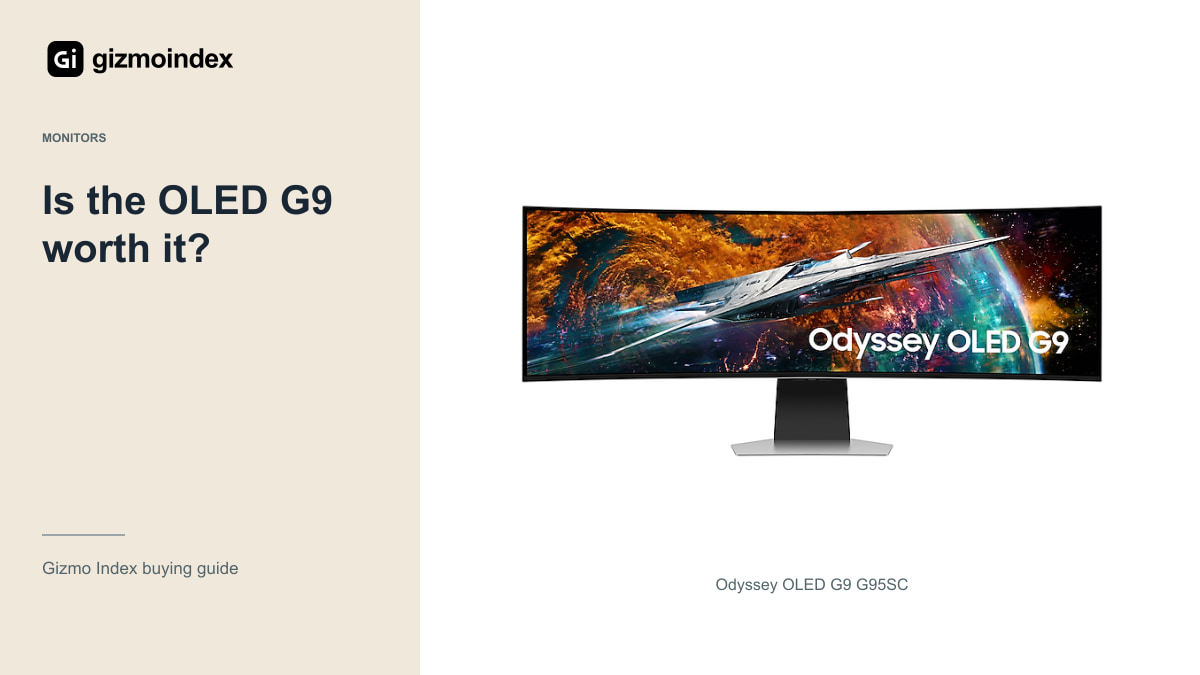
Is Samsung’s Odyssey OLED G9 worth it? If you want a screen that stretches across the desk, I can see the attraction. The 49-inch 32:9 shape gives you a very different view from a normal gaming monitor. But it’s also the reason I wouldn’t recommend it to everybody.
This guide focuses on the announced G95SJ, rather than pretending every OLED G9 has the same specifications. It’s part of Samsung’s 2027 range, so the buying question includes whether to wait. Here’s what I like about the idea, what could make it awkward and who I’d actually recommend it to.
The ultrawide display
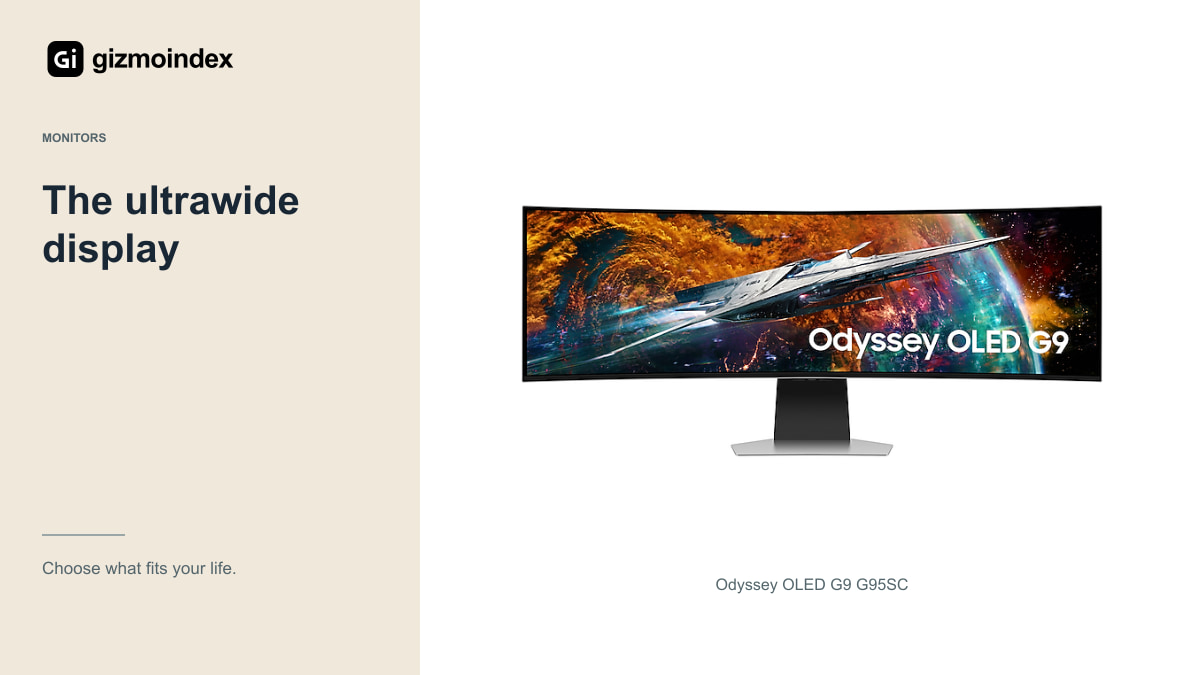
The 49-inch OLED G9 format gives you a 32:9 screen, with existing G95SC specifications including 5120 × 1440 resolution and up to 240Hz. Its width is the feature you notice immediately. In a compatible game, it can make a normal monitor feel narrow.
That can be attractive for racing, simulation and some immersive PC games. The same width also gives desktop applications room to sit side by side. If your routine already involves several windows, one continuous screen may be appealing.
OLED contrast is another part of the attraction. Dark scenes can look convincing without the backlight behaviour associated with an LCD. Still, I’d judge the actual monitor’s settings, room reflections and condition rather than assuming every impressive OLED specification guarantees a perfect experience.
The appeal isn’t only having more screen. It’s having more useful screen in the right place. Two documents or a long timeline can suit that width, while an ordinary full-screen video won’t suddenly gain more detail. That’s the part I’d think through before rearranging the whole desk around a 49-inch display.
Desk space
Measure your desk before shopping. A 49-inch super-ultrawide needs substantial horizontal space, and the stand or mounting arrangement needs room as well. Consider the speakers, computer and paperwork you already keep on the desk.
Then think about viewing distance and posture. If you sit too close, regularly used information at the edges can become uncomfortable to follow. A monitor that fits physically isn’t necessarily a monitor that fits your normal working position.
I’d also check the games you play most. Some handle 32:9 well; others restrict the view, show unused areas or behave differently in menus and cutscenes. Buy the width because your favourite software uses it properly, not because a demonstration game looked excellent.
PC performance
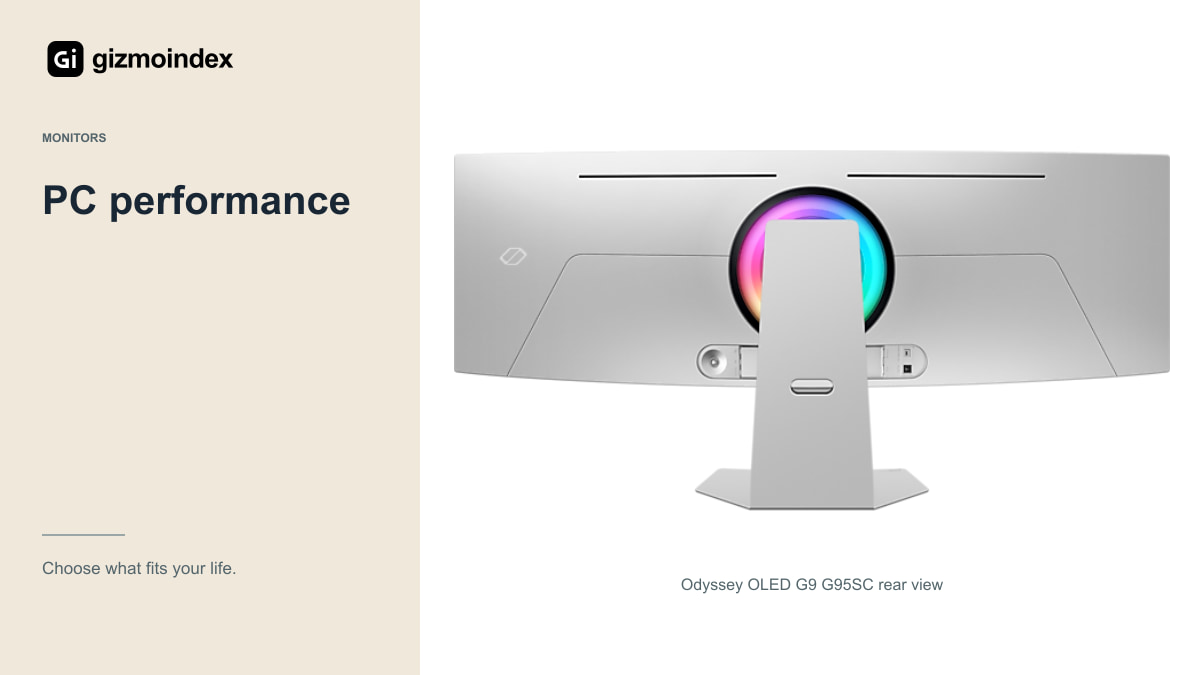
Driving a wide high-resolution image at high frame rates is demanding. The G9 doesn’t make a struggling graphics card faster. Before paying for a 240Hz or newer high-refresh model, check what your computer produces in the games and settings you actually use.
You don’t need every game to reach the display’s maximum refresh rate to enjoy the monitor. Adaptive sync and sensible settings can still make a useful combination. The mistake is treating the maximum number as an automatic result for every game.
Include a possible computer upgrade in the budget if that’s part of your plan. A discounted monitor becomes a different purchase if you also need a new graphics card, a desk and an arm. Compare that complete setup with a smaller monitor that your current hardware can use well.
PS5 use
A console is a different use case from a PC running a supported super-ultrawide game. PS5 doesn’t provide a native 32:9 desktop-style output. Check the G9’s actual console image modes, supported refresh rates and VRR behaviour rather than assuming the whole panel will be used naturally.
If console gaming is your main activity, a conventional 16:9 display can be a simpler fit. You may also spend less while getting the resolution, HDR behaviour and 120Hz support relevant to the console.
The G9 can still make sense on a desk where a PC is the main device and a console is occasional. In that case, accept the console compromise knowingly. I wouldn’t pay for all that width while expecting a console to use it like a gaming PC.
Work and everyday use
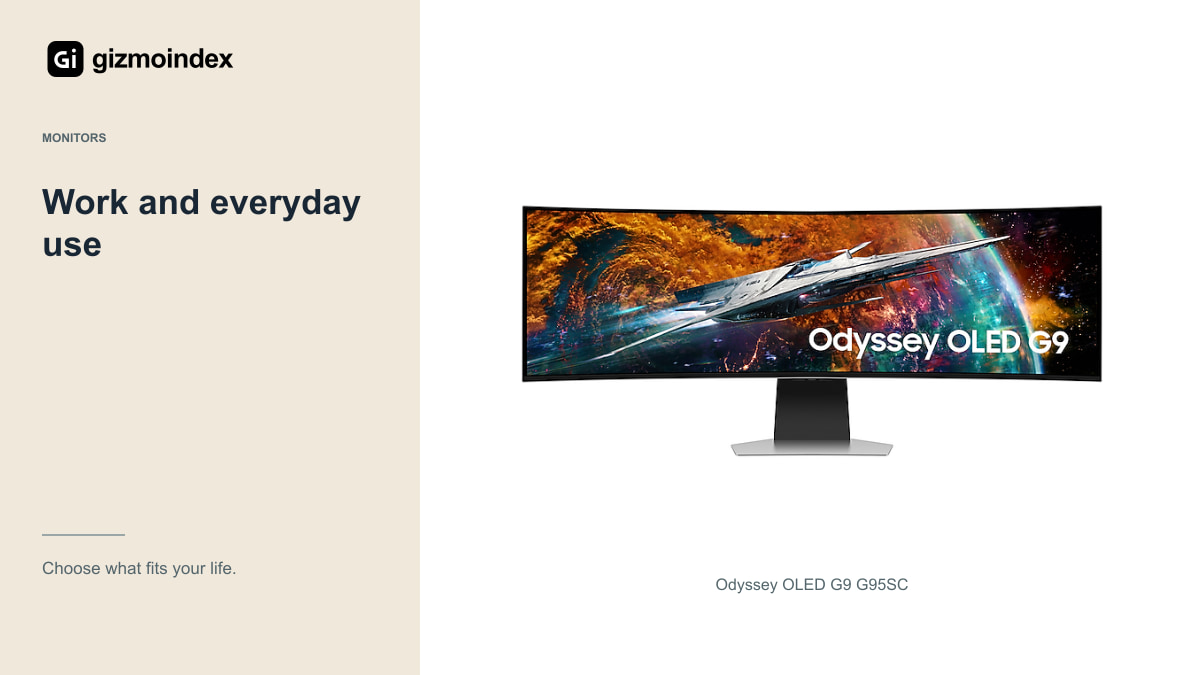
One wide screen can be convenient for a document, browser and chat window at once. It can also make full-screen sharing awkward and encourage you to spread windows farther apart than is comfortable. Try your actual applications rather than assuming width always improves productivity.
Text rendering and display scaling are worth inspecting in person. OLED subpixel arrangements differ between generations, so don’t borrow claims about the new G95SJ’s RGB-stripe panel to describe an older G95SC. Check the model you’re considering with small text at your normal distance.
If most of your day is static spreadsheets and toolbars, consider the panel-care requirements and warranty. A conventional LCD may be a less demanding long-term choice for that routine. The G9 is most attractive when its gaming and varied-content strengths are central to the purchase.
Buying used
Ask about age, usage and remaining warranty. Look at uniform light and dark backgrounds for obvious image retention, unevenness or damage. Inspect the actual panel rather than relying on a colourful game that may hide problems.
Test the ports and the desired resolution-refresh combination with suitable equipment. Check for intermittent blackouts, damaged connectors and missing accessories. A monitor sold without its original stand or adapter should be priced and assessed accordingly.
Read the local burn-in and pixel-defect terms. Don’t assume a warranty from another country applies to your imported or second-hand unit. A bargain is only convincing when the condition and support justify the amount you’re saving.
Is it worth waiting
The OLED G9 makes sense to me when the width is something you already want to use. Racing, simulation and certain desk layouts can benefit from that long canvas. In those situations, it offers something a normal 16:9 monitor doesn’t.
I’d skip it for a small desk, a console-first setup or games that leave most of the extra screen unused. I’d also think carefully before making a costly OLED my main screen for the same static work all day. The shape and the panel should both fit your routine.
For the G95SJ specifically, I’d wait for the final product and proper reviews. The announced refresh modes are exciting, but they aren’t a reason to buy from an unclear early listing. If the format fits your games, keep it on the list. If it doesn’t, a smaller monitor can be the more enjoyable purchase.