
Odyssey OLED G9 vs LG UltraGear 45GX950A
Compare Odyssey OLED G9 and LG UltraGear 45GX950A for screen shape, resolution, games, productivity and the space each needs on your desk.
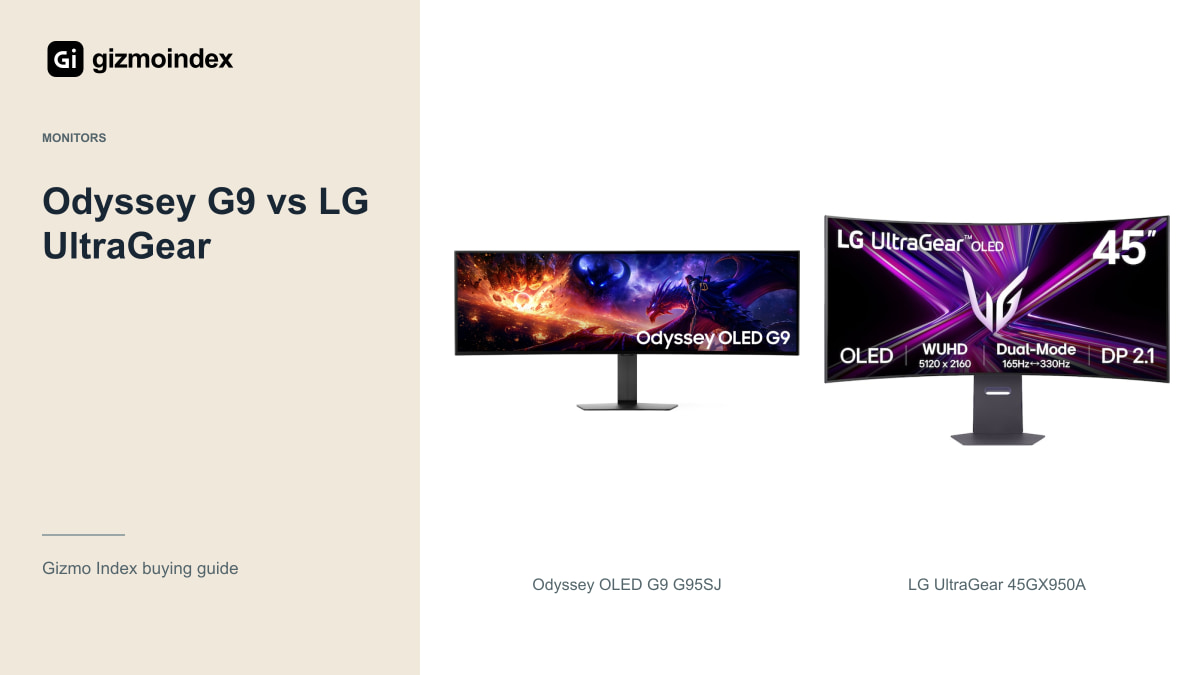
Samsung’s OLED G9 and LG’s UltraGear 45GX950A both give you a large curved screen, but they use that space differently. The Samsung is a very wide 49-inch 32:9 display. The LG is 45 inches with a taller 21:9 shape and more vertical pixels in its high-resolution mode.
For me, that’s the main comparison. I’d choose the format that suits my games and work before arguing over refresh rates. There’s also a timing difference: the G95SJ is announced for Samsung’s 2027 range, while the LG is an existing product. Here’s how I’d decide between them.
Screen shape
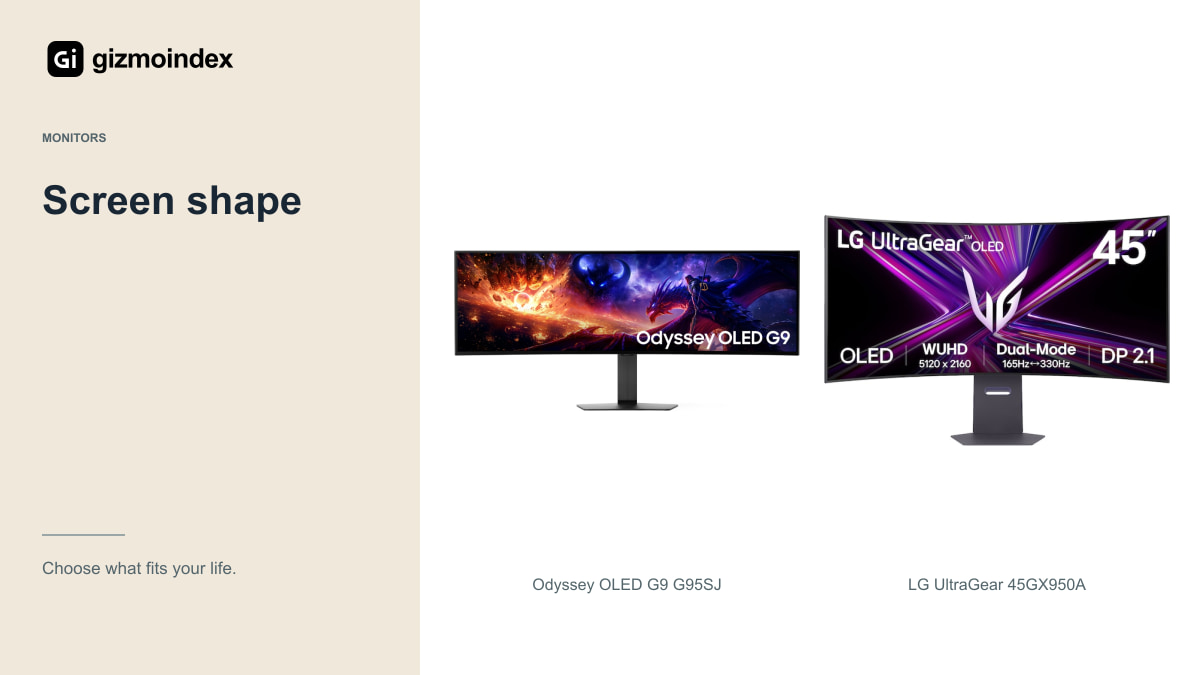
The G95SJ is a 49-inch 32:9 display. The LG is a 45-inch 21:9 display. Samsung’s diagonal is larger, but the aspect ratio makes the panel much wider relative to its height. Those numbers describe different workspaces rather than a simple larger-versus-smaller choice.
For a supported racing or simulation game, the G9’s width may be exactly the attraction. For a timeline, a large document or a game where you want more vertical space, the LG’s shape may feel more balanced. Try to picture your actual applications rather than an idealised demo.
Check game support before deciding. Menus, cutscenes and multiplayer modes can behave differently from the main game. If your favourite title restricts ultrawide output, a large part of the panel may not provide the benefit you expected.
The LG’s extra vertical resolution can be useful when you want more of a document or editing timeline visible. The Samsung’s width is more about spreading the view sideways. I like both ideas, but they solve different annoyances. Think about what feels cramped on your current screen—that’s a better starting point than simply wanting a bigger one.
Resolution
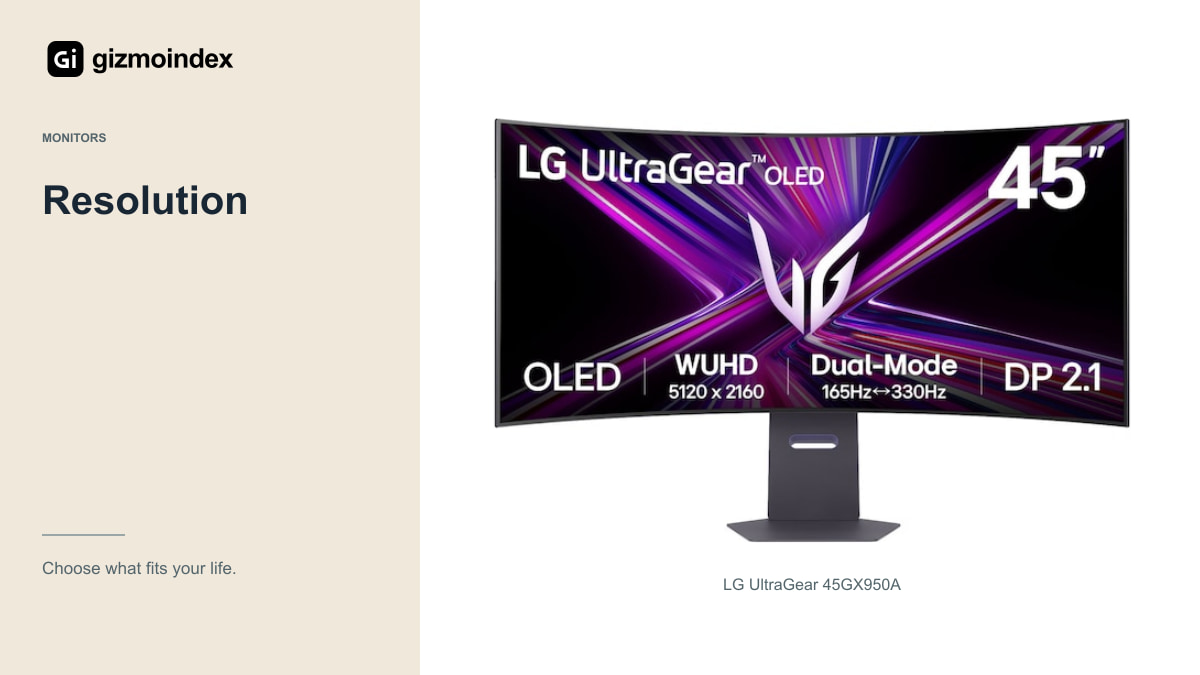
The LG’s high-resolution mode is 5120 × 2160. Samsung announces 5120 × 1440 for the G95SJ’s Dual QHD mode. The horizontal pixel count matches, but the LG has 50 percent more pixels overall because of the extra height.
That can be useful for detailed desktop work and a larger vertical game view, but it also creates a heavier rendering workload for a computer. More pixels aren’t automatically better if your graphics card can’t deliver the performance you want at your chosen settings.
Consider scaling and viewing distance as well. The value of extra resolution depends on how you use the screen. For office text, inspect the actual display and settings rather than assuming a resolution figure alone establishes the best reading experience.
Refresh modes
Samsung announces up to 360Hz at the G95SJ’s Dual QHD resolution and up to 720Hz at a lower Dual HD resolution. LG specifies 165Hz at 5K2K and a separate 330Hz Wide Full HD mode. Neither monitor delivers its highest resolution and highest refresh rate simultaneously.
The useful mode depends on the game. A competitive title running at very high frame rates may make a lower-resolution mode attractive. A slower cinematic game may benefit more from detail and image quality than the largest refresh-rate number.
Don’t build the purchase around a number your computer can’t approach. Check your current performance and decide whether a graphics upgrade is part of the plan. A monitor can display frames quickly, but it can’t create the frames the game engine has not rendered.
OLED picture quality
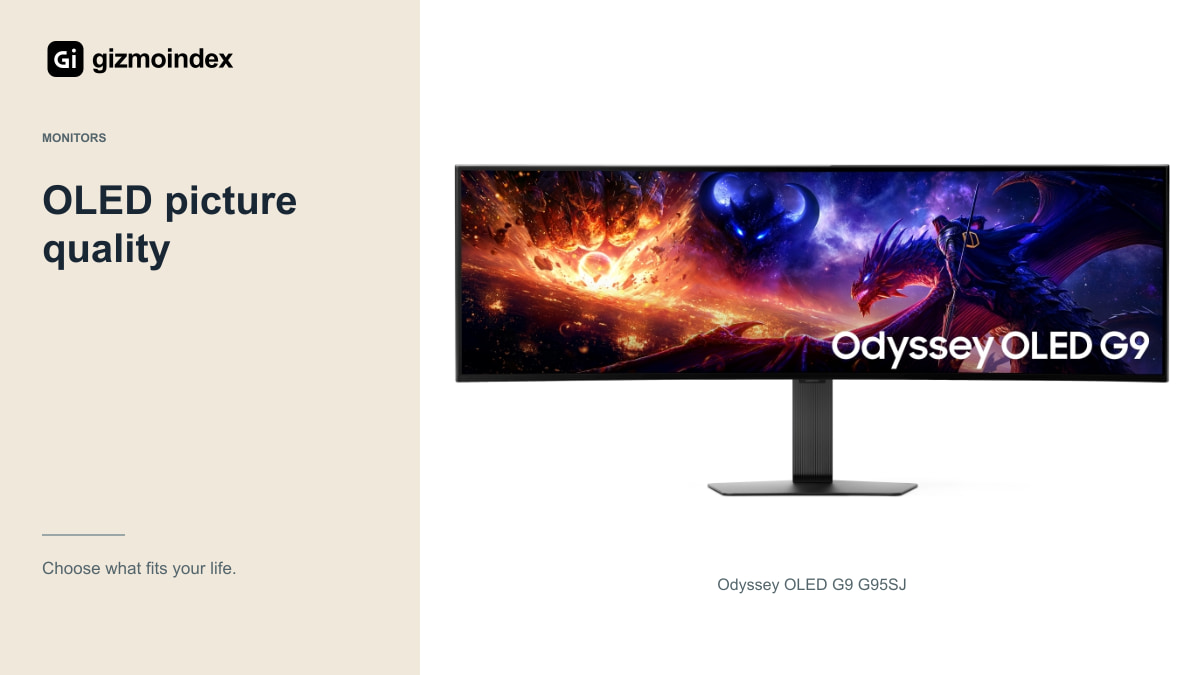
Samsung describes a newer QD-OLED panel generation and RGB-stripe subpixels for the G95SJ. Its text-clarity and efficiency claims are interesting, but I’d want to see final shipping measurements before turning them into a guaranteed advantage for your desk.
The LG uses OLED and advertises fast grey-to-grey transitions, with a strong focus on its curved ultrawide format. That response-time figure should not be treated as total input latency or a complete description of motion clarity. Settings and refresh rate remain part of the result.
For either display, peak HDR brightness isn’t the same as full-screen desktop brightness. Look at the room, reflections and the content you use. Someone working beside a bright window has different priorities from someone gaming in a dim room after work.
Ports and desk space
LG lists DisplayPort 2.1 and USB-C with power delivery up to 90W for the 45GX950A. Check the exact supported modes and your laptop’s charging requirements. The presence of a modern port isn’t a guarantee that every cable and device combination behaves the same way.
For the G95SJ, use the final model documentation when it becomes available. Don’t attach the G80SJ’s port list to the G9 just because they were announced together. Related monitors can have different connection arrangements.
Then measure the physical setup. The stand, screen curve and viewing distance matter as much as the diagonal. If you intend to use an arm, check load and mounting requirements for the exact wide display rather than relying on a generic screen-size recommendation.
Work and consoles
For work, consider screen sharing and the applications you keep open. A wide desktop can reduce window switching while making a full-screen presentation difficult for colleagues viewing on smaller displays. Sharing an application window may be the better approach.
For a console, neither ultrawide shape should be assumed to work like a native PC desktop. Check supported image modes, VRR and refresh rates for the exact monitor. If a PS5 is the main device, a conventional 16:9 display can be easier to recommend.
For OLED ownership, follow panel-care guidance and read the local warranty, including burn-in terms. Static spreadsheets all day create a different use pattern from varied games and films. Decide whether the panel technology matches the whole routine, not just the evening entertainment.
My verdict
I’d pick the LG for a large 21:9 workspace with more vertical detail. That shape looks more useful to me for a mix of games, documents and timelines. The G9 is more appealing when the extreme width is exactly what you’re after, particularly for a setup built around supported games.
If I needed a monitor now, I’d compare the LG’s real local offer rather than assuming the announced G95SJ was ready to buy. If I was happy to wait for Samsung, I’d also wait for final reviews and availability before choosing on specifications alone.
Both are substantial purchases. I wouldn’t let two diagonal measurements settle it, because they describe very different shapes. Choose where you want the extra room, make sure the desk suits it and then decide whether the final price is worth paying.