
OLED Burn-In on Gaming Monitors: Should You Worry?
Learn practical OLED monitor care, including supported panel-maintenance tools, static content habits and checking the exact warranty terms.
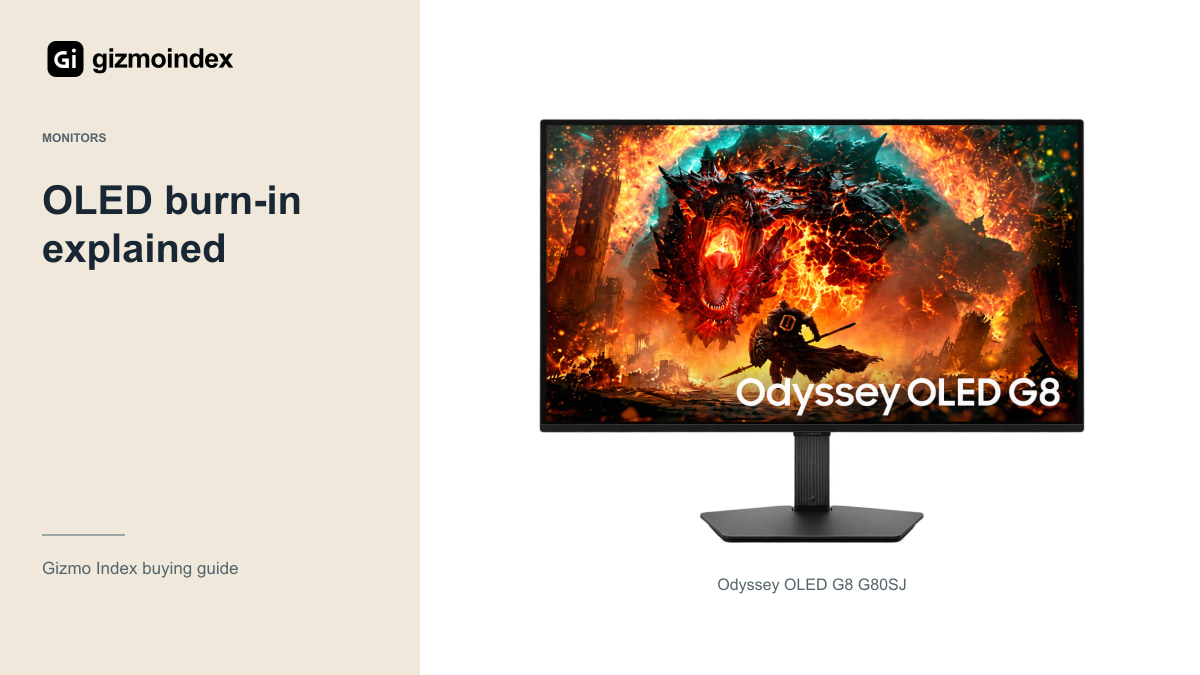
Worried about burn-in before buying an OLED gaming monitor? It’s a reasonable concern, especially when the monitor will also handle work. OLED’s contrast is appealing, but I wouldn’t tell someone to ignore how they’ll use the screen every day.
Burn-in is persistent uneven wear that can leave a visible pattern. It isn’t the same as every temporary after-image, and it doesn’t mean every OLED will develop the same problem. Let’s look at the habits that matter, what the protection features do and what I’d want from a warranty before spending my money.
What burn-in means
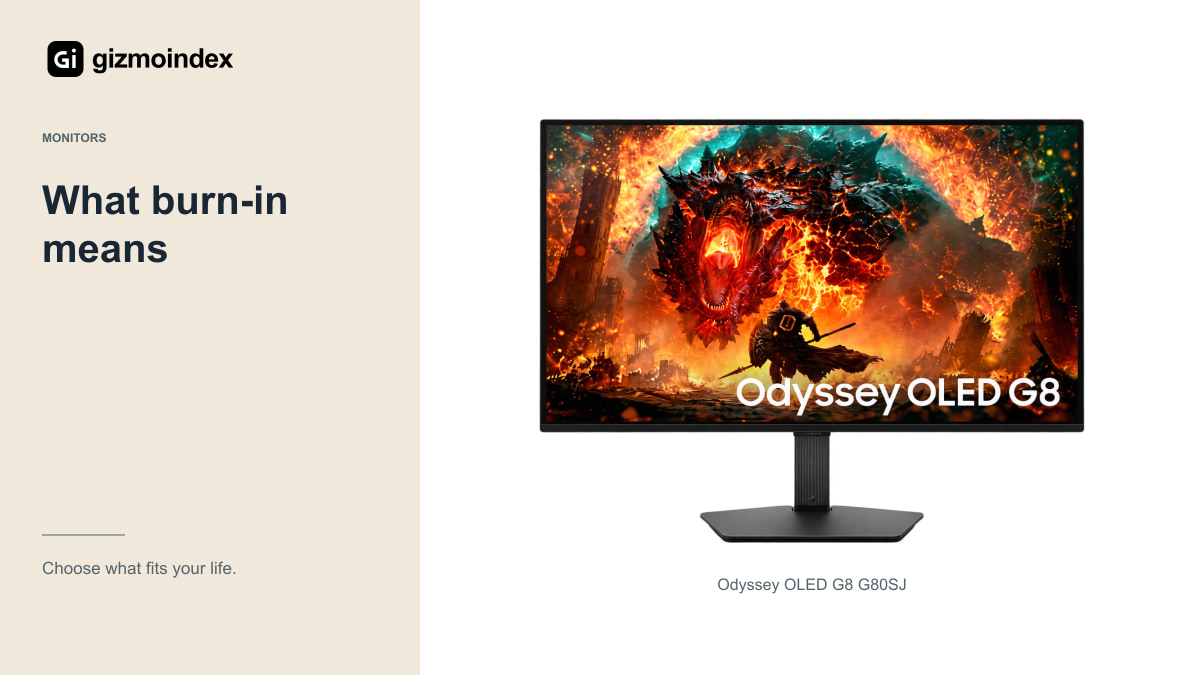
OLED pixels produce their own light. Over time, uneven wear can leave a persistent pattern associated with frequently displayed content. That’s why static taskbars, logos, scoreboards and game interfaces appear so often in discussions of burn-in.
Not every temporary shadow or uneven-looking screen proves permanent damage. Image retention, a display setting and a genuine panel fault can look similar to an owner who has just noticed something unusual. Follow the manufacturer’s troubleshooting process rather than diagnosing the panel from one photograph.
The important distinction is persistence. If a pattern remains across different content after the recommended care process, contact support and document it. Avoid repeatedly running aggressive manual routines or trying internet fixes that the model’s manual doesn’t recommend.
For example, a varied evening of games and films is different from leaving the same spreadsheet layout on screen through every workday. The monitor sees different patterns of use. That’s why a blanket answer like “OLED is safe” or “OLED is a bad idea” doesn’t help much. The person using it’s part of the decision.
Gaming and static work
A monitor displaying a static business dashboard for most of the day has a different job from one showing varied films and games. Brightness, time, temperature and the content’s repeated layout all influence the demands placed on the panel.
If you mainly use spreadsheets, code editors or a fixed design interface, consider whether an LCD would be the more relaxed ownership choice. That doesn’t mean OLED can’t show those applications. It means the advantages you value should justify the attention to panel care and warranty.
If games and films are the main use, OLED’s contrast and fast transitions may be worth the trade-off. Look at your full week rather than judging from one enjoyable evening. The monitor still has to suit the less exciting hours when you’re working.
Panel protection
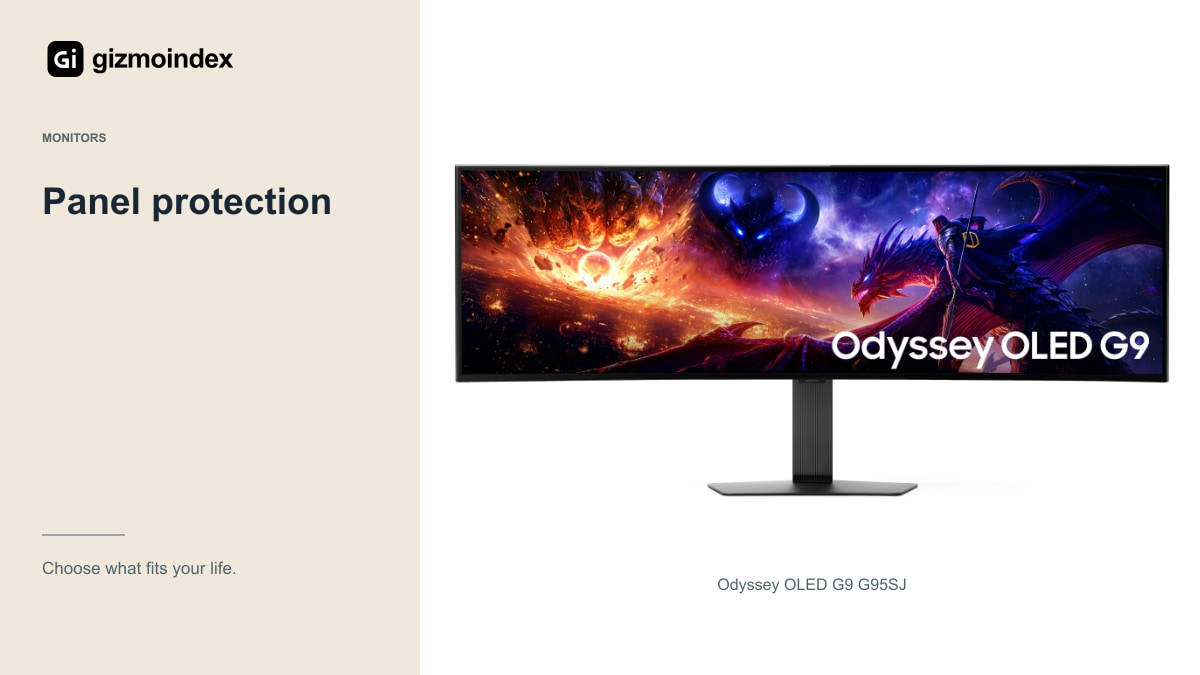
Modern OLED monitors include combinations of pixel shifting, static-element dimming, screen savers, thermal management and automatic panel-maintenance routines. The exact names and behaviour differ by manufacturer and model, so use the manual for the monitor you own.
Samsung’s guidance includes leaving relevant protection settings enabled and allowing the monitor to complete its automatic optimisation. Some maintenance happens after the display is turned off while it still has power. Cutting power immediately can interrupt the intended process on models that work that way.
I wouldn’t disable every protection feature simply because a small movement or dimming change is noticeable. If the normal behaviour bothers you, understand the setting and its purpose before changing it. The panel-care system is part of the product, not an optional decoration on the specification sheet.
New OLED panels
Samsung describes efficiency and lifetime improvements for the panels announced in the G95SJ and G80SJ. Those are manufacturer claims about a newer design. They should not become a promise that a specific owner can display a static image indefinitely without uneven wear.
They also don’t describe every earlier OLED G9 or G8. The same family name has appeared on several generations, and the protection systems can differ. Check the exact code before applying advice or warranty information from another model.
I’d look for long-term evidence and clear support terms alongside the new panel technology. An impressive launch statement is useful information, but it isn’t a replacement for knowing what happens if your unit develops a problem during ownership.
Everyday care
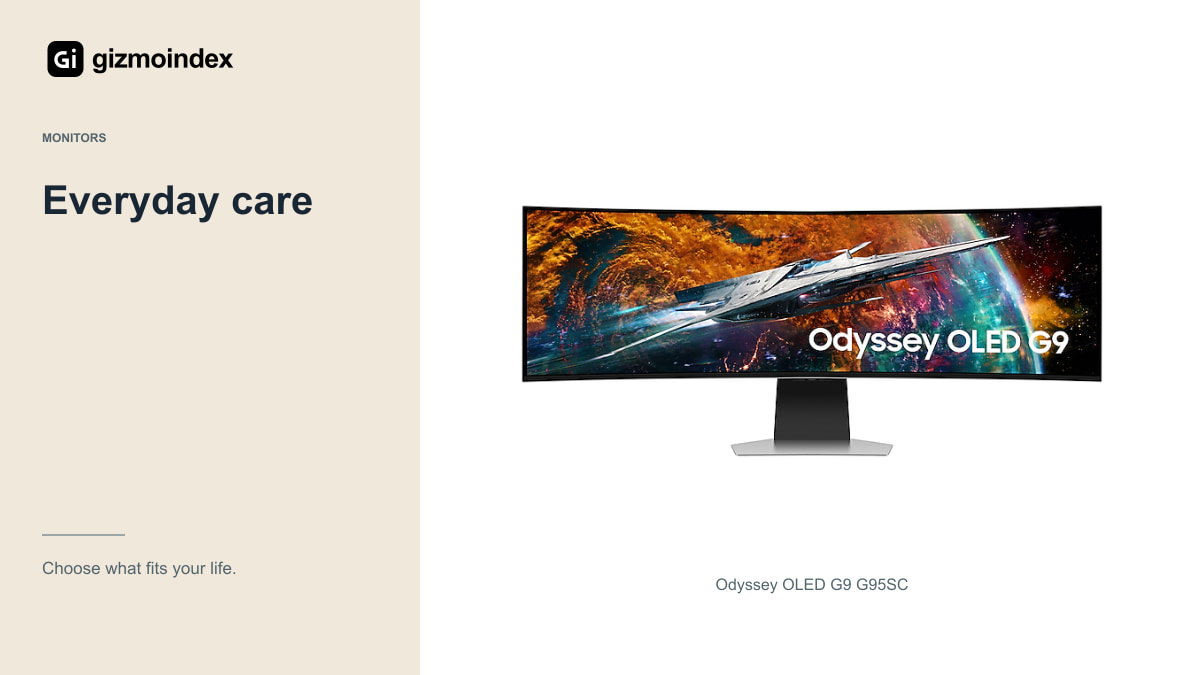
Use a comfortable brightness rather than leaving the display at its maximum without a reason. Set a sensible sleep interval and avoid leaving a static desktop visible for hours when you’re away. These habits are convenient even on a monitor that never develops burn-in.
Let the monitor perform the maintenance its manual recommends. Keep firmware current when the manufacturer advises an update, and review any instructions that accompany it. Don’t assume another brand’s maintenance schedule applies to yours.
For work, hiding a persistent taskbar or varying the window arrangement may reduce repeated static patterns, but those steps should not make the screen unpleasant to use. If you find yourself constantly worrying about every interface, a good LCD may suit you better than managing an OLED around your anxiety.
Warranty
Find the policy for the exact model and the country where you’ll claim service. Look for the duration, burn-in language, exclusions, proof-of-purchase requirements and whether coverage transfers to a second owner. A broad brand reputation doesn’t answer those questions.
An imported monitor can complicate the process. Ask where a claim is handled and who pays shipping. Transporting a large curved display abroad can be expensive, so local support may be worth more than a modest initial saving.
Keep the invoice and identifying information, and retain packaging when the return process requires it. If a seller promises coverage beyond the manufacturer’s policy, get that promise in writing with the responsible business clearly identified.
Buying used
Inspect uniform light and dark backgrounds for obvious persistent patterns, unevenness and damaged pixels. Then use ordinary content and check the ports. A vivid game trailer can hide a problem that becomes distracting on a white document.
Ask about age and usage, but don’t treat an informal answer as proof of condition. Check any available usage information and remaining warranty where appropriate. The price should reflect the actual panel and support, not only the original retail cost.
If the seller refuses reasonable checks, move on. There are enough variables in a used display purchase without agreeing to inspect it only after the seller has disappeared. A good bargain should survive a calm examination.
Should you worry
I wouldn’t rule out an OLED gaming monitor because burn-in is possible. I’d choose it for varied gaming and entertainment if the picture quality mattered to me and the warranty was acceptable. I’d be more careful with a desk showing the same bright interface for long periods every day.
Use the care features the manufacturer provides and follow the instructions for that model. There’s no need to turn ownership into a complicated ritual, but there’s also no point disabling the protection and hoping the panel looks after itself.
My advice is to be honest about your routine. OLED is attractive when its strengths suit the way you use a monitor. If worrying about static work would stop you enjoying it, a good LCD may be a more comfortable purchase. The screen should make the desk better, rather than becoming something you’re afraid to use.