
Redmi Watch 6 Lite Review: Best Cheap Smartwatch?
Explore Redmi Watch 6 Lite's documented display, GNSS, battery scenarios and phone functions, with practical checks before a budget-watch verdict.
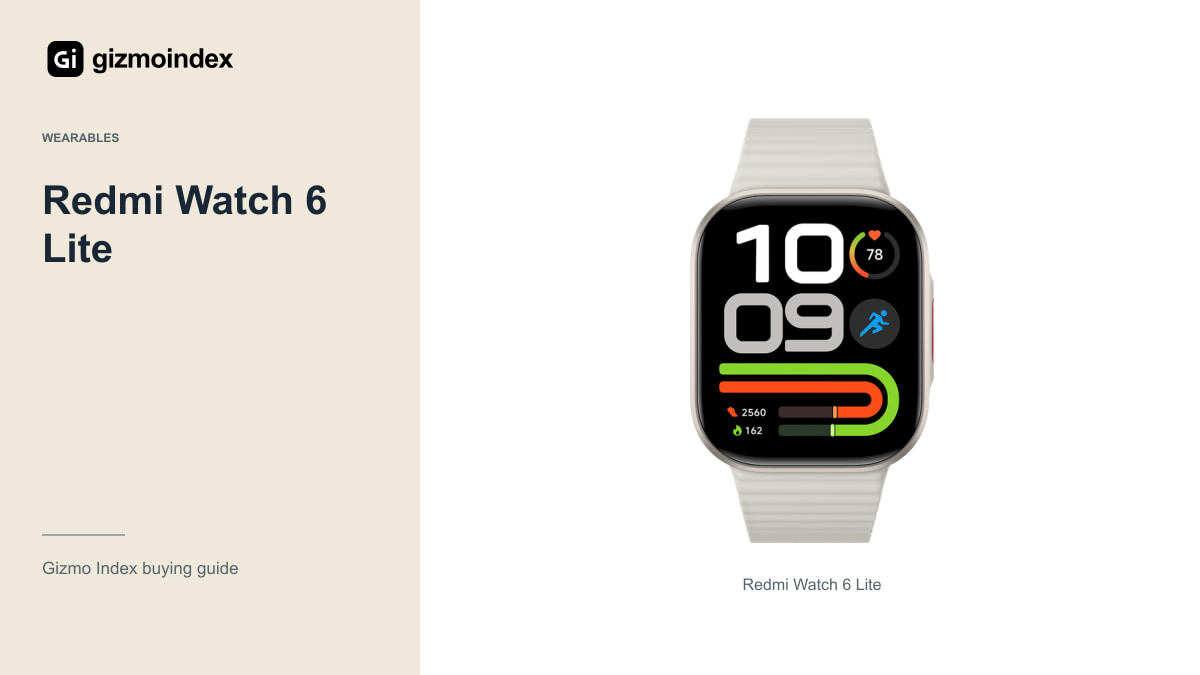
Want a smartwatch with a large AMOLED screen without moving into premium-watch prices? The Redmi Watch 6 Lite looks interesting for that job. You get a 1.96-inch display, built-in satellite positioning and the usual everyday watch features in a fairly straightforward package.
What I like on paper is that the main benefits are easy to understand: readable screen space, outdoor tracking and fewer charging interruptions if your use fits Xiaomi’s battery scenarios. I haven’t worn it for weeks, so this is a buying review of the features. Here’s where I’d consider it and what would decide the value for me.
Display
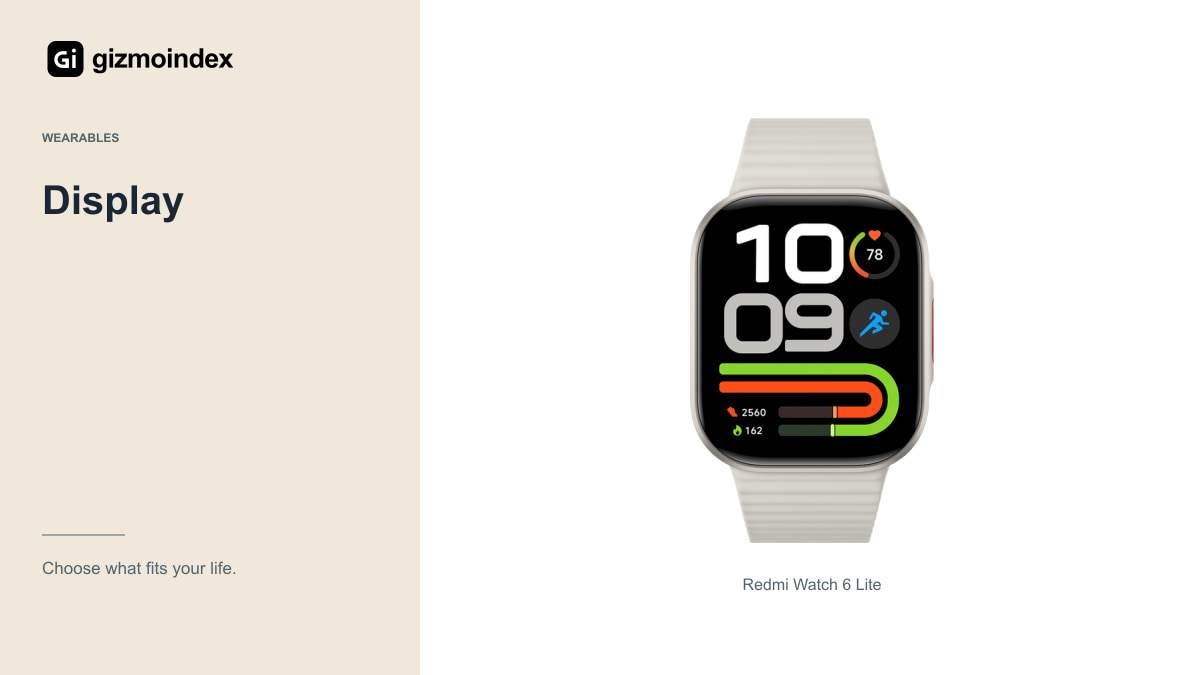
Xiaomi’s checked specifications list a 1.96-inch AMOLED screen at 410 by 502 pixels, with a stated peak brightness up to 1,500 nits. Those are attractive specifications for a budget-oriented watch, but peak brightness isn’t a promise about every screen mode and outdoor condition.
Try the text size, menus and watch faces if possible. A large panel is useful when notifications are readable and the interface makes sense to you. It doesn’t automatically mean every screen is easy to control while walking or during an exercise session.
Also look at the case on your wrist. A watch can appear compact in a product photograph and feel large in person. Comfort during sleep, typing and daily movement matters if you want to wear it consistently rather than take it off whenever you return home.
For a watch, comfort matters in a different way from a phone. You may wear it while typing, sleeping or walking for hours. A large screen is useful only if the body sits comfortably enough to keep on. I like readable displays, but I’d still try the fit before deciding that bigger is better on my wrist.
Outdoor tracking
Xiaomi lists built-in GNSS with support for several satellite systems. That’s a useful distinction to consider if you want outdoor activity tracking without relying on the phone’s positioning for every route. It isn’t evidence that every recorded route is perfectly accurate.
Check how the watch starts an activity, acquires a position and presents the saved record. Buildings, trees and the surroundings can affect satellite reception. I’d look for relevant route tests before calling it more accurate than another watch from the specifications alone.
If you depend on a specific fitness service, consider synchronisation and export options. Recording an activity on the watch is only part of the setup. You should be able to view and keep the information in the app or service you actually want to use.
Battery
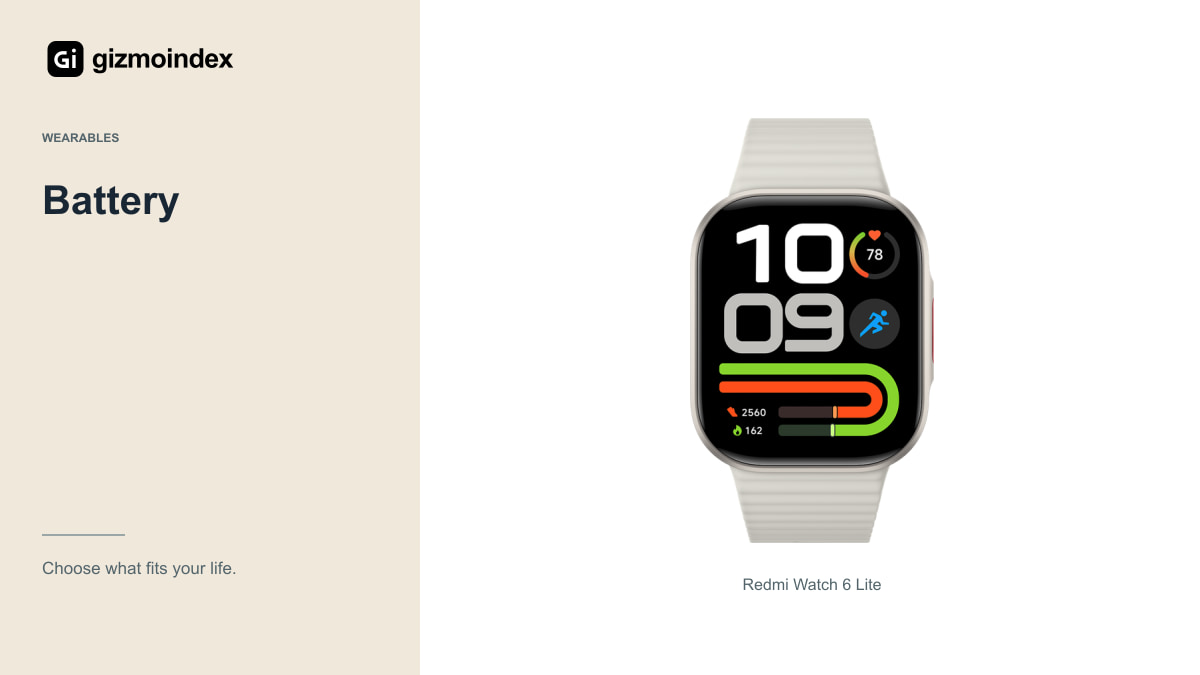
Xiaomi lists a 470mAh battery and manufacturer scenarios of up to 18 days for light use, 12 days for normal use and six days for intensive use. The published conditions change features and activity levels. Those are different scenarios, not three guarantees that all apply simultaneously.
Always-on display, calls, notifications and satellite-recorded activity can change the workload. Choose settings around what you want from the watch, then judge whether the resulting charging routine is convenient. Turning off the functions you bought it for solely to reach a headline number may not be a useful compromise.
Ask about the charging cable and replacement availability. A specialised magnetic charging arrangement is convenient until the cable is lost and a replacement is difficult to find. Include the practical charging setup in the buying check, especially if the watch is an import.
Calls and notifications
The feature list includes Bluetooth calling and a speaker. That should not be confused with an independent cellular watch. Check the required phone connection and test the call controls and sound in the environments where you expect to use them.
A wrist call can be convenient for a quick response, but privacy and background noise still matter. I’d try a short call and ask what the other person hears. A speaker and microphone specification doesn’t establish a measured call-quality winner against every competitor.
For notifications, check the applications, permissions and phone settings. Battery-management restrictions or disabled permissions can affect delivery. Make sure the watch works with your actual phone rather than assuming a successful initial pairing proves every message will appear reliably.
Health features
Xiaomi documents sensors for heart rate and blood-oxygen-related functions alongside movement sensors. A list of sensors doesn’t demonstrate clinical accuracy or make every automated interpretation reliable. I’d treat the watch as a consumer activity and trend tool rather than claim it replaces professional assessment.
Look at how clearly the app presents records and whether the information is useful to you. More charts don’t automatically create better insight. Choose features you understand and are comfortable keeping enabled rather than turning on every measurement because the menu offers it.
If a specific health measurement is the reason for the purchase, consider the manufacturer’s stated intended use and relevant independent validation. Don’t buy on an unsupported promise from a marketplace listing. A budget watch should be evaluated honestly for what has actually been demonstrated.
Water resistance and comfort
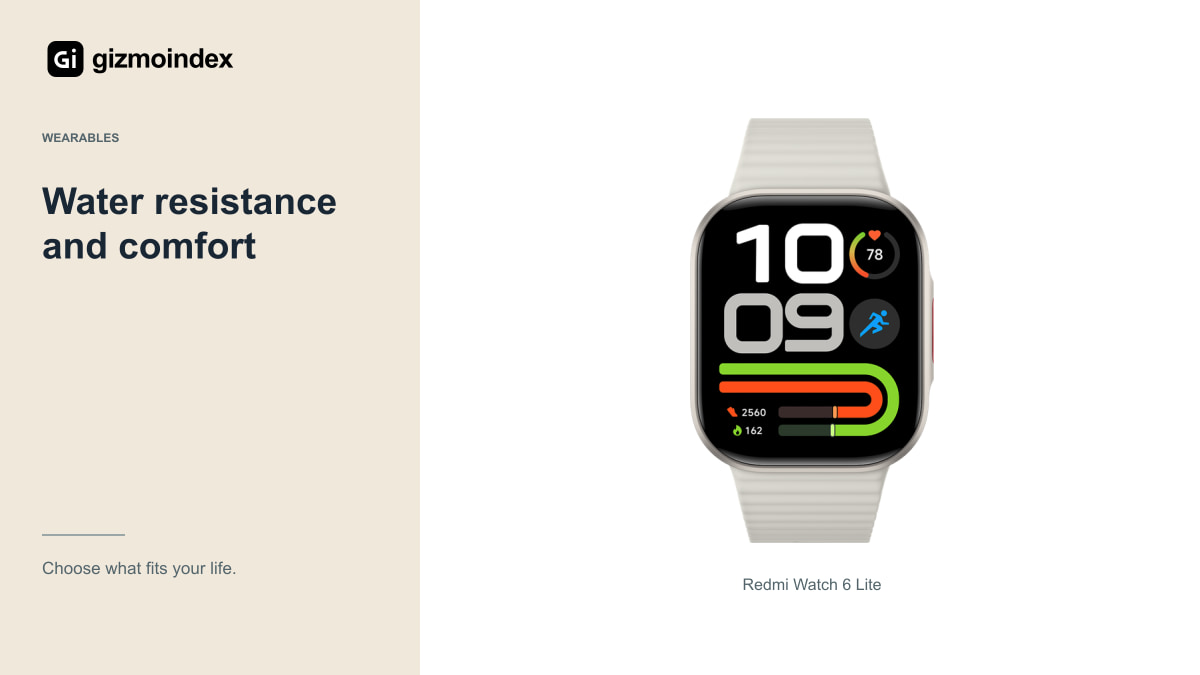
Xiaomi’s specification lists 5bar water resistance, with use subject to the manufacturer’s conditions. Read those conditions for the activities you plan to do. A resistance rating isn’t a universal promise against all water exposure, heat, chemicals, physical damage or wear.
The listed weight is 27.8g without the supplied strap, so your wearing experience includes the strap as well. Check the fit range and comfort against your wrist. A watch that moves excessively or irritates your skin is harder to use consistently for activities and sleep.
Keep the watch and charging contacts in the condition the manual requires, and check replacement straps. These details may seem ordinary, but they affect long-term convenience more often than a headline display number once the initial excitement of a new watch passes.
My verdict
I’d put the Watch 6 Lite on a shortlist for someone who wants a large AMOLED display and built-in positioning at a sensible local price. Those are useful features, and they give the watch a clearer purpose than simply being a cheaper-looking smartwatch.
I’d compare the Watch 6 Active and Amazfit Bip 6 before calling it the best buy. The fit, phone app and actual price can change the answer. I also wouldn’t choose a consumer watch on the assumption that its health readings replace a professional assessment.
My advice is to buy the features you’ll use through the day. Try the text, notifications and strap comfort, and make sure the phone connection suits your setup. If those basics feel good and the price is right, the Lite is worth a look. The battery headline is a bonus only when the watch stays useful with your preferred settings enabled.