
ROG Xbox Ally X20 vs Steam Deck vs Switch
Compare ROG Xbox Ally X20, Steam Deck OLED and Switch 2 by game library, software, comfort, battery use and the complete ownership cost.
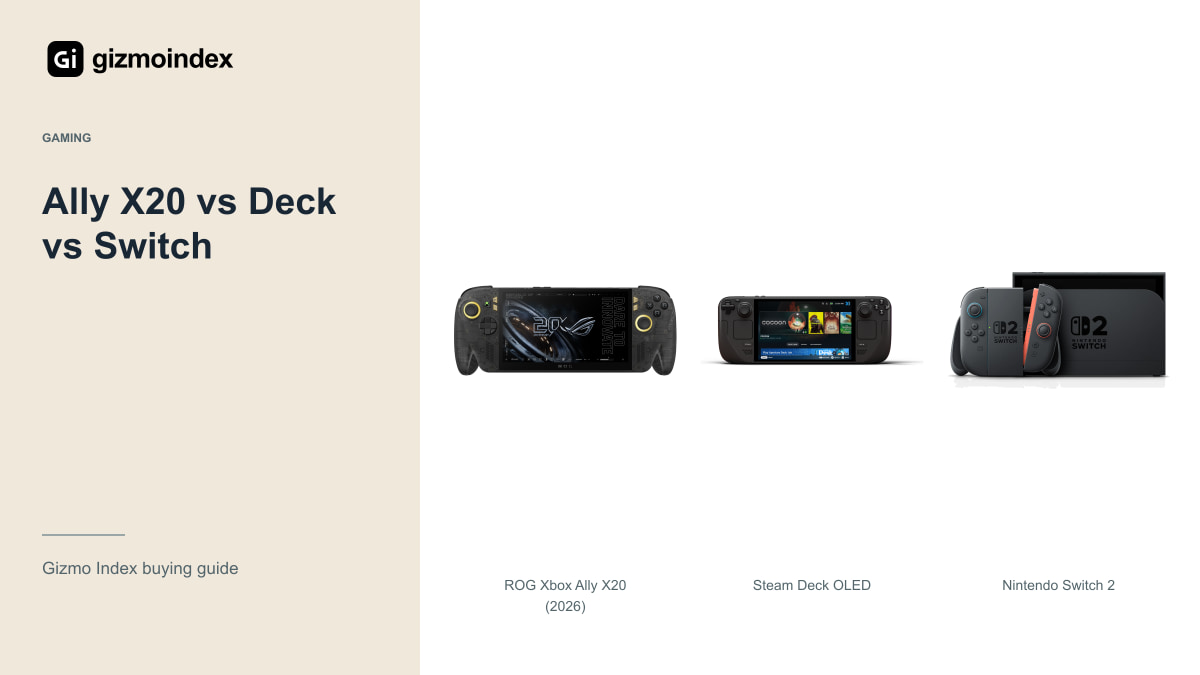
ROG Xbox Ally X20, Steam Deck or Nintendo Switch? I’d choose the games first. These handhelds may share a general shape, but the software and libraries give you very different experiences. A faster specification won’t help if the game you want isn’t available or supported on the device.
The Ally here is ASUS’s 2026 X20, compared with Steam Deck OLED and Nintendo Switch 2. I’d consider the Lite separately for a cheaper original-Switch role. Here’s how I’d choose between Windows flexibility, a Steam-focused setup and Nintendo’s own games.
ROG Xbox Ally X20
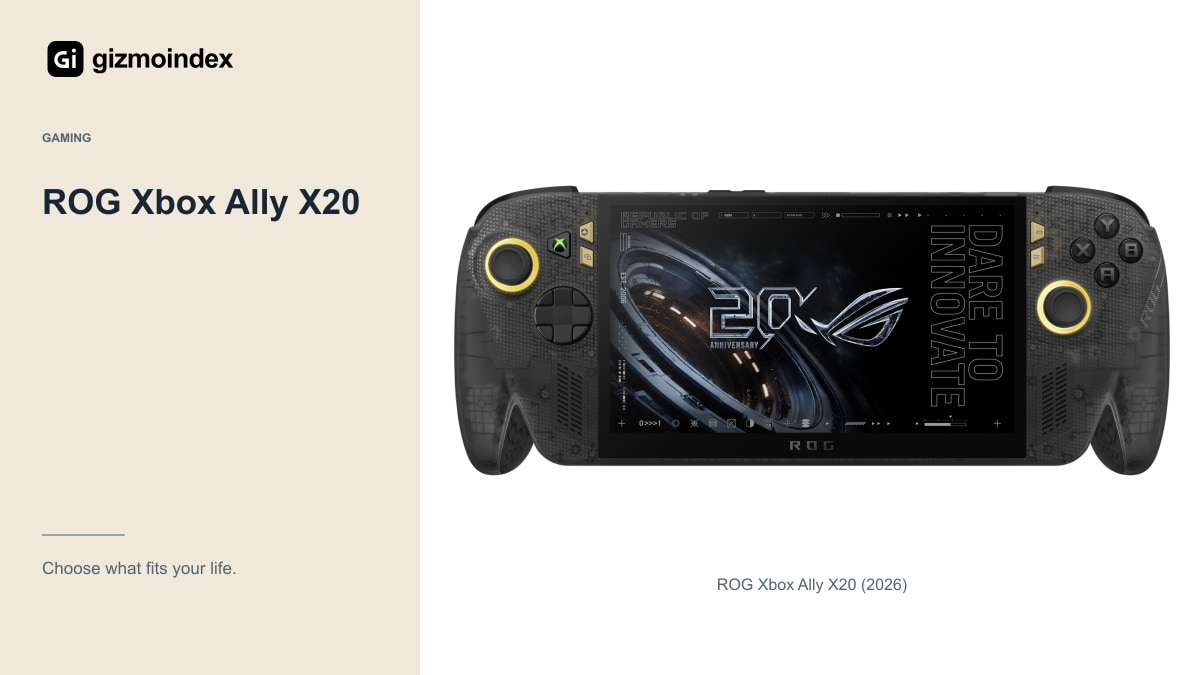
ASUS lists a 7.4-inch 1080p OLED display up to 120Hz, Ryzen AI Z2 Extreme hardware, 24GB memory, 1TB storage and an 80Wh battery for the X20. Its listed 756g weight is worth considering alongside those specifications. Try the grip before assuming a powerful handheld is comfortable for you.
A Windows-based device can be attractive when you use different PC stores and services. It also means launchers, updates, settings and desktop-style prompts can become part of the experience. Decide whether you’re comfortable managing those things on a handheld screen.
Check the exact games, anti-cheat requirements and controller support rather than assuming every PC title is convenient to play. A game can launch and still have awkward text, interfaces or controls. The useful test is whether your library works well in the way you want to use the device.
For a short evening session, I like a device that gets me into the game with little fuss. Someone who enjoys adjusting settings may prefer more control. Both are reasonable, but they point towards different software experiences. I’d be honest about which person I am before spending a large amount on a portable PC.
Steam Deck OLED
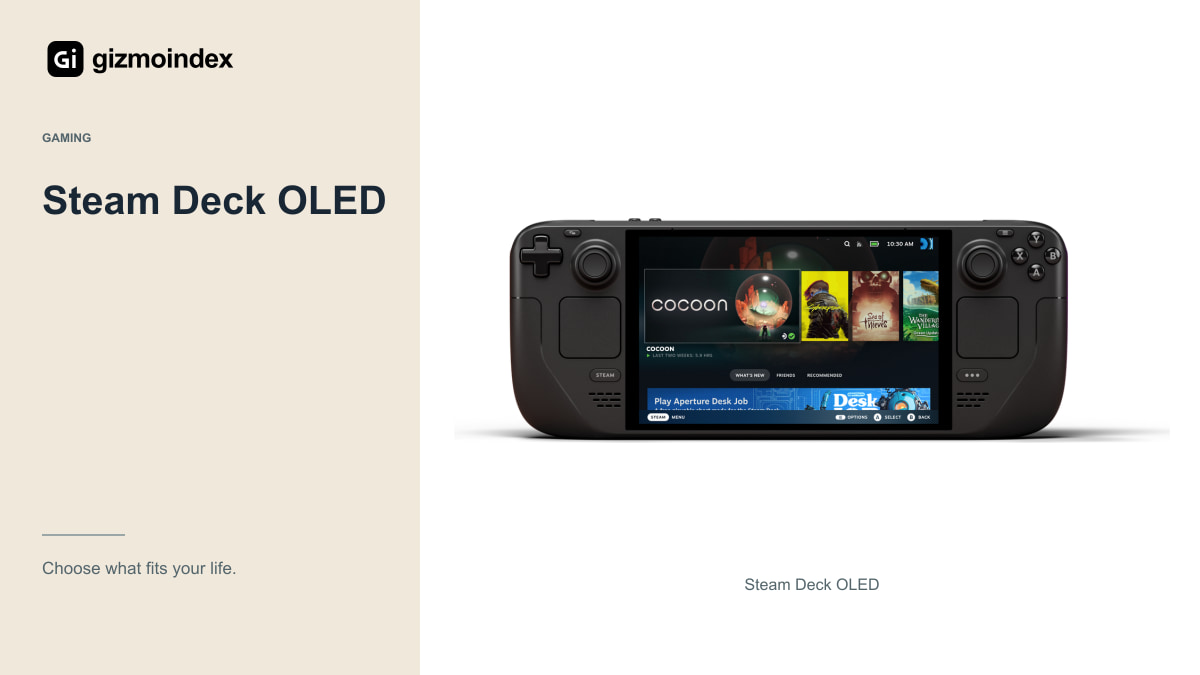
Valve’s OLED Deck uses a 7.4-inch 1280 by 800 OLED screen up to 90Hz. Its interface is designed around a handheld Steam experience, which can be appealing if you want to spend less time managing a desktop environment. That doesn’t remove every compatibility limitation.
Check the current Steam Deck compatibility information for your games and read the reasons behind any limitations. Updates, launchers and anti-cheat arrangements can affect support. I wouldn’t promise that a game runs properly simply because it exists in the Steam store.
The lower screen resolution is a different design balance from the Ally’s 1080p panel. It should be considered with performance, power use and the types of games you play. A higher resolution is useful only when the complete experience remains comfortable and responsive at your chosen settings.
Nintendo Switch 2
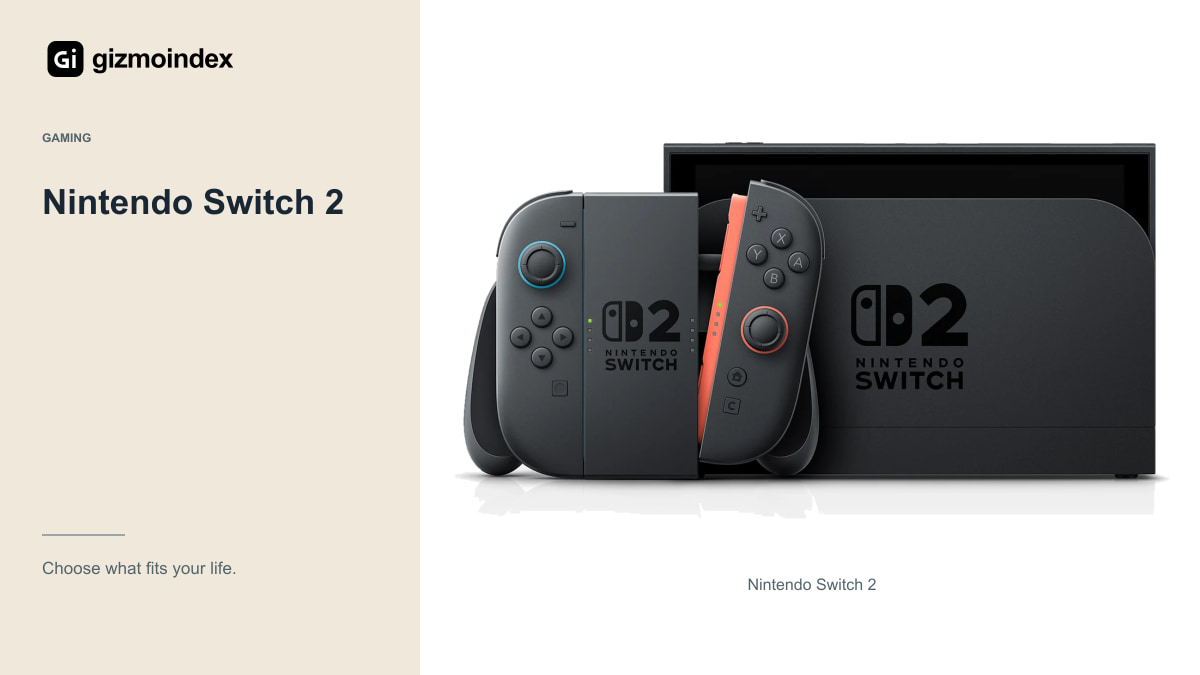
Switch 2 offers a 7.9-inch 1080p LCD with refresh support up to 120Hz and a docked TV mode. It’s the option when its exclusive library and Nintendo-style console experience are central to the decision. It isn’t a handheld PC with interchangeable storefronts.
Nintendo lists approximately two to 6.5 hours of battery life, depending on the games. The maximum output modes are also capabilities, not promises that every title runs at those limits. Check individual games and the display setup you intend to use.
Original Switch compatibility has conditions, so verify the titles and accessories you already own. For storage expansion, Switch 2 uses microSD Express rather than treating every older microSD card as equivalent game storage. Read the requirements before carrying accessories across from another console.
Game library
Write down your five most-played or most-wanted games. Check whether each is available, supported and comfortable to control on the candidate device. Include online requirements and any account or subscription arrangements. A handheld that misses the main game is the wrong purchase regardless of its benchmark result.
For PC devices, consider anti-cheat and launcher behaviour with the current software. For Nintendo, check the exact platform edition and accessory requirements. A familiar title can have different versions, so don’t assume a purchase on one storefront transfers automatically to another.
Also decide how often you play without internet access. Some titles or services need an initial setup or periodic connection. Test offline play before travelling rather than discovering the requirement after you leave a dependable network. Convenience comes from preparing the actual library you’ll use.
Performance
Look for game tests that state resolution, graphics settings and power mode. A short benchmark or a highest-frame-rate screenshot doesn’t describe a long session. Different settings can make two results impossible to compare fairly, even when the headline numbers look simple.
High refresh-rate screens don’t guarantee matching frame rates in every title. Some games have their own caps, while demanding graphics settings can reduce performance. Decide whether you prefer higher detail, steadier motion or longer battery life for the games you actually play.
If you stream games instead of running them locally, your network becomes part of the experience. Test latency, picture quality and connection stability in the place you use the handheld. Streaming support isn’t the same thing as local compatibility or guaranteed smooth play on any Wi-Fi connection.
Comfort and battery
Try holding the device for more than a moment, with fingers on the controls you use. Weight, grip and control placement can matter during a longer session. A specification sheet can’t tell you whether a specific handheld will tire your wrists or feel awkward in your bag.
Battery capacities and manufacturer ranges need their workloads. The Ally’s 80Wh doesn’t by itself prove a specific runtime advantage under every setting. Valve’s quoted range and Nintendo’s range are also based on different use cases, so avoid treating their maximum figures as a controlled comparison.
Plan compatible charging equipment and storage space for the complete library. Large PC games can use substantial capacity, while physical game ownership creates a different carrying routine. The handheld should fit your travel and charging arrangements, not only your favourite product photograph.
Which one I’d buy
I’d choose the Ally X20 for someone who wants a Windows game library and is comfortable with the extra setup. I’d pick Steam Deck OLED for a Steam-focused handheld routine, after checking the games I care about. I’d choose Switch 2 when Nintendo’s library and TV play were the main reasons for buying.
I wouldn’t declare the best choice for everyone from the processor or screen alone. The whole experience includes updates, controls, battery and how quickly you can get into the game you wanted to play.
My advice is to write down a few must-play titles, confirm them on the system and compare the total cost. Add storage and accessories only when they’re needed. The best handheld is the one you’ll actually enjoy using, rather than the most powerful device that leaves your favourite game on another platform.