
Samsung Odyssey G6 vs Odyssey OLED G8
Compare Odyssey G6 G60H and OLED G8 G80SJ for panel type, display modes, graphics requirements and their different announced availability.
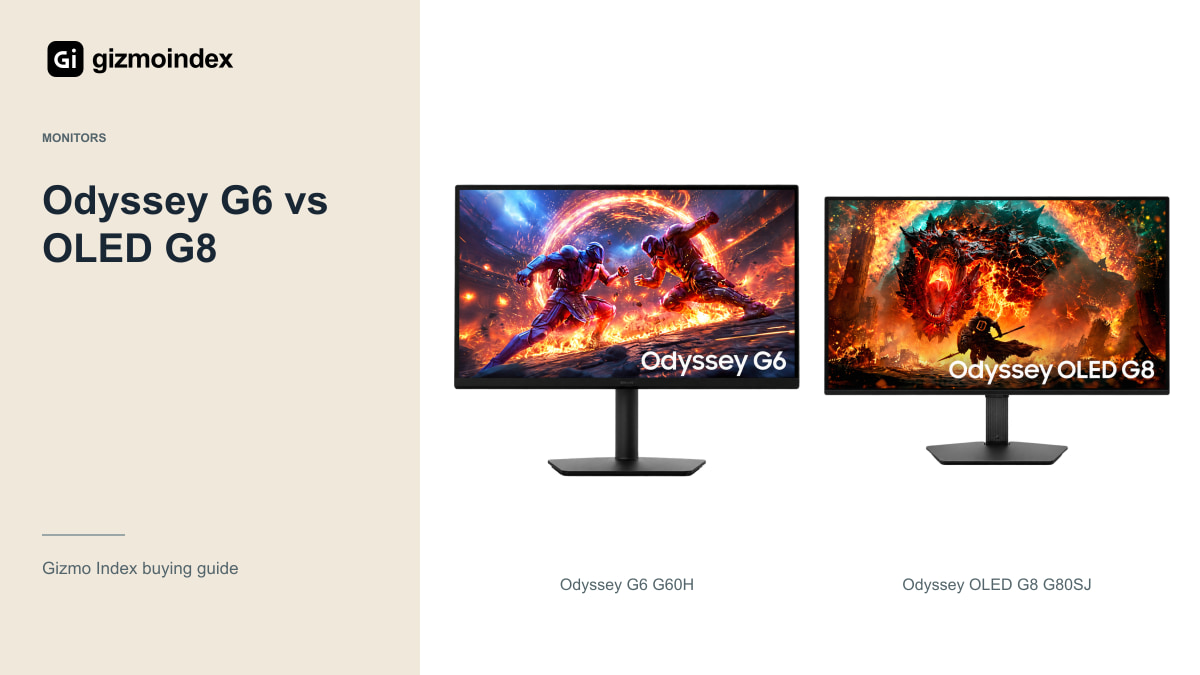
Samsung’s Odyssey G6 G60H and OLED G8 G80SJ sound like nearby choices, but they’re built around different strengths. The G6 uses a fast IPS panel and goes after very high refresh rates. The G8 brings OLED contrast, 4K resolution and a more flexible connection package.
I wouldn’t treat the G6 as an OLED just because it shares the Odyssey name. I’d choose between them based on the games and the rest of the desk. Here’s how the panels, resolution modes and connections change what you’re paying for.
The G60H is a 27-inch QHD IPS monitor. That’s the specific G6 in this comparison, so I’d keep its panel and size separate from other Odyssey models with similar names.
The G6 IPS panel
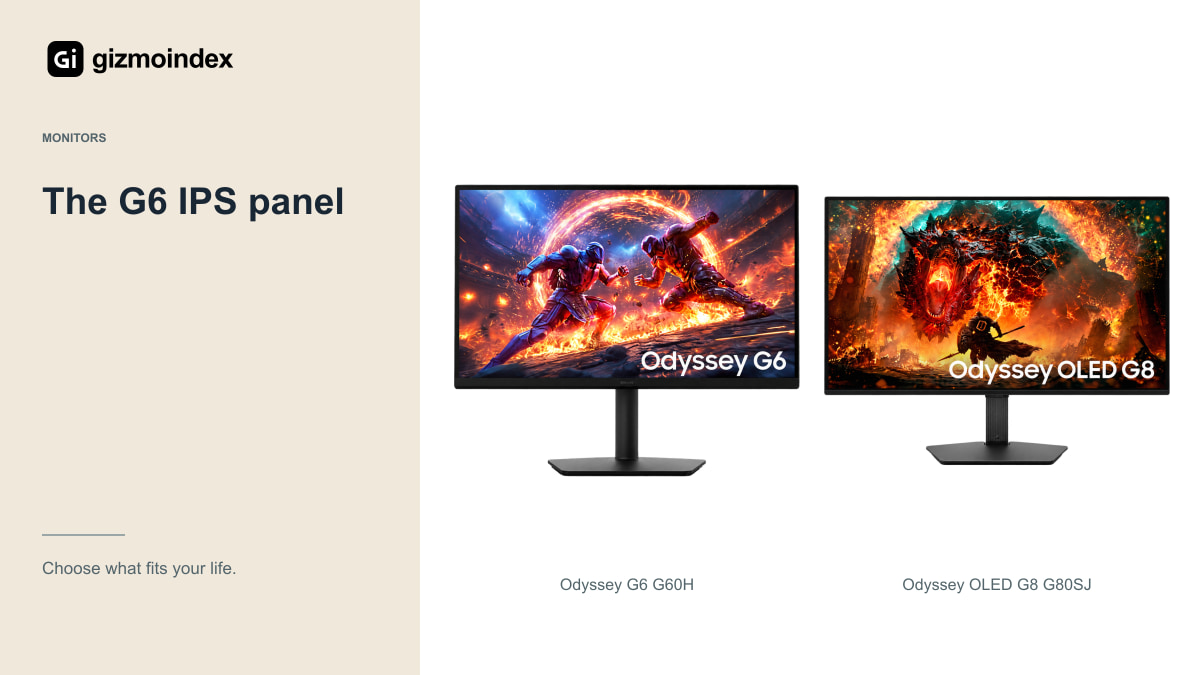
The G60H uses Fast IPS. That distinction is important because Samsung has also sold OLED models under the G6 name. Advice about an earlier OLED G6 should not automatically be applied to this monitor.
The G80SJ uses a newer QD-OLED panel with RGB-stripe subpixels in Samsung’s announced specification. Its contrast and pixel behaviour create a different picture and ownership proposition from an IPS screen. The two technologies should not be treated as interchangeable just because both sit in the Odyssey range.
An IPS display may be easier to consider for a routine dominated by static desktop content, while OLED can be attractive for varied games and films. Neither statement makes one universally better. The monitor has to suit the whole day, including work and ordinary browsing.
If you enjoy dark games and films, OLED’s contrast is a different attraction from a faster IPS mode. If your priority is following fast action in a game you play every night, speed may take the lead. I like making that choice honestly. It stops one impressive feature from becoming the answer to every question.
G6 refresh modes
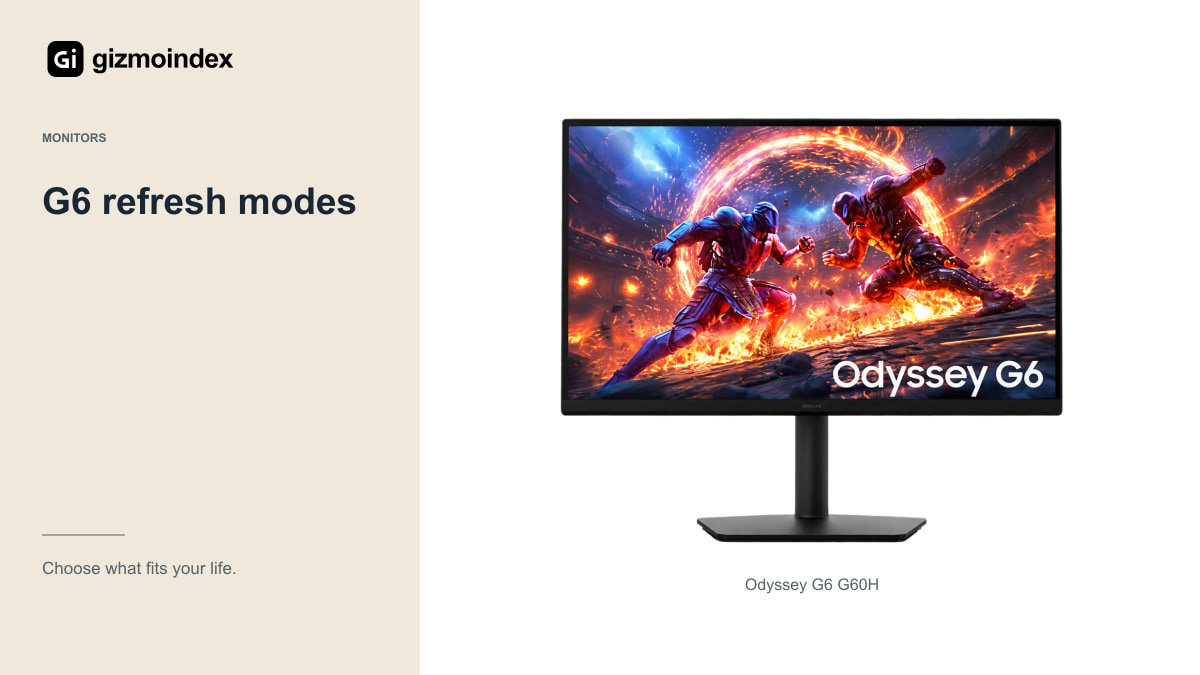
Samsung specifies up to 600Hz at QHD and up to 1,100Hz at HD for the G60H. Reaching the larger number involves lowering resolution. It isn’t a QHD image operating at 1,100Hz at the same time.
That can be relevant to a competitive player who accepts lower detail to prioritise motion and responsiveness. It’s less persuasive for someone playing demanding cinematic games at high settings. The graphics hardware and game engine must still produce sufficiently high frame rates to use the display’s capability.
I’d want measurements of motion behaviour, latency and the actual operating modes before paying a large premium. A maximum refresh-rate claim is useful information, but it isn’t a complete review or proof that every player will notice a proportionate improvement.
The G8 OLED panel
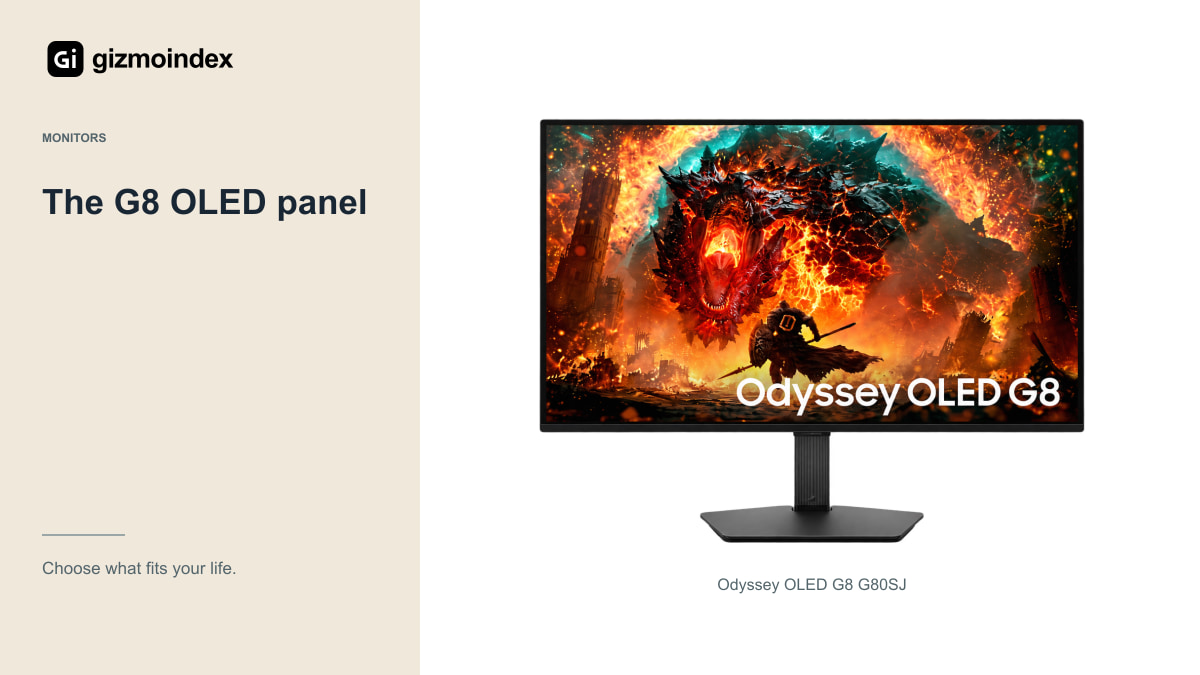
The G80SJ is announced with 4K at up to 360Hz, QHD at 520Hz and Full HD at 680Hz. Again, these are separate modes. A retailer should not combine the 4K resolution and highest refresh rate into a single misleading headline.
The 32-inch-class 16:9 format offers more physical size and native detail for a mixed gaming and desktop setup. That can appeal to someone who plays varied games, watches films and uses the same monitor for work.
Running demanding games at 4K is still a substantial computer workload. Decide whether your hardware, preferred settings and games justify the chosen mode. A monitor with several modes gives you options; it doesn’t remove the need to balance image detail and performance.
Speed and picture quality
The G8’s OLED panel can be appealing for dark scenes and HDR content, while its quick pixel transitions are relevant to motion. Samsung’s stated grey-to-grey response time should not be confused with a full input-latency measurement.
The G6’s IPS panel and extreme refresh modes focus on competitive play. Its announced response-time figure is also a manufacturer specification, not a complete account of overshoot, motion clarity or the settings you’ll prefer.
If possible, compare real content at your normal viewing distance. Small text, room reflections and the way a game looks in motion can matter more than the smallest advertised response-time number. A specification sheet helps narrow the choice; it should not pretend to replace the viewing experience.
Connections
Samsung lists DisplayPort 2.1 UHBR20, HDMI, a USB hub, KVM and USB-C charging up to 98W for the G80SJ. That could be useful when a gaming PC and compatible work laptop share one screen and peripherals.
Check the final documentation and the laptop’s charging needs. A one-cable arrangement depends on the computer, cable and monitor capabilities together. Don’t assume every USB-C laptop can use every display mode or charge adequately under a heavy workload.
For the G60H, verify its exact connection and supported-mode requirements separately. A fast port name isn’t enough to establish the maximum mode with your graphics card. Also check the supplied cables rather than discovering after delivery that the one you need is another purchase.
Console gaming
A PS5 doesn’t use the G6’s hundreds-of-hertz PC modes or the G8’s entire refresh-rate range. For a console-focused setup, check the supported resolution, 120Hz modes, VRR and HDR behaviour rather than paying mainly for the largest number.
The G8’s conventional 4K format may look more relevant to that role, but actual HDMI compatibility still needs checking. The G6 may make sense when a competitive PC is the main device and the console is only occasional.
If the console is your only gaming system, compare established monitors designed around the output you can use. There’s little value in spending more for a PC capability that will remain unused throughout ownership.
Availability and support
Samsung announced global G60H availability for the second half of 2026, but you still need to confirm the exact product in your market. The G80SJ belongs to the announced 2027 range, with local timing and pricing not established by a generic product database entry.
At the October 2026 check, the linked Gizmo Index pages don’t provide verified local seller offers. Avoid treating an estimate or a pre-order description as physical stock. Ask for the model code, delivery terms and warranty in writing.
For the OLED G8, read burn-in coverage and panel-care guidance. For both, check pixel-defect terms, return handling and local service. An extreme specification is less reassuring when a fault requires expensive overseas transport.
My verdict
I’d choose the G6 for a setup built around competitive PC games where its fast modes can be useful. I’d choose the G8 for OLED contrast, 4K detail and a desk that also handles other work. Neither choice needs to win every specification to make sense.
The resolution trade-offs matter. Read what the monitor does in each mode, rather than combining its highest resolution and highest refresh rate into one imaginary setting. Your computer also has to deliver the frames before the monitor can show them.
My preference would be the G8 for a broader mix of uses and the G6 for a more focused high-refresh gaming setup. With an announced model, I’d wait for confirmed local availability and final reviews before paying. Choose the experience you want first, then decide whether the price makes it worthwhile.