
Samsung Odyssey OLED G9 vs G8: Which Should You Buy?
Compare Samsung OLED G9 and G8 monitor roles, screen shapes and announced modes without confusing future models with existing retail stock.
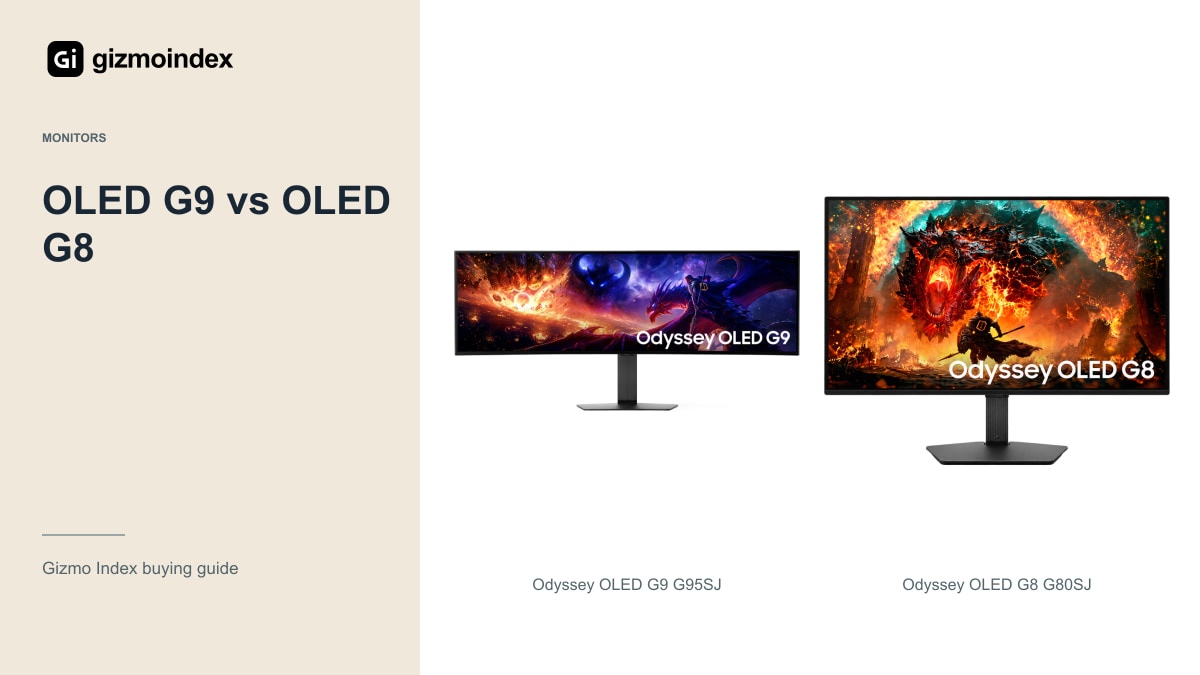
Samsung’s Odyssey OLED G9 and G8 can both make an ordinary monitor look boring, but they offer very different screens. The G9 goes extremely wide with a 49-inch 32:9 panel. The G8 is a more familiar 32-inch-class 4K display that can fit a wider range of desks and games.
The models here are the G95SJ and G80SJ announced for Samsung’s 2027 range. I wouldn’t confuse them with an older G9 or G8 already in a shop. Let’s look at the format, refresh modes and connections to see which one I’d wait for—and which features would actually matter at my desk.
The G80SJ is a 32-inch-class 16:9 monitor, rather than a 34-inch ultrawide. The G95SJ and G80SJ details here were checked in October 2026, before their final retail availability.
Screen size and shape
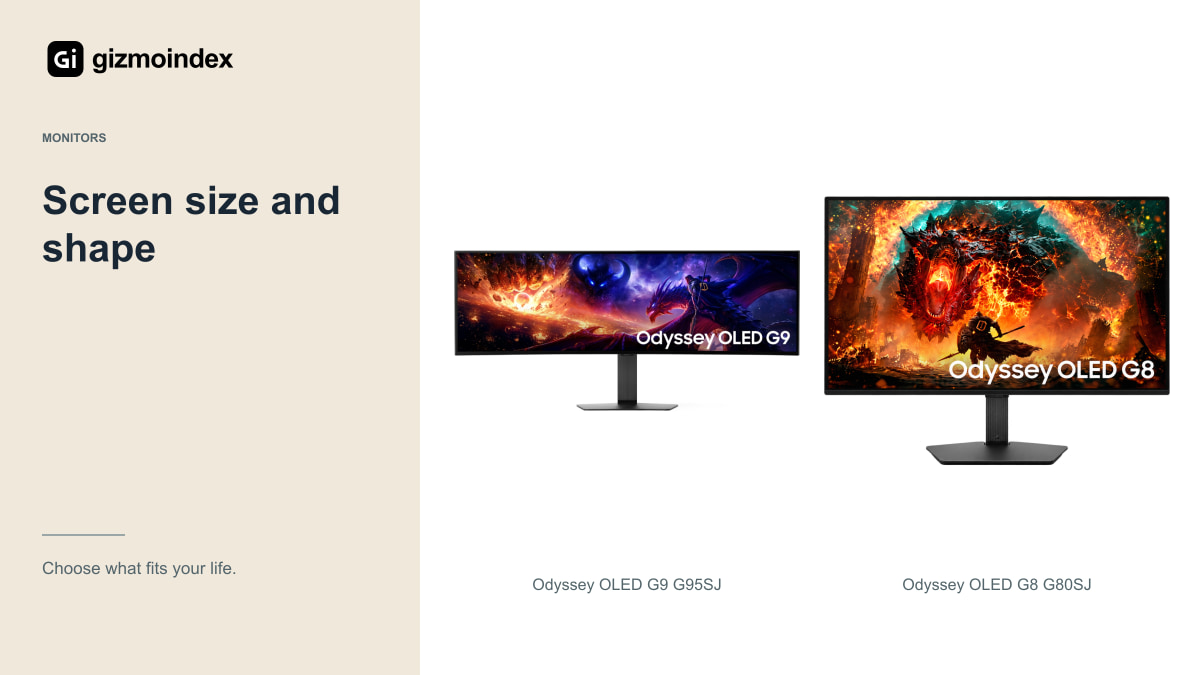
The G95SJ is a 49-inch 32:9 super-ultrawide monitor. The G80SJ is a 32-inch-class 16:9 monitor. That difference changes the kind of setup you’re building more than a small difference in refresh rate ever could.
The G9 offers a wide workspace and an expansive view in games that support its shape properly. It can be attractive for racing, simulation and several windows side by side. It also needs considerable desk width and enough viewing distance to use comfortably.
The G8 has a more conventional shape for games, video and a console. Its 4K resolution gives it more vertical pixels than the G9’s Dual QHD mode. If you want one monitor for a mixed routine, that shape may be easier to live with.
Imagine a racing game with useful scenery stretching into the sides of the screen. That’s where the G9’s shape becomes appealing. Now imagine a video or a console game framed for 16:9. The extra width may stay unused. I like ultrawide monitors when the content fits them, rather than because the desk photograph looks dramatic.
Resolution and refresh modes
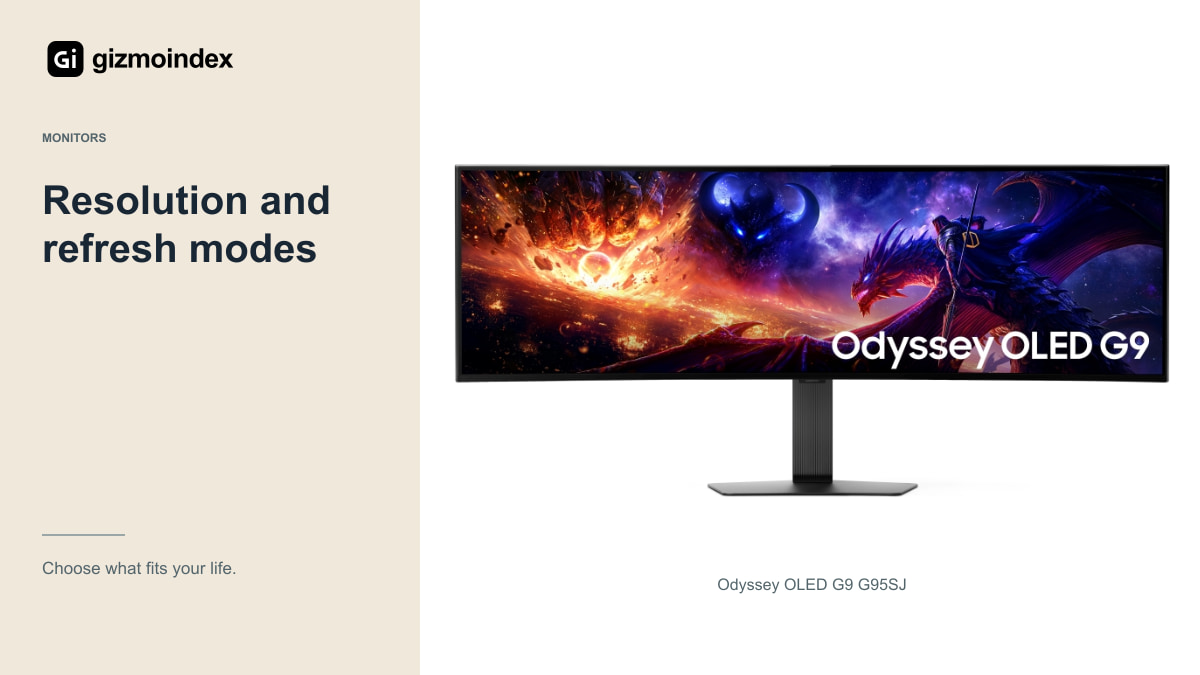
Samsung announces the G9 at 5120 × 1440 up to 360Hz, with a separate 2560 × 720 mode reaching 720Hz. The fastest mode reduces resolution. You don’t get the largest refresh-rate number and the sharpest image at the same time.
The G8 has its own trade-off: 4K at up to 360Hz, QHD at 520Hz and Full HD at 680Hz. Those are different operating modes. A listing that shows “4K 680Hz” without explaining the modes would give the wrong impression.
Your computer also has to generate useful frame rates in the game you play. A demanding game at high detail won’t suddenly reach the panel’s maximum because the monitor supports it. Check your graphics hardware, settings, cable and the mode you actually intend to use.
OLED picture quality
Samsung describes fifth-generation QD-OLED panels with Penta Tandem technology and RGB-stripe subpixels for these models. The company says the stripe arrangement reduces colour fringing and improves text clarity. That’s a manufacturer claim to consider in real viewing, not a reason to invent an office-text test result.
OLED’s contrast can make dark games and HDR content appealing, while fast pixel transitions are useful for motion. The announced 0.03ms grey-to-grey figure should not be confused with total input latency or a complete measurement of visible motion clarity.
Brightness figures also need context. A peak measured on a small bright window isn’t a full-screen desktop brightness guarantee. If you work in a bright room, inspect reflections, sustained brightness and readable text instead of choosing from the highest peak number alone.
Connections
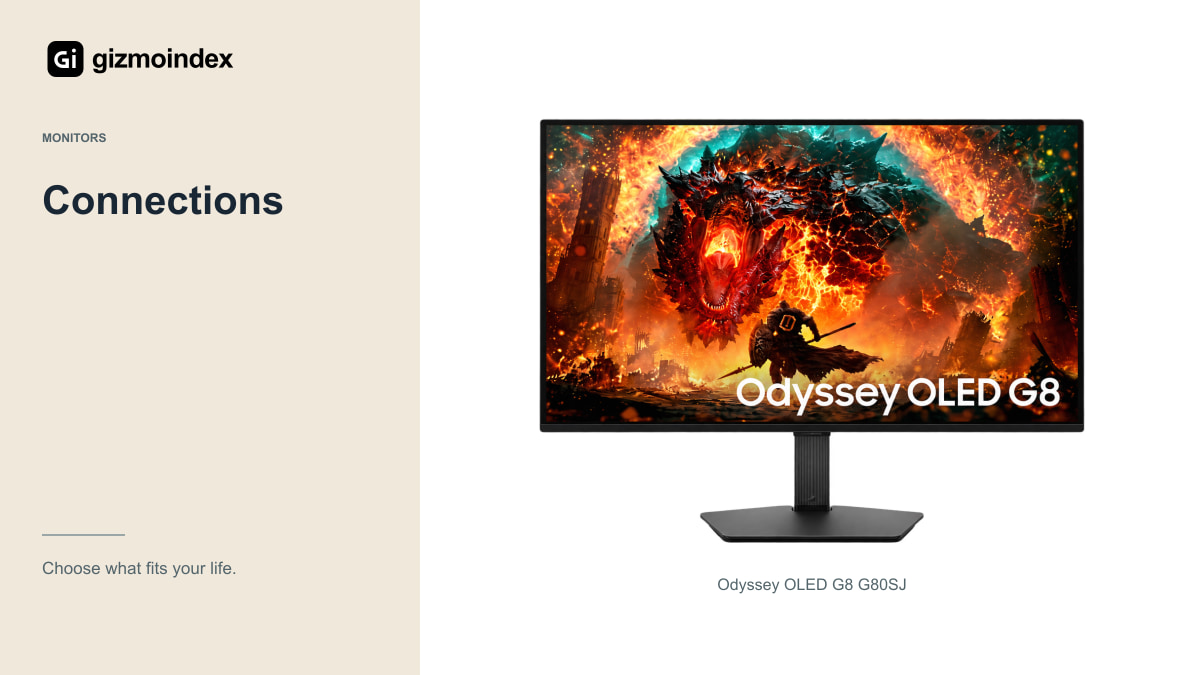
Samsung lists DisplayPort 2.1 UHBR20, two HDMI connections, USB-C power delivery up to 98W, a USB hub and KVM support for the G80SJ. That could make it useful for a desk shared between a gaming PC and a compatible laptop.
Check the final shipping specification, the laptop’s power requirements and how the KVM is configured. A port list is a useful starting point, but it doesn’t prove every combination of resolution, refresh rate, charging and peripherals works without restrictions.
For the G9, verify the exact final port and mode support rather than borrowing the G8’s connection list. Shared family branding doesn’t mean every socket and feature transfers between models. This matters particularly when you plan to attach several devices at once.
PS5 and console use
A PS5 is designed around conventional output formats rather than a native 32:9 desktop canvas. On a super-ultrawide monitor, the available image modes can mean unused screen space or scaling you may not like. Check the monitor’s actual console behaviour before buying for that role.
The G8’s 16:9 shape is more natural for a console-and-PC setup. Even then, a console doesn’t use the monitor’s hundreds-of-hertz PC modes. You should prioritise the supported console resolution, refresh rate, VRR and HDR behaviour.
For someone who mostly plays console games, there may be better-value existing monitors than either of these forthcoming flagship options. Paying for an extreme PC refresh rate only makes sense if another part of your setup will actually use it.
Working on the monitors
The G9’s width can replace some two-monitor arrangements, but it isn’t automatically equivalent to having two independent screens. Check window management, screen sharing and whether your work applications benefit from the shape. Showing colleagues an entire super-wide desktop may be inconvenient.
The G8 offers more vertical resolution and a familiar aspect ratio for documents and video. The promised RGB-stripe layout is interesting for text, but I’d still want to see the shipping monitor at my usual scaling and viewing distance.
For either OLED, follow the manufacturer’s panel-care guidance and read the local warranty, including any burn-in terms. A long day of static toolbars is a different ownership pattern from varied gaming and film use. Your workload should influence the panel choice.
Which one I’d choose
I’d shortlist the G9 for a wide PC gaming and multitasking setup where supported games, desk space and graphics performance justify the format. The width is the reason to choose it; the product name alone isn’t.
I’d shortlist the G8 for someone who wants a conventional 4K OLED shape, mixed-device use and the announced laptop-friendly connections. It looks like the easier fit for a shared work-and-play desk.
For now, confirm release timing, final specifications and local pricing before planning a purchase. Existing G9 and G8 models can still be worth considering, but compare their exact model codes separately. These announced 2027 monitors should not be used to describe an older unit a shop happens to have in stock.
My verdict
I’d pick the G8 for an all-round desk with work, conventional PC games and a console sharing the screen. The 16:9 4K format is easier to fit into that routine, and the announced USB-C and hub features make it interesting for a laptop setup too.
The G9 is the one I’d want for games and work that make proper use of an extremely wide screen. Its 32:9 format is the selling point. If you mainly play games that don’t suit that shape, I’d spend on a smaller format instead of paying for unused space.
These exact models are announced products, so I’d wait for final availability and performance reviews before paying a premium. My preference is the G8 for flexibility and the G9 for a deliberate ultrawide setup. Choose the shape first; the largest refresh-rate number comes after that.