
Samsung Smart Monitor M7 Review: TV and Monitor in One
Explore Samsung Smart Monitor M7 M70F for everyday work and entertainment, with its display, connections and practical limitations explained.
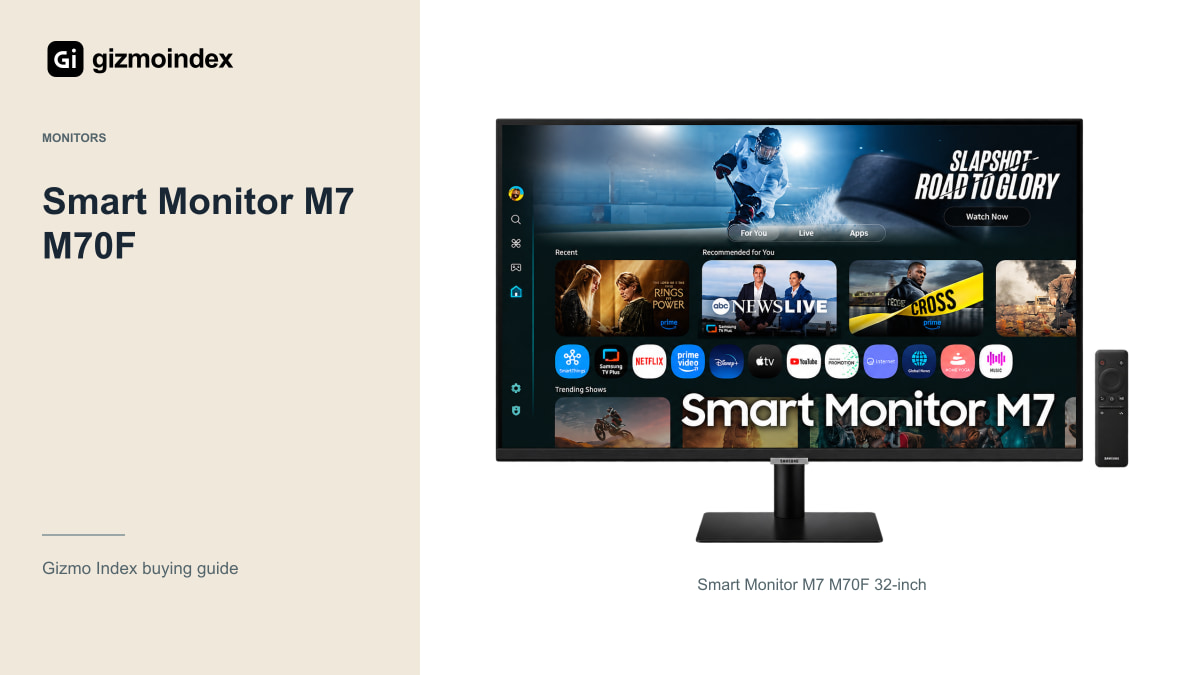
Want one screen for work during the day and films afterwards? That’s the appeal of Samsung’s Smart Monitor M7. The M70F combines a 32-inch 4K monitor with smart features, so you don’t always need the computer running just to watch something.
I like that idea for a bedroom or a small desk where a separate TV would take up too much room. The catch is knowing what kind of monitor you’re buying. This is a 60Hz VA screen built around convenience, rather than a competitive gaming display. Let’s look at the picture, connections, smart features and everyday compromises.
Work and entertainment
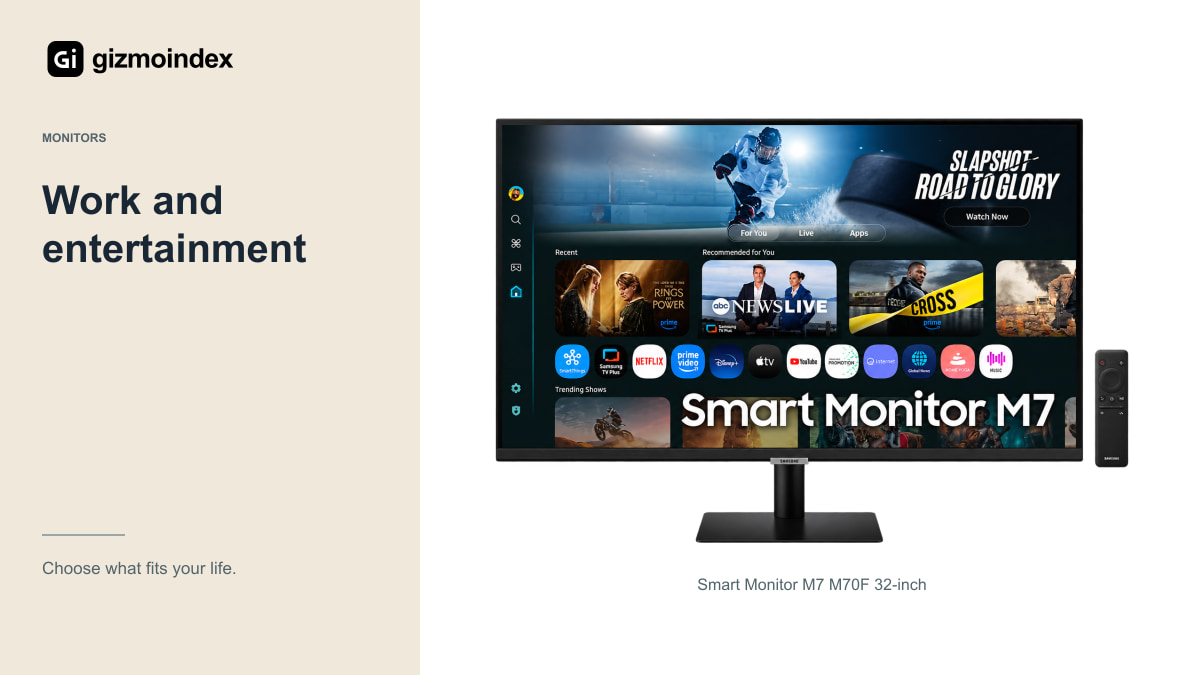
The M70F runs Samsung’s Tizen smart platform and provides built-in speakers and a remote. That makes sense for a bedroom or small home office where you want a monitor to handle both a connected computer and supported streaming services.
I like the simplicity of turning on a screen to watch something without first opening a laptop. Still, check that the specific services you use are supported in your country and on the regional model being sold. A feature shown on a UK product page may not be available everywhere.
Subscriptions, accounts and an internet connection may still be required. “Smart” doesn’t mean every film service is included for free. Think of the built-in platform as a convenient way to access supported services, not a substitute for checking what you can actually watch.
In a small room, convenience is a real feature. Having a remote and a way to watch without starting the laptop can matter more than another desktop specification. On the other hand, those smart features won’t improve a spreadsheet. I’d pay for them because I’d use them after work, rather than because “smart” sounds better on a listing.
The 32-inch 4K display
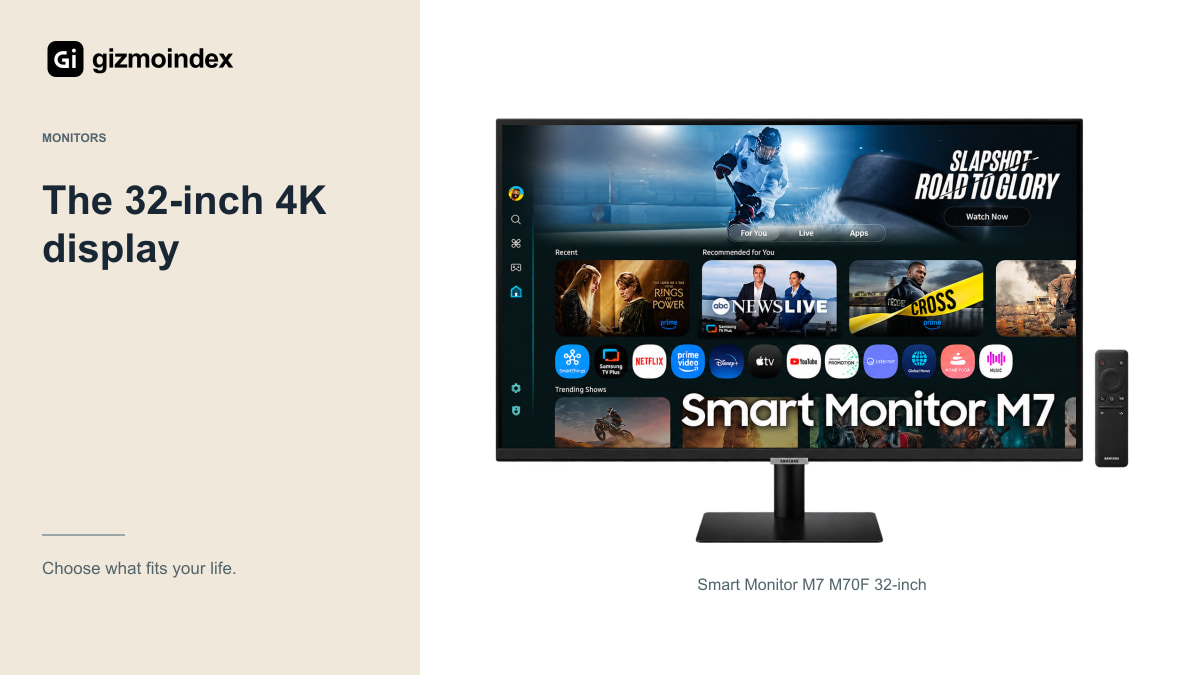
Samsung lists a flat 32-inch-class VA panel with 3840 × 2160 resolution and a maximum 60Hz refresh rate. That gives it a different purpose from an extreme high-refresh Odyssey gaming monitor.
For documents, browser tabs and general office work, 4K at this size can provide useful detail and workspace. Choose a comfortable scaling setting rather than forcing text to remain tiny just to fit more windows. The useful screen is the one you can read comfortably for the whole session.
The VA panel’s viewing behaviour is worth seeing in person if you regularly share the screen with someone beside you. A published viewing-angle number doesn’t tell you exactly how a specific image appears from your seat. Judge the actual setup and lighting you plan to use.
HDR
The specification includes HDR10 support and a typical brightness of 300 nits. That doesn’t make the M7 equivalent to a high-end OLED or a display with sophisticated local dimming. Accepting an HDR signal is only one part of producing a striking HDR image.
For ordinary streaming, the convenience may matter more than a premium HDR presentation. If film contrast and bright highlights are your main reason for buying, compare the M7 with a suitable television or another display designed around that experience.
I wouldn’t spend extra solely because a listing puts “HDR” in large type. Look at the screen with your kind of content, in your kind of room. A sensible expectation is much more useful than imagining a budget-friendly all-purpose monitor will behave like a flagship home-cinema display.
USB-C
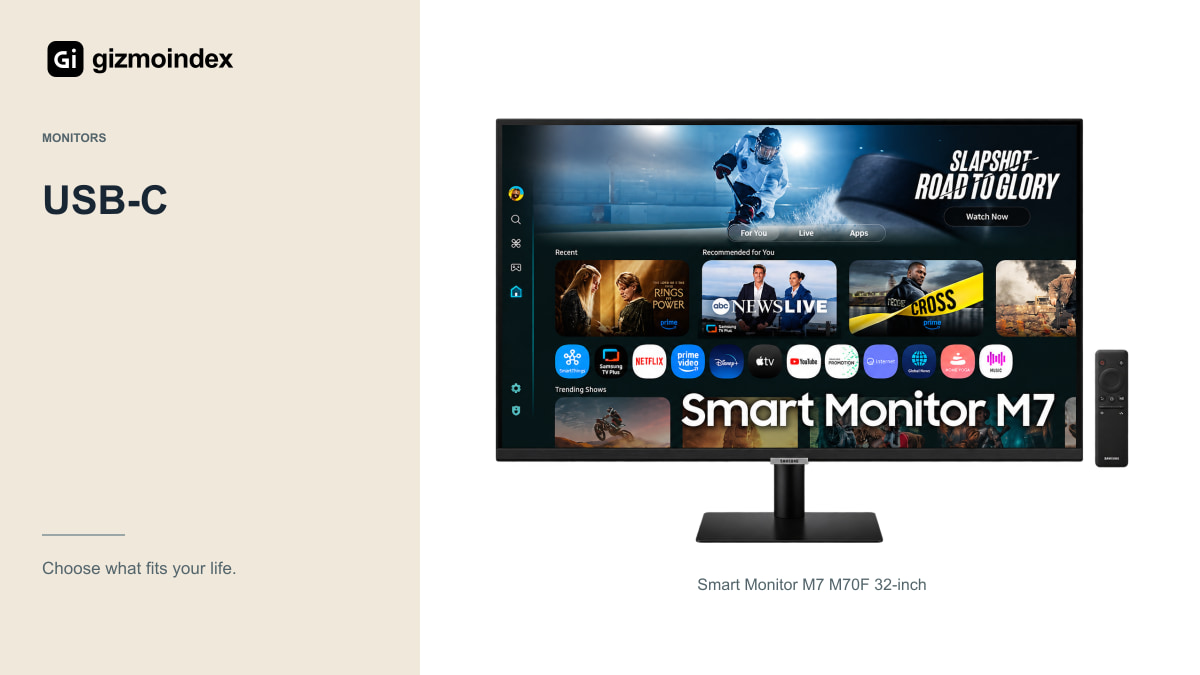
Samsung’s UK specification lists USB-C charging up to 65W, along with HDMI and a USB hub. A compatible laptop may be able to use a convenient cable arrangement for display and power, but check its requirements and the correct cable.
Some laptops need more power under heavy load, and not every USB-C port on a computer supports video output. Confirm the complete connection rather than assuming matching connectors establish compatibility. If your laptop relies on a separate charger, the M7 may still be useful without being a perfect one-cable solution.
Check the hub’s capabilities too. The referenced M70F lists USB 2.0 hub connections, which are a different proposition from a fast external-storage dock. For a keyboard and mouse that may be sufficient; for moving large video files, use an appropriate connection elsewhere in the setup.
Smart features
Samsung promotes remote access, workspace functions and connected-device features. They can be useful additions, but I wouldn’t buy the monitor assuming it independently replaces a laptop for every job.
Test your work account, browser applications and remote-computer arrangement. A remote desktop still depends on another computer and a suitable connection. A streaming feature still depends on the service and region. These are practical limits to understand before building your routine around them.
The same applies to smart-home and voice features. Check availability and required accounts on the exact regional model. Buy the M7 for the functions you know you’ll use, rather than paying for a long list that remains unavailable or irrelevant in your home.
Gaming
The 60Hz refresh rate puts a clear limit on the gaming experience. A console or PC can still display games, but someone specifically wanting high-refresh competitive play should compare suitable Odyssey or other gaming monitors instead.
Built-in cloud-gaming services also vary by region and require suitable network conditions and subscriptions. They should not be assumed to work everywhere because the Gaming Hub name appears in a promotional image.
For a mixed routine where games are occasional and work or streaming comes first, the M7 can still be sensible. The key is paying for its convenience rather than expecting it to perform a role the specification doesn’t target.
Stand and speakers
The standard stand’s adjustment options are more limited than a fully adjustable office-monitor stand. Check screen height at your desk and whether a compatible arm or riser would be needed. A low price becomes less attractive if you immediately need several extras to make the setup comfortable.
Built-in speakers can simplify occasional video and calls, but I wouldn’t invent a sound-quality result from the stated speaker power. If audio matters, listen before buying or plan for suitable headphones or speakers.
Also inspect the remote, adapter and supplied cables when comparing offers. Missing accessories on an opened or used unit can change the total cost. Ask about the exact return policy and local support, especially for an imported monitor.
My verdict
The M7 makes sense to me as a convenient screen for everyday work and entertainment. I’d choose it for someone who likes the idea of finishing a document, putting the computer aside and using the same display for a programme or film.
I wouldn’t buy it as a high-refresh gaming monitor or expect HDR support alone to deliver a premium HDR picture. The 60Hz panel sets the direction here. If fast gaming is the main job, I’d put the budget towards a screen designed for that instead.
For a shared work and entertainment space, the M7 is worth comparing. Make sure its stand, connections and available apps suit your room, then decide whether the convenience earns the price. I like the idea when it saves you another screen; it’s less compelling when you only need a basic monitor for a computer.