
Best Gaming Monitors in 2026: Five Picks by Use Case
Five gaming monitors compared for 1440p, 4K, ultrawide and esports use. Explains dual modes, console limits, OLED care and buying checks.
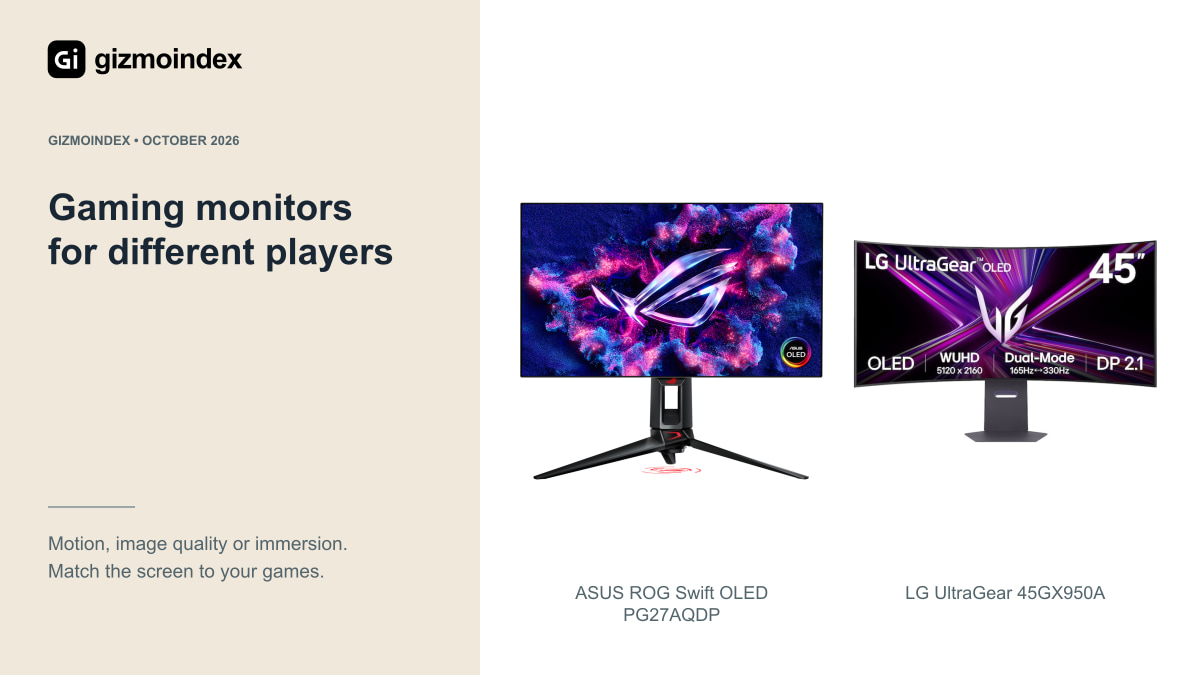
A great gaming monitor should fit the games you enjoy and the computer you already have. I’d choose resolution, size and panel type before letting the highest refresh rate decide. A fast esports screen and a huge ultrawide can both be good while serving very different desks.
This shortlist compares five useful directions, from QHD OLED to very high refresh rates and a large curved screen. I’ll explain what I’d buy each one for, rather than pretend one monitor is the best for every player. The aim is a display you’ll still enjoy after the first impressive demo.
1. ASUS PG27AQDP for fast QHD OLED gaming
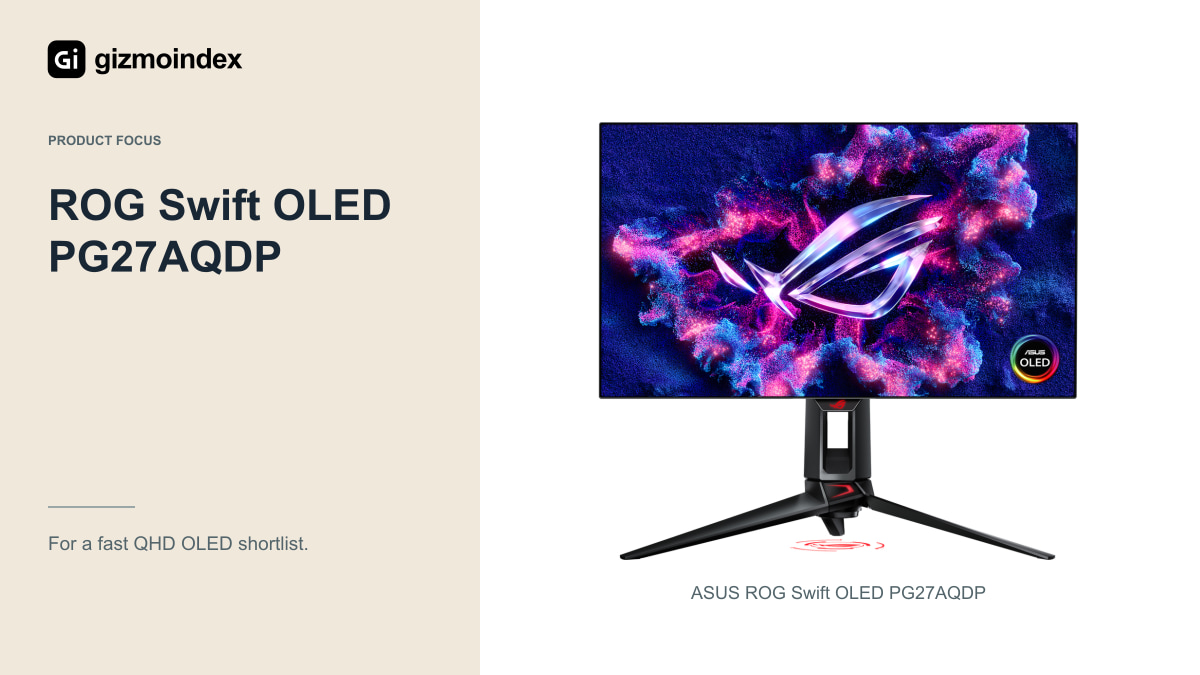
The ASUS ROG Swift OLED PG27AQDP combines a 27-inch 2560 × 1440 screen with up to 480Hz. Put this one on a shortlist for a fast gaming PC when smooth motion and deep OLED blacks are both priorities.
The catch is that your system needs to produce high frame rates to make full use of the refresh rate. OLED’s quick pixel transitions are useful, but I’d still look at measured motion and brightness results. HDR highlights, full-screen brightness and text clarity are separate things. Also read the burn-in warranty for your country and find out how its panel-care routines work. Those details matter if the monitor doubles as a work screen with static content all day.
2. Acer XV273U F5 for high-refresh esports
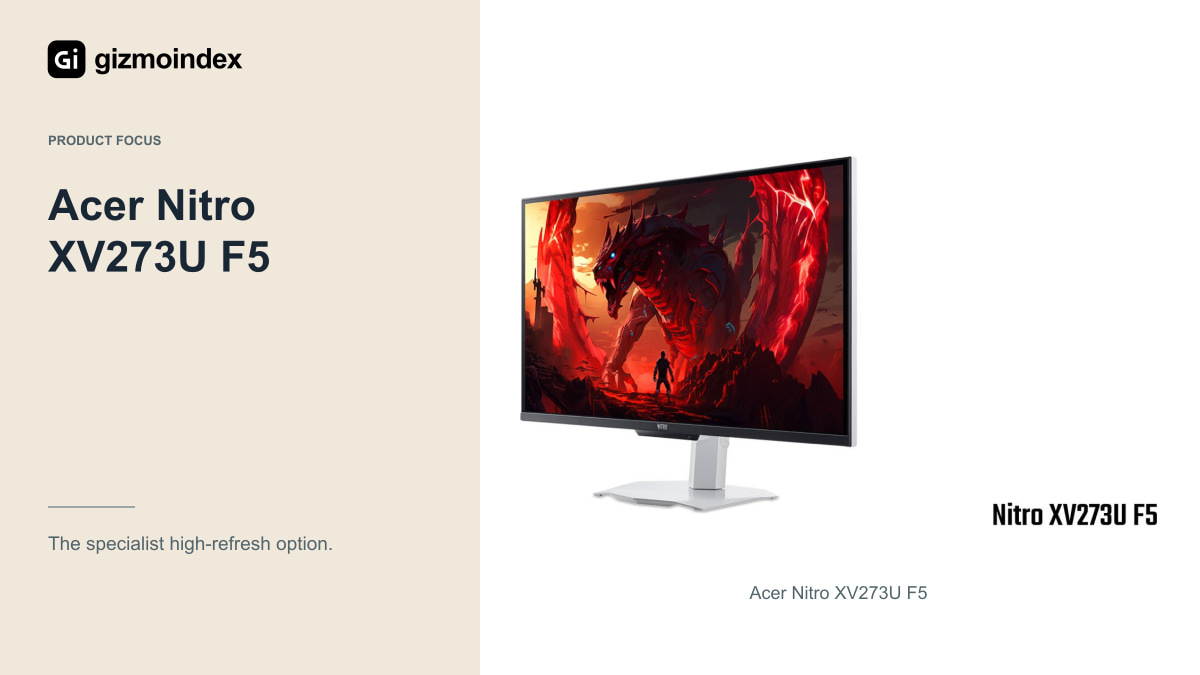
Acer’s 27-inch Nitro XV273U F5 offers QHD at 540Hz and an HD mode at 1,000Hz. That second mode uses 1280 × 720, so you trade detail for the extra refresh rate. It isn’t a 1,000Hz QHD display.
The announced North American starting price was USD 699.99, with a fourth-quarter 2026 schedule. Confirm actual stock and the exact F5 model before ordering. Its IPS panel avoids OLED-specific burn-in concerns, which may appeal to heavy desktop users. Response tuning still needs a proper review, though. I wouldn’t assume the biggest refresh number produces the cleanest motion without seeing overshoot and transition measurements from the retail unit.
3. Alienware AW2726DM for a 240Hz OLED shortlist
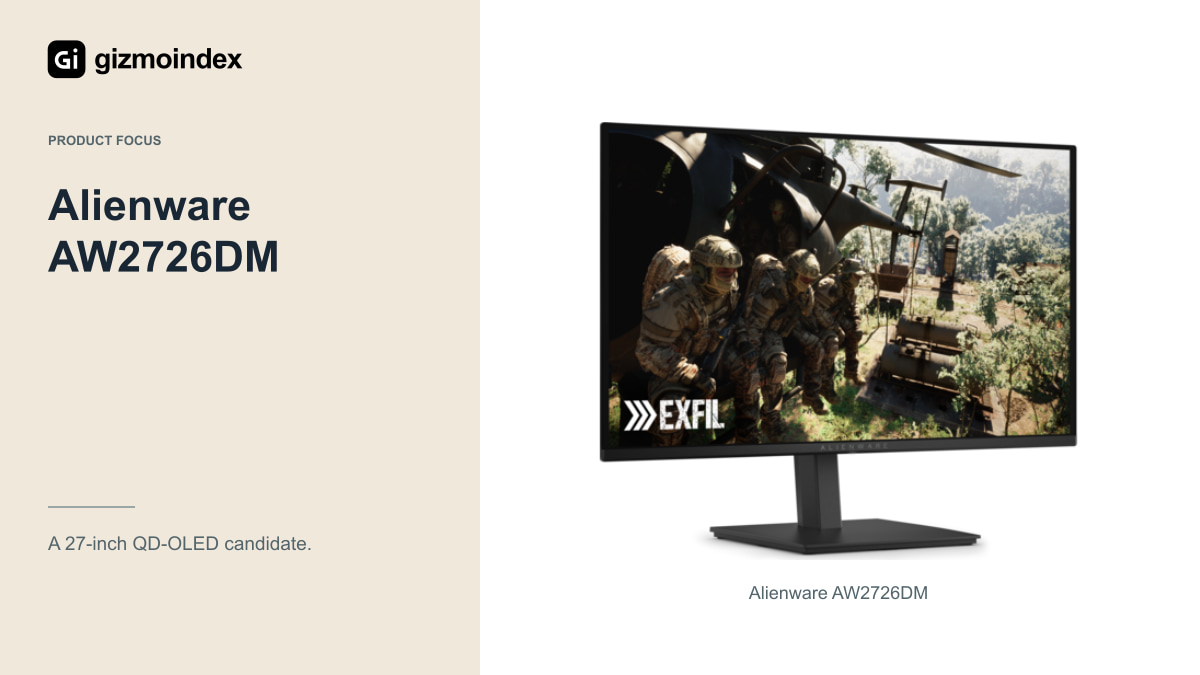
The Alienware AW2726DM gives you a 27-inch QHD QD-OLED panel at up to 240Hz. If your games usually run around 120–240fps, I’d compare something like this before stretching the budget for a 480Hz model.
The price gap is important. A lower refresh rate isn’t automatically bad value, especially when your PC can’t keep up with the faster option. Check the stand, inputs and warranty alongside the panel. Also look at text rendering if you work on the same screen, and reflections if the desk faces a bright window. QD-OLED contrast is attractive, but it doesn’t make those everyday considerations disappear.
4. ASUS XG32UCWMG for two resolution modes
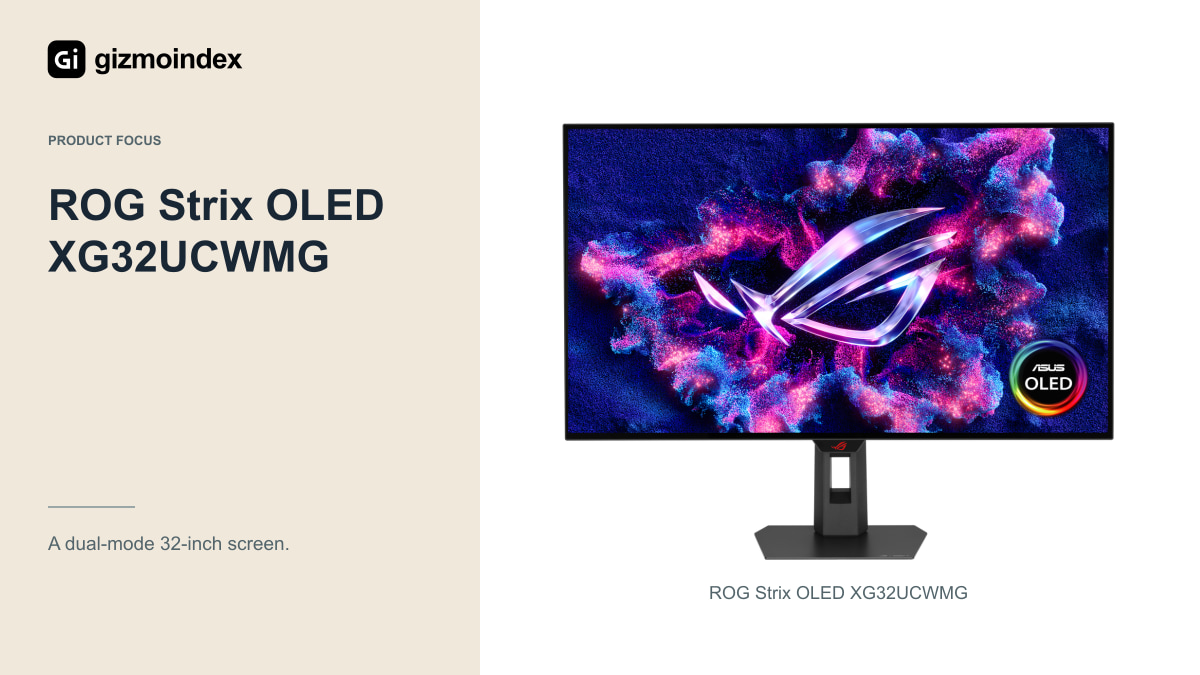
The 31.5-inch ASUS XG32UCWMG is interesting if you want both detailed games and a faster competitive mode. It offers 3840 × 2160 at 240Hz, plus Full HD at 480Hz. You can choose the balance that fits the game.
I like the flexibility in principle, but I’d try 1080p at this size before deciding. It will look softer than native 4K. Check what changes when you switch modes, including scaling, adaptive sync and input support. The graphics output on your PC has to support the mode too. An included cable won’t fix a limitation elsewhere in the connection, so confirm the complete setup.
5. LG 45GX950A for a large ultrawide setup
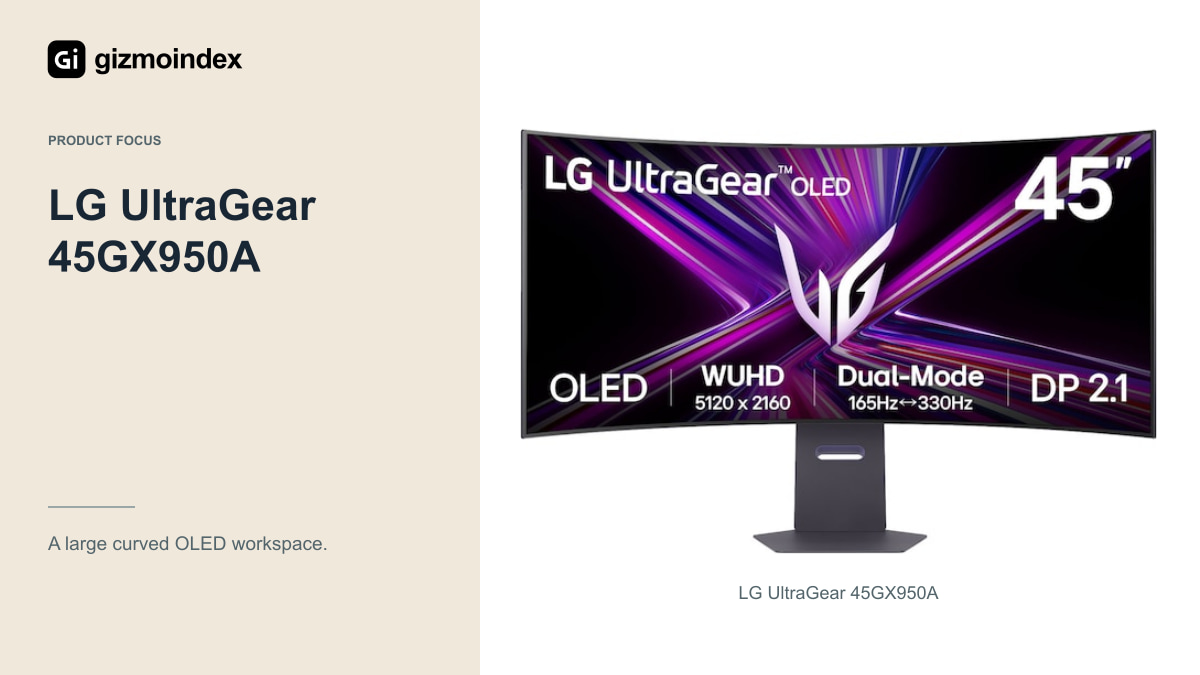
For a wider desk setup, LG’s 45GX950A deserves a look. The approximately 44.5-inch OLED panel offers 5120 × 2160 at 165Hz, with a lower-resolution WFHD mode at 330Hz. Again, the faster mode comes with less detail.
This is the kind of screen I’d consider for simulators or a wide workspace, provided the games support it. Measure the desk depth, stand footprint and comfortable viewing distance first. Some games and consoles won’t fill the width. The high resolution also asks a lot from the GPU, so look for results at 5120 × 2160 rather than applying ordinary 1440p benchmarks to it. Size is only useful if the rest of the setup fits.
Honorable mention: Alienware AW3225QF for consoles
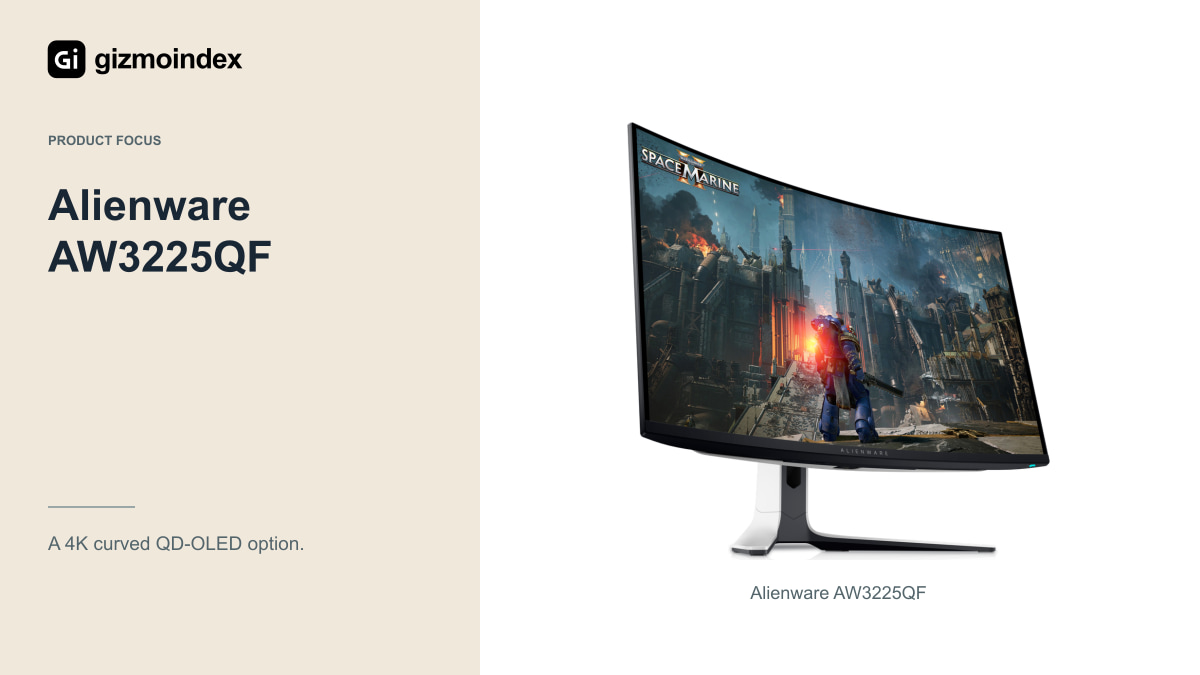
A 32-inch 4K OLED such as the AW3225QF may make more sense for a console than an esports-focused 480Hz screen. It goes up to 240Hz for PC use, but current PS5 and Xbox Series X games reach up to 120Hz in supported modes.
Check the exact HDMI, VRR and HDR behavior with the console you own. Don’t pay extra for a maximum refresh rate the console can’t use. Compare a suitable 4K/144Hz alternative too. Good compatibility at the settings you play is worth more than spare refresh capacity on a specification sheet.
How to choose the right gaming monitor
Before buying, measure your game’s performance. Look at busy scenes and the slower moments rather than the highest fps number in an empty area. That gives you a better target for refresh rate.
Then look at screen size and resolution together. QHD at 27 inches is a useful starting point for many desks. Larger 4K panels can give you sharper small text. Neither choice is compulsory, and a modest PC can still be well served by an affordable 1080p or 144Hz monitor.
Finally, compare panel behavior. OLED gives you deep blacks and fast transitions, while IPS can make sense for static work and price. Read reviews of the exact model. Sharing a panel category doesn’t guarantee identical calibration, HDR or motion tuning.
Pros and cons at a glance
These are the main modes and compromises I’d compare on the shortlist.
| Model | Native mode | Alternative speed mode | Main trade-off |
|---|---|---|---|
| PG27AQDP | QHD 480Hz | None emphasized here | OLED care and system demand |
| XV273U F5 | QHD 540Hz | HD 1,000Hz | Lower resolution for fastest mode |
| AW2726DM | QHD 240Hz | None emphasized here | Lower refresh than esports flagships |
| XG32UCWMG | 4K 240Hz | Full HD 480Hz | Softness at lower resolution |
| 45GX950A | 5120 × 2160 165Hz | WFHD 330Hz | Size, desk space and game support |
Refresh rates describe what the panel accepts or displays in those modes. They aren’t measured response times or a promise that your PC will render that many frames.
Check stock, returns and everyday use
Monitors are awkward to ship back, so I’d read the return policy before ordering. Check dead-pixel terms, opened-product returns and who pays for shipping damage. Keep the packaging until you’ve tested every input and the games you use most.
For OLED, follow the maintenance instructions and let scheduled panel care finish. If you need backup power, check the monitor and full setup’s requirements rather than guessing from another display. A suitable UPS or surge protector can help with some power problems, but it doesn’t replace a usable warranty or protect against every fault.
Buying recommendation
I’d start with the screen format I wanted, then choose a resolution and refresh rate my games could use. The ASUS, Acer, Alienware and LG options here are worth comparing for different reasons. I’d rather buy the right type of screen than chase a higher model number in the wrong category.
Include the desk, connection and computer in the decision. A demanding monitor can make a graphics upgrade part of the cost, while an awkward stand can make a good panel unpleasant to use. Those practical details aren’t as exciting as a headline specification, but they follow you into every session.
My advice is to pick the games first and spend on the improvement you’ll notice most. Better contrast, sharper detail, more useful width and faster motion are different benefits. Choose the one you actually want.
Sources
- ASUS ROG Swift OLED PG27AQDP
- Acer monitor announcement and regional launch schedule
- Alienware AW2726DM specifications
- ASUS ROG Strix OLED XG32UCWMG
- LG UltraGear 45GX950A dual mode specifications