
Xiaomi Pad 9 Pro Max vs iQOO Pad Ultra
Compare Xiaomi Pad 9 Pro Max and iQOO Pad Ultra as different-sized tablets, with gaming, software, accessories and import support explained.
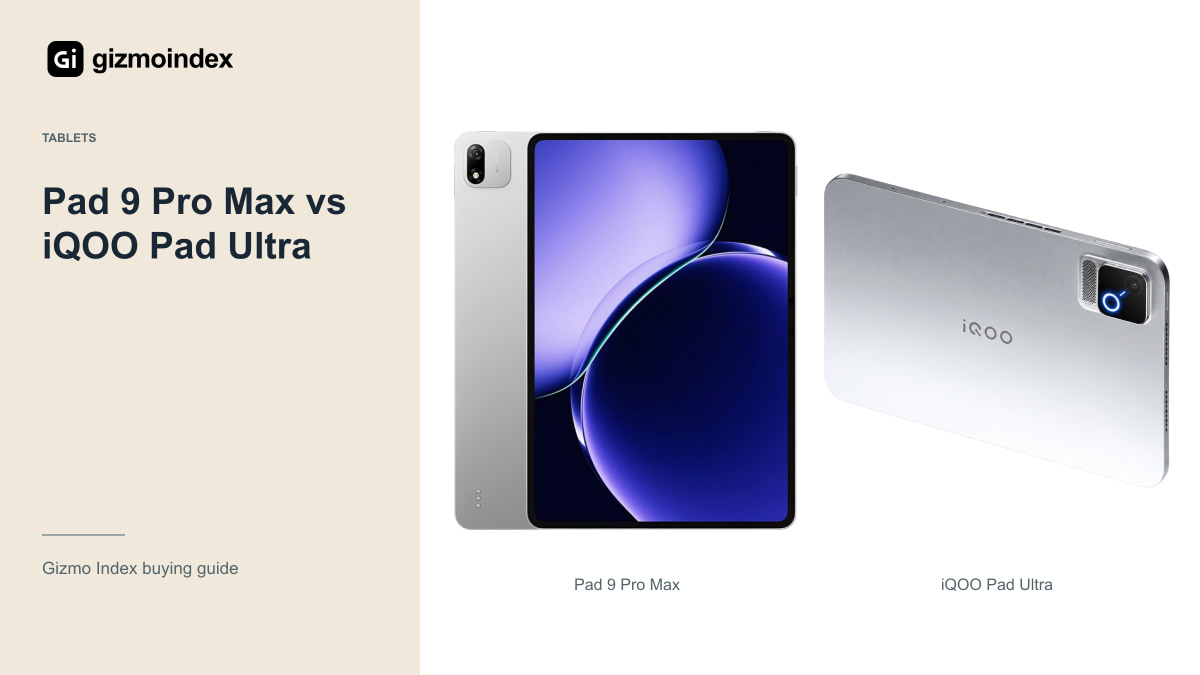
The Xiaomi Pad 9 Pro Max and iQOO Pad Ultra are very different tablets despite both sounding like the top model. Xiaomi gives you a large 13.3-inch screen. The iQOO takes a compact 8.8-inch approach with a strong gaming emphasis. Size may settle this comparison before you get to the chip.
I’d look at the Xiaomi for a large page and desk setup, and the iQOO for gaming held in both hands. Both Chinese-market options also need a clear look at software and support before importing. Here’s how I’d separate their strengths without treating the larger tablet as the automatic winner.
Xiaomi Pad 9 Pro Max
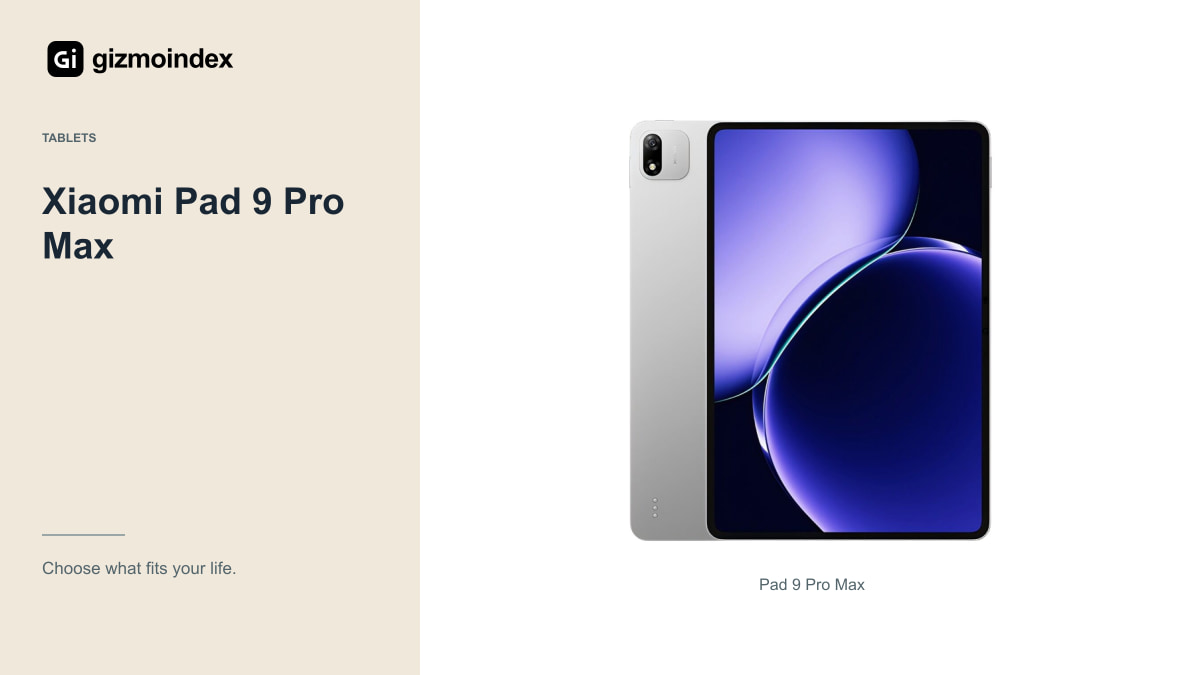
Xiaomi’s Chinese store identifies the Pad 9 Pro Max with a 13.3-inch display and XRING O3 hardware. That screen size is the main starting point for this comparison. It could be attractive for documents, media and projects that benefit from a larger visible workspace.
A large tablet needs a suitable way to support it. Think about a stand, keyboard and case, then include their price and carrying weight. The tablet might feel convenient on a desk while becoming less appealing when you try to hold it for a long reading session.
I wouldn’t assume every accessory sold with Pad in its name is compatible. Confirm the exact generation and model. If a seller bundles a keyboard or pen, ask for the model number and verify the features rather than treating the bundle photograph as proof of compatibility.
For a game where you hold the tablet for a long session, a compact body can be part of the appeal. For reading a full-page PDF beside notes, that same size can feel restrictive. I like this comparison because it makes the choice clear: decide what you want the screen to do before paying for a high-end name.
iQOO Pad Ultra
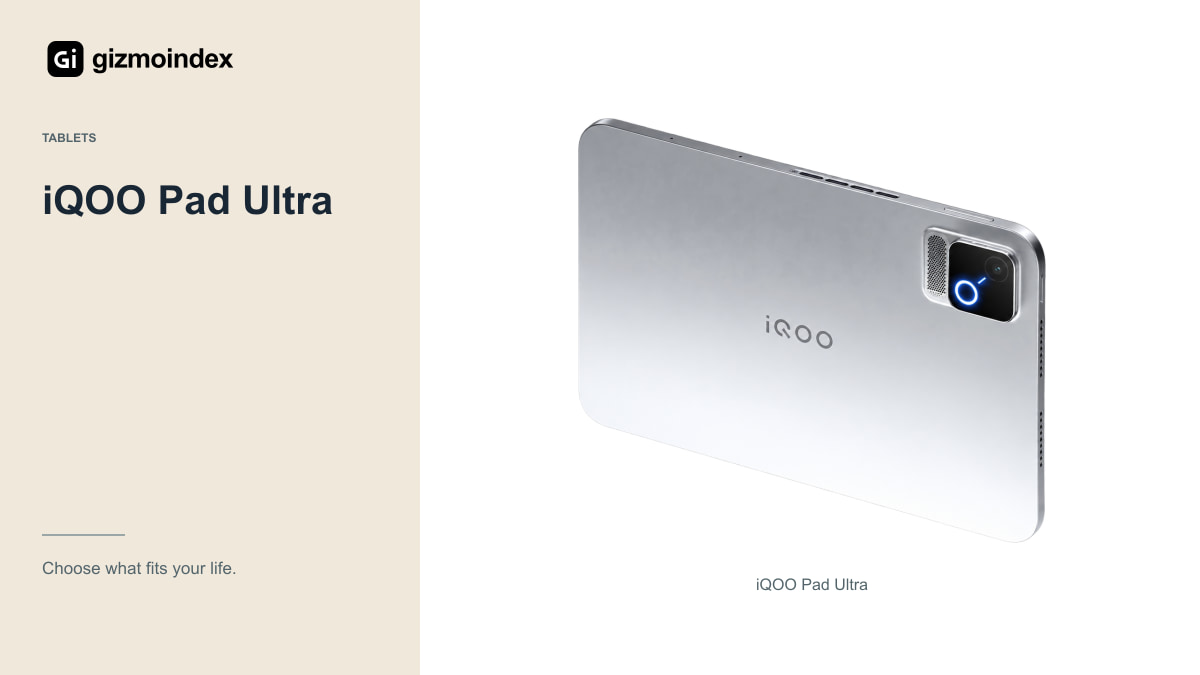
The iQOO Pad Ultra uses an 8.8-inch OLED display with a stated refresh rate up to 165Hz. Its official Chinese page also describes active cooling and a 9,020mAh battery. It belongs in a different handling category from the 13.3-inch Xiaomi.
A smaller tablet can be easier to hold with both hands for a game or carry in a compact bag. That doesn’t automatically mean it’s comfortable for every player. Check the grip, control placement and weight with the case or controller arrangement you want to use.
The high refresh-rate specification also needs game support. A 165Hz panel doesn’t guarantee that every title renders at 165fps or offers the settings you expect. Check the actual games, current software and sustained performance evidence before buying mainly for that number.
Size and comfort
Put an 8.8-inch and a 13.3-inch screen into your normal routine. The larger device gives interfaces and documents more room. The smaller one takes less space and can be more manageable during handheld use. Those differences remain even if both have plenty of processing capacity.
For a student, a desk-based document and notes setup might favour the Xiaomi’s area. For someone who wants a compact gaming device, the iQOO’s size is a more relevant starting point. Neither use should be decided by the word Ultra or Max in the product name.
If you can’t try the devices, compare dimensions with something you already own. Mark out the size on paper and consider the bag, desk and holding position. It’s a simple check, but it can reveal a size mismatch that an attractive product photograph hides.
Software
Ask which software version the exact unit runs and whether the seller has changed it. Check languages, updates, account setup and access to the applications you need. Don’t assume a modified seller installation offers the same support or reliability as an officially supported regional release.
If you need Google services, a specific banking app or a work-management tool, verify it specifically. A general claim that apps can be installed doesn’t prove every service will work normally. Account, certification and organisational requirements can affect the result.
Streaming services need their own check, including supported playback quality and downloads. A high-resolution display doesn’t guarantee a specific app permits its highest quality on that device. Test the actual service during a dependable return period rather than relying only on the screen specification.
Drawing and accessories
Before buying for handwritten notes or illustration, confirm the exact stylus, supported controls and app behaviour. Pressure sensitivity, palm rejection and shortcuts are practical features, not things to assume because a product page shows a pen beside the tablet. Check what is included in your offer.
For office work, test file handling, keyboard shortcuts and the services you use. A tablet browser may behave differently from a desktop browser, and a mobile app may omit a feature you depend on. Processing power doesn’t remove every software limitation.
External displays, storage and hubs should be checked with the exact hardware and software combination. A USB-C connector alone doesn’t promise a laptop-style desktop setup. Build your buying decision around a verified process rather than a list of accessories you hope will work.
Gaming
Look for sustained game tests under stated settings and conditions. A short benchmark doesn’t describe a long session with charging, networking and a bright screen. Cooling design is useful context, but it should not be turned into an untested promise that heat never affects performance.
Check controller support, audio delay and game-account compatibility. If the tablet is an import, confirm the game version and services. A device that runs a benchmark impressively can still be the wrong choice if your main title or controller behaves badly.
Battery claims also need the workload behind them. Capacity alone can’t tell you which tablet lasts longer for your game or video app. I’d leave room in the plan for compatible charging equipment and avoid ranking endurance without comparable real-world testing.
Which one I’d buy
I’d choose the Pad 9 Pro Max when a large screen was the main reason for buying. It’s the one I’d compare for reading documents, watching films on a stand and spreading work across a bigger area. I’d choose the iQOO Pad Ultra deliberately for its smaller gaming-focused format.
I wouldn’t expect one to replace the other just because both sit near the top of their ranges. An 8.8-inch tablet and a 13.3-inch tablet feel different in the hand and take different space in a bag.
Before importing either one, make sure the apps, language and support arrangement suit you. My advice is to decide on the size first, then look at the final delivered cost. A powerful tablet is more enjoyable when you can use the software you need and get help if something goes wrong.