
Best iPhones for Content Creation in 2026: What I Would Buy
Choose an iPhone for content creation in 2026 by workflow and budget, from the 18 Pro Max to older Pro models and an affordable filming option.
The videos you make should influence the iPhone you buy. Filming yourself at a desk is different from shooting a paid project, recording slow motion or moving large files to a computer for editing. Spending more only helps when the extra features fit that work.
From the iPhone 18 Pro Max to the more affordable regular 14, these five options cover different needs and budgets. Alongside the cameras, I am looking at recording formats, storage and accessory connections—the details that affect the whole process of making a video.
My quick pick: The 16 Pro and 15 Pro Max are the value options for an external recording workflow. Choose the 18 Pro Max when aperture controls justify the extra cost, and the regular 14 when you need to leave room for sound and lighting.
Quick comparison
| Model | Price reference | Useful features | Main compromise |
|---|---|---|---|
| iPhone 18 Pro Max | US$1,299 new · 256GB | Variable aperture; main-camera 4K120; Log 2 | From $1,299 new; external gear for top ProRes modes |
| iPhone 17 Pro Max | US$1,231 average listing | Log 2; ProRes RAW; 4x optical telephoto | Used average close to new 18 Pro Max price |
| iPhone 16 Pro | US$762 average listing | 5x telephoto; 48MP ultrawide; 4K120 main | 128GB entry model can limit working storage |
| iPhone 15 Pro Max | US$681 average listing | 5x telephoto; USB 3; external ProRes 4K60 | Older battery; no 4K120 capture |
| iPhone 14 | US$340 average listing | Autofocus selfie camera; 4K Cinematic mode | No telephoto, macro, Log or ProRes |
US used listing averages, 7 October 2026, before tax and delivery. Storage, carrier and condition vary. New retail prices are labelled separately; an average is not a guaranteed offer.
iPhone 18 Pro Max: for aperture control and advanced recording
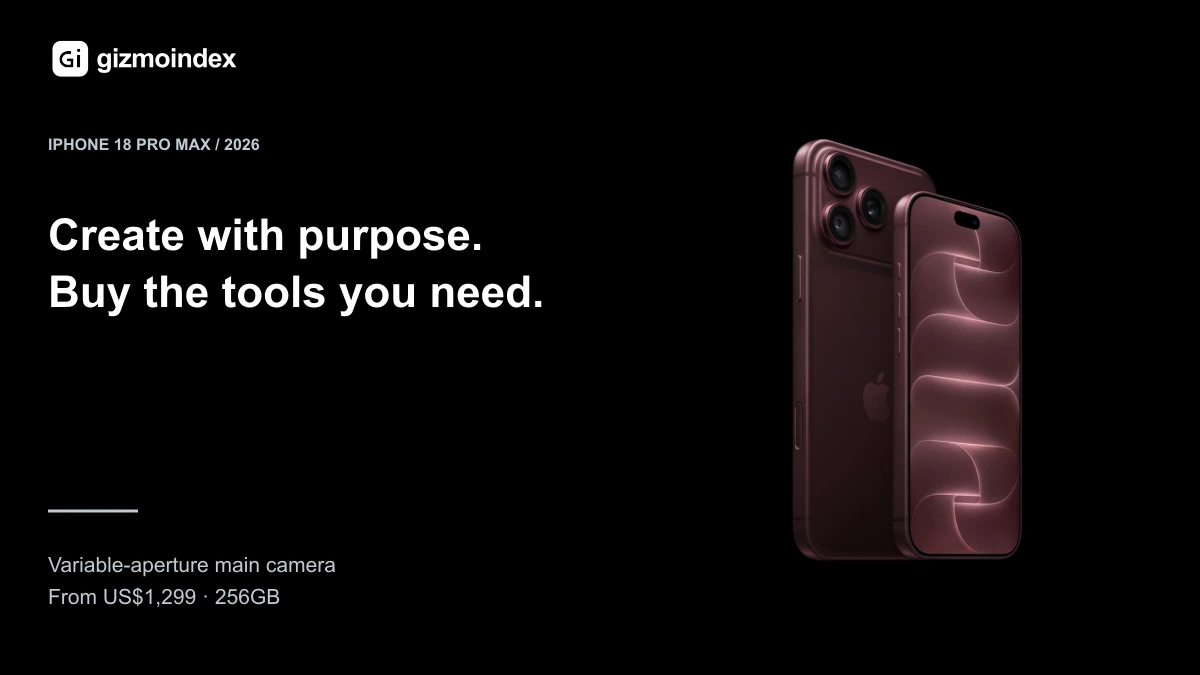
The iPhone 18 Pro Max is the current premium model I recommend comparing when budget is generous and the new camera controls have a specific role in my work. Apple's US starting price is $1,299 for 256GB, before tax.
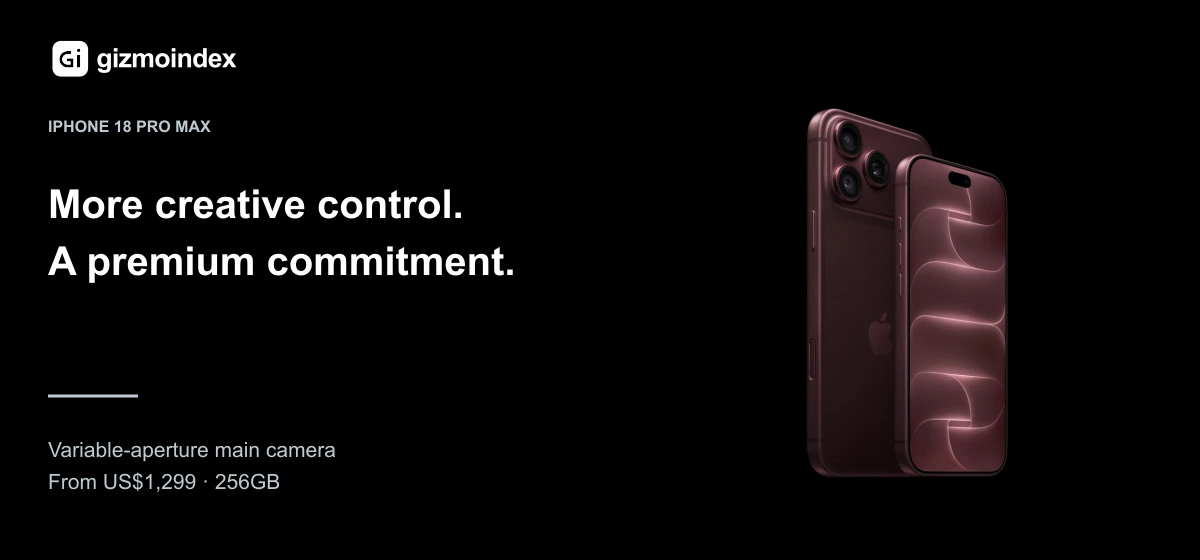
Apple highlights the new main camera's variable aperture and A20 Pro platform. Aperture control is a concrete creative feature to assess, giving you a direct way to control the main camera rather than relying entirely on automatic exposure.
Before spending that amount, compare real footage and test the recording modes you plan to use. A feature is valuable when it improves a shot or makes a job easier. If my existing phone already produces the required output, I would need a clear reason to upgrade.
iPhone 17 Pro Max: for an established professional workflow
The 17 Pro Max is worth comparing for its professional recording options. Apple lists Apple Log 2, ProRes RAW and external ProRes recording up to 4K at 120fps. These are recording and editing features, with compatible apps, equipment and settings to check before buying.
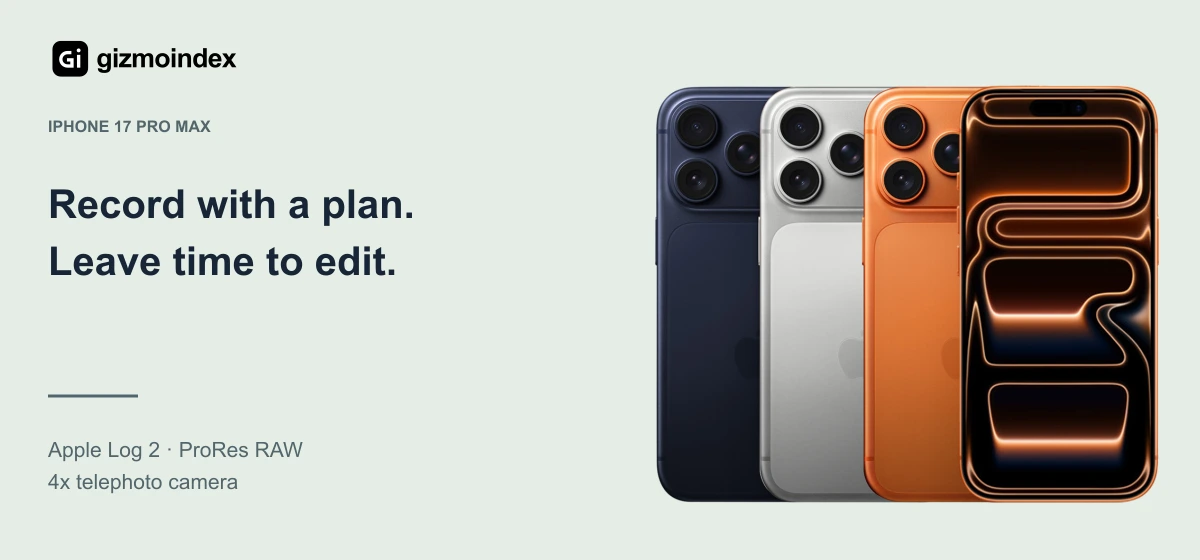
The phone also has an 18MP Center Stage front camera, which deserves attention if you regularly film yourself. I would evaluate the actual framing and recording options needed for my projects rather than judge a front camera only by its resolution.
The October 7 used-market average is $1,231. That is too close to the 18 Pro Max's new starting price to justify a blanket “buy last year's model” recommendation. Match storage, condition, warranty and the features you use before choosing.
iPhone 16 Pro: the older Pro I would compare carefully
At a $762 marketplace average, the 16 Pro offers a much larger price gap from the newest Pro Max. It has a 48MP ultrawide, 5x telephoto and external ProRes recording up to 4K at 120fps, giving it specific value for some video work.
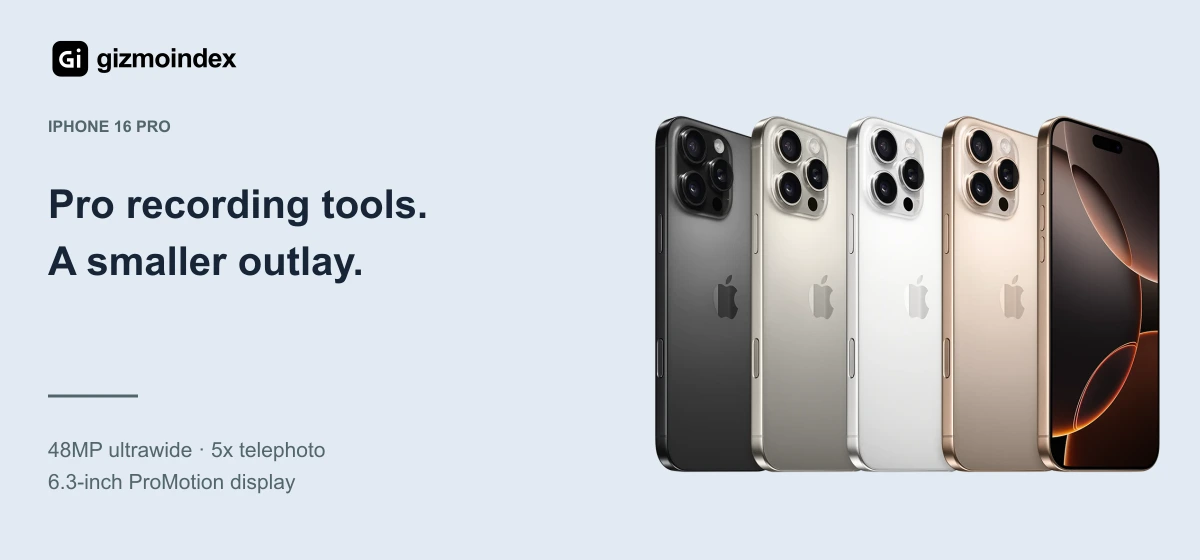
This is worth considering for someone who wants serious recording options but also needs money for accessories and storage. Those external recording modes require suitable equipment; they do not mean every mode works internally with every setup.
Size is another benefit to consider. A smaller phone can be easier to mount and carry, though comfort depends on your rig. Compare the full setup you intend to use, including microphone, power and storage connections.
iPhone 15 Pro Max: spend less and keep a practical workflow
The 15 Pro Max averages $681 and still offers Log recording, USB 3 through USB-C, a 5x telephoto and external ProRes up to 4K at 60fps. That makes it worth comparing before assuming content creation requires the newest iPhone.
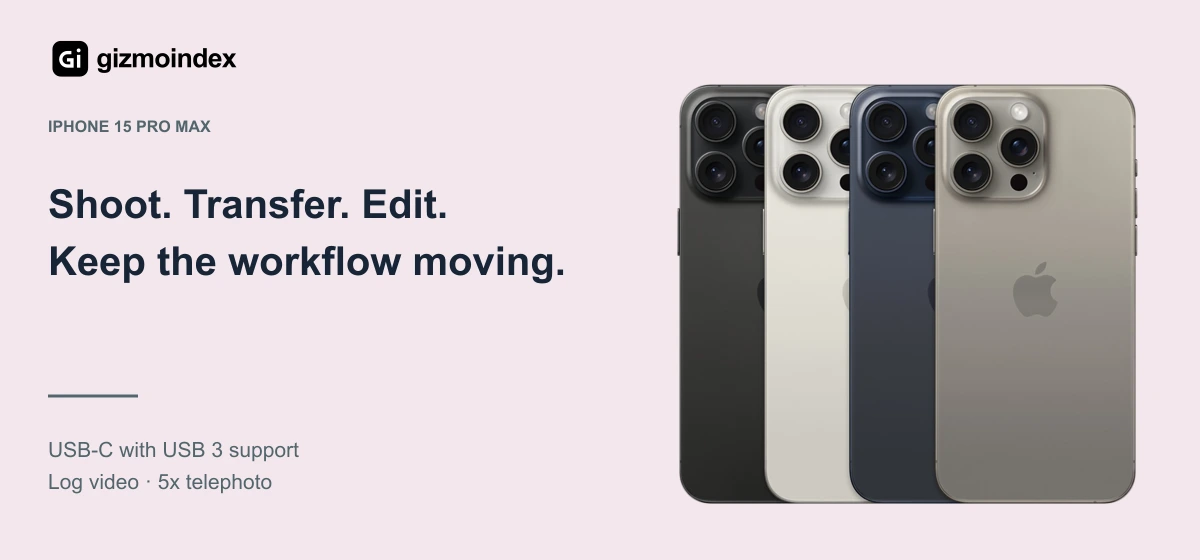
Faster wired transfer can be useful when a shoot produces a lot of footage. It requires a suitable USB 3 cable and compatible equipment. The included or cheapest charging cable may not deliver the data speed you expect.
Check battery condition and the charging port particularly carefully on a used unit. A workflow built around an external drive is only helpful when the physical connection is dependable.
iPhone 14: the lower-cost option for getting started
At a $340 marketplace average, the regular 14 leaves much more room for the rest of a beginner's setup. It offers an autofocus front camera, 4K video and Action mode, which are useful tools for straightforward social content.
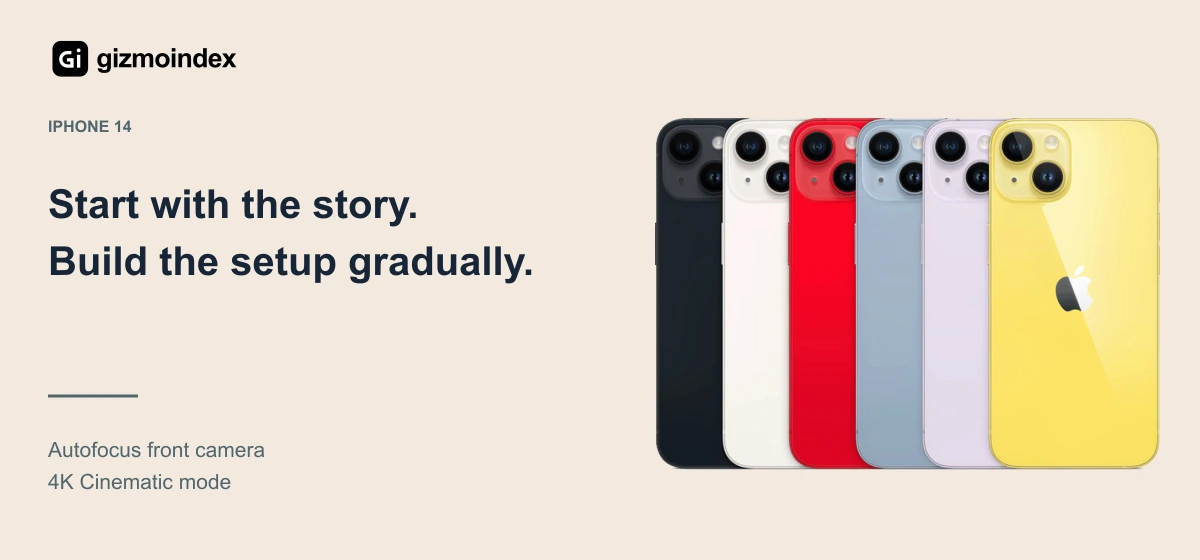
You do not get the Pro models' Log or ProRes capture, and Lightning affects accessory choices. For someone recording and editing simple clips on the phone, those limits may be acceptable. Clear sound and good lighting can be a more immediate need.
I would buy enough storage and learn a repeatable recording routine before paying for advanced formats. The first useful upgrade is the one that solves a problem in the videos you are actually making.
The workflow I would plan before buying
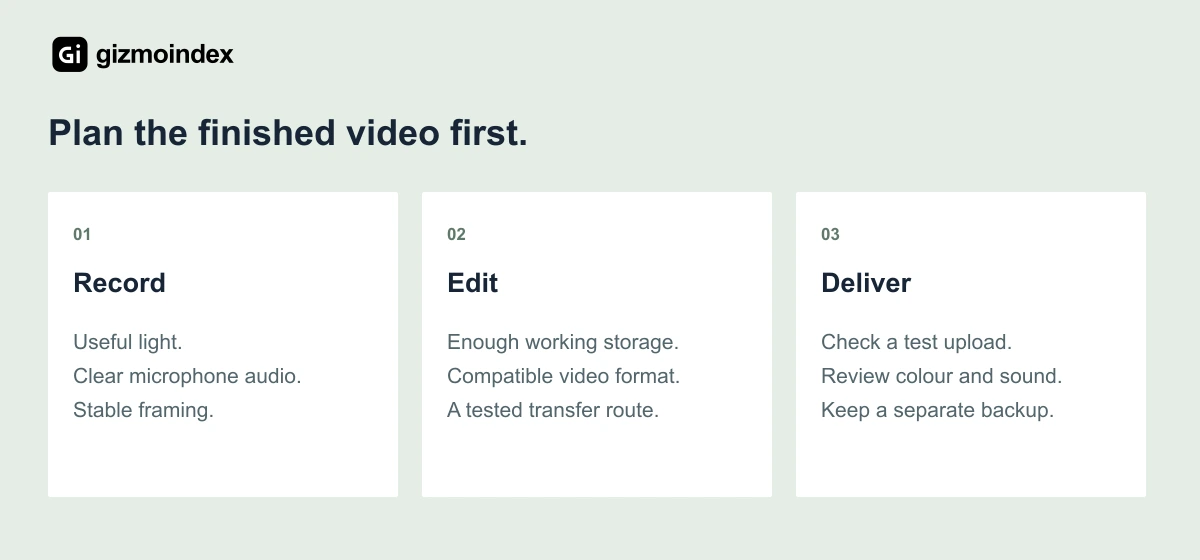
Choose a recording format your editing app and publishing platform handle properly. Check HDR behaviour with a short test upload, and make sure your colour settings remain consistent. A technically impressive source file is not enough if the finished upload looks wrong.
Plan for audio, stable framing and backups. Keep original footage somewhere separate before deleting it from the phone. Finally, test a realistic recording session during the return window instead of relying on a brief camera demonstration.
Compare the hardware in our iPhone 18 Pro Max specifications page before choosing storage and accessories.
My verdict
The iPhone 18 Pro Max is worth considering if you want the new camera controls and have a premium budget. The 16 Pro and 15 Pro Max offer useful recording tools at lower used-market prices, making them important alternatives to compare.
The 17 Pro Max needs a convincing offer, while the regular 14 is a sensible starting point for simpler content. My recommendation is to choose the phone that supports your recording and editing process, with enough budget left for clear sound, lighting and storage.
Frequently asked questions
Do I need ProRes to make good social videos?
No. It can be useful for specific editing workflows, but ordinary video formats are often more practical for direct social publishing and use less storage.
Is 128GB enough for content creation?
It depends on recording volume and backups. Compare 256GB where affordable, especially when filming frequently, rather than assume a cloud plan replaces local working space.
Should I buy a phone before a microphone?
Consider the problem you need to solve. If your current picture is acceptable but your speech is difficult to hear, improving audio may be the more useful first purchase.
For a complete recording setup, read our iPhone content creation guide under $500.