
Best iPhones for Photography in 2026
Compare iPhones for photography in 2026 by camera views, controls and editing workflow, with used-device checks and clear zoom distinctions.
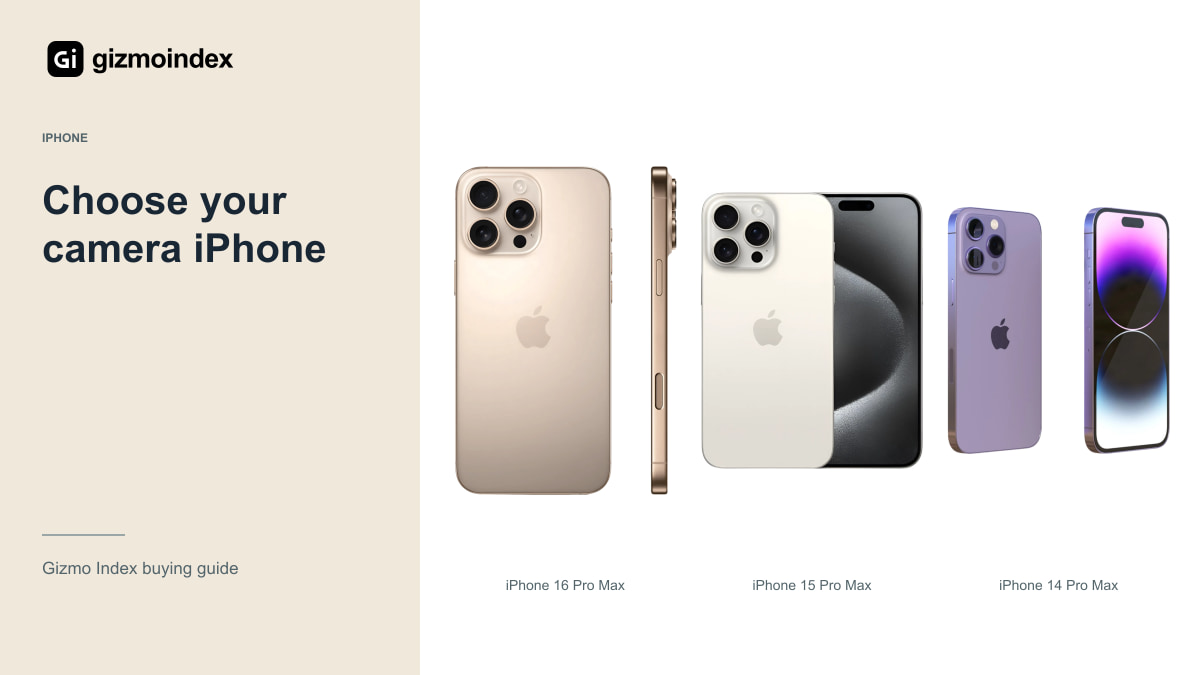
The best iPhone for photography depends on what you like taking pictures of. More zoom can help with distant subjects; an ultrawide can be useful in a small room. Neither automatically makes every photo better. I’d choose the lenses I’ll actually use before spending on the newest model.
The iPhone 18 Pro Max offers Apple’s current camera controls, while older Pro Max models can make more sense for the money. The regular iPhone 15 also deserves a place if you mainly take everyday pictures. Here’s what I like about each option and where I’d save or spend more.
iPhone 18 Pro Max
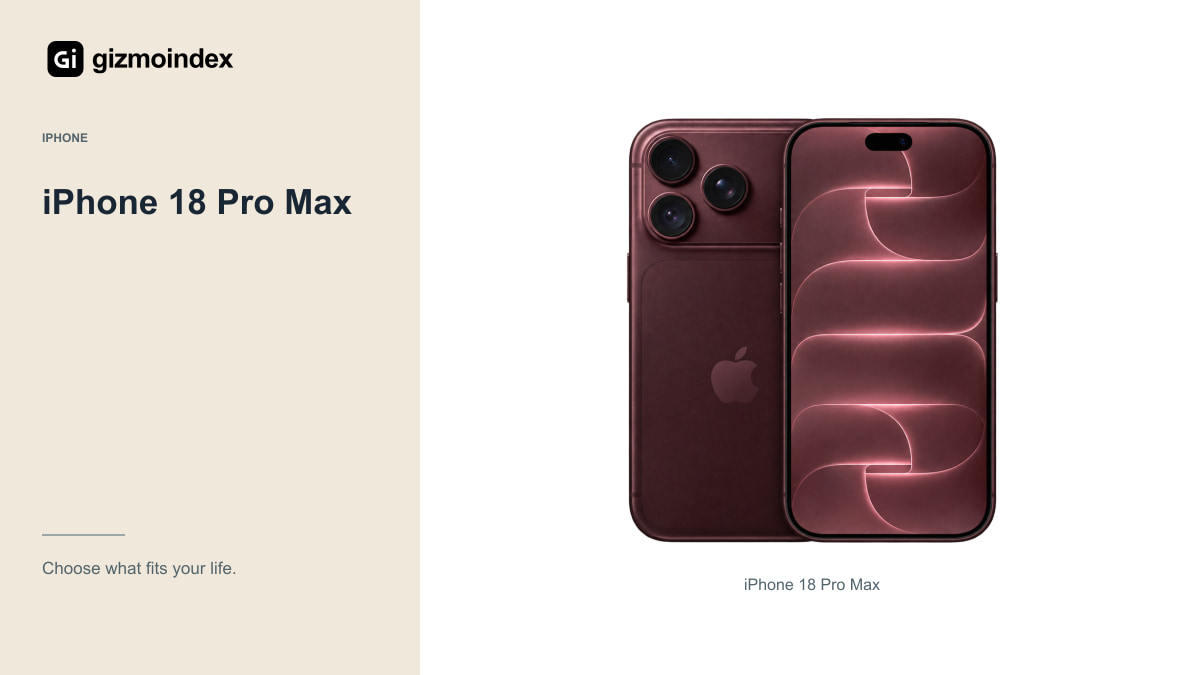
Apple lists a 48MP main camera with selectable apertures of f/1.48, f/1.8, f/2.8 and f/4.0. That’s a meaningful specification for someone interested in controlling a photograph. It’s also something to learn properly rather than treating the widest aperture as the best choice for every scene.
Its 48MP telephoto camera has a dedicated 4x view. Apple’s 8x optical-quality option uses a 12MP capture from that system; it’s important to distinguish that from a separate dedicated 8x lens. The camera also includes a 48MP ultrawide for a different perspective.
I’d consider this model for a photographer who wants Apple’s current tools and expects to use them. I’d still compare actual full-resolution samples before buying. More controls give you options, but they can’t guarantee that you’ll prefer the colours, processing or motion handling in every situation.
For pictures of children or pets, I’d pay attention to focus and movement. For buildings and travel, framing options may matter more. A beautiful static sample doesn’t answer both questions. I like seeing photos taken in the kind of situation I actually want to capture, rather than choosing from one dramatic landscape.
iPhone 16 Pro Max
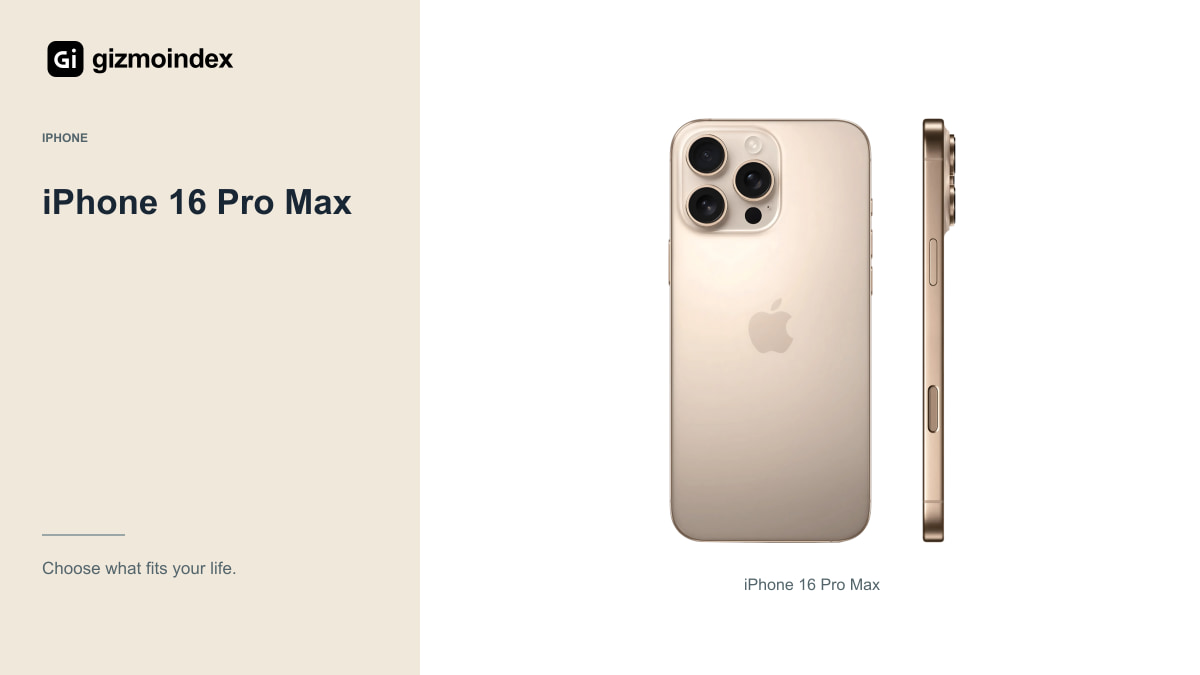
The 16 Pro Max combines a 48MP main camera, 48MP ultrawide and 5x telephoto. Those give you several useful ways to frame a scene without assuming that one lens can do everything. It’s worth comparing when its total purchase price is clearly below the newest Pro Max.
Pay attention to the ultrawide if you take interiors, landscapes or close details. Compare the same scene with the main camera as well. A wider view is useful, but it also changes perspective, and people positioned near the edges may not look the way you intended.
For a used example, test all the cameras rather than only taking one bright outdoor photograph. Try focusing near and far, record a moving subject and examine the saved files. A camera fault or poor repair can wipe out the value of an otherwise attractive flagship deal.
iPhone 15 Pro Max
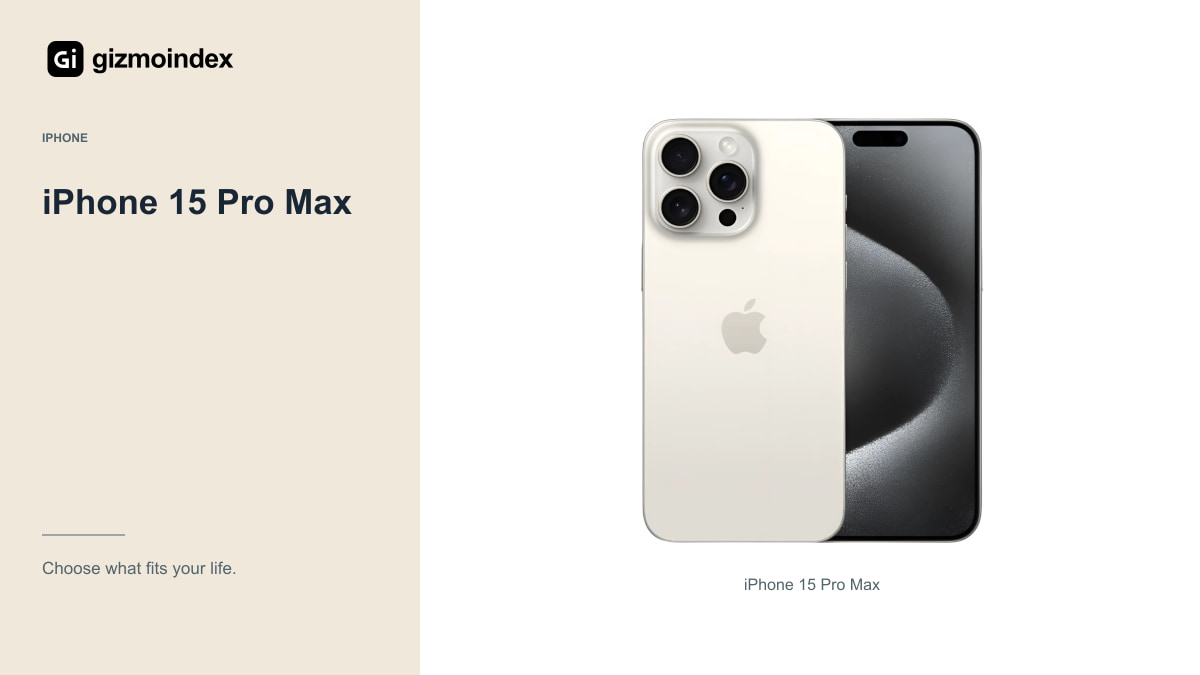
The 15 Pro Max has a 48MP main camera, a 12MP ultrawide and a 5x telephoto. Its lens selection makes it a sensible candidate for people who enjoy changing their composition. Whether it’s the better buy depends on the specific price, condition and battery you’re being offered.
Don’t assume that the 5x label means it’s always the camera to use. In a cramped room, the main or ultrawide camera may be more practical. With moving subjects or difficult light, compare the files instead of judging only from the viewfinder.
USB-C and supported USB 3 transfer can also make a large photo library easier to manage with suitable equipment. That’s a setup advantage, not proof of better image quality. Budget for storage and a backup routine if photography is the main reason you’re buying the phone.
Regular iPhone 15
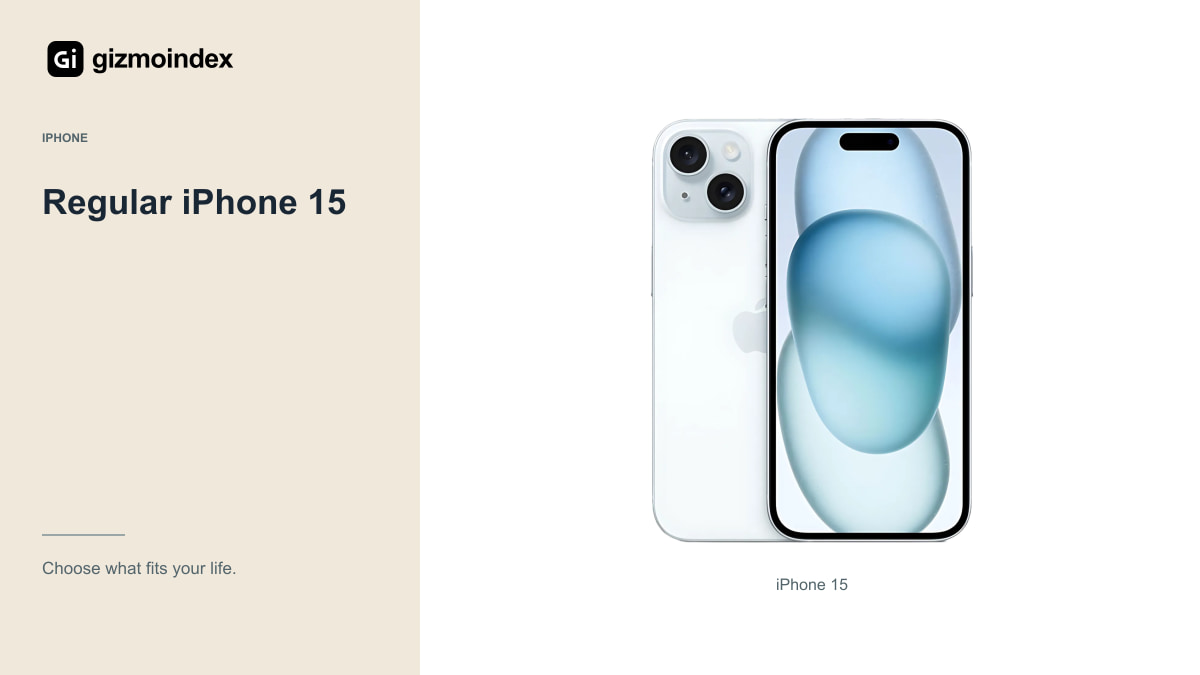
The regular 15 has a 48MP main camera and a 12MP ultrawide. Its 2x optical-quality option comes from the main sensor rather than a dedicated telephoto camera. That distinction matters if a seller presents it as having the same lens arrangement as a Pro Max.
For family pictures, travel details and casual social posts, this could be enough. I’d rather buy a healthy regular model that fits the budget than stretch for a damaged Pro whose headline camera specifications can’t compensate for unreliable hardware.
You do give up the Pro models’ full lens and format options. Decide whether those are things you’ll use. If almost all your favourite photographs come from the main camera, it’s worth asking how much extra you should spend on capabilities that rarely leave the menu.
Lenses and subjects
A parent photographing children indoors should examine motion and focus, not only a static building in sunshine. Someone who takes landscapes may care more about ultrawide detail, reflections and how highlights are handled. A food photographer might value close focusing and consistent colour under artificial lighting.
Look for sample sets that include those situations. Open the original files where available and compare at a sensible viewing size as well as closely. A tiny social-media preview hides differences, while extreme magnification can make small flaws seem more important than the finished photograph.
Portrait mode is another feature to inspect carefully around hair, glasses and complex backgrounds. Software separation can be attractive without being perfect. Check whether you like the effect and whether it remains convincing in the types of portraits you usually take.
Editing and storage
You don’t have to use the most demanding file format for every photograph. High-resolution and RAW setups can offer flexibility, but they also take storage, editing time and an understanding of what you want to change. Start with a process you can sustain.
Keep original files and verify backups before deleting anything important. A phone is convenient because it’s always with you; that also makes it easy to leave years of photographs on a single device. Losing those files is a bigger problem than choosing the second-best camera on a specification chart.
A clean lens, comfortable grip and useful light can improve results without changing the phone. If you photograph products regularly, consider whether a simple lighting setup would solve more problems than another generation of camera hardware. Spend on the weakness in your process.
My picks
I’d choose the iPhone 18 Pro Max for someone who wants the current camera controls and plans to use them. The 16 and 15 Pro Max are attractive alternatives when the price is lower and their lens options already cover the job. The regular 15 would be my simpler everyday choice.
I wouldn’t buy a damaged Pro model just to get another lens. A healthy camera, a dependable battery and enough storage make the phone easier to enjoy. Those basics matter every time you take it out of your pocket.
My advice is to look at your own photos before choosing. If you mostly use the main camera, spend accordingly. If you keep wishing you could frame something differently, identify the lens that would help. That’s a better reason to upgrade than buying a list of features and hoping one of them changes the way you shoot.