
Best iPhones for Vlogging and TikTok in 2026
Compare iPhones for vlogging and TikTok by recording workflow, lenses, audio, storage and the practical needs of your next video project.
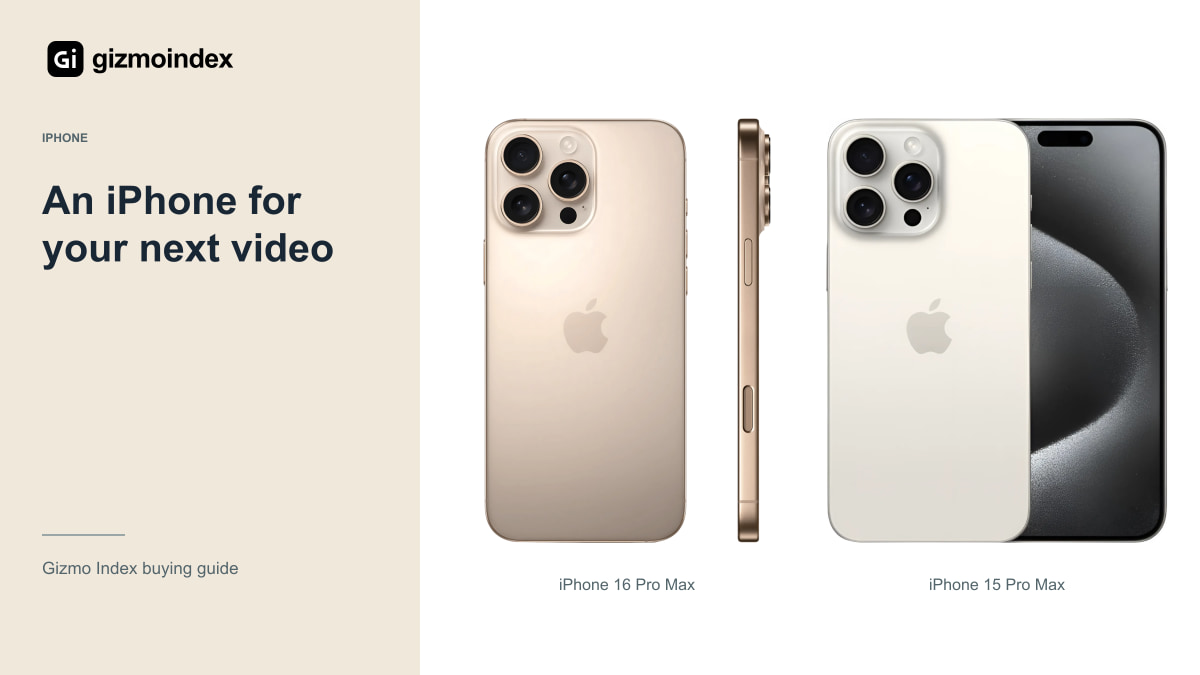
Want an iPhone for TikTok or vlogging? I’d choose the phone around the kind of video you make, rather than buying the most expensive Pro Max automatically. Good audio, enough storage and a simple editing routine can make a bigger difference than another recording mode you never use.
The iPhone 18 Pro Max is attractive for demanding work, while the 16 and 15 Pro Max offer useful older Pro options. The regular iPhone 15 can be enough for straightforward social video. Here’s where I’d spend more and where I’d save some money for the rest of the setup.
iPhone 18 Pro Max
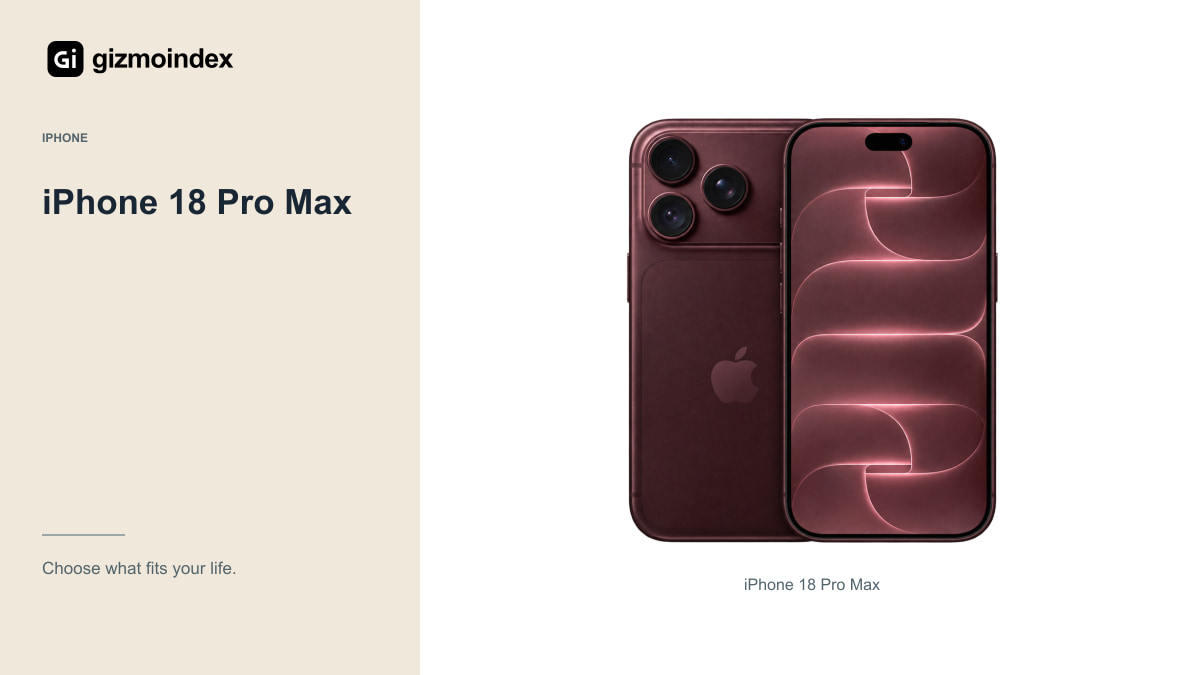
Apple’s current specifications include professional video controls, Apple Log 2 and demanding external-recording options. The front camera also offers 4K Dolby Vision recording up to 60fps. Those capabilities can be useful when you want more control over a complete production process.
The important question is whether your editing setup supports and benefits from them. Log or RAW recording creates work as well as flexibility. You need to understand exposure, storage, transfer, editing and final export rather than assume a professional format improves a clip automatically.
The Pro Max is also a large, expensive device. I’d choose it for a creator who specifically wants the current flagship’s capabilities and can justify the full setup. I wouldn’t tell a beginner that good videos must wait until they can afford it.
If you’re speaking to a camera at a desk, a consistent position and decent light are easy places to improve the result. If you’re filming while travelling, charging and free storage become more important. I like matching the phone to that normal routine. It stops a professional-sounding feature from deciding a purchase it won’t actually improve.
iPhone 16 Pro Max
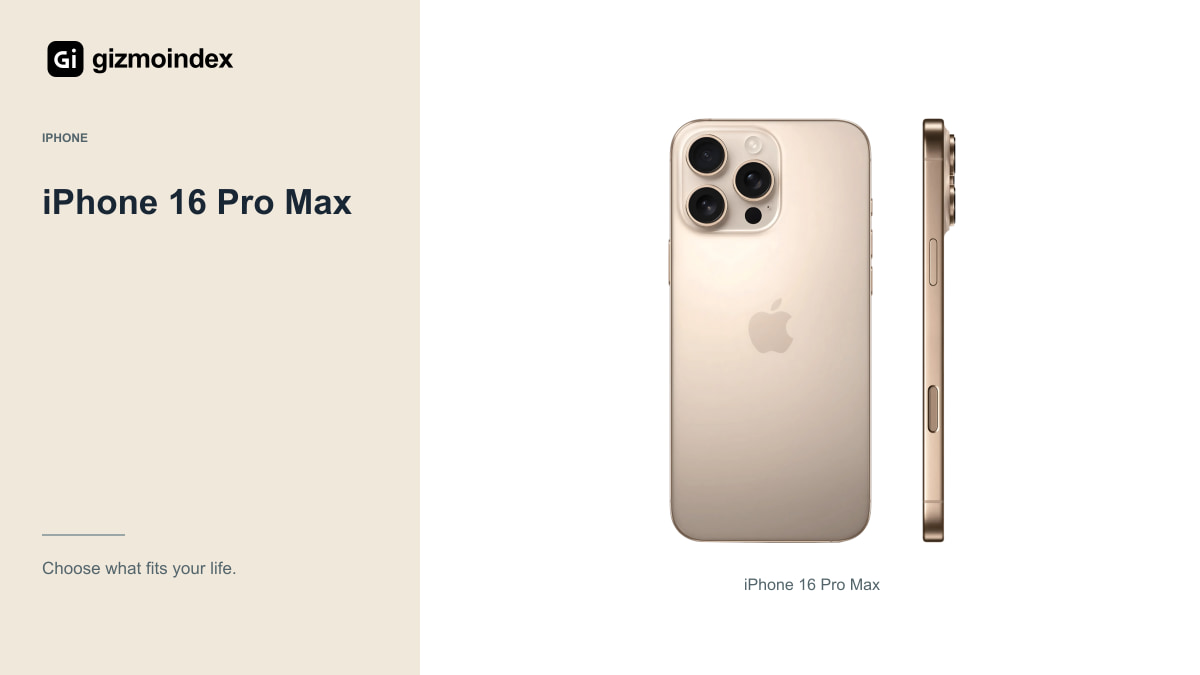
The 16 Pro Max supports 4K Dolby Vision recording up to 120fps with the supported main-camera setup, alongside a flexible rear-camera system. It can be an interesting purchase when the total price is meaningfully below the newest model.
Check which modes work with which camera and storage arrangement. A feature available in Apple’s camera app may not appear inside TikTok, Instagram or another application. App behaviour, compression and upload settings can affect the final result.
For a used phone, test the actual cameras and microphones before paying. Record your face, a walking clip and a short indoor scene, then review the saved files. A damaged stabilisation system or unreliable microphone can matter more than the difference between two healthy phone generations.
iPhone 15 Pro Max
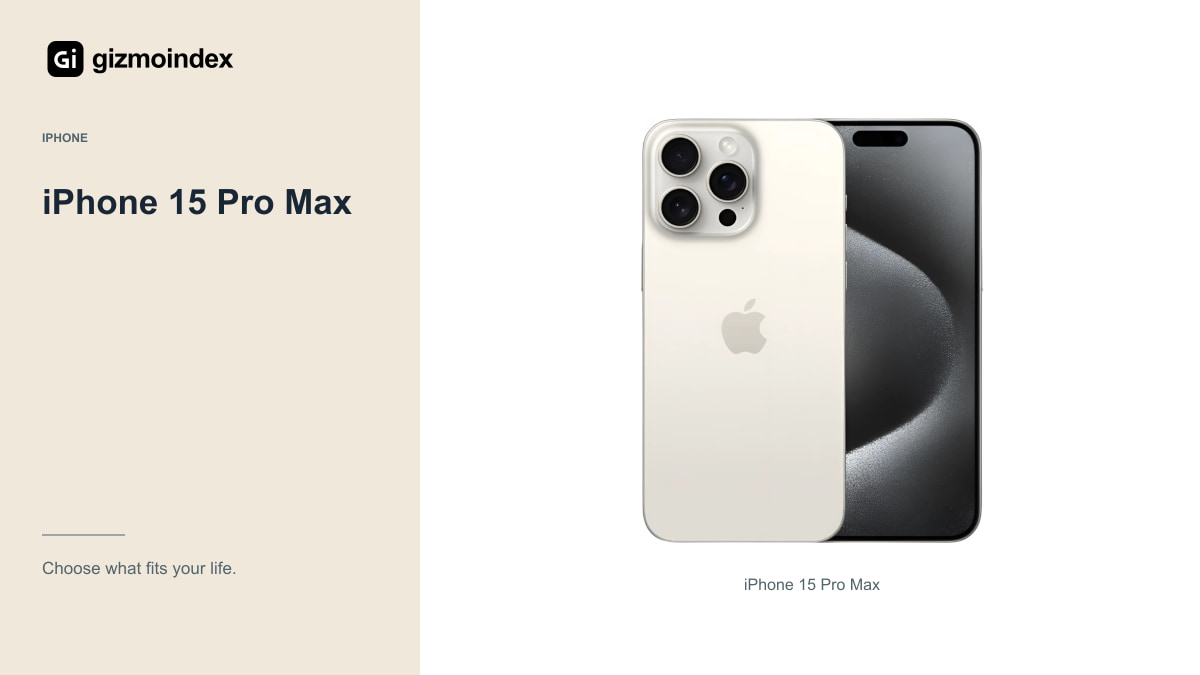
The 15 Pro Max offers USB-C with supported USB 3 transfer, Log recording and ProRes up to 4K at 60fps with external recording. Those features make it worth looking at for someone who wants a considered editing setup at a lower used or refurbished price.
Use a suitable cable and check the external-storage requirements. A USB-C connector alone doesn’t guarantee the fastest data transfer or a compatible recording setup. Test a complete project before relying on it for a paid job or an important event.
I also like the room an older model can leave in the budget for audio, lighting and storage. If the phone already records the formats you need, those additions may improve the finished video more than spending everything on the newest body.
Regular iPhone 15
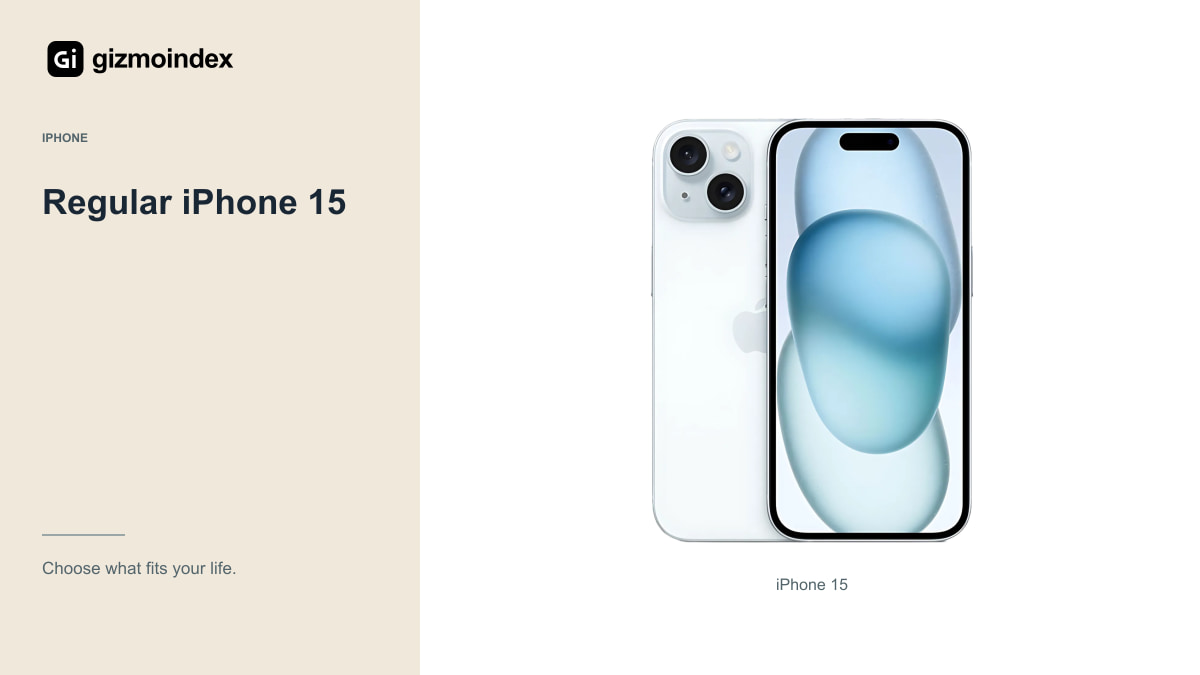
The regular 15 is worth considering when you want a manageable everyday phone and useful video without building a professional recording rig. It doesn’t have the Pro models’ full lens and format options, but that may not matter for the way you create.
If you mainly speak to the camera, record simple scenes and edit short clips, focus on framing, audio and consistent lighting. A less expensive phone that you’re comfortable carrying and using can be more productive than a flagship you’re worried about taking outside.
Check the application’s recording and upload behaviour, and compare a clip made in the native camera app with one captured directly in your social app. Use your preferred setup rather than assuming a specification printed on Apple’s page guarantees every third-party app uses the same capability.
Audio
Clear speech can matter more than another increment of camera detail. Think about where you record: a quiet room, a busy street, a windy outdoor location or a moving vehicle. The same built-in microphone setup won’t behave identically in all those places.
If you need an external microphone, check its connector, app support and monitoring options with the exact phone. USB-C, Lightning and wireless microphone systems can involve different adapters and requirements. Test the recording, not just whether the accessory appears connected.
Listen to a sample through headphones before recording a long session. A small connection or level problem is much easier to fix before you have created an hour of footage. Good preparation saves more time than discovering the issue in the editor.
Storage and battery
High-resolution and high-bitrate recording can use storage quickly. Decide how much footage you keep on the phone, how often you transfer it and whether your chosen recording format supports external storage. Buy the capacity that fits the process rather than the cheapest configuration by default.
Keep a backup routine and open transferred files before deleting originals. A successful copy notification isn’t the same as checking that the file can be read and edited. Important footage deserves more than one dependable copy.
Battery claims based on video playback don’t describe camera recording. A bright screen, mobile connection, external accessory and demanding recording mode create another workload. For long sessions, test your routine and plan charging equipment that’s compatible and convenient to carry.
Which one I’d choose
I’d choose the current Pro Max for someone who needs its advanced recording tools and knows how those files will be edited. The 16 or 15 Pro Max would be my next comparison for a capable creator setup at a lower price. For simple clips and everyday social posts, I’d also look seriously at the regular 15.
I wouldn’t spend everything on the phone and leave nothing for sound or storage. A clear voice and a clip you can finish editing are more useful than an impressive file format sitting unused in the settings.
My recommendation is to buy the camera features you’ll use, then practise with the setup. Keep the lens clean, use the available light and listen to the audio before recording a long piece. The phone can make the job easier, but the video still needs something people want to watch.