
How Long Will Apple Support Your iPhone?
Understand iPhone support in 2026: major iOS releases, security updates, feature eligibility and hardware repairs follow different policies.
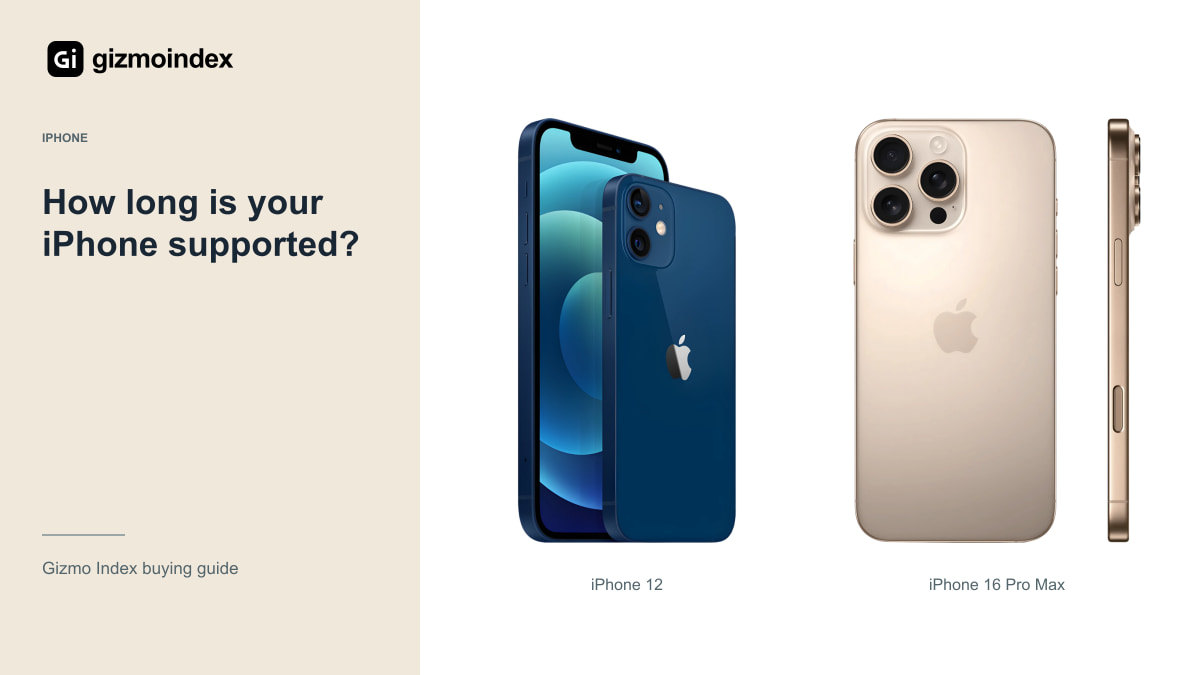
How long will Apple support your iPhone? There isn’t one date that answers every part of that question. Major iOS updates, security fixes, app compatibility and hardware repairs have different rules. A phone can still receive software attention while missing features that need newer hardware.
I wouldn’t give an older iPhone an invented expiry date, and I wouldn’t assume buying it today starts a fresh support period. Here’s how I read Apple’s current compatibility and service information, and what I’d consider before spending money on a model I planned to keep for several years.
Major iOS updates
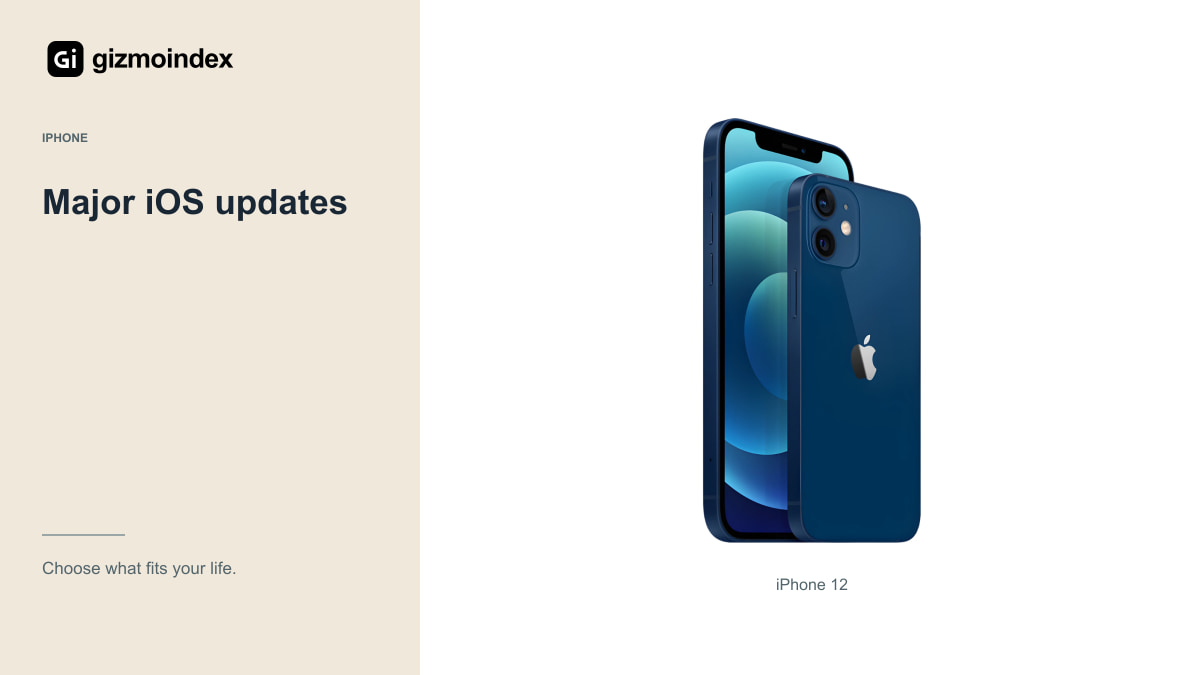
Apple publishes the models compatible with each major iOS version. As of 21 October 2026, its iOS 27 list includes the iPhone 12. Apple’s security page also lists iOS 27.0.1 for the supported devices. Those are useful current facts for someone considering an older phone.
They aren’t an announcement of which devices will receive every future version. Unless Apple has published that information, an exact last-major-update date is a prediction. I’d avoid treating an unofficial number of years as a guarantee attached to a used purchase.
Check the list before buying, and check the exact device rather than only the family name. Keep in mind that a phone may be capable of installing the current system but still feel different from a newer model in demanding apps or have less room for future storage needs.
Someone buying a phone for calls and messages has different needs from someone whose work requires a specific app or sign-in system. The second person may need to replace it earlier even if the hardware still feels fine. That’s why I’d check the services I rely on, rather than using an update headline as the only measure of useful life.
Security updates
Apple’s security-release page records updates for different products and software branches. An older branch appearing there doesn’t mean every older device receives the same fixes on the same schedule. Read the supported-device details and install the updates available for your particular phone.
This is especially relevant if you depend on the phone for work, banking or authentication. Your employer or app provider may have its own minimum requirements. A handset can still turn on and make calls while no longer meeting a specific organisation’s acceptable software policy.
I wouldn’t assume that staying on an old version is harmless simply because the home screen still works. Review updates regularly, keep backups and check the requirements of essential apps. Security maintenance is an ongoing habit, not something settled permanently on the day you buy the device.
New features and hardware
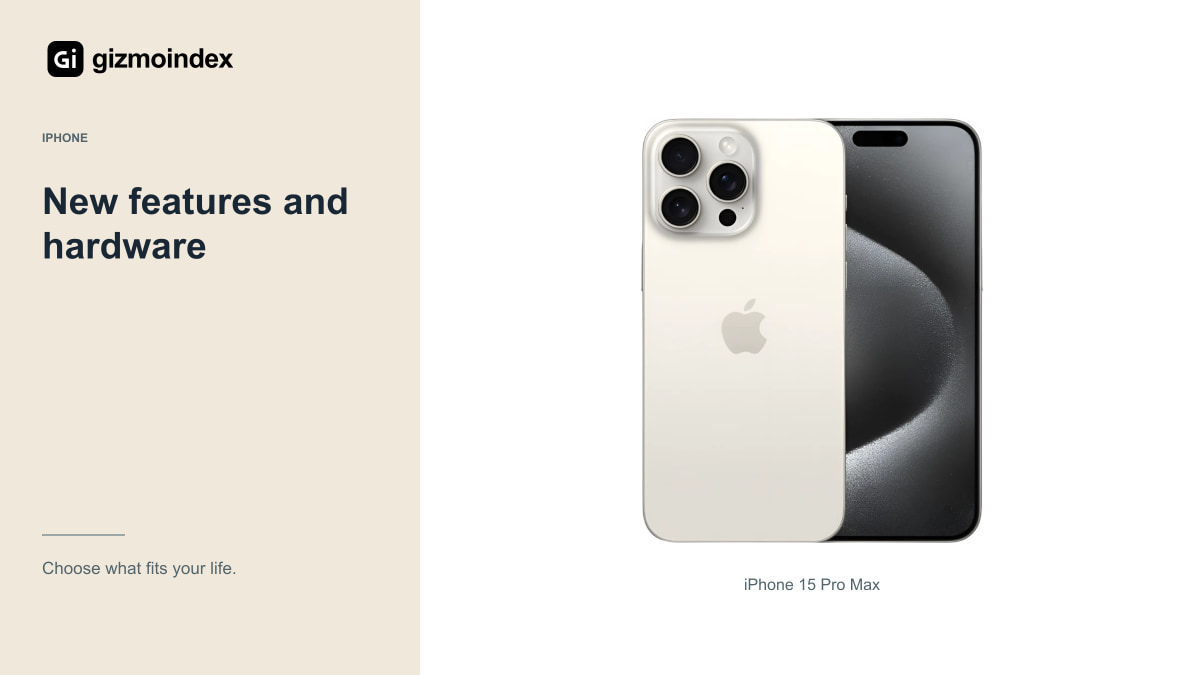
Apple Intelligence is a clear example. Apple’s current hardware requirements include the iPhone 15 Pro models and later eligible devices, while the regular iPhone 15 doesn’t qualify. A phone can therefore support a current iOS release without receiving that particular feature set.
Other capabilities can also depend on cameras, sensors, accessories, language, region or an application. Read the requirements for the specific feature you want. The phrase supports iOS doesn’t mean every demonstration from an Apple event will work on every compatible phone.
If a feature is essential, confirm that it’s available in your circumstances today. I wouldn’t pay a premium based on an assumed future expansion to another model or language. Buy for a capability you can verify, and treat unannounced changes as unknown.
Repairs and service
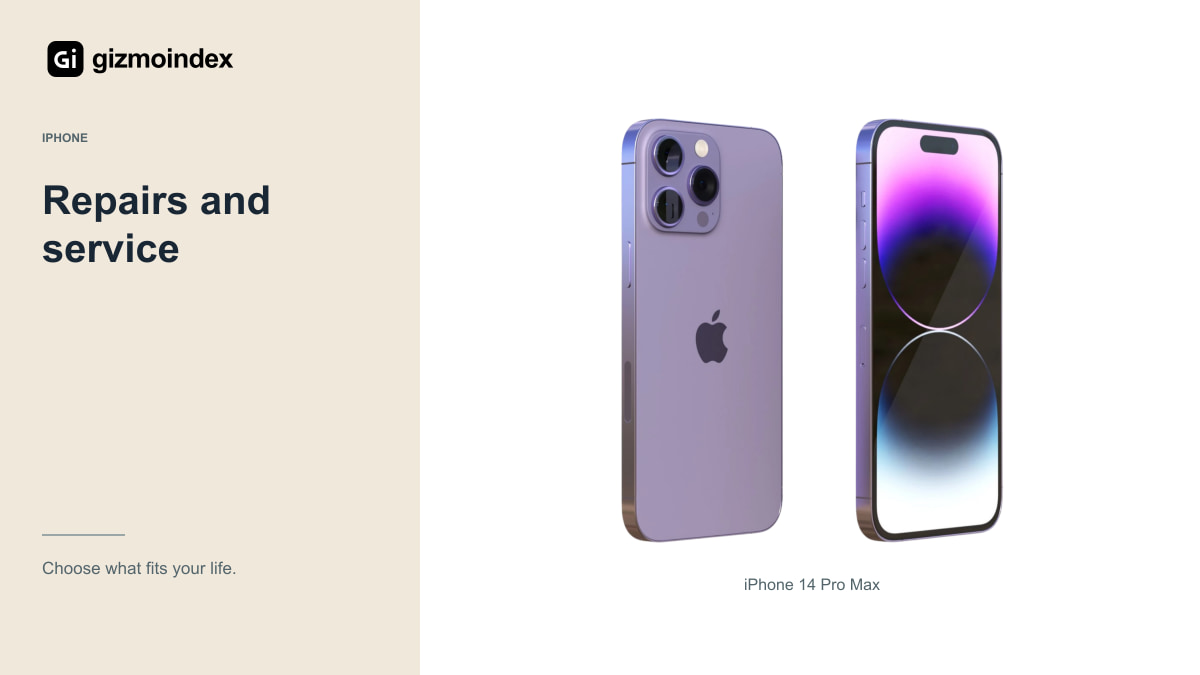
Apple’s service policy says owners may obtain service and parts for a minimum of five years from when Apple last distributed the product for sale. Availability may extend to seven years, depending on parts and applicable requirements. That starting point is important: it isn’t your used-purchase date.
Apple describes products as vintage when more than five but less than seven years have passed since it stopped distributing them for sale. Products become obsolete after more than seven years, with hardware service generally discontinued under that policy, subject to applicable law and the stated exceptions.
Don’t transfer a Mac-specific exception to an iPhone. Apple’s extended battery-only repair possibility for some Mac notebooks isn’t a universal ten-year iPhone battery promise. Read the policy for the product category and check actual service availability in your location.
Buying an older iPhone
Buying an iPhone today doesn’t restart Apple’s software or hardware-service timetable. A shop may offer its own warranty, but that’s a separate agreement with that seller. Ask exactly who provides it, how long it lasts and which problems it covers.
The same applies to a replacement battery or display. Newer parts can improve a specific device’s condition without turning its model into a newly released product. You still need to consider the software it supports, compatible apps and the availability of future repairs.
This doesn’t mean every older iPhone is a bad purchase. It means the price should reflect its age and limitations. A healthy older model can be useful when it meets your needs and costs enough less to justify the tradeoffs, rather than being sold with vague promises.
App compatibility
Before buying, check the App Store requirements for your banking, messaging, transport and work apps. The app developer decides its minimum supported software version, and that requirement can change. Apple’s compatibility list alone can’t promise that every third-party app will remain available forever.
Also consider account recovery and data transfer. Keep important information backed up and know how to move authentication tools to another device. It’s easier to plan a replacement while your current phone works than after a failure leaves you unable to sign in.
For a family member with simple needs, reliability and familiar controls may matter more than the newest features. Even then, I’d check essential applications and security updates. Simple use doesn’t make a phone’s software requirements disappear.
My advice
I’d use Apple’s current compatibility list to see whether a model supports the latest major iOS, then look separately at security releases and repair options. That’s a more useful picture than repeating a fixed number of years for every iPhone.
For an older purchase, I’d also check the apps I need and the phone’s battery and repair condition. Software support is valuable, but it doesn’t turn worn hardware into a dependable device. Likewise, missing one new feature doesn’t automatically make the whole phone unusable.
My advice is to buy for what the iPhone can do now, with a realistic plan for how long you want to keep it. Leave the unannounced future cutoff dates out of the calculation. Choose a supported model that fits your needs and budget, then keep an eye on the actual software and service information as it changes.
Sources
iPhone 12 specifications · iPhone 16 Pro Max specifications · iPhone 15 Pro Max specifications · iPhone 14 Pro Max specifications · Apple hardware-service policy · Apple used-iPhone checks · Apple current security releases · Apple Intelligence requirements
Related reading
iPhone 13 buying guide · iPhone 14 Pro Max guide · iPhone 15 Pro Max guide