
iPhone vs Galaxy S23 Ultra in 2026: Which Old Flagship to Buy?
Compare Galaxy S23 Ultra with older iPhone Pro Max options for cameras, S Pen use, software, battery condition and the complete purchase cost.
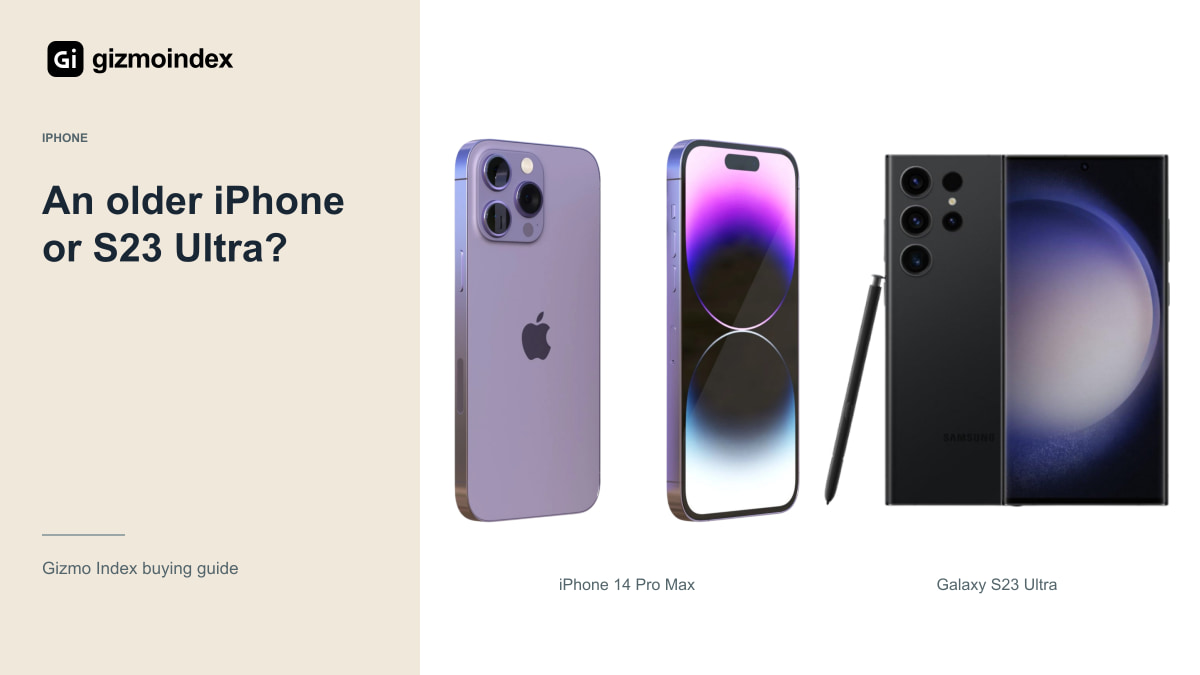
An older flagship can still be a good buy in 2026, and the Galaxy S23 Ultra is a useful example. You get the S Pen, a large display and several camera options. Older Pro Max iPhones offer a different route if you prefer Apple’s apps and the iPhone experience.
I’d choose between them based on the features I’d use every day. The S Pen is a real reason to want the Samsung; owning other Apple devices can be a real reason to want the iPhone. Let’s compare those benefits with the cameras, battery and condition, rather than picking a side from the logo.
Galaxy S23 Ultra
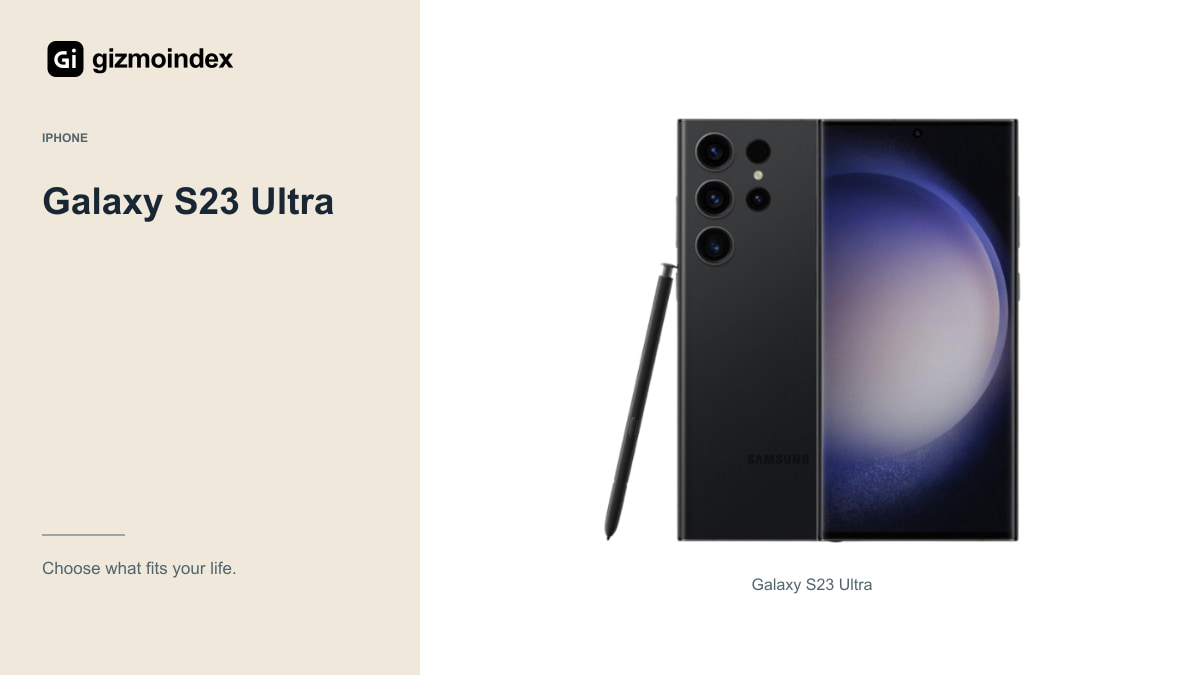
Samsung’s S23 Ultra has a 6.8-inch Dynamic AMOLED 2X display with refresh rates up to 120Hz, a built-in S Pen and a 200MP main camera. Its camera system also includes separate 3x and 10x telephoto cameras. Those are practical differences from the iPhone, not just a change of operating system.
The S Pen could matter if you regularly annotate documents, sign things or make handwritten notes. Try it with the apps you intend to use. If it stays in the phone all month, it should not be the main reason you pay more for one.
The zoom options are worth looking at for distant subjects, but the 100x digital-zoom label isn’t a 100x optical lens. Examine photographs at the focal lengths you actually use. A flexible system is helpful; a large number on a camera screen doesn’t guarantee a pleasing picture.
The S Pen is more interesting when you actually write, annotate or sketch on the phone. If it stays in its slot all year, it shouldn’t carry much weight in the comparison. The same goes for an Apple connection feature you never use. I like a flagship purchase more when the special features have a normal place in the day.
iPhone 14 Pro Max
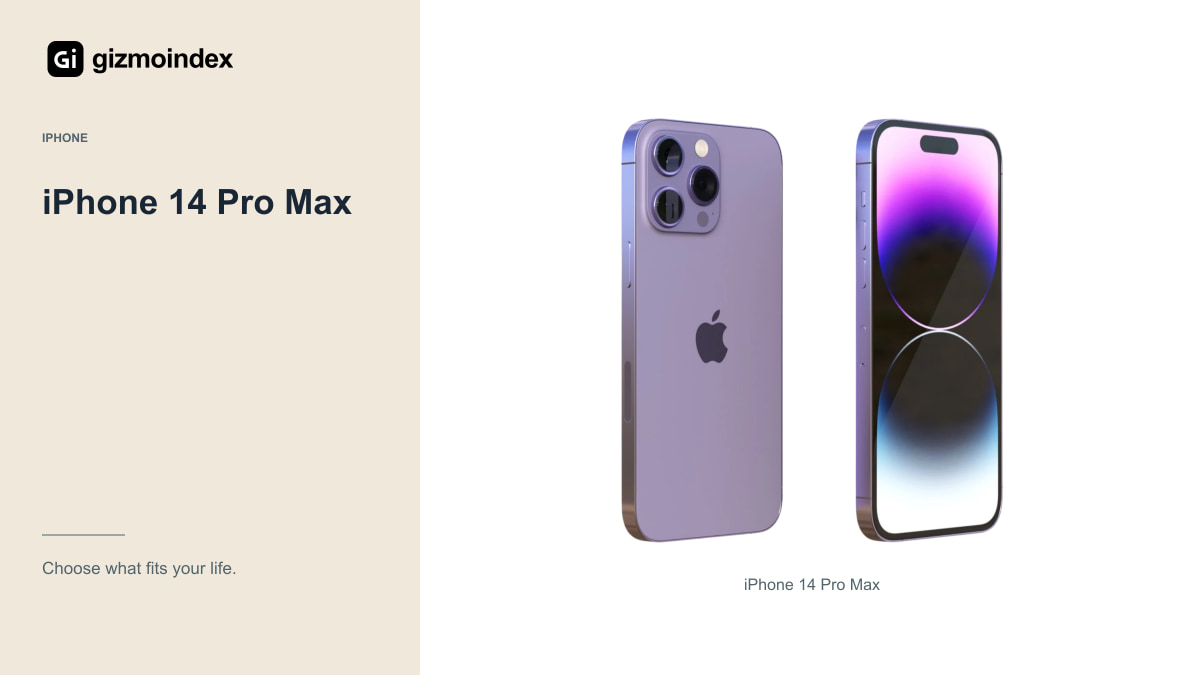
The 14 Pro Max uses Apple’s A16 chip, a 6.7-inch ProMotion OLED display and a camera system with a 48MP main camera and dedicated 3x telephoto. It’s also a heavy phone at 240g. That combination may appeal if you already like iOS and want the larger Pro format.
It has a Lightning connection rather than USB-C, and it doesn’t meet Apple’s current Apple Intelligence hardware requirements. Neither fact makes it useless, but both should be clear before you buy. Decide around the accessories and features you need rather than discovering the limitations afterwards.
If you create videos, check the recording formats and storage restrictions for the exact configuration. In particular, the 128GB model has a different ProRes recording limit from higher capacities. Don’t assume every phone with the same product name supports every advertised mode in the same way.
iPhone 15 Pro Max
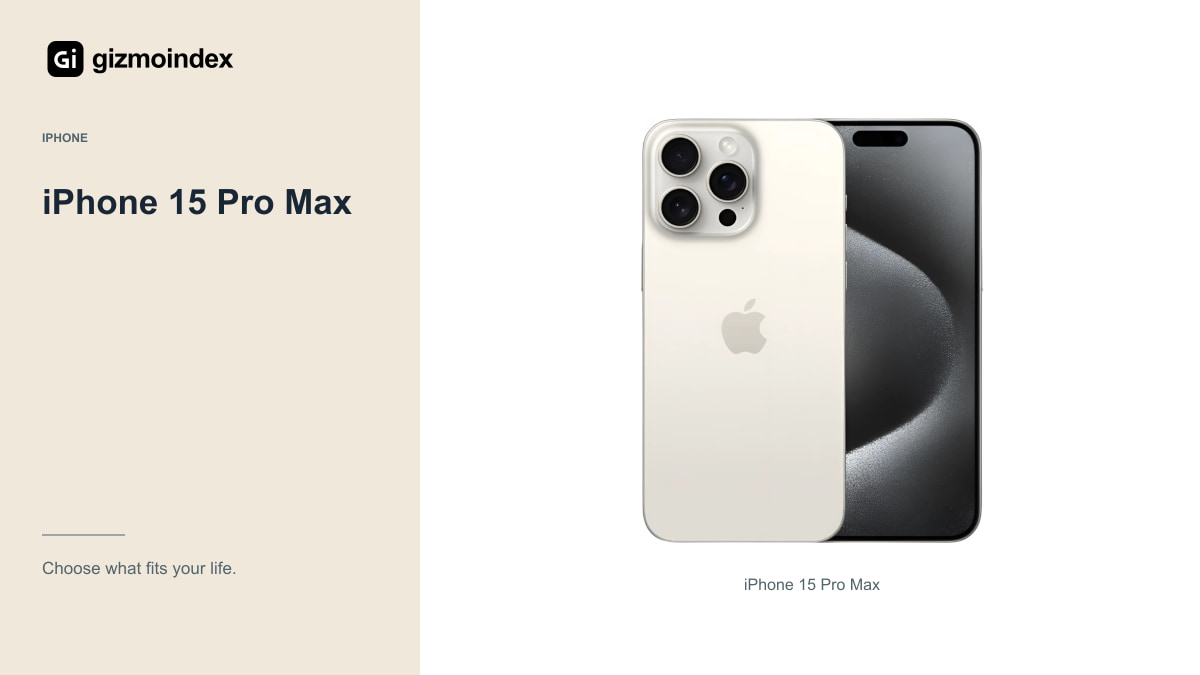
The 15 Pro Max brings USB-C with supported USB 3 transfer, a dedicated 5x telephoto and Apple’s A17 Pro. It’s eligible for Apple Intelligence under Apple’s current requirements, subject to the software, language and regional conditions. That can make it a more useful alternative for some buyers.
It isn’t automatically the bargain just because it’s newer. Compare storage, battery condition, repair history and seller terms. A substantially healthier S23 Ultra or 14 Pro Max could be the more sensible purchase if the 15 Pro Max offer needs immediate repairs.
I’d compare the complete accessory cost too. Moving from Lightning to USB-C may simplify your setup, or it may require replacing equipment you already own. A better connector is useful when it improves the way you actually transfer, charge and record.
Cameras
The Samsung’s separate longer telephoto options are an obvious reason to consider it for distant subjects. The iPhones offer a different camera and video setup. Compare full-resolution sample sets, especially moving people, indoor scenes and the kinds of subjects you photograph most often.
Don’t rank them by the main-camera megapixel figure alone. Image processing, focus, motion, light and your chosen camera view all affect the result. A higher-resolution sensor doesn’t promise a better photograph in every situation, and cropped digital zoom should be distinguished from a dedicated lens.
If possible, take the same short test set with the actual used phones you’re considering. A scratched lens, camera fault or poor replacement part can matter more than the theoretical difference between healthy examples. Buying the right model and buying a healthy device are separate decisions.
Software updates
Before paying, check the manufacturer’s current support information for the exact model and region. Count support from the original policy and release history, not from the day you buy it used. A shop warranty and a manufacturer’s software commitment are different things.
Apple’s current iOS list includes the 14 Pro Max, but that doesn’t give us an announced date for every future major update. Samsung’s remaining support should likewise be checked against its official policy and current security scope. I wouldn’t invent a future cutoff simply to make one side win.
Essential apps deserve their own check. Banking, work authentication, messaging and device-management requirements can matter more than a new visual feature. Install and test what you can during the return period, especially if you’re changing operating systems or moving from an older phone.
Size and battery
Both are large devices, so try typing, carrying and using them one-handed. A bigger display is attractive until the phone becomes uncomfortable in your pocket or tiring during a long call. Look at the weight with your intended case rather than judging from a product photograph.
Manufacturer battery claims aren’t a test of a specific used phone. Inspect the battery information available, test charging and allow for replacement costs. A healthy older battery and a dependable local repair route can make an otherwise similar offer much easier to live with.
Ask about display replacements, water damage, cameras and biometric unlocking. Test the Samsung’s S Pen and the iPhone’s Face ID. Get the seller’s return terms in writing, and complete the ownership and activation checks before paying. An impressive bargain is no bargain if you can’t use it normally.
Which one I’d buy
I’d pick the S23 Ultra if the S Pen and its camera range were features I wanted to use. They give the Samsung a clear reason to be on the list. I’d choose the iPhone 14 Pro Max for a less expensive large iPhone, or compare the 15 Pro Max when USB-C and its extra features were worth the gap.
I wouldn’t call either platform the better buy without seeing the actual offers. Battery wear, repairs and remaining software support matter more as the phones get older. A healthier unit can be worth paying for even when the other model has a longer feature list.
My preference would follow the way I work: Samsung for the pen and flexibility, iPhone for the Apple setup I want. Choose the features you’ll use, then buy the best-condition example the budget comfortably allows.