
Should You Buy the iPhone 14 in 2026?
Is iPhone 14 a sensible buy in 2026? Compare its everyday camera and software capabilities with storage, battery condition and current offers.
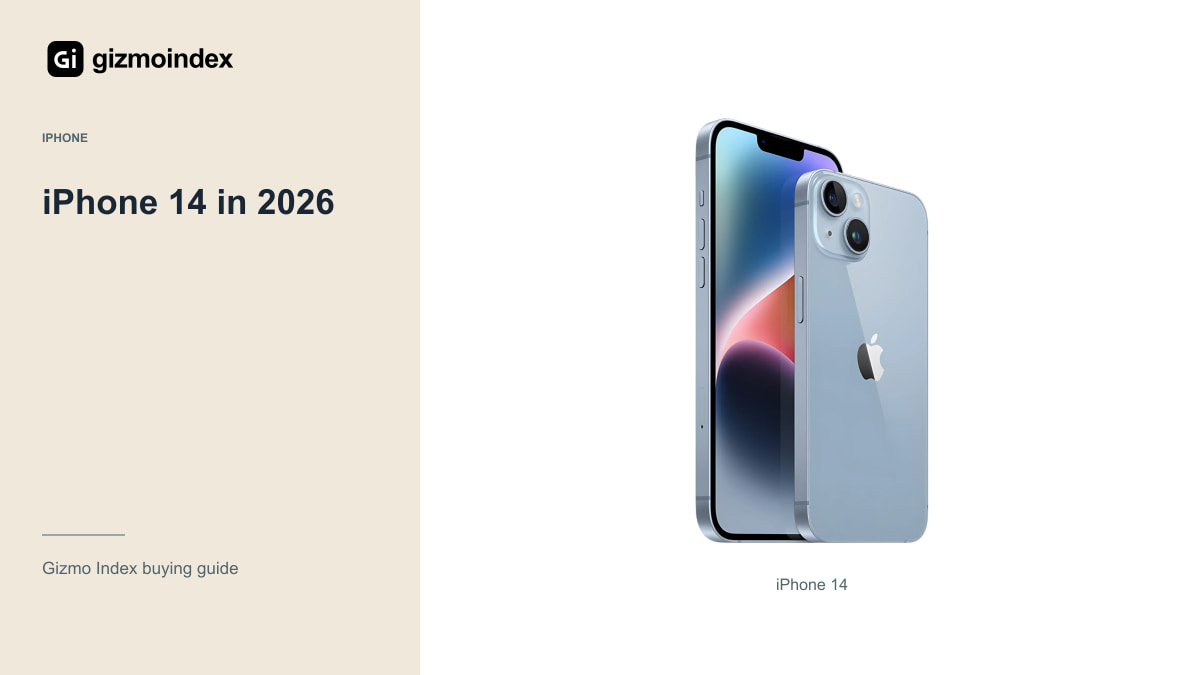
The regular iPhone 14 is still worth a look in 2026 if you want a familiar iPhone without paying Pro money. You get a 6.1-inch OLED display, A15 hardware and a useful everyday camera setup. It keeps things fairly straightforward, which can be part of the appeal.
The catch is the price beside the iPhone 13 and regular iPhone 15. I wouldn’t pay a large premium for the 14 just because it sits between them. Let’s look at the cameras, battery, software and charging so you can see where I’d choose it and where I’d take the alternative.
Design and display
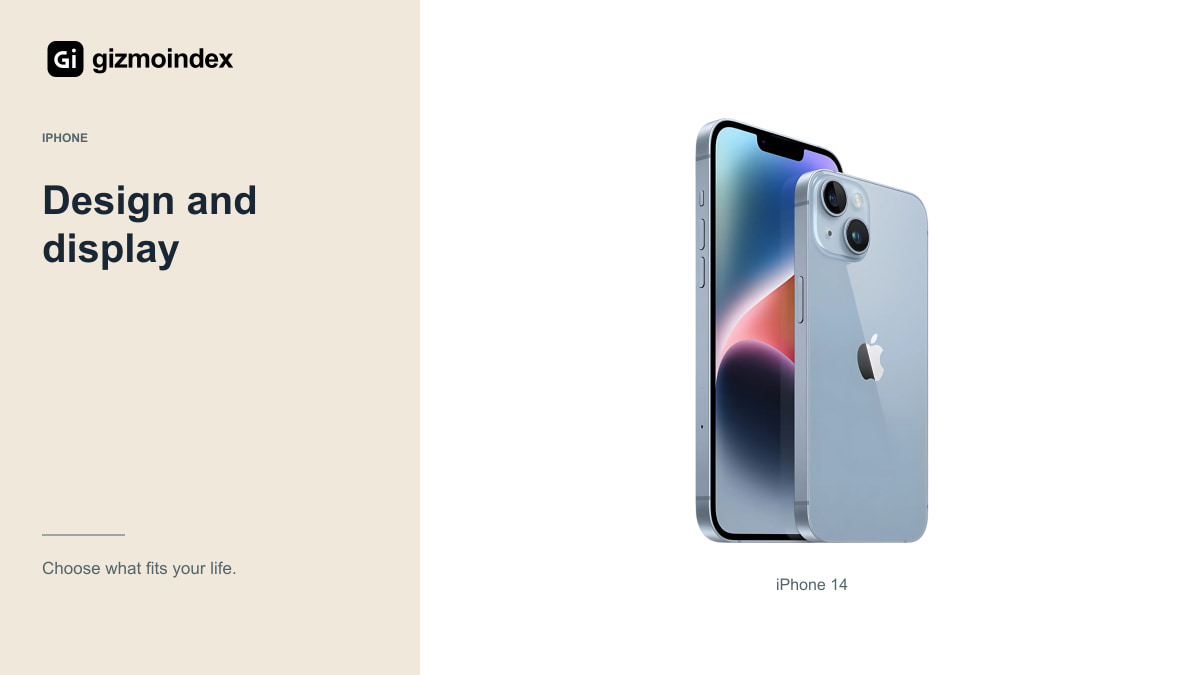
Apple lists a 6.1-inch OLED display, A15 Bionic with a five-core GPU and a 172g body. It’s a more manageable proposition than a large Pro Max, especially if you prefer a phone that doesn’t dominate a pocket or bag.
The display isn’t a ProMotion panel. If you’re coming from a recent high-refresh Android phone or an iPhone Pro, try the scrolling experience before buying. If you’re replacing an older basic phone, the distinction may matter less to you.
Storage starts at 128GB, which is a more useful starting point than the 64GB found on some older iPhones. Still, check your actual needs. Large apps, offline video and a growing photo library can make a higher-capacity used unit more sensible than saving a little on the smallest version.
If you already have Lightning accessories and mainly take everyday photos, the 14 can fit an existing routine quite easily. If you’re buying into a setup with USB-C devices, the regular 15 may be more convenient. That’s an ordinary difference, but it’s one you’ll notice more often than a processor comparison.
Cameras
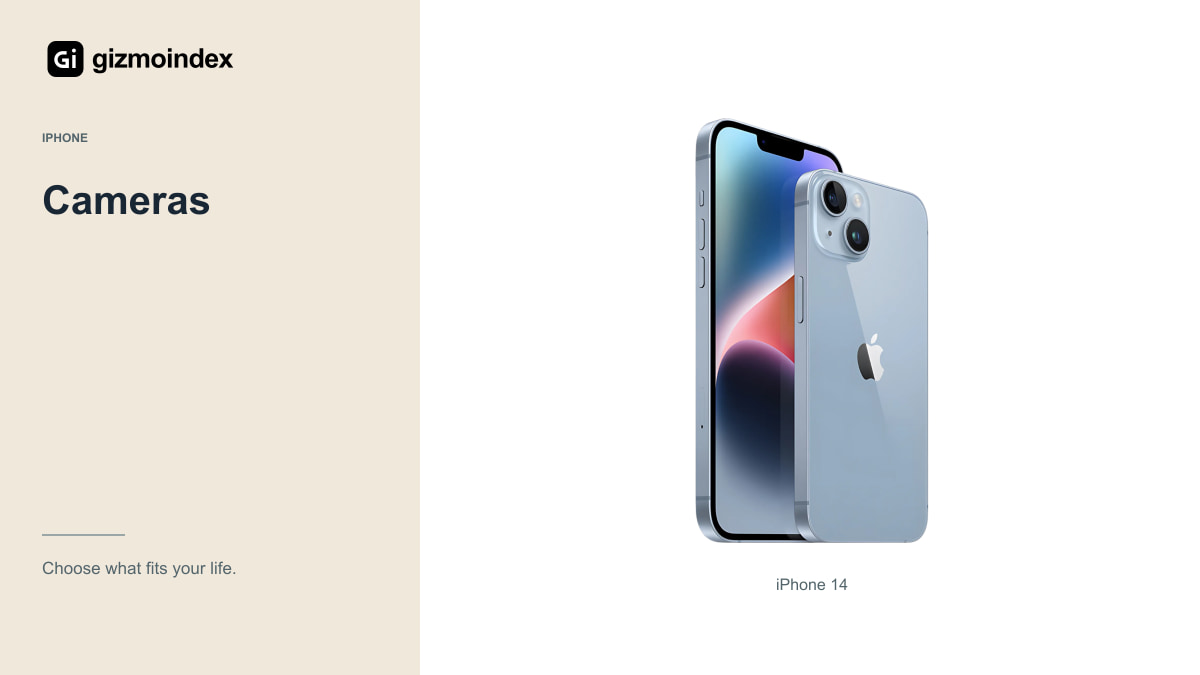
The regular 14 has a main and an Ultra Wide camera rather than a dedicated telephoto camera. It can handle ordinary photos and video without pretending to be a Pro model. If you regularly want distant framing, understand the difference between a dedicated zoom camera and cropping an image.
Useful video features include Cinematic mode up to 4K HDR at 30fps and Action mode up to 2.8K at 60fps. Those are specific modes with their own conditions and trade-offs. They don’t mean every social-media app records at the same settings or produces the same result.
I’d test the cameras with the subjects you actually shoot: moving people, indoor scenes, your own face and a short walking clip. Check the saved files and microphone audio. A quick daylight photograph isn’t enough evidence when the camera is a major reason for the purchase.
Compared with iPhone 13
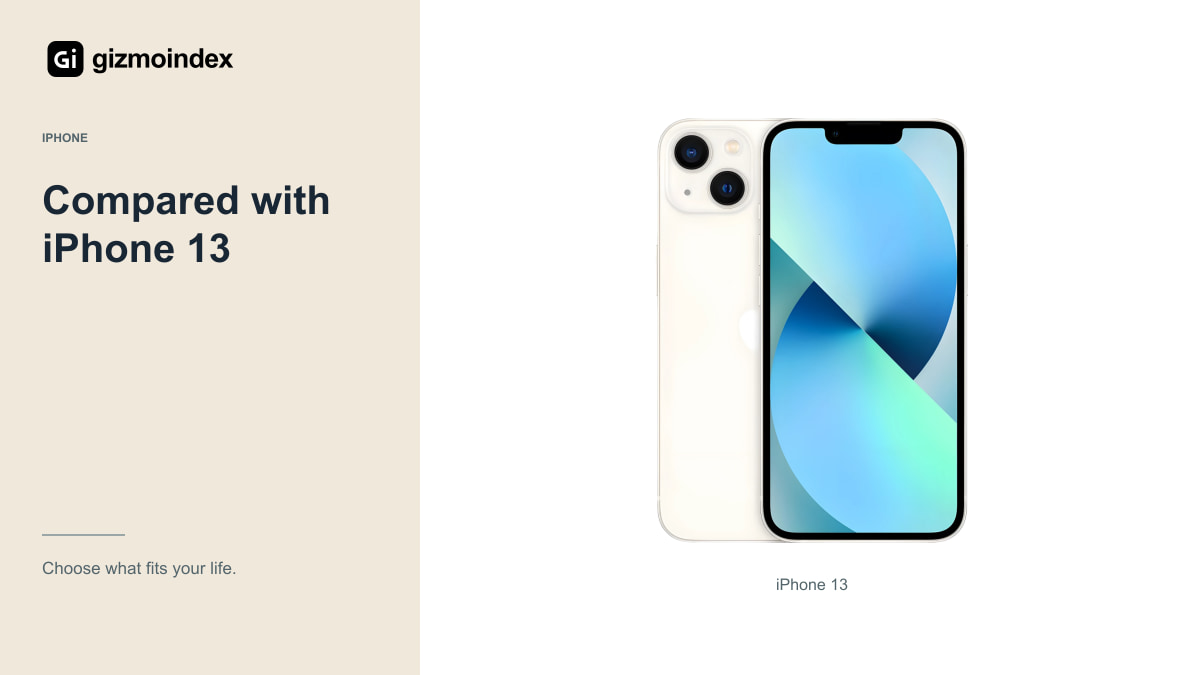
Both phones use the A15 family, although the regular 13’s GPU configuration differs. For messaging, browsing and ordinary apps, I wouldn’t assume the 14 transforms the experience simply because it has the next number.
The 14’s camera and video additions can justify a reasonable premium for someone who uses them. For someone mainly taking occasional photos and using social apps, a clean iPhone 13 with the right storage and battery condition may be the more sensible spend.
Compare actual offers with similar condition and support. A tired iPhone 13 needing service should not be used to make an expensive iPhone 14 listing look cheap. The comparison becomes useful only when you include battery needs, repairs and the seller’s return terms on both sides.
Compared with Pro models
A healthy iPhone 14 Pro Max brings a 120Hz ProMotion display and a more flexible camera system, including a dedicated telephoto. It’s also a much larger, heavier phone. Better specifications don’t make it more comfortable for every buyer.
If your priorities are screen smoothness and camera framing options, compare a Pro before paying for the regular 14. If you mainly want a lighter phone that handles the basics, don’t let an older Pro’s original price make it seem automatically desirable.
Condition can settle the question. A badly repaired Pro with unreliable Face ID or a poor display isn’t a premium experience just because it once cost more. I’d choose a dependable regular model over a troublesome flagship bought mainly for the name.
Battery
Apple rates a new iPhone 14 for up to 20 hours of local video playback and 16 hours of streamed playback. The regular 13’s original claims are lower, but those figures are controlled tests, not a guarantee for a used phone in 2026.
Check battery information and ask about replacement history. A displayed health percentage is useful context, not a complete account of the phone’s condition. Ask the seller what battery standard is guaranteed and what happens if the device performs poorly during the return period.
Add any expected battery service to the total price. Saving a little on a phone that immediately needs attention may leave you worse off than buying a healthier example. Also test charging and watch for unusual behaviour rather than relying on a screenshot of the battery page.
Software and AI
Apple’s iOS 27 compatibility list includes the iPhone 14 as of October 2026. That’s a useful point in its favour, and it should not be described as an unsupported phone simply because newer models exist.
The regular 14 doesn’t support Apple Intelligence. Some other features also depend on hardware, country, language or carrier. Check the capability you want rather than assuming the latest compatible iOS gives every iPhone the same features.
I wouldn’t buy it on a promised future support end date that Apple has not published. Choose around current compatibility, the remaining condition of the device and the period you realistically expect to keep it. A newer model may offer more runway, but a guess is still a guess.
Is it worth buying
I’d buy the iPhone 14 when it was a healthy unit at a sensible price, especially for someone who wants a manageable everyday iPhone. It still handles the main jobs well enough to deserve comparison. The lack of Pro features isn’t a problem if you weren’t going to use them.
I’d choose the 13 when the saving was substantial and its condition was just as good. I’d move towards the regular 15 when the price gap made USB-C and its camera changes worth paying for. Apple Intelligence isn’t a reason to choose the regular 14, because it doesn’t support it.
For me, this is a value decision between real offers. Compare the same storage and condition, then pick the phone you’ll be comfortable using for the next few years. The middle model isn’t automatically the sensible one; its price has to earn that position.