
5 Best Android Phones for Content Creation in 2026
Compare five premium Android phones for content creation: camera strengths, video limitations, regional prices and the creator each one suits.

For a premium Android content creation phone, start with the work you shoot most. The Galaxy S26 Ultra suits a Samsung-based setup, vivo gives you more recording control, and OPPO is interesting when distant subjects are part of the job. Xiaomi adds a useful photographic zoom range, while the Pixel offers front and rear 4K recording in a smaller Pro model.
These are five different recommendations, not a claim that one phone wins every camera test. I am choosing around lens coverage, recording options, handling and purchase cost. Here is where each one earns its place—and where I would choose something else.
| Phone | Why consider it? | Main compromise | Price reference |
|---|---|---|---|
| Galaxy S26 Ultra | Camera plus S Pen workflow | High entry price | US launch: $1,299.99 / 256GB |
| vivo X300 Ultra | Log video and deliberate framing | 35mm main is tight in a small room | China launch: CNY 6,999 / 256GB |
| OPPO Find X9 Ultra | Distant subjects and 10x optical reach | 4K120 is lens-dependent | UK launch: £1,449 / 512GB |
| Xiaomi 17 Ultra | Portraits and product photography | Large 6.9-inch body | UK launch: £1,299 / 512GB |
| Pixel 11 Pro | Smaller phone; front-camera 4K60 | 8K uses Video Boost | US starting: $1,099 / 256GB |
1. Samsung Galaxy S26 Ultra: for a Samsung camera and work setup
The Galaxy S26 Ultra makes the most sense when your phone also handles notes, documents and reviewing footage. The built-in S Pen gives you a reason to choose it beyond the camera badge: marking a shot list or making precise selections is easier with a pen than a fingertip.
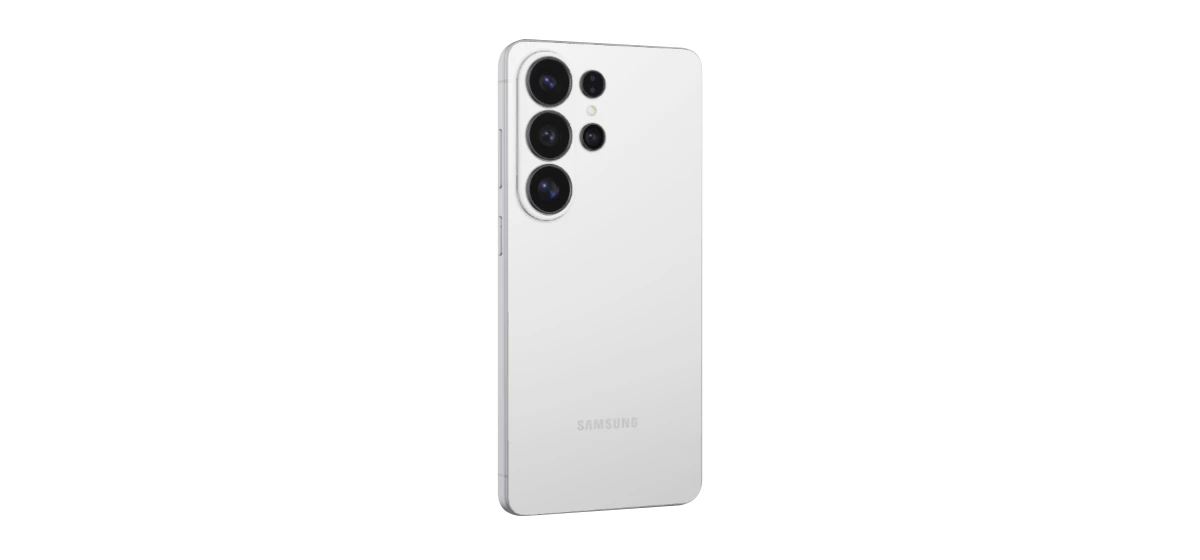
You get UHD slow-motion capture at up to 120fps. That can help with product movements or short action sequences that you want to slow down, but it is not a reason to record every talking clip at a high frame rate. Ordinary 4K footage keeps the edit simpler.
At its US launch price of $1,299.99 for 256GB, this is an expensive starting point. I recommend it if you will use Samsung’s productivity features alongside the camera. If you mainly need a smaller camera phone, the Pixel is the more relevant alternative; if lens reach is the priority, look closely at OPPO before paying.
2. vivo X300 Ultra: for creators who want more control
The vivo X300 Ultra suits planned shoots where you will adjust colour after recording. You get 4K at 120fps and 10-bit Log options, giving you a route to slow motion and colour grading rather than relying only on a finished automatic look.
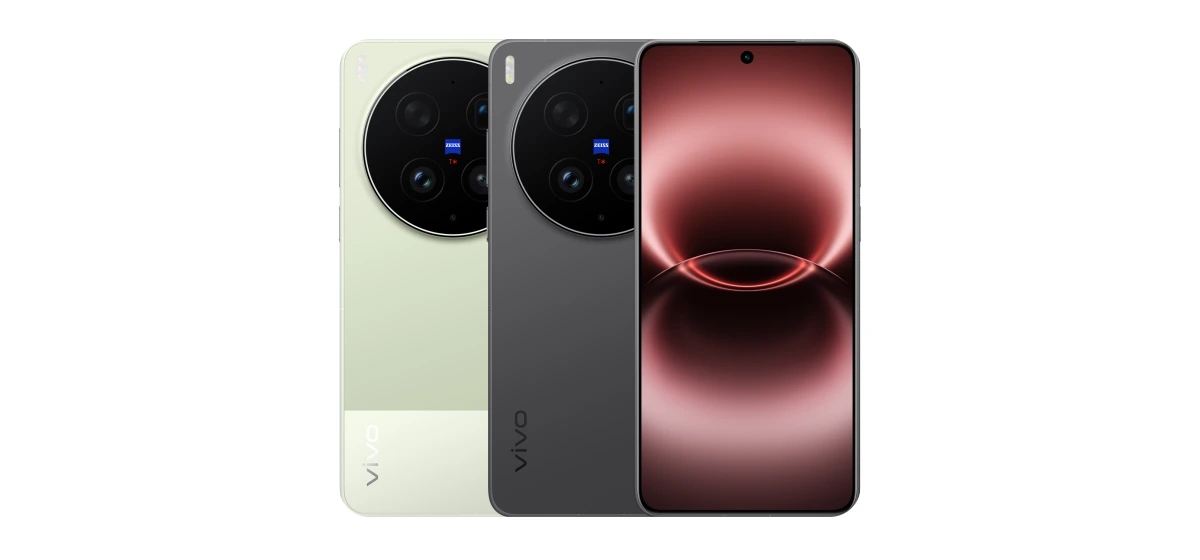
Its 35mm main camera gives you tighter framing than the wider main cameras found on many phones. That is useful for a person or a product, but less convenient for filming yourself at arm’s length in a small room. You may need to step back or use the ultrawide. This is the trade-off I would consider before the megapixel count.
The China launch price starts at CNY 6,999 for 12GB/256GB; that is not a US retail offer. Buy the supported version in your market. I recommend the vivo for creators who will use its recording controls, while quick record-and-upload users can keep their workflow simpler with the Pixel.
3. OPPO Find X9 Ultra: for a varied shooting kit
The OPPO Find X9 Ultra is my specialist pick here for distant subjects. Its dedicated 10x optical telephoto gives you a clear reason to consider it for outdoor events or travel details that you cannot walk closer to. Long zoom still needs enough light and steady framing.
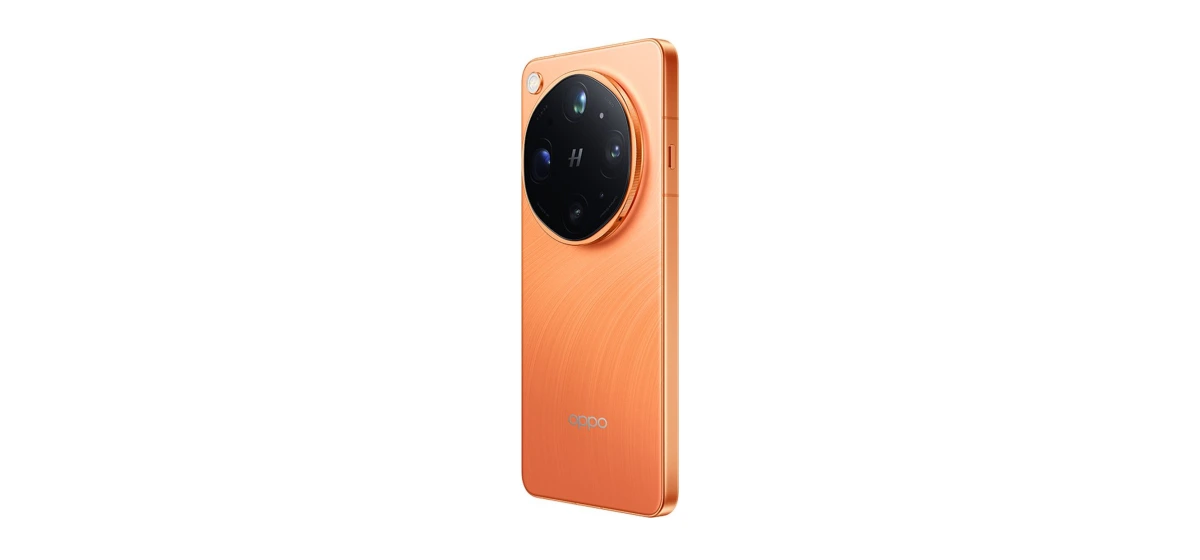
For video, the two 200MP cameras support 4K at 120fps; do not assume that mode works on every lens. O-Log2 is available for grading. This distinction matters more than putting “4K120” on a checklist when you actually intend to use the long telephoto.
The UK launch price is £1,449 for 12GB/512GB. Choose it for the reach and recording options, rather than assuming it is a cheaper Samsung. If most of your work is face-to-camera indoors, you may get little benefit from paying for its long lens.
4. Xiaomi 17 Ultra: for photography-led content
The Xiaomi 17 Ultra is the option I would favour for a feed built around portraits, clothing and product photographs. Its 200MP telephoto moves mechanically through 75–100mm equivalent focal lengths, letting you adjust a tighter composition within that range. It is not continuous optical zoom from ultrawide to the longest digital setting.
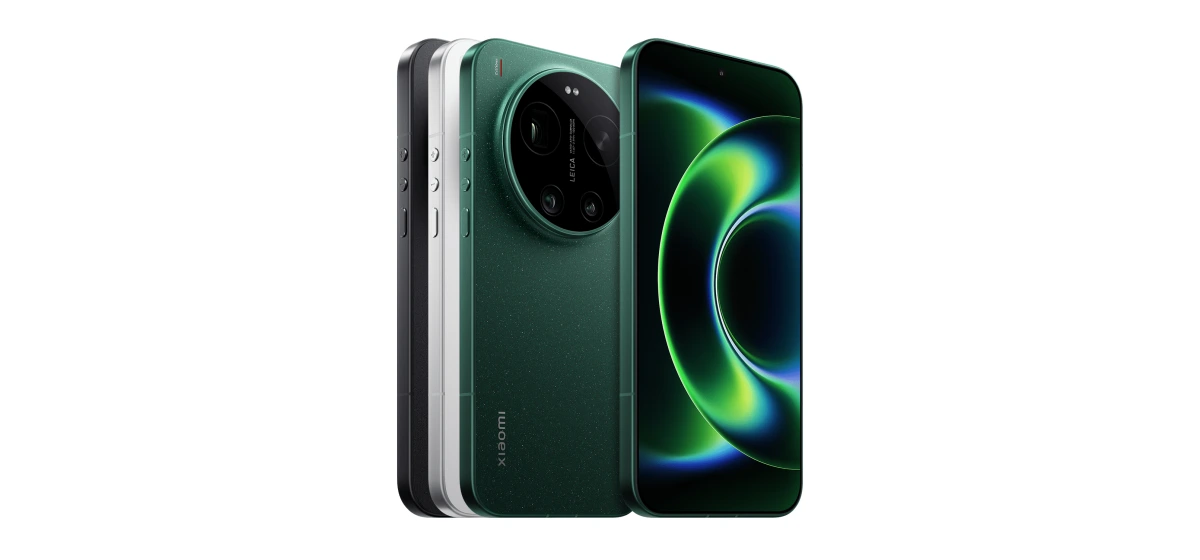
You also get a 50MP autofocus selfie camera with 4K60 Dolby Vision recording. That makes it more relevant to solo creators than a rear-camera specification alone suggests. The 6.9-inch body is the compromise: check that it fits your grip and mount comfortably.
The UK launch price is £1,299 for 16GB/512GB. I recommend it when still images lead the work and video supports it. If you mostly edit on a laptop and need a pocketable phone, the smaller Pixel is easier to put on the same shortlist.
5. Google Pixel 11 Pro: for a simpler everyday workflow
The Pixel 11 Pro gives you 4K at up to 60fps on both its rear and autofocus front cameras. For talking videos, that front-camera capability is useful because you can see your framing while you record. Its rear 5x optical telephoto also gives you another perspective for stills and distant details.
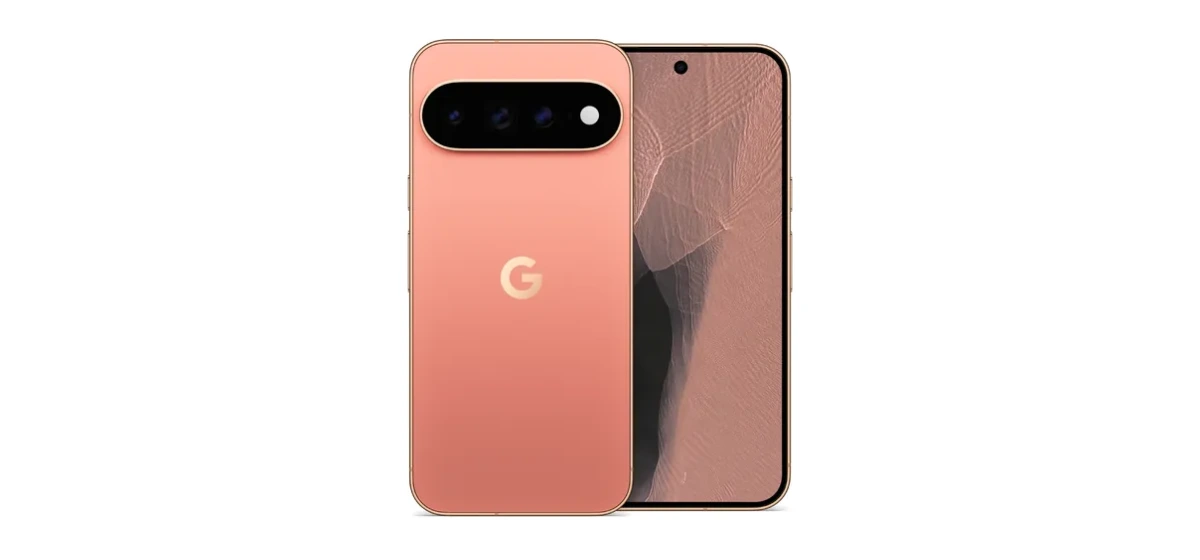
Be careful with the advertised 8K option: it is powered by Video Boost. Do not choose it assuming that it is the same workflow as direct 8K recording. For a quick turnaround, the ordinary 4K modes are the more relevant comparison.
At a US starting price of $1,099, it is still a premium purchase. I recommend it for a smaller everyday content phone; choose vivo or OPPO if specific high-frame-rate and grading tools are central to your work. The useful upgrade is the one you will actually use.
What I would buy alongside the phone
For regular video work, I recommend leaving room for a small tripod and a microphone that works with your camera app. A stable frame and understandable speech can make a simple talking video much easier to watch.
Check your recording settings with a short test before a long session. Play back the audio, confirm that the microphone is selected and export a sample using your normal editor. HDR and Log are useful tools, but only if your editor and publishing platform handle the file as you expect.
Choose storage around how long you keep footage on the device. For frequent 4K work, I would favour 512GB if the upgrade is affordable. Whatever capacity you buy, move completed projects to a separate backup instead of treating the phone as permanent storage.
My verdict
For a Samsung work setup, choose the S26 Ultra. For planned video and grading, compare the vivo X300 Ultra and OPPO Find X9 Ultra around the lenses you need. The Xiaomi 17 Ultra is my photography-led choice, while the Pixel 11 Pro is the simpler shortlist entry for a smaller phone and front-camera videos.
There is no reason to pay for every advanced feature. A creator who films interviews has a different buying decision from someone photographing clothes or covering outdoor events. Start there, then choose storage and accessories around the job.
Your questions answered
Do you need 8K for social media content?
Usually, no. A well-recorded 4K clip gives many creators enough room to edit and export for social platforms. Higher resolution can increase storage and editing demands without helping the finished post.
Should every creator record in Log?
No. Log is useful when you intend to colour grade. If you want a quick turnaround, a standard video profile can make more sense.
Building a lower-cost setup? Compare our iPhone options for content creation under $500.