
UK-Used iPhones in Nigeria: What to Check Before You Buy
Buying a UK-used iPhone in Nigeria? Check Activation Lock, battery, repairs, cameras, SIM compatibility and return terms before you pay.
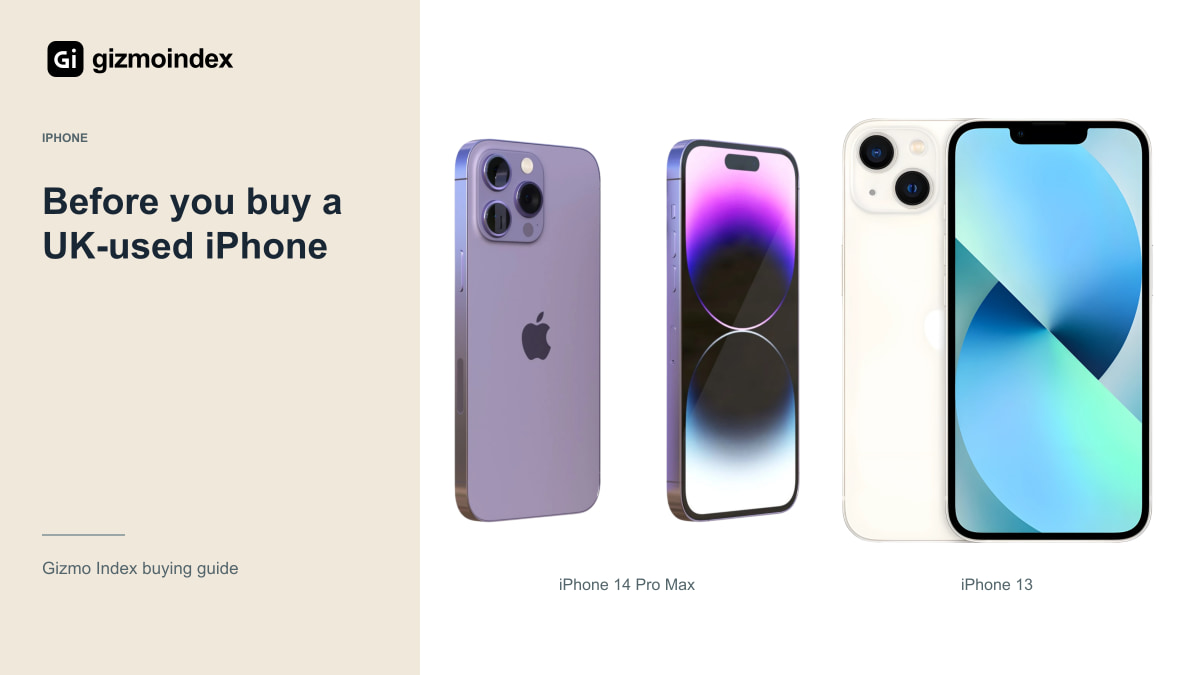
“UK-used” can make an iPhone sound like an easy bargain, but it isn’t a condition grade. It doesn’t tell you whether the battery is healthy, whether parts have been replaced or whether the phone is ready to activate with your account. I’d want those answers before paying.
The good news is that you don’t need to understand every specification to avoid an obvious bad deal. Start with ownership, the screen, battery, cameras and network. Here’s how I’d check a used iPhone in Nigeria, without letting a tidy body or a familiar model name rush the decision.
Model and storage
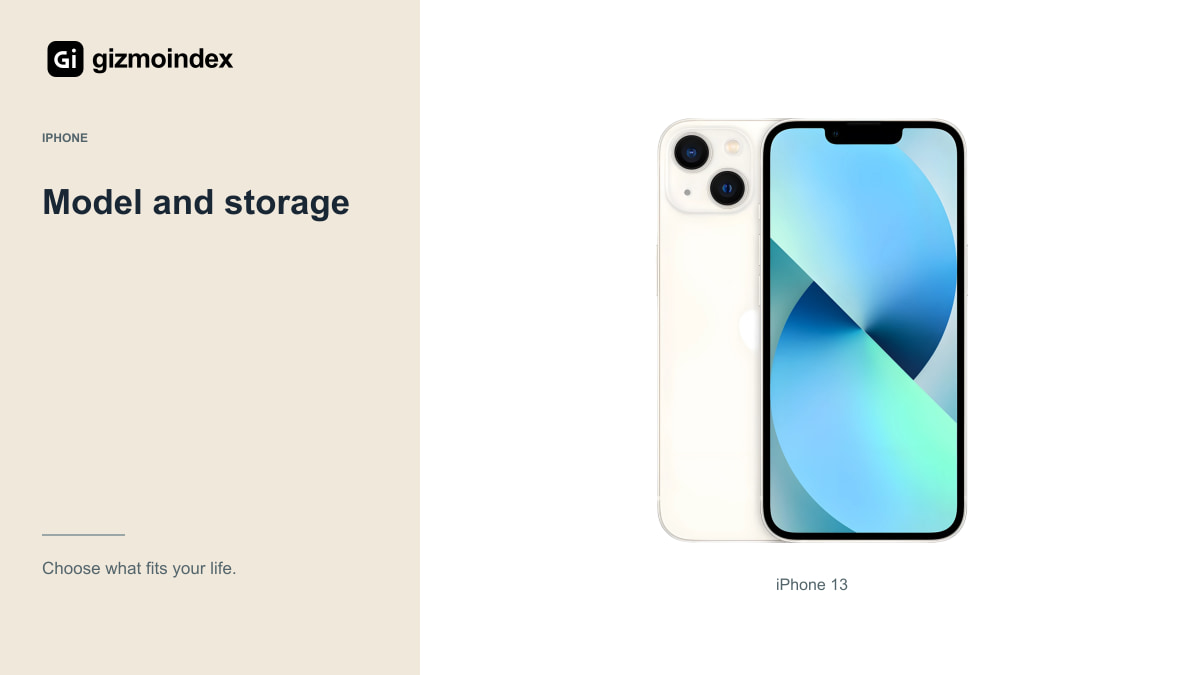
Open Settings and check the model, capacity and software rather than relying on the box. A box can belong to another phone, and a storage claim in an advertisement can be wrong. Compare those details with the written offer and the device you’re holding.
An iPhone 13 can be a sensible lower-cost candidate, but the condition matters more than the badge on a seller’s shelf. Think about how much storage you need for WhatsApp, photos, videos and downloaded files. Buying too little because it’s cheaper can become frustrating quickly.
Don’t let the price of one model distract you from the total cost. Add any necessary battery replacement, charger, cable and repairs. If a healthier example costs only a little more, the apparently cheaper phone may not be the better purchase.
I also wouldn’t let the battery percentage become the whole inspection. It’s a useful clue, but it won’t tell you whether the microphones work or the charging port is unreliable. Use the phone as a phone for a few minutes. The ordinary tasks often tell you more about ownership than admiring the finish on the back.
Activation Lock
Apple advises against buying an iPhone with Activation Lock enabled. The seller needs to remove their account and allow the device to be erased and set up correctly. A promise that someone will send the account details later isn’t a substitute for completing this step.
Check that you can proceed through activation using a connection you trust. If the setup asks for the previous owner’s credentials, stop the transaction until the owner resolves it. Don’t accept a bypass claim as equivalent to normal ownership and dependable activation.
Also watch for unexpected organisation-management requirements during setup. A phone that depends on another business or institution’s control can create problems after you leave the shop. Ask for a receipt identifying the device and seller, and retain the contact and purchase details.
Battery
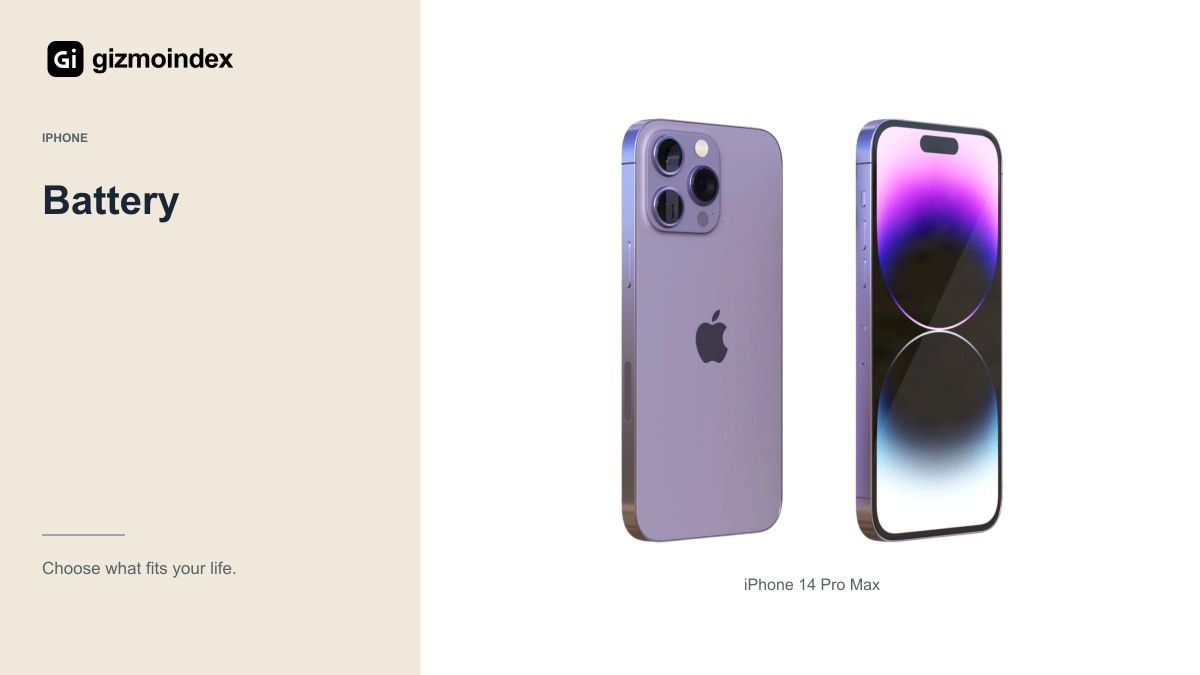
Check Battery Health and Charging where the model provides the information, and read any important battery messages. Maximum-capacity information is useful, but it doesn’t tell the complete story of how the phone behaves during your particular day. A brief inspection can’t establish long-term endurance.
Use the phone for a practical test: camera, mobile connection, a call and some normal navigation. Look for unexpected shutdowns, abnormal behaviour or a charging connection that repeatedly drops. Some faults need more time to reveal themselves, which is why the return terms matter.
If a seller says the battery was replaced, ask what was installed, who did the work and what warranty covers it. A replacement isn’t automatically bad, but it should be disclosed. Compare the total price with a healthy alternative rather than assuming any displayed percentage settles the question.
Screen and cameras
Look at the screen on light and dark backgrounds, test touch across the panel and check brightness. Watch for visible damage, dead areas and unusual colours. A screen can look fine on a colourful wallpaper while still having problems that appear during typing or ordinary reading.
Test Face ID, the buttons, speakers, vibration and charging port. Record a short video, play it back and make a call where possible. Check both front and rear cameras, focus and the different available views. Don’t let the seller rush the inspection to one quick selfie.
Look at Parts and Service History in Settings where supported. Read the actual messages instead of assuming a repaired phone is identical to an untouched example. Ask the seller to put any claimed repairs and warranty coverage on the receipt so there’s less room for disagreement later.
SIM and network
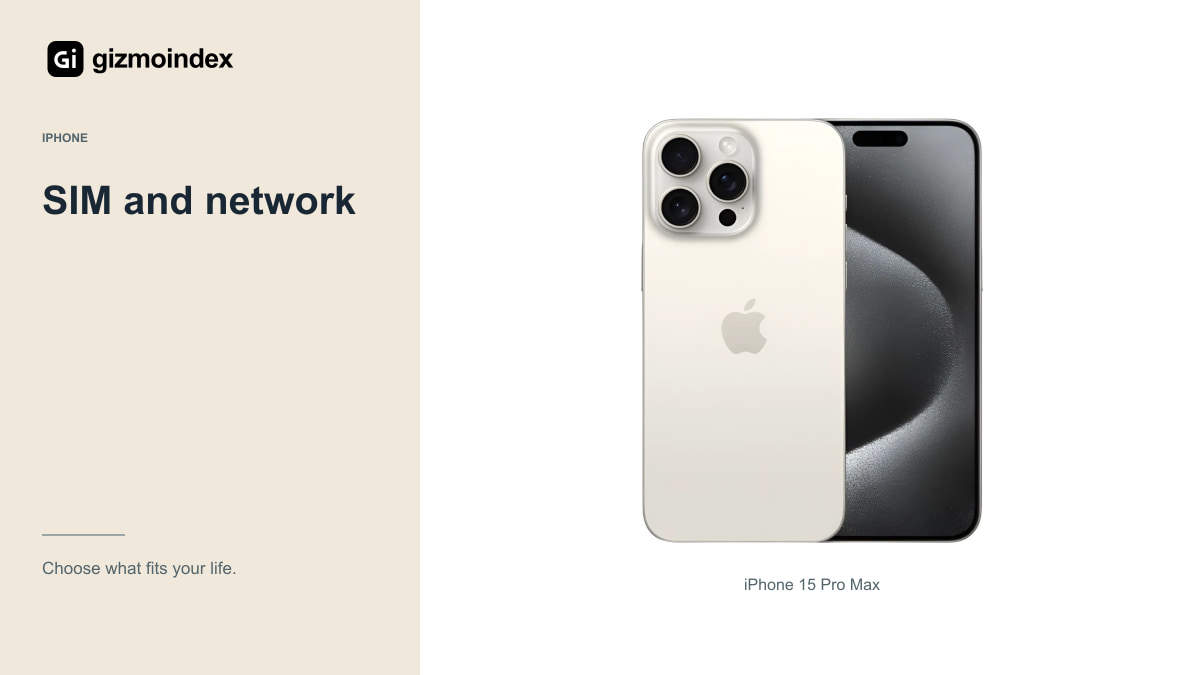
A UK-used label doesn’t guarantee a specific regional model. Ask for the exact version and confirm whether it uses a physical SIM, eSIM or a combination. Some iPhones sold in other markets have different arrangements, even when their everyday product name is the same.
Test your intended Nigerian network and confirm eSIM availability with the carrier if you need it. Check calls and mobile data, and inspect carrier-lock information in Settings. Don’t assume that inserting a SIM successfully proves every feature and coverage band you need will work everywhere.
If you travel, think about how you normally obtain local service. A SIM setup that’s convenient at home may be less convenient on a trip. Buy the version that works for your actual network and travel needs rather than accepting whatever the seller says all iPhones support.
Software updates
Apple’s current iOS compatibility list is a better starting point than a guessed number of years in a shop advertisement. As of this review date, iOS 27 includes the iPhone 12 and other listed models. That’s a current fact, not a promise about an unannounced future release.
App compatibility and individual features are separate questions. For example, not every supported iPhone offers Apple Intelligence. Check the requirements for the features you want and the minimum software version for essential apps before deciding that any updated iPhone will do everything a newer one can.
Hardware service has another timetable, based on Apple’s distribution history and applicable service policy. It doesn’t restart because you buy a used phone today. That’s one reason an older model should be priced with its age and future repair options in mind.
My buying advice
I’d buy a used iPhone from someone who lets me test it and explains its history clearly. The model and storage should match the offer, the account lock should be cleared and the battery condition should make sense for the price. Those are the basics I’d settle before discussing how clean it looks.
I’d walk away from a phone that can’t be activated properly or a seller who keeps changing the explanation. A small saving isn’t worth taking home something you can’t comfortably use or return.
My advice is to keep the checks simple and do them before money changes hands. Calls, charging, cameras and touch response should all work as expected. Keep the receipt and agreed return terms. A good used purchase should feel like buying a working phone at a better price, rather than agreeing to find out its problems later.